Best Booking Plugin For WordPress (2026 Guide)
By Rimon

If people need to book a service on your site, a slow or confusing booking form will cost you customers. The right booking plugin lets visitors pick a time, pay online, and get a confirmation without ever calling you. In this guide, we compare the best booking plugin for WordPress options in 2026, based on real features, pricing, and reviews, so you can pick the one that fits your business.
Studies show that most online appointments happen outside normal business hours. If your site cannot take a booking at 9 PM on a Sunday, that customer often books with a competitor instead. A good WordPress booking plugin fixes this by working for you around the clock. That is why you need to looking for a best booking plugin for WordPress.
Table of Contents
What Is A WordPress Booking Plugin?
A WordPress booking plugin is a tool that adds an online scheduling system to your website. Customers can see open time slots, choose a service or staff member, pay a deposit or full amount, and receive an email or SMS confirmation. On the backend, you get a calendar view, staff management, and reports, all inside your WordPress dashboard.
These plugins are used by salons, clinics, consultants, gyms, tutors, photographers, car rental services, and any business that runs on appointments. If you are also comparing site speed tools for your booking pages, our guide on best WordPress cache plugins is a good next read, since a slow booking form leads to lost customers.
How We Picked The Best Booking Plugin For WordPress
We did not just list popular names. Each plugin below was checked against the same criteria:
- Scheduling depth: services, staff, locations, working hours, and buffer time
- Payment support: online checkout, deposits, and the number of payment gateways
- Notifications: email, SMS, and calendar sync with Google or Outlook
- Ease of setup for non-developers
- Real pricing, including add-on costs, not just the advertised starting price
- Review record on WordPress.org, Trustpilot, and Capterra
1. Booknetic – Overall Best Booking Plugin For WordPress
Booknetic is one of the strongest all-round choices for WordPress in 2026. It ships a modern, SaaS-style admin panel that feels far ahead of many older booking tools, plus a built-in add-on marketplace called Boostore with more than 50 extensions. That is why booknetic is said to be the overall best booking plugin for WordPress.
Key Features
- Unlimited services, staff, and locations on paid plans
- 21 REST API endpoints available even on the entry-level plan
- Native mobile app for staff and admins
- White-labeling for agencies that manage booking sites for clients
- Loyalty points, gift cards, staff commissions, and product inventory add-ons
Pricing
Plans start at around $45 per year, with a lifetime license available from about $99. Pricing is spread across the base plan and optional Boostore add-ons rather than locked into one expensive top tier.
Best For
Multi-location businesses, agencies building booking sites for clients, and any service business that wants strong features without paying for the most expensive plan.
2. Amelia – Best For A Polished, Visual Booking Experience
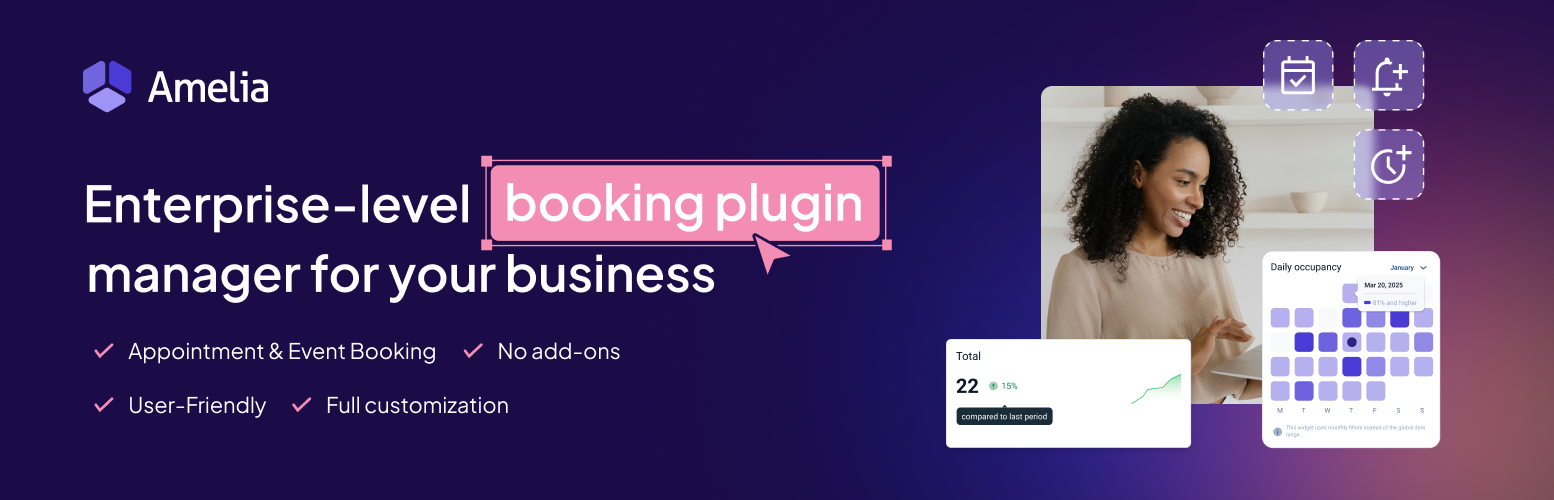
Amelia is well known for its clean, modern-looking booking calendar and events module. It works well for salons, gyms, and clinics that also want to sell tickets to classes or events, not just single appointments.
Key Features
- Drag-and-drop style admin calendar
- Built-in events and group booking module
- Deposit payments and multiple gateways
- Employee panel so staff can manage their own bookings
Pricing
Plans start at roughly $49 per year, and higher tiers can reach $199 or more per year. The REST API is only available on the top Elite plan, which raises the real cost for developers who need it.
Something To Know Before Buying
Amelia’s version 9 release caused calendar problems for some users in late 2025, and support response times have been a common complaint on review sites. The issues have mostly been patched through several updates since then, but it is worth checking recent reviews before you buy.
Best For
Businesses that run events or classes alongside regular appointments and want the most visually polished admin screen.
3. LatePoint – Best Flat, Predictable Pricing

LatePoint takes a simple approach: every plan includes every feature, and the only difference between plans is how many sites you can use it on. This makes budgeting easy for agencies and freelancers managing several client sites.
Key Features
- Customer self-service portal to manage or reschedule bookings
- Modern, mobile-friendly booking widget
- Automatic double-booking prevention
- Live chat integration for customer questions
Pricing
Paid plans start at about $79 per year (or a lifetime license from around $199) for one site, rising to about $299 per year for 100 sites. Note that Google Calendar sync and some core integrations are Pro-only, even though they are sometimes advertised on the free tier.
Best For
Small businesses and agencies that want flat, easy-to-understand pricing without feature tiers to compare.
4. Bookly – Best Free Starting Point
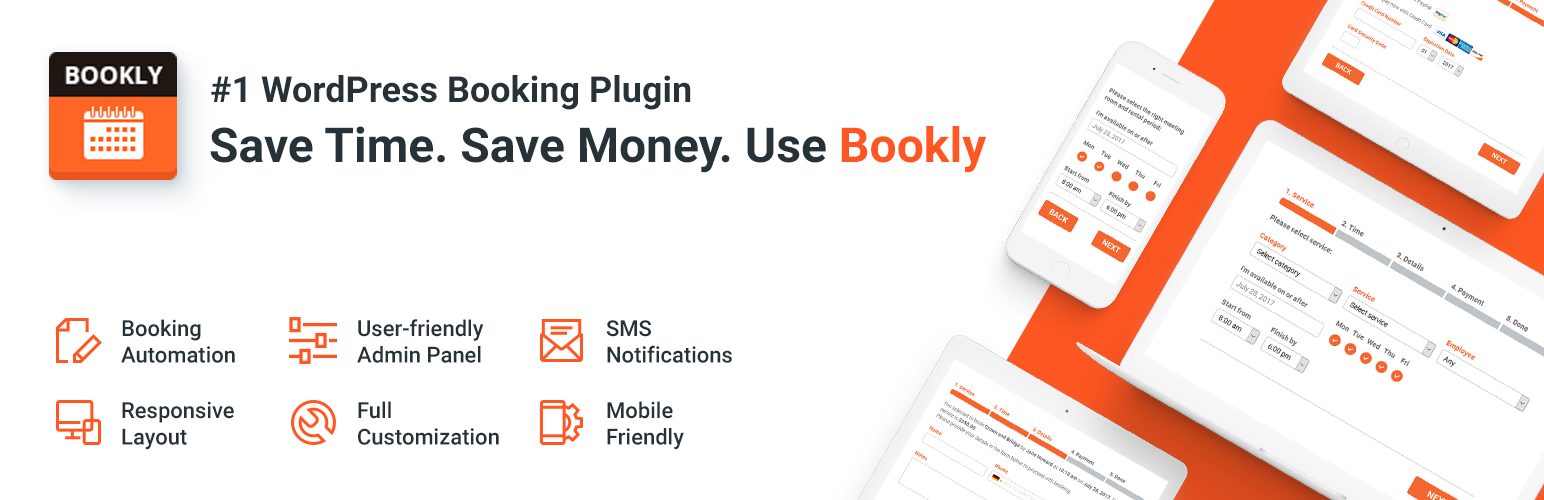
Bookly has been on WordPress.org for years and remains one of the most tested and reliable booking plugins. Its biggest advantage is that you can try a real, working booking flow for free before spending anything.
Key Features
- Free core plugin with a functional booking form
- Modular add-ons for SMS, payments, and custom fields
- Stable performance across a large number of installs
- Simple staff and service scheduling
Pricing
The core plugin is free. Paid add-ons are priced individually, so costs can add up if you need several premium features at once.
Best For
Businesses that want to test a real booking workflow for free first, then add paid features only when needed.
5. Easy Appointments – Best Lightweight Free Option

Easy Appointments is a solid choice if you want a no-cost plugin with real depth in the free tier, including multi-location and multi-staff scheduling.
Key Features
- Multi-location and multi-staff support in the free version
- Built-in reCAPTCHA to block spam bookings
- One-time Pro pricing starting around $39, with no forced subscription
Things To Watch
The interface looks dated compared to newer tools like LatePoint or Booknetic, and it needs some setup work (locations, services, and staff) before time slots even appear. Google Calendar sync, payments, and SMS all require the paid Pro extension.
Best For
Budget-conscious site owners who are comfortable with a bit of manual setup and don’t mind an older-style interface.
Comparison Table: Best Booking Plugin For WordPress
| Plugin | Starting Price | Best For | Free Version |
| Booknetic | ~$45/year | Overall best, agencies, multi-location | Yes |
| Amelia | ~$49/year | Events and visual booking calendar | Limited (Lite) |
| LatePoint | ~$79/year | Flat, predictable pricing | Limited |
| Bookly | Free core | Testing a real booking flow for free | Yes |
| Easy Appointments | Free / $39 one-time Pro | Lightweight, low-budget setups | Yes |
How To Choose The Right Booking Plugin For Your Site
There is no single plugin that is the best fit for everyone. Use these simple questions to narrow it down:
- Do you run events or classes, not just one-on-one appointments? Amelia’s events module is built for this.
- Do you manage several client sites? LatePoint’s flat pricing or Booknetic’s white-labeling will save you money and time.
- Do you want to test before paying? Start with Bookly or Easy Appointments, then upgrade later.
- Do you need an API or custom integrations? Check the plan carefully. Some plugins, like Amelia, lock the REST API behind their most expensive tier.
If speed and technical setup matter to you, it also helps to review your hosting and security setup before adding a booking plugin. See our post on WordPress security best practices for a good checklist to run through first.
How To Install A Booking Plugin On WordPress
- Go to your WordPress dashboard and click Plugins, then Add New.
- Search for the plugin name, such as Booknetic, Amelia, LatePoint, or Bookly.
- Click Install Now, then Activate.
- Open the plugin’s setup wizard and add your services, staff, and working hours.
- Connect a payment gateway if you plan to accept online payments or deposits.
- Add the booking form to a page using the plugin’s shortcode or block, then test a booking yourself before going live.
Frequently Asked Questions
What is the free best booking plugin for WordPress?
Bookly and Easy Appointments both offer strong free versions. Bookly is easier to set up quickly, while Easy Appointments offers more depth in its free tier, such as multi-location support.
Which booking plugin is best for a small business?
For most small service businesses, Booknetic offers the best balance of price and features. LatePoint is a strong second choice if you prefer simple, flat pricing.
Can I accept online payments with a WordPress booking plugin?
Yes. Most plugins on this list, including Booknetic, Amelia, LatePoint, and Bookly, support online payments and deposits through gateways such as PayPal and Stripe.
Do booking plugins slow down my website?
Any plugin can affect speed if it is poorly coded or loads unnecessary scripts on every page. Choose a plugin that loads its scripts only on the booking page, and pair it with good caching. Our guide on WordPress cache plugins covers this in detail.
Is it safe to use a booking plugin that stores customer data?
Most well-known booking plugins follow standard security practices, but you should still keep WordPress, your theme, and all plugins updated. Read our WordPress security guide for steps to protect customer data on your site.
Final Thoughts
The best booking plugin for WordPress in 2026 depends on your business type and budget. Booknetic is the strongest all-round pick for most businesses. Amelia is worth it if you run events. LatePoint suits agencies that want flat pricing. Bookly and Easy Appointments are great starting points if you want to test the waters for free. Whichever you choose, install it on a staging site first, test the full booking and payment flow, and only then move it to your live WordPress site.