Best PDF Plugin for WordPress: Full Guide for 2026
By Rimon
Quick answer: The best PDF plugin for WordPress overall is EmbedPress — it has the most installs, embeds PDFs (and other content) with zero coding, and loads fast. If you want something PDF-only and simpler, go with PDF Embedder. For a magazine-style flipbook look, try Real3D FlipBook.
If you run a WordPress website, you probably need to share PDF files with your visitors at some point. Maybe it’s an ebook, a price list, a report, or a study guide. But WordPress does not let you show PDFs inside a page by default. Visitors just get a link, and clicking that link takes them away from your site. That’s where a good PDF plugin helps. In this guide, we will look at the best PDF plugin for WordPress in 2026, how to pick one, and how to set it up the right way.
Table of Contents
Why You Need a PDF Plugin for WordPress
Without a plugin, a PDF file on your site is just a download link. Visitors click it, leave your page, and may never come back. A PDF plugin fixes this problem by showing the file right inside your post or page, like an embedded video. This keeps people on your site longer, which is good for engagement and can also help your search rankings.
Most people search for the best PDF plugin for WordPress because they want one or more of these things:
- Showing PDFs directly inside posts and pages, without forcing a download
- A clean, mobile-friendly reading experience
- Protection for PDF files, such as blocking downloads or printing
- Fast loading so the PDF does not slow down the page
- Simple embedding, without needing to know code
What to Look for in the Best PDF Plugin for WordPress
Not every PDF plugin is built the same way. Before you install one, check these points choose the Best PDF Plugin for WordPress:
- Mobile support: Most visitors will open your site from a phone or tablet, so the PDF viewer must resize and work well with touch gestures.
- Loading speed: A heavy plugin can slow your whole website down. Pick one that loads PDFs smoothly without adding extra weight.
- Security options: If your PDFs contain private or paid content, look for watermarking, download blocking, or password protection.
- Cloud storage support: Some plugins let you connect Google Drive or Dropbox, so you don’t need to upload large files directly to your server.
- Ease of use: A good plugin should let you add a PDF with a shortcode or a simple block, without touching any code.
- Design options: Some plugins offer a plain viewer, while others turn your PDF into a flipbook style, which looks more like a real magazine.
Top PDF Plugins for WordPress in 2026
Here is a simple, honest look at the plugins that stand out this year.
1. EmbedPress

EmbedPress is one of the most popular all-in-one embedding plugins for WordPress, with a large number of active installs. It does not only handle PDFs — it can embed videos, social posts, maps, and many other content types too. Setup is simple: you add a block or shortcode, paste your file, and it displays instantly with a clean, professional look. This makes it a strong pick if you want one plugin that can handle PDFs along with other kinds of embedded content.
2. PDF Embedder
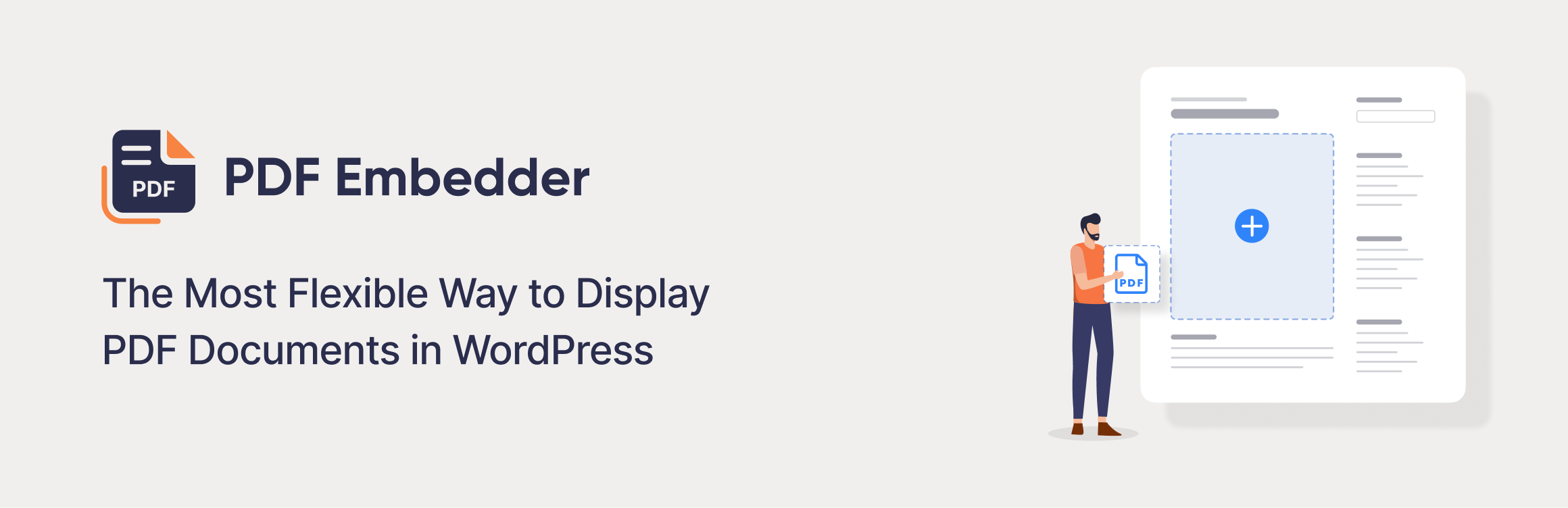
PDF Embedder is built with one job in mind: showing PDFs cleanly inside your pages. The free version covers basic embedding, while the premium version adds page navigation, resizing, full-screen mode, and download or print controls. It is a good match for anyone who wants a simple, no-fuss PDF viewer without extra features they don’t need.
3. Integration for Google Drive: The Best Google Drive Plugin For WordPress

Embed Google Drive PDFs directly into WordPress without downloading files first. This plugin auto-syncs updates, adds SEO-friendly metadata, and offers responsive inline previews for seamless mobile viewing. Perfect for teams already using Google Workspace, it saves server space, cuts manual re-uploads, and keeps shared documents current with role-based access controls.
4. Real3D FlipBook
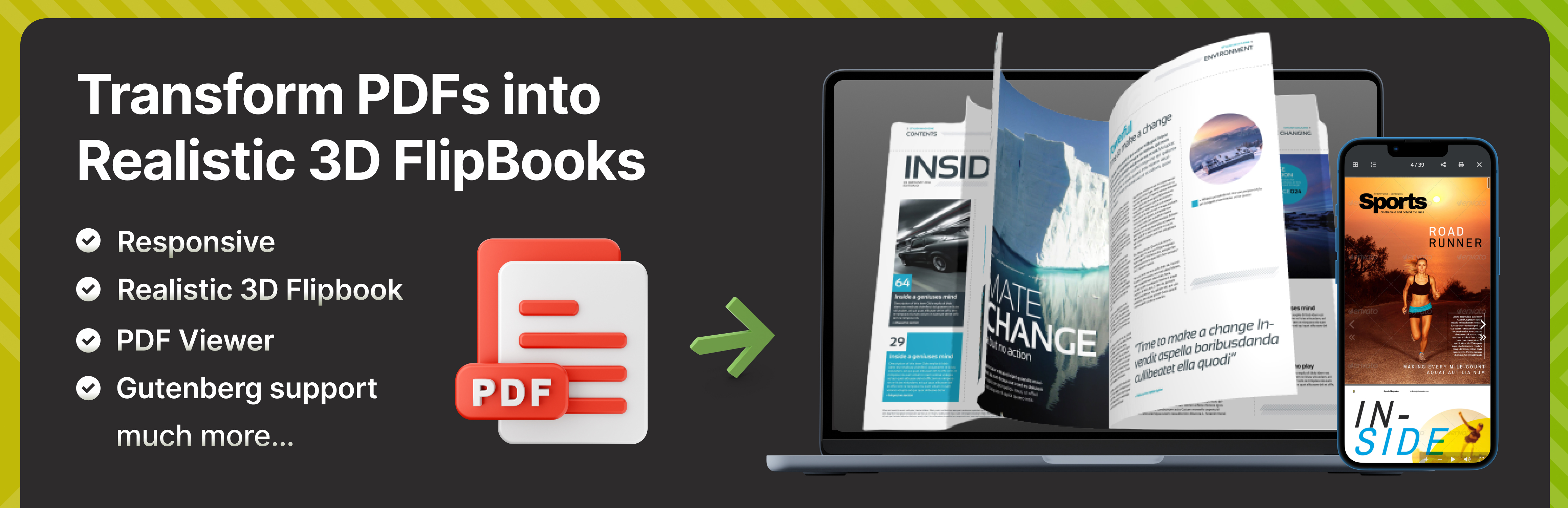
If looks matter to you, Real3D FlipBook turns a plain PDF into a page-flipping digital book. It works well for magazines, catalogs, brochures, and portfolios. The animation stays smooth even on phones, which helps keep the reading experience enjoyable rather than clunky.
5. DearPDF
DearPDF focuses on businesses and content creators who want to know how people interact with their documents. Along with turning PDFs into flipbooks, it tracks views and reading behavior, giving you data on how your content performs. This makes it useful for online educators, publishers, and SaaS companies that want feedback on their shared files.
6. TNC PDF Viewer

TNC PDF Viewer is known for putting security first. If protecting your documents matters more than fancy animations, this plugin gives you tools to guard your files while still letting visitors read them on your site.
7. PDF & Print

PDF & Print plugin flips the usual idea around — instead of just showing PDFs, it lets visitors turn your posts and pages into downloadable or printable PDFs. It works across posts, pages, archives, and custom post types, and you can add your own title, image, and basic styling to the generated file.
8. File Manager for Dropbox: Integrate Dropbox
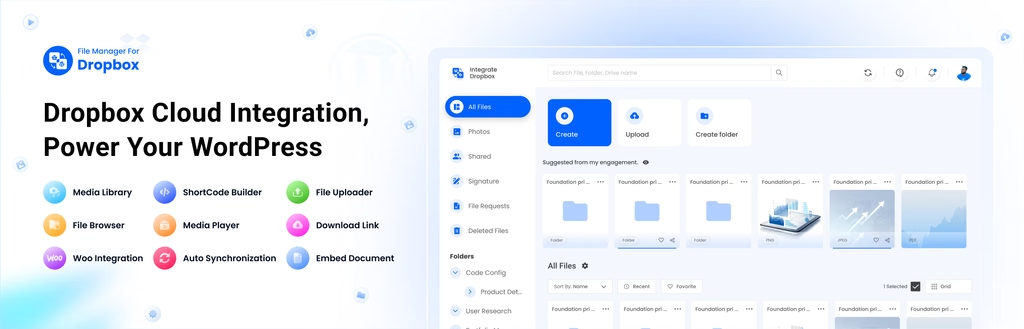
Similar to the Google Drive option, this plugin connects your Dropbox account to your site. It is a solid choice if your team already keeps documents updated in Dropbox, since any change you make there reflects on your site without a manual re-upload.
9. FlowPaper

FlowPaper is another flipbook-style viewer, built for websites that want an interactive, magazine-like reading experience rather than a plain document box.
How to Install a PDF Plugin in WordPress
Adding a PDF viewer plugin only takes a few steps:
- Log in to your WordPress dashboard and go to Plugins, then Add New Plugin.
- Search for the plugin name you have chosen, such as EmbedPress or PDF Embedder.
- Click Install, then click Activate.
- Open the post or page where you want the PDF to appear.
- Add the plugin’s block, or paste the shortcode it provides, then upload or link your PDF file.
- Preview the page to check that the PDF displays and works correctly on both desktop and mobile.
It is a good idea to test any new plugin on a staging site first, and always keep a backup of your website before installing new plugins.
SEO Tips When Adding PDFs to WordPress
Adding a PDF the right way can help your SEO instead of hurting it. Keep these points in mind:
- Give your PDF file a clear, descriptive file name instead of random numbers or letters.
- Add a short text summary of the PDF content on the same page, since search engines read text more easily than PDF content.
- Compress large PDF files so they don’t slow down your page loading speed.
- Use a plugin that keeps visitors on your page instead of sending them to an external download link.
- Make sure the PDF viewer works well on mobile, since most visitors will open your site from a phone.
Frequently Asked Questions
What is the free best PDF plugin for WordPress?
PDF Embedder and EmbedPress both offer solid free versions that cover basic PDF embedding needs for most small websites.
Can a PDF plugin slow down my website?
A poorly built plugin can slow your site, but well-optimized options like EmbedPress and PDF Embedder are built to load quickly and shouldn’t cause noticeable delays.
Do I need coding skills to add a PDF plugin?
No. Most PDF plugins for WordPress use simple blocks or shortcodes, so you can add a PDF viewer without touching any code.
Which PDF plugin is best for security?
TNC PDF Viewer is a strong choice if your main goal is protecting your documents from unauthorized downloads or printing.
Conclusion
There is no single plugin that fits every website. If you want an all-in-one embedding tool, EmbedPress is a strong pick. If you want something simple and focused only on PDFs, go with PDF Embedder. If design and reader engagement matter more, Real3D FlipBook or DearPDF are worth trying. Whichever plugin you choose, always check speed, mobile support, and security before making your final decision, so you end up with the best PDF plugin for WordPress that actually fits your site.