WordPress 7.2 Features: 8 Crucial Changes for Developers in 2026
By wpmew
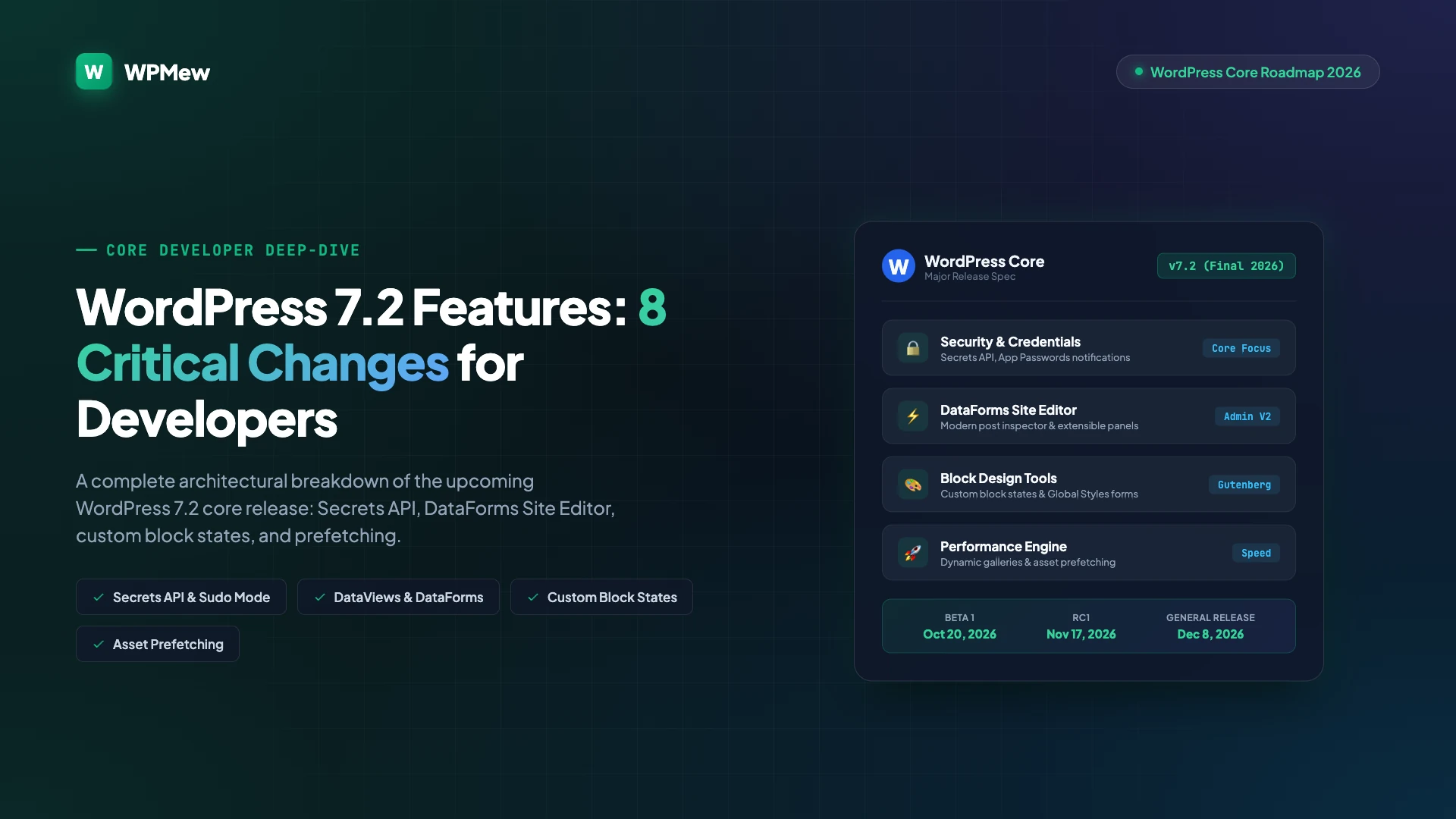
Tracking upcoming wordpress 7.2 features is vital for plugin authors, theme builders, and agency engineers preparing client platforms for the final major core cycle of 2026. Scheduled for launch in December, this release shifts priority from broad visual overhauls to core developer infrastructure, authentication hardening, and extensible admin interfaces.
Table of Contents
Overview of Key WordPress 7.2 Features
Unlike previous updates that centered almost entirely on block styling tweaks, WordPress 7.2 prioritizes developer ergonomics, system resilience, and administrative extensibility. Engineering teams face major improvements in credential storage, client-side asset delivery, and Site Editor UI construction.
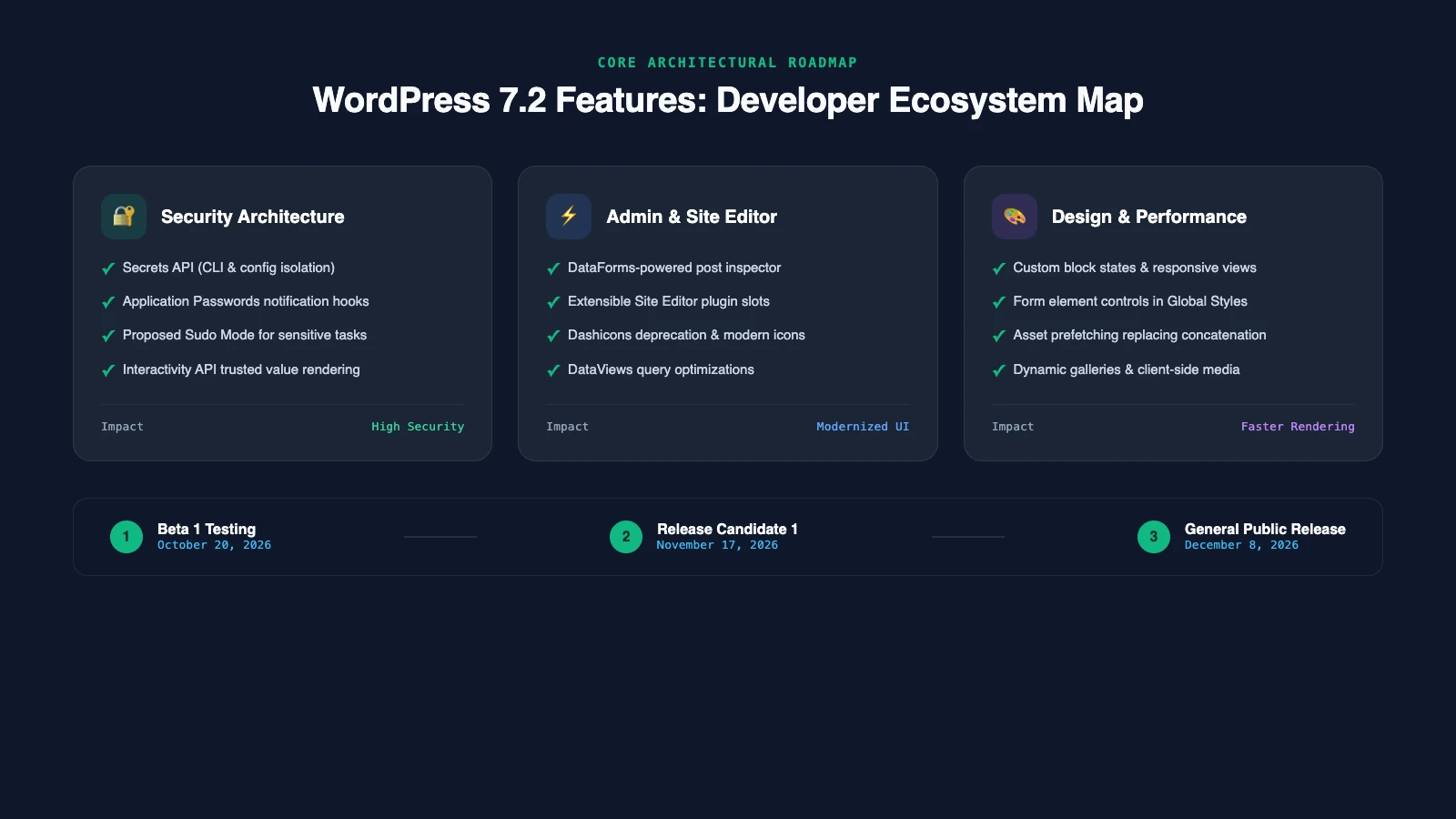
To help development teams allocate engineering cycles before beta testing starts, the table below highlights the most significant shifts between WordPress 7.1 and the 7.2 core specifications.
| System Architecture | WordPress 7.1 Baseline | WordPress 7.2 Feature Target | Engineering Impact |
|---|---|---|---|
| Credential Storage | Plaintext/raw database storage | Isolated Secrets API (CLI & config) | Eliminates leaked tokens in database backups |
| Site Editor Extensibility | Rigid sidebar slotfills | DataForms-driven post inspectors | Native, unified form controls for custom post types |
| Block Styles | Static pseudo-selectors in theme.json | Dynamic custom block states | Stateful styling without JavaScript wrappers |
| Script Loading | HTTP script/style concatenation | Modern resource prefetching | Reduced blocking overhead on HTTP/2 and HTTP/3 hosts |
| Admin Iconography | Legacy Dashicons font files | Modular SVGs & icon search | Faster dashboard rendering and crisper UI assets |
1. Secrets API and Credential Hardening
The headline security initiative in WordPress 7.2 is the proposed Secrets API. Today, third-party plugins store sensitive API keys, webhook secrets, and payment tokens directly inside the wp_options table. If an attacker gains read access via SQL injection or an unencrypted database dump, private keys are compromised immediately.
The Secrets API moves credential storage outside standard database queries. Secrets will be managed exclusively through WP-CLI or environment-level configuration constants defined in wp-config.php. By isolating secrets from standard REST and SQL queries, plugins can authenticate third-party services securely without exposing credentials.
// Proposed WordPress 7.2 Secrets API access pattern
if ( function_exists( 'wp_get_secret' ) ) {
    $stripe_api_key = wp_get_secret( 'STRIPE_LIVE_KEY' );
} else {
    $stripe_api_key = get_option( 'stripe_live_key' ); // Fallback
}
In parallel, core contributors are refining Application Passwords. The new specification triggers automated administrator email alerts whenever an application password is generated, updated, or revoked. A formal proposal for “sudo mode” is also under evaluation to require re-authentication before executing destructive administrative commands.
2. DataForms and Extensible Site Editor
The Site Editor undergoes a major internal refactor with expanded support for DataViews and DataForms. Historically, custom post types required custom React meta boxes or fragile DOM slotfills to render complex metadata controls inside the Site Editor sidebar.
With WordPress 7.2, core introduces a standardized post inspector built natively on DataForms. Plugin developers can declare custom inspector panels using declarative configuration objects rather than writing boilerplate React UI code. This guarantees styling parity with core controls and prevents layout breakage across editor revisions.
Additionally, Dashicons will begin their phased retirement from the admin bar and left navigation menu. Core will transition to modular, inline SVGs with an integrated keyword search modal for the Icon block, accelerating admin interface render times.
3. Custom Block States and Global Styles Forms
Front-end styling capabilities expand significantly in this release. Designers and theme authors gain direct support for custom block states, allowing blocks to expose interactive conditions such as active, selected, or disabled without resorting to custom CSS class hacks.
- Global Styles for Form Elements: Theme developers can now style text inputs, textareas, checkboxes, and radio buttons globally through
theme.json, establishing uniform form design across all plugins. - Responsive Style States: Improved breakpoint controls within block settings simplify mobile-first adaptations directly inside the block canvas.
- Inherited Style Inspection: A dedicated inheritance viewer in the sidebar shows exactly which styles originate from global tokens, parent blocks, or local overrides.
- Description List Block: A new semantic
<dl>block arrives to represent glossaries, metadata feeds, and structured product attributes cleanly.
4. Asset Prefetching Replacing Script Concatenation
WordPress has relied on server-side script and style concatenation via load-scripts.php for over a decade. While effective in the HTTP/1.1 era, concatenation undermines browser caching, wastes server CPU cycles, and conflicts with modern HTTP/2 and HTTP/3 multiplexing.
WordPress 7.2 replaces concatenation with intelligent speculative prefetching. By analyzing block dependencies before DOM rendering, core preloads required script modules and stylesheets asynchronously. Paired with server-side rendering for the Table of Contents block, critical rendering paths improve measurably on mobile devices.
5. Interactivity API and Security Filtering
The Interactivity API introduced in WordPress 6.5 receives a significant security hardening pass in 7.2. Core will restrict client-side directive hydration so that only explicitly trusted, sanitized values can bind to interactive DOM state.
This update prevents unintended XSS vectors when external APIs feed dynamic parameters into block directives. Plugin builders leveraging store bindings (data-wp-bind and data-wp-text) should audit custom directives to ensure schemas conform to the new trusted evaluation rules.
6. Dynamic Galleries and Client-Side Media
Media handling receives targeted speed improvements. WordPress 7.2 introduces dynamic gallery loading, allowing high-density photo collections to stream responsive WebP and AVIF assets on demand rather than requesting complete image arrays during initial page rendering.
Client-side image resizing and compression will also handle initial thumbnail generation directly in modern browsers before upload dispatch. This minimizes memory strain on resource-constrained shared hosting environments and prevents HTTP 500 execution timeouts during batch media uploads.
7. React 19 and Collaborative Editing Roadmap
Developer roadmap clarity is just as important as shipped features. Two frequently requested milestones will not ship in WordPress 7.2:
- React 19 Upgrade: Core teams are actively testing React 19 compatibility, but legacy meta boxes and third-party block plugins still present compatibility hurdles. React 19 will not ship in WordPress 7.2 and is deferred to early 2027 releases.
- Real-Time Collaborative Editing: Phase 3 collaboration remains in active development. Contributors have pivoted toward a server-aware state synchronization model to avoid conflicting database revisions across distributed teams.
Meanwhile, artificial intelligence initiatives continue in focused standalone repositories. Core contributors are testing the Model Context Protocol (MCP) Adapter and WordPress Abilities API via official feature plugins before committing AI primitives to core.
8. WordPress 7.2 Release Milestones
The core release team has published the official WordPress 7.2 delivery schedule:
- Beta 1: October 20, 2026 (Feature freeze begins)
- Release Candidate 1 (RC1): November 17, 2026 (Code freeze and string freeze)
- Official General Release: December 8, 2026 (Public production rollout)
How Developers Should Prepare for WordPress 7.2 Features
Preparation prevents emergency hotfixes on release day. Here are three practical steps your team should take before Beta 1 arrives:
First, test existing plugins and themes in isolated staging environments using the WordPress Beta Tester plugin. If you manage client infrastructure, review our guide to WordPress backup and migration plugins to ensure complete snapshot recovery before applying major updates. For sites publishing video media, check our benchmark of the best video plugins for WordPress to verify modern block player compatibility.
Second, audit your credential handling. If your extensions store third-party API keys in the options table, prepare abstraction adapters to transition toward the upcoming Secrets API.
Third, follow core Trac tickets directly on Make WordPress Core and review community discussions on ShapedPlugin to share testing feedback while bug-fix windows remain open.