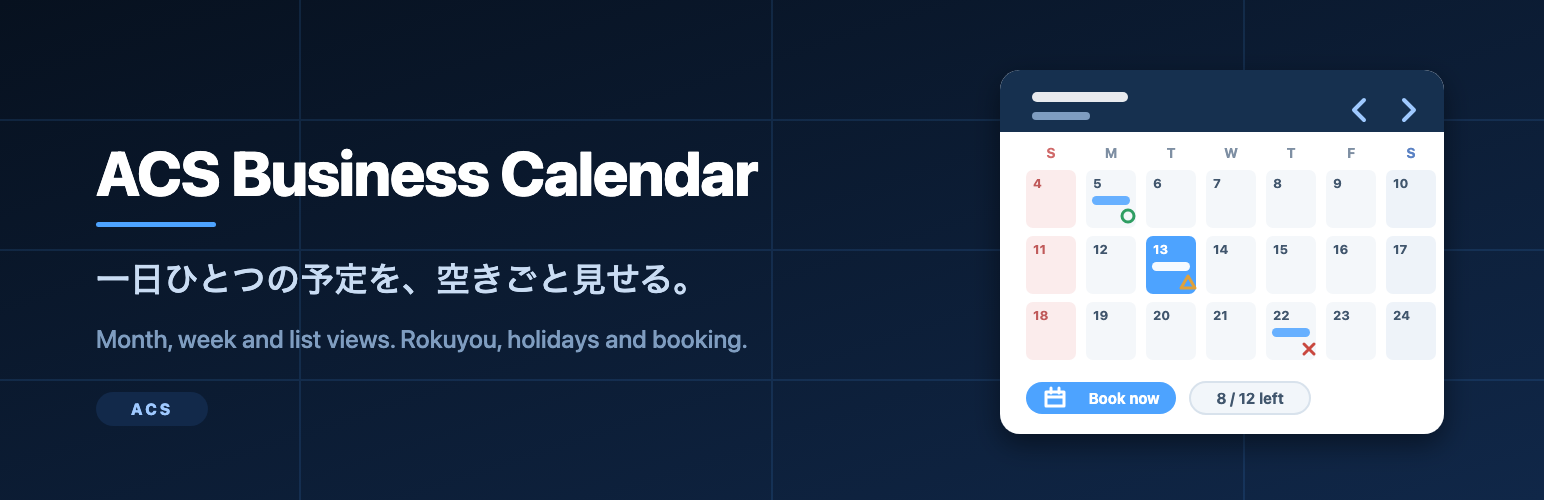
ACS Business Calendar is a small booking calendar built for the way Japanese shops, clinics and studios actually run a day: one thing happens on a given day, a fixed number of people can join it, and visitors want to see at a glance whether there is still room.
You create a calendar, add one event per day, and place the calendar anywhere with a shortcode. Visitors switch between a month grid, a week strip and a list, open an event to read the details, and send their booking from the same screen. They get a confirmation e-mail and you get a notification.
What it does
- Month, week and list views, switched from the calendar itself.
- Rokuyou (the six-day cycle: Sensho, Tomobiki, Sakimake, Butsumetsu, Taian, Shakko) shown per day, on or off per calendar.
- Japanese public holidays marked, including substitute holidays and the weekday sandwiched between two holidays.
- Today highlighted; Saturdays, Sundays and holidays coloured.
- One event per day per calendar, with title, date, start and end time, place, description, capacity and up to five images.
- An availability mark next to each event with a capacity: a circled mark for places available, a triangle when 30% or less is left, and a cross when it is fully booked.
- A front-end booking form with name and e-mail required, telephone and notes optional.
- Live capacity: the form disappears when the event is full, and a second booking from the same e-mail address is refused.
- A confirmation e-mail to the visitor and a notification e-mail to the address you set per calendar.
- A bookings screen with search, status and calendar filters, editing, deleting and a CSV export.
- Per-calendar settings: rokuyou on or off, holidays on or off, bookings on or off, accent colour and notification address.
Privacy and external services
This plugin sends nothing to any external service. There is no analytics, no telemetry, no licence check and no remote update server. The rokuyou and public holiday information is read from static tables bundled inside the plugin, so the calendar works on a site with no outbound network access at all.
Bookings are stored in two tables in your own database (wp_acsbcal_events and wp_acsbcal_bookings) and are removed together with the calendars when you delete the plugin from WordPress.
Shortcode
[acsbcal_calendar id="123"]
[acsbcal_calendar id="123" view="week"]
[acsbcal_calendar id="123" view="list"]

id is the ID of the calendar, shown in the Calendars list and on the calendar edit screen. `view` sets the view the calendar opens in and defaults to `month`.
Add-on
Bulk e-mail to the people booked on an event, a booking analytics dashboard and a detailed CSV export are sold separately as an add-on at ACS Developer. This plugin is complete on its own: nothing here is locked, limited or time-restricted.
Need help installing or customizing this plugin, or a website built around it? See our WordPress website development service: https://acs-developer.com/developer-website-service/
日本語: 導入・カスタマイズ・サイト制作のご相談も上記ページで受け付けています。
Screenshots

The month view: one event per day, the rokuyou under each date, Japanese public holidays in red, today highlighted, and an availability mark on every event that has a capacity.

The week view: the same week as a strip of seven days, with the event times and the availability marks side by side.

The list view: the coming events one after another with date, time, place and availability, for pages where a grid is too wide.

An event opened from the calendar: the details panel with the date, time, place, description and remaining places, and the booking form underneath.

Business Calendar > Events in the admin: the events of the selected calendar with their dates, times, capacity and the number of bookings taken.

Business Calendar > Bookings in the admin: every booking with search, a status filter and a calendar filter, editable in place and exportable as CSV.