BACK TO DIRECTORY

Summary
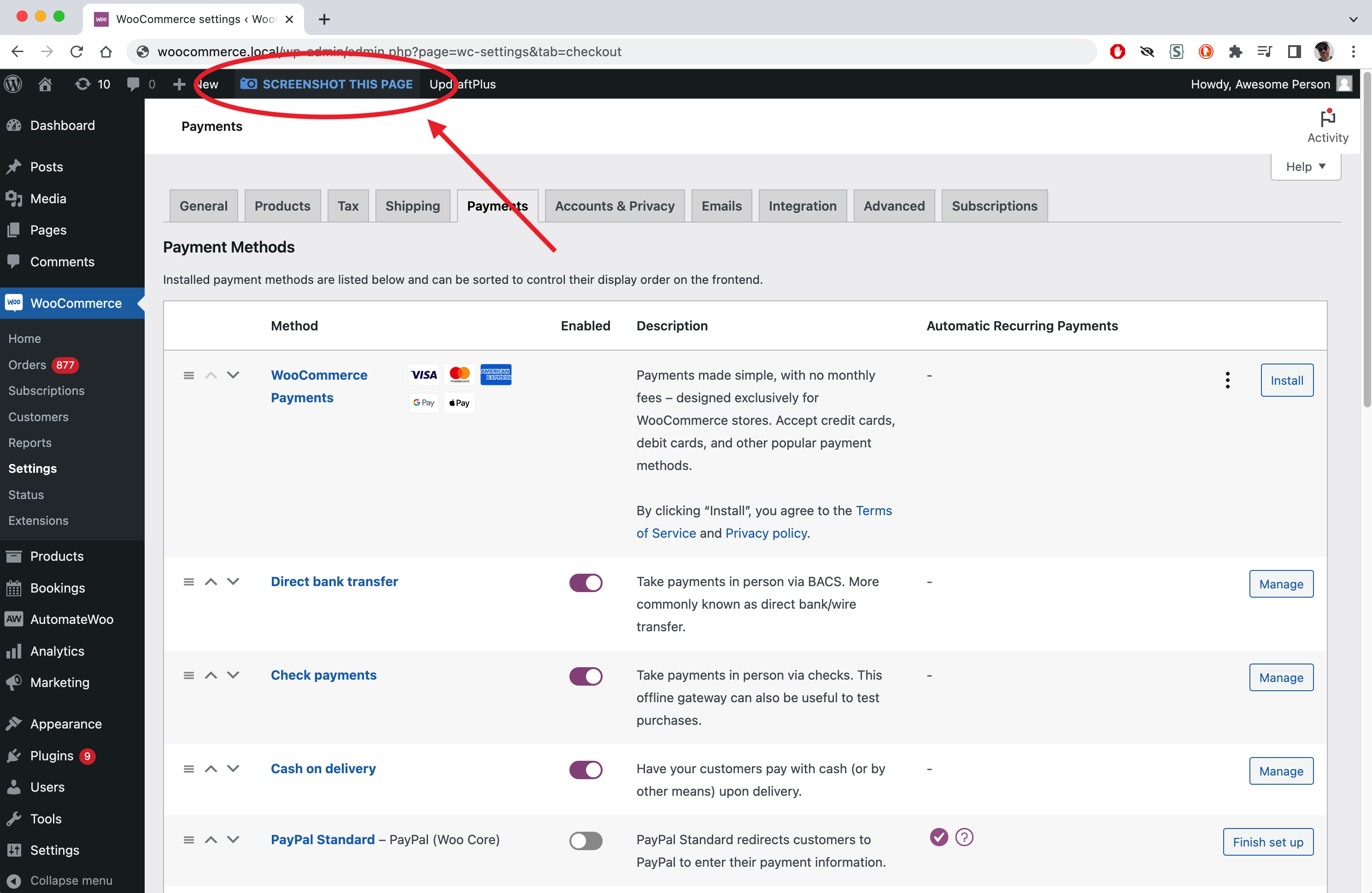
Admin Screenshots for WordPress will add a button to every page in the admin Dashboard, allowing you to take a screenshot of the page you’re on. The screenshot will be saved in your Media Library, and you will get a direct link to it to share. This will let you show how certain settings are, without giving them access to your backend.
If you’re on the other end (like a support agent) and you need to know how someone’s site settings without having to log in, tell your customer to install the plugin, take a screenshot of the page that you want to see, and send you the link.
Features
- Saves screenshots in Media Library: every image is saved in the /admin-screenshots/ subdirectory under /uploads.
- Gives you direct link to images: immediately after taking the screenshot, you get the link to it, easy to copy to your clipboard and share with others.
Screenshots
Screenshot Button
Popup with links
Plugin Details
Active Installs
10Total Downloads
1,882Version
1.0.6Requires WP
5.0Requires PHP
—Tested Up To
7.1.3Added
2023-03-14Last Updated
2026-08-25 1:28pm GMTRatings
5
1
4
0
3
0
2
0
1
0