
Ads.txt File Manager By Magicbid allows publishers to manage both ads.txt and app-ads.txt file directly from the WordPress admin panel, without using FTP or file managers. It offers a safe and intuitive UI to help users edit, save, and back up their ads.txt file to comply with programmatic advertising requirements.
Features
- Live ads.txt editor with line numbering and syntax highlighting
- Automatic versioned backups every time you save changes
- Restore previous versions anytime from the backup list
- Create ads.txt file instantly if it doesn’t exist
- Track changes by user, showing which admin updated what and when
- Secure editing – only admins can access and modify the file
- Lightweight and fast, no bloated dependencies
Why use this plugin?
If you’re monetizing your site with platforms like Google AdSense, OpenX, or other SSPs/DSPs, you need to serve a valid ads.txt file at the root of your domain. This plugin simplifies that process by letting you manage the file without technical knowledge.
Usage
- Go to
Ads.txtfrom the left admin menu. - If the file doesn’t exist, click Create ads.txt.
- Edit the file in the editor and click Save.
- Every save creates a backup with timestamp and user info.
- You can restore any previous version from the Backups tab.
Credits
Plugin developed by Magicbid.ai
Support
Need help or want to monetize your site?
Email us at: support@magicbid.ai
Or visit: https://magicbid.ai/contact-us/
Screenshots
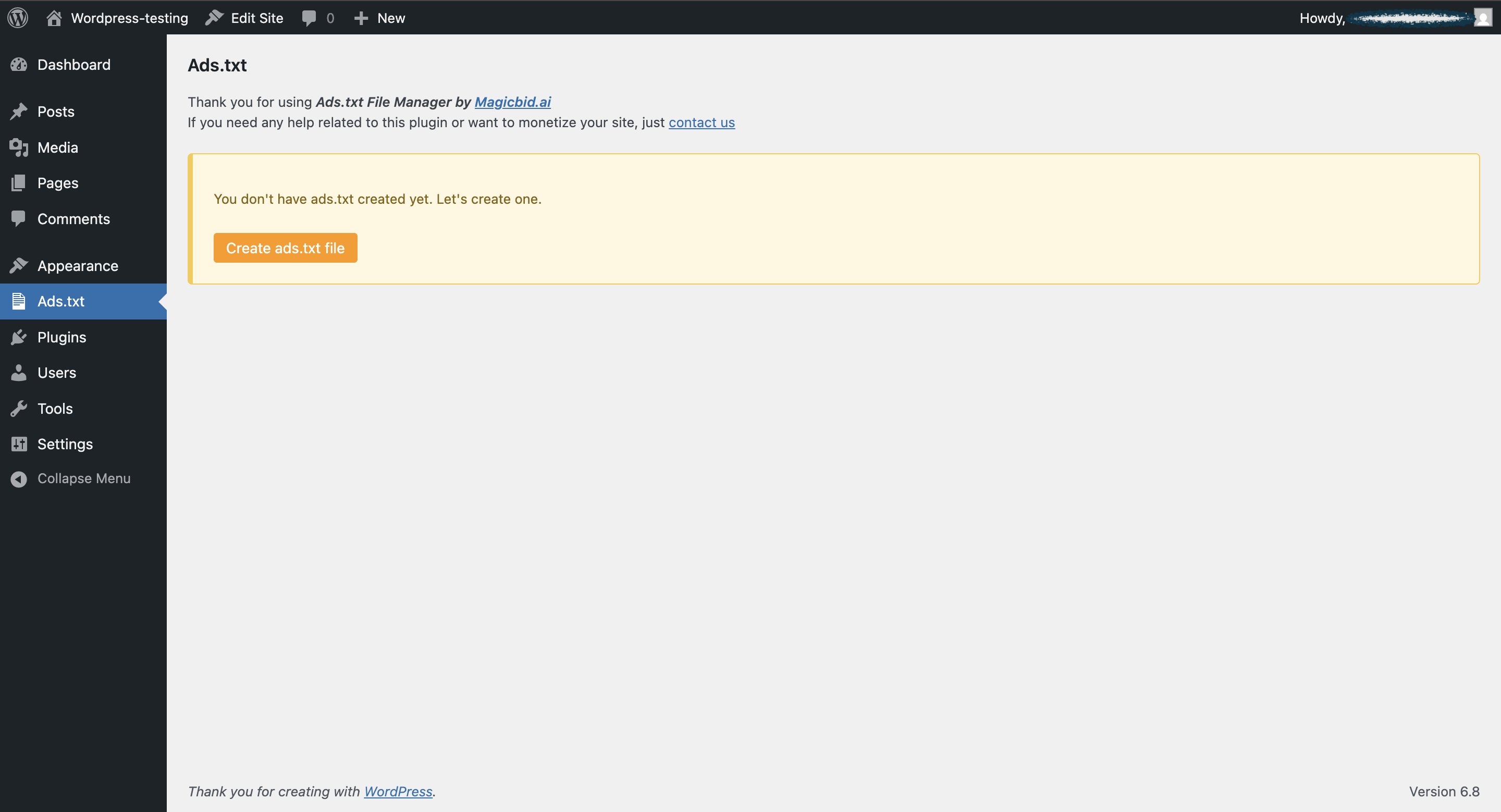
Popup to create new ads.txt file
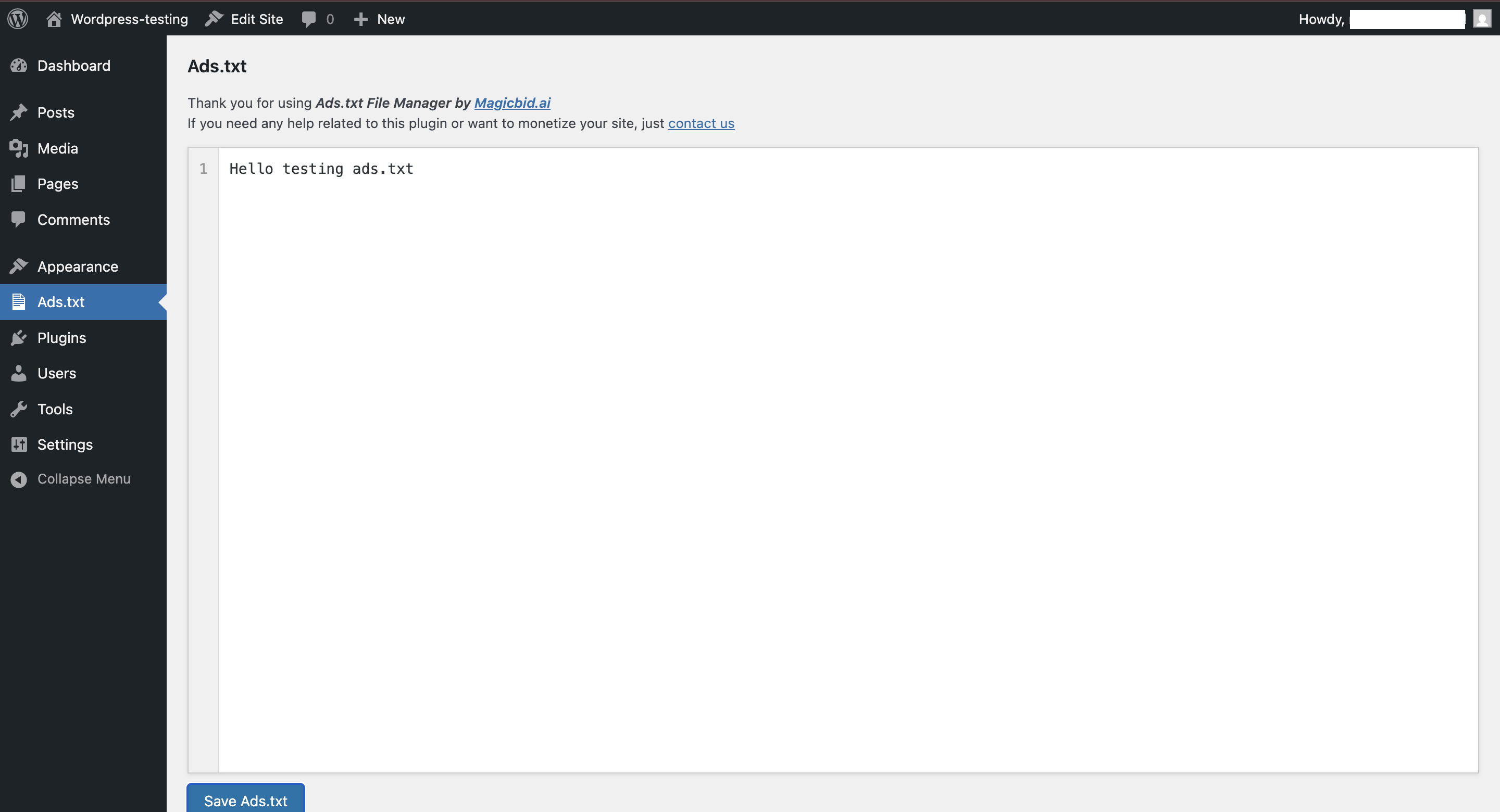
Editor with line numbering and Save button
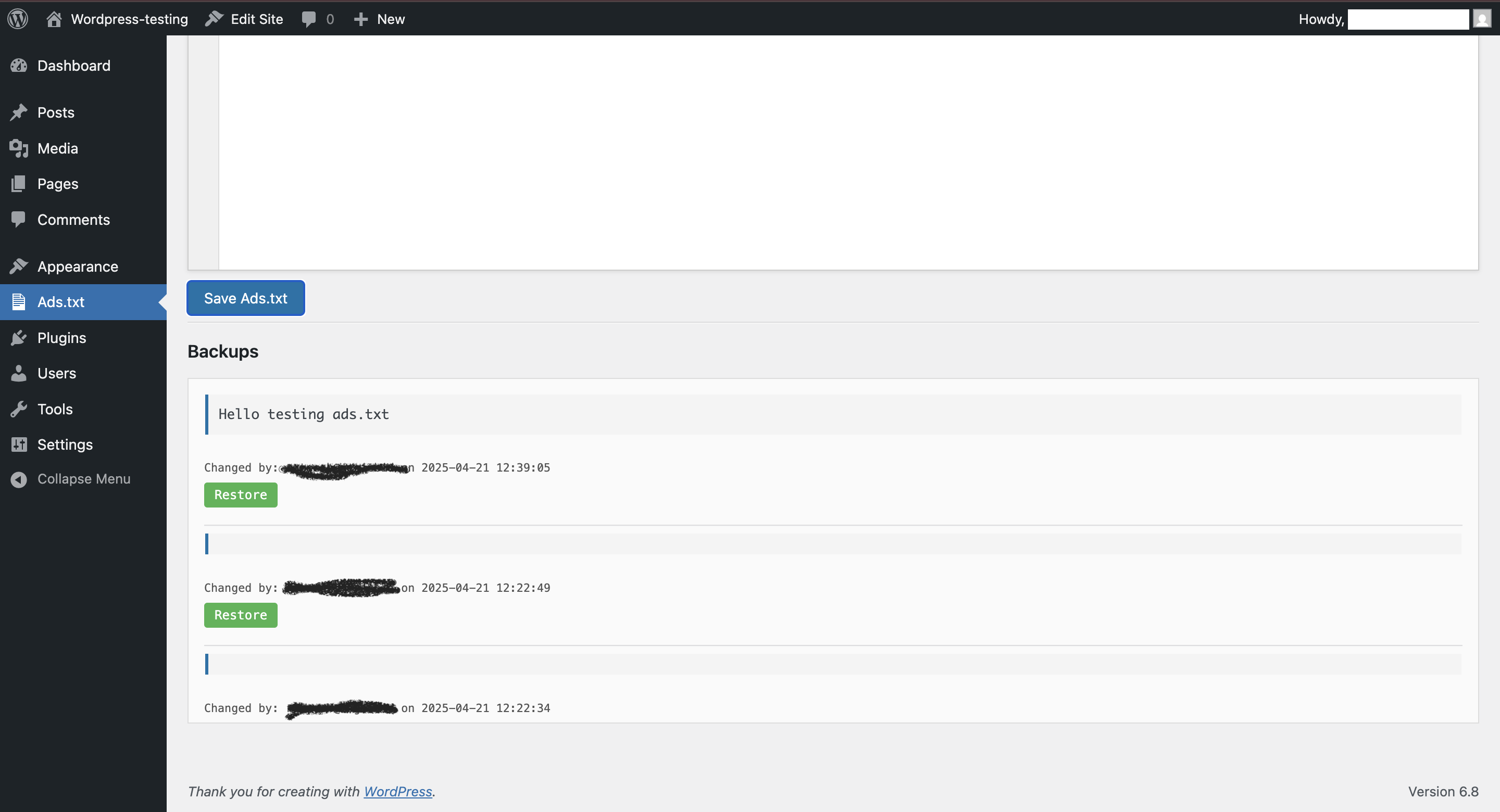
Backup history with restore options

New Update UI