Advanced Link Block gives you powerful control over anchor (<a>) links in the Gutenberg block editor.
It allows you to wrap any blocks — such as paragraphs, buttons, or images — inside a clickable link block.
Features include:
- Choose from various link types: standard URL, Email, Phone, File, or Raw
- Dynamically show relevant options for each type
- Add link attributes like
target,rel, anddownload - Use the WordPress media picker to insert file links
- Apply custom cursor styles and display behavior (block, contents, flex)
- Frontend click logic simulates real anchor wrapping (bypassing Gutenberg limitations)
This plugin is ideal for users who want cleaner, more accessible link wrappers and advanced control over how links behave — all directly within the Gutenberg editor.
Screenshots
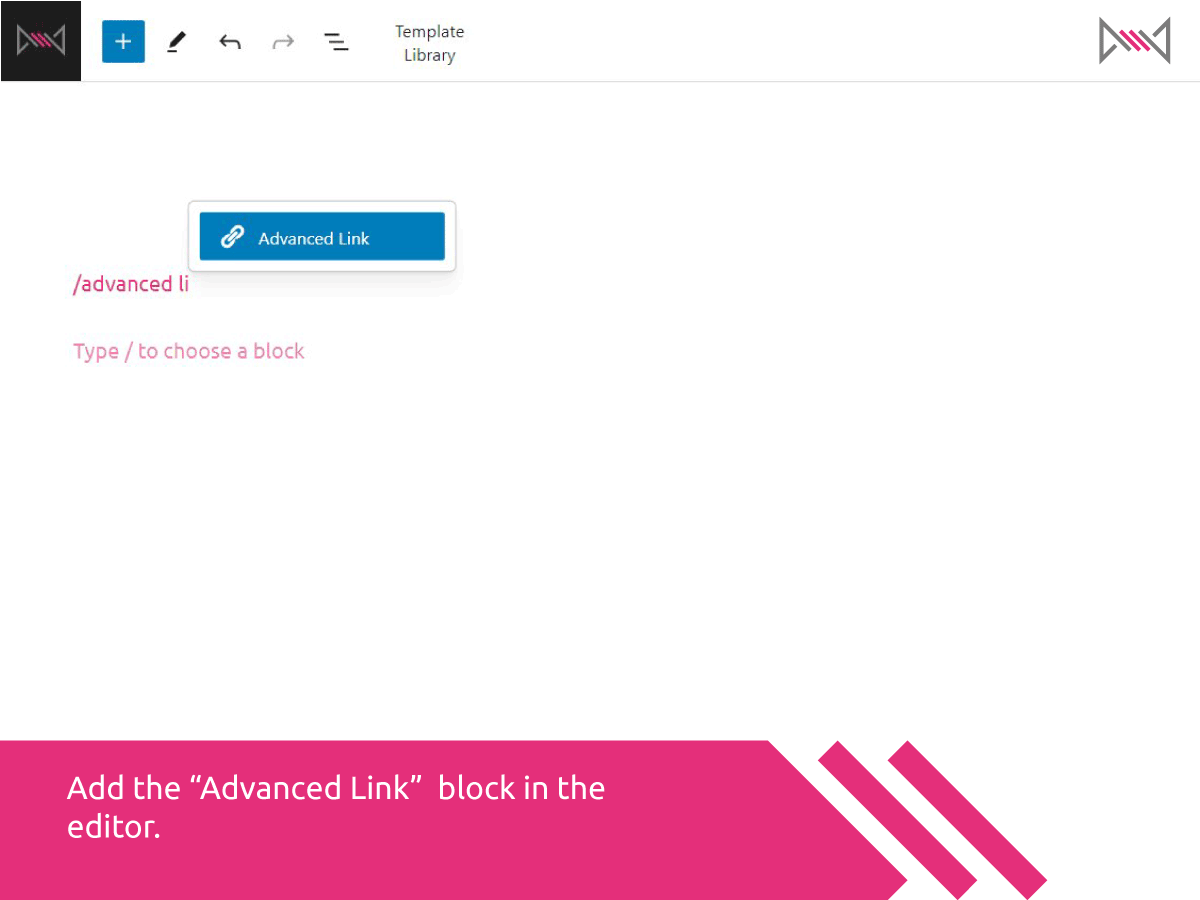
Add the “Advanced Link” block in the editor using the slash command or block inserter.
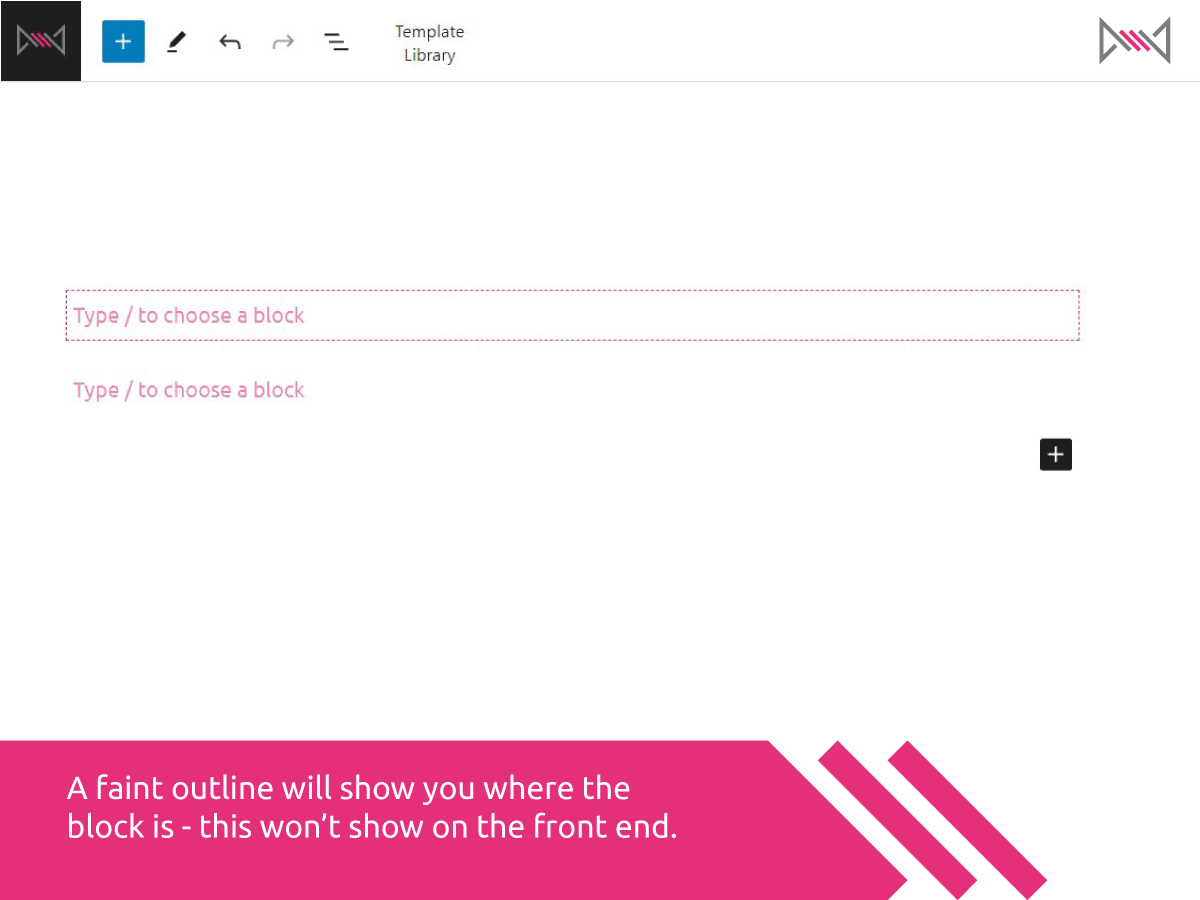
A faint dotted outline shows you where the block is on the page — it disappears on the frontend.
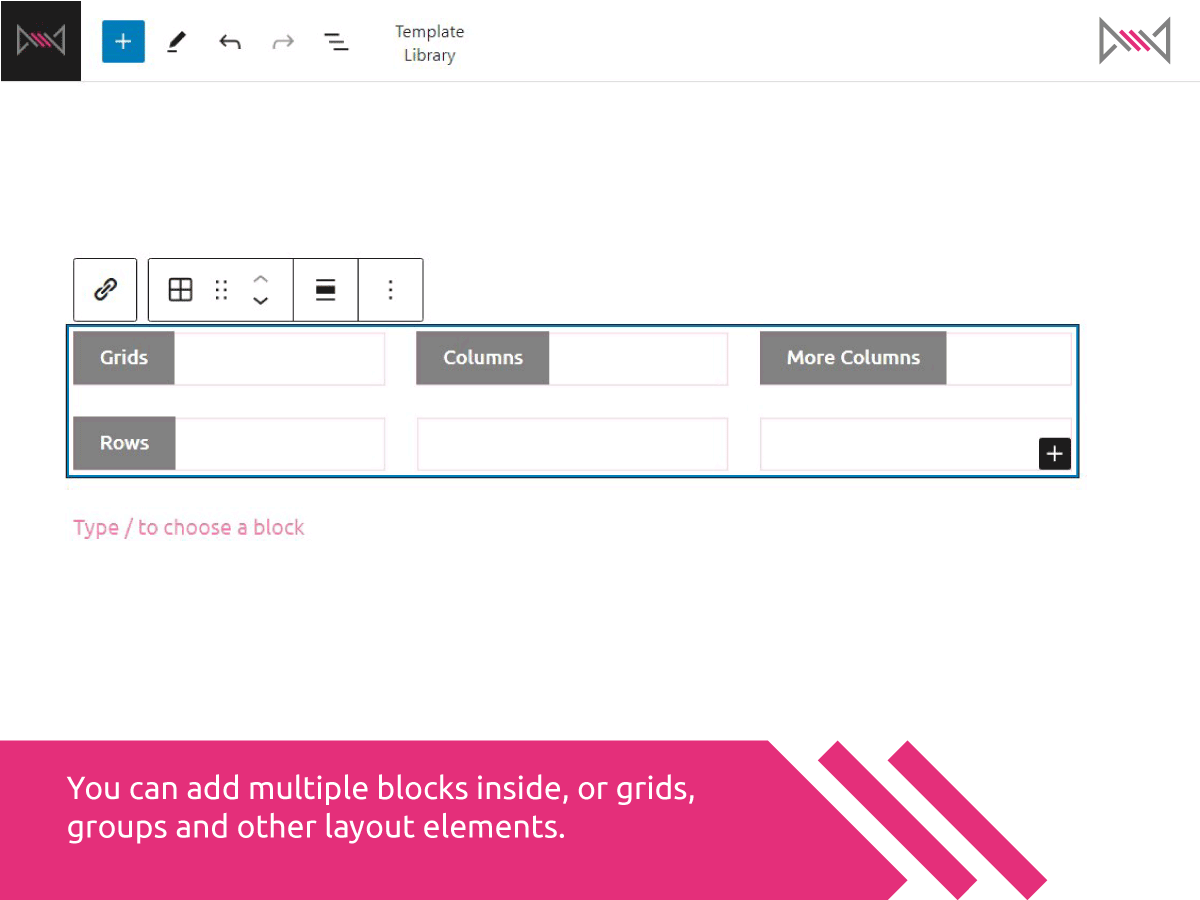
Add multiple blocks inside the link block — such as grids, groups, and layout containers.
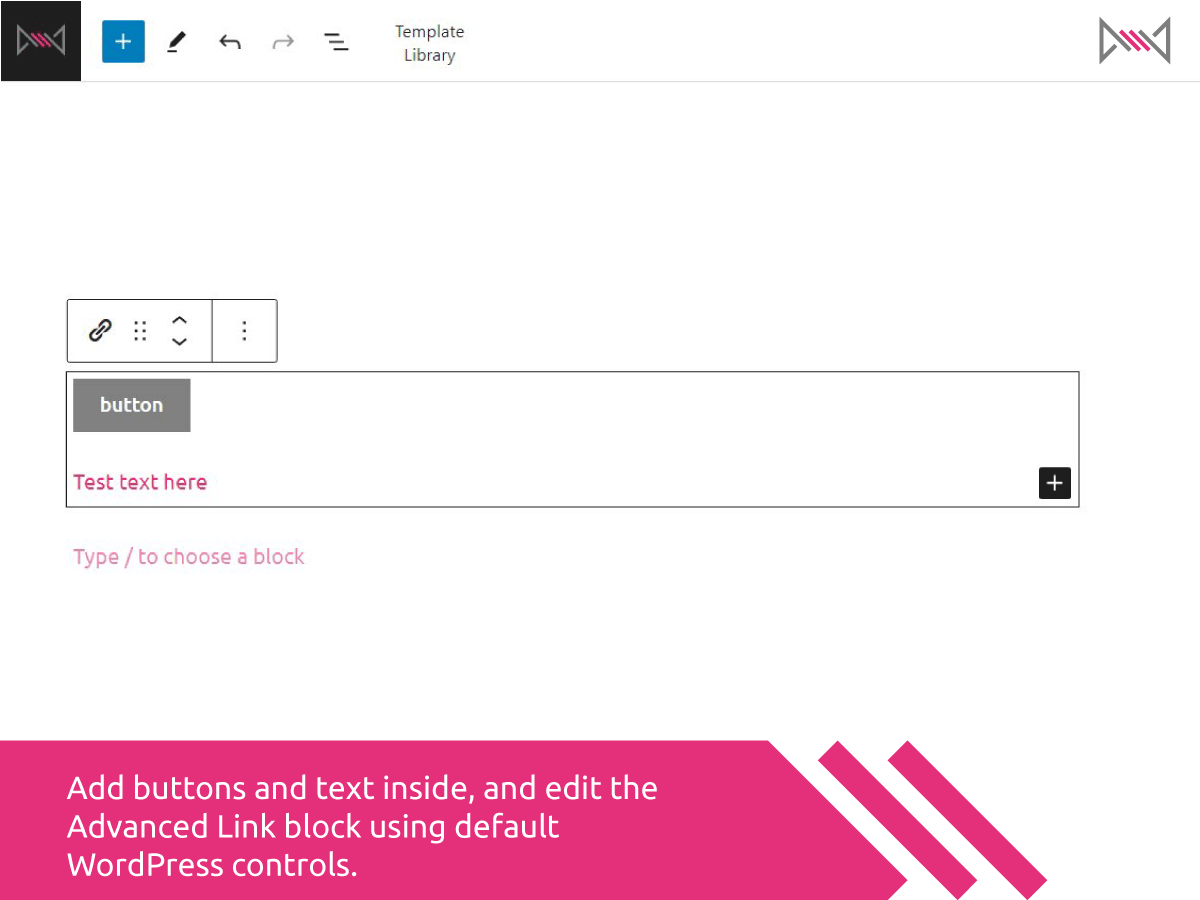
Add buttons and text inside, and edit the Advanced Link block using default WordPress controls.

Change the URL type, set link values, and choose target or rel attributes from the sidebar.
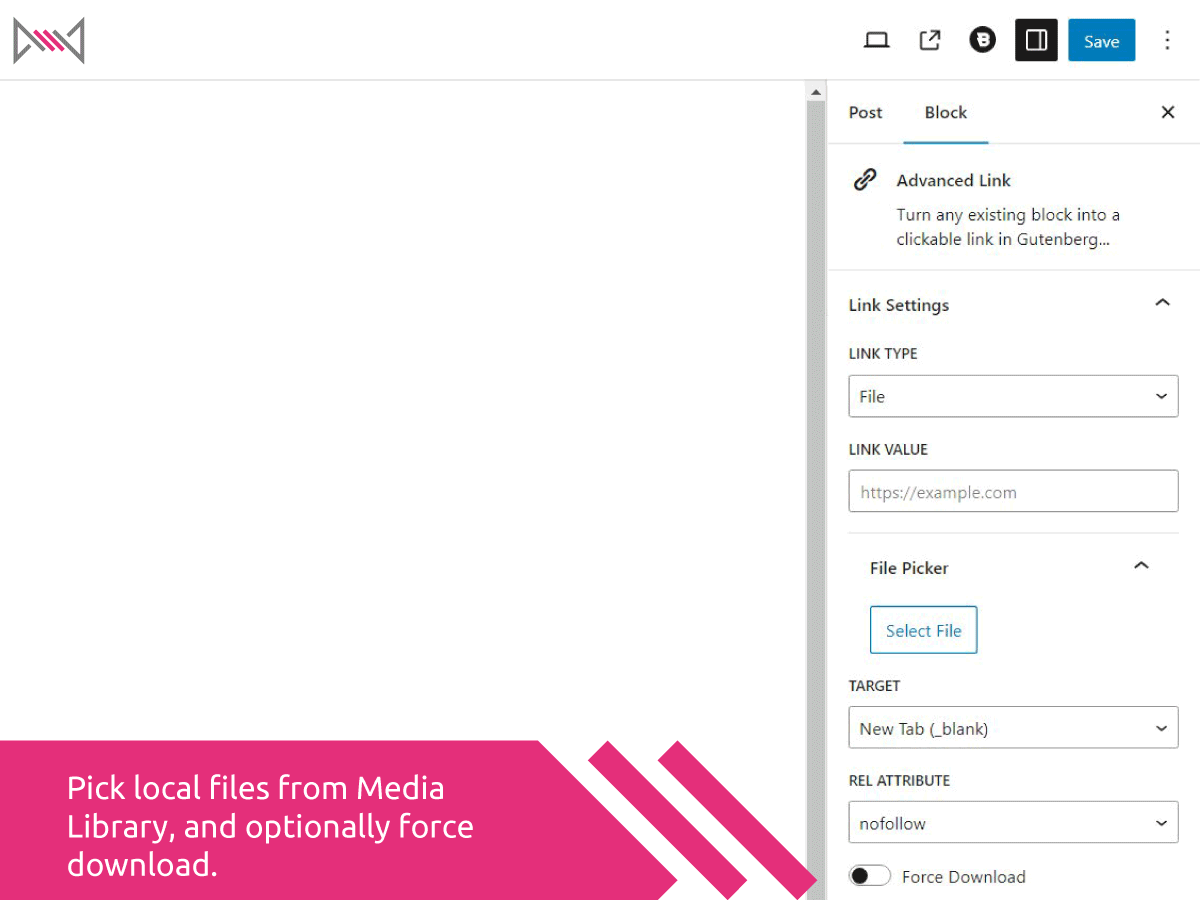
Pick local files from the Media Library using the file picker, and optionally force downloads.
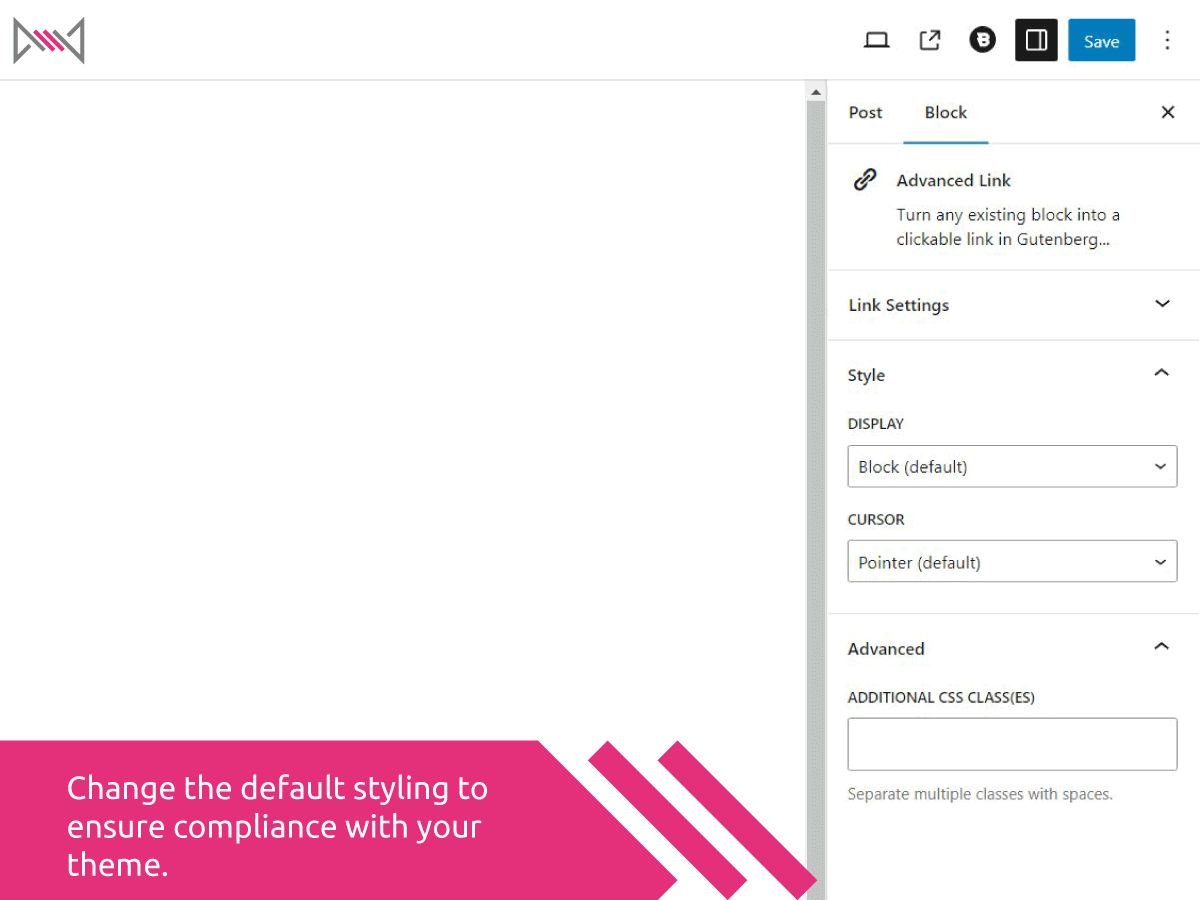
Change the default display and cursor styling to better match your theme layout and behavior.