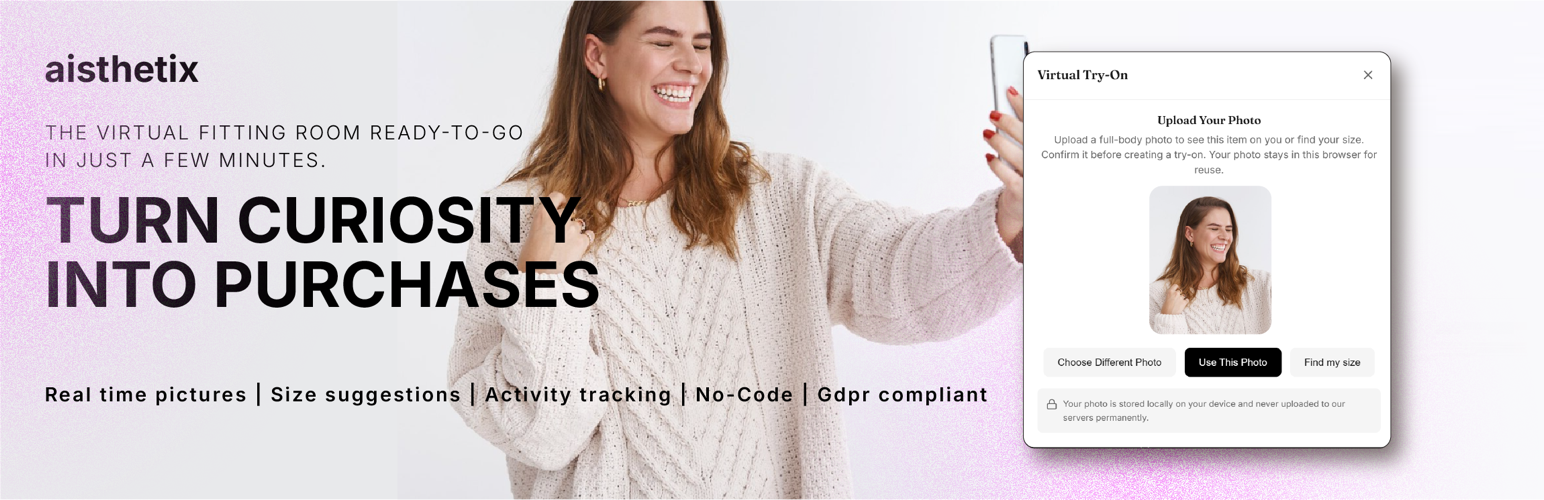
Every size return is a sale you lose twice: the refund and the shipping. aisthetix helps shoppers order the right size the first time. They upload one photo, see your piece on them, and get a size from your own size chart. No code. Photos never pass through your server.
Let shoppers see the look before they order
A shopper uploads a photo on your product page and starts an AI virtual try-on. They see a preview of your garment on themselves without downloading an app. For variable products with their own images, the preview uses the selected variation’s image.
Help shoppers choose a size
Add your size guide in the aisthetix dashboard. On eligible variable products, shoppers can request a recommendation using their photo, height and optional weight. Fit preference is available when enabled. Recommendations map to available WooCommerce variations, and the shopper confirms before adding one to the cart.
See what happens after a try-on
With analytics enabled, follow product views, try-ons, cart additions and purchases. See orders containing tried-on products and the revenue attributed to them. These reports describe shopper activity; they do not prove that try-on caused an additional sale. Analytics collection depends on your settings and the applicable shopper consent controls.
Features
- Fewer size returns: a size from your chart, matched to real variations
- More confident orders: shoppers see the variation they picked on them
- See which tried-on products turn into orders and revenue (opt-in)
- Button after Add to cart, or shortcode, block or Elementor widget
- No code. English and Italian. Photos are never stored
- Shoppers share the look on Instagram, WhatsApp or as a download
Connect your store
Install the plugin, open WooCommerce -> aisthetix Try-On, and select Connect aisthetix. Sign in, approve the connection and choose a service plan. Add your size guide to enable recommendations on eligible products.
The WordPress plugin is a free connector. An aisthetix account and the hosted service are required; usage allowances and any charges depend on your service plan. AI processing runs on the aisthetix service rather than your WordPress server.
Explore aisthetix | Try the WooCommerce demo
Privacy & GDPR
Your shoppers’ privacy is central to this product, and nothing above depends on weakening it.
- Shopper photos are processed transiently and are never stored. The photo is uploaded from the shopper’s browser directly to the aisthetix service, used only for the try-on or size recommendation the shopper requests, and is not persisted.
- Photos never touch your WordPress server. WordPress only injects a small configuration object and a loader script; the image upload and the result both flow between the shopper’s browser and the aisthetix service.
- The shopper’s uploaded photo and their try-on history live only in their own browser’s local storage.
- The plugin stores, on your server, two API keys provisioned during Connect: a public (publishable) key that is safe to expose to the browser and a secret key that is used only for server-to-server status checks and is never sent to the browser.
If you switch on product analytics or session replay, anonymous usage data about the try-on flow is processed by PostHog in the European Union on aisthetix’s behalf. Neither ever includes a shopper photo, a try-on result, a body measurement, an email address or a page URL, and both require your shopper’s explicit analytics consent.
A full privacy disclosure and Data Processing Agreement are available on the aisthetix dashboard. Use of this plugin sends shopper-provided images to the third-party aisthetix service for processing; you should reflect this in your store’s privacy policy.
External services
This plugin connects your store to the aisthetix virtual try-on and size recommendation service (the “brain”, hosted at woo.aisthetix.fyi). The service is required: AI processing is provided remotely and does not run on your WordPress server.
What is sent, and when:
- Shopper photo + garment image, sent from the shopper’s browser to https://woo.aisthetix.fyi/api/storefront/tryon, only when the shopper actively starts a try-on (an explicit click, behind the widget’s own consent step). The photo is processed transiently to generate the result and is not stored by the service; it lives only in the shopper’s own browser storage.
- Size recommendation inputs (shopper photo, height, optional weight and fit preference, product id/categories, and available size variations), sent from the shopper’s browser to https://woo.aisthetix.fyi/api/storefront/photo-qc and https://woo.aisthetix.fyi/api/storefront/size only after the shopper explicitly asks for a size recommendation. The configured merchant size guide determines which recommendation can be returned. The photo is processed transiently and is not stored; height and optional weight may be remembered only in that shopper’s browser for later requests.
- Connection details, when you (the merchant) click “Connect aisthetix”, your site URL, a return URL, and a state token are sent to https://woo.aisthetix.fyi/connect and /api/connect/* to link your store and provision keys. Merchant-initiated.
- Catalog access registration: on connect (and after a plugin update), the plugin registers a dedicated read-only access token with https://woo.aisthetix.fyi/api/connect/catalog-token (your site URL and plugin version are included). The aisthetix merchant dashboard then reads your PUBLIC product listings (name, price, currency, image URL, categories, tags — up to 50 published products) from this site’s REST endpoint /wp-json/aisthetix/v1/catalog, authenticated with that token, so you can pick a product for the dashboard try-on demo. No customer or order data is exposed by this endpoint, and disconnecting deletes the token on both sides.
- Widget placement confirmation: when the try-on button actually renders on a product page, the plugin sends a short confirmation (your site URL, the placement type, the product id and the plugin version) to https://woo.aisthetix.fyi/api/storefront/placement, at most once every 5 minutes. The merchant dashboard uses it to show, truthfully, whether the widget is live on your storefront. No shopper data is included.
- Anonymous analytics events (product_viewed, product_added_to_cart, aisthetix_tryon_completed), sent to https://woo.aisthetix.fyi/api/events ONLY if you enable “Anonymous analytics” (off by default) or a consent banner on your site grants analytics/statistics consent. See “Cookies & consent” below.
- Order data (order id, product ids, order value, currency, and an anonymous visitor/customer id), sent to https://woo.aisthetix.fyi/api/storefront/order when an order is paid, ONLY if “Anonymous analytics” is enabled. Used to attribute purchases to prior try-ons.
- Product analytics events (which step of the try-on a shopper reached: modal opened, photo chosen, try-on requested, completed or failed, result dismissed), sent to https://woo.aisthetix.fyi/api/events and forwarded by aisthetix to PostHog Cloud EU. Sent ONLY when a consent banner on your site explicitly grants analytics/statistics consent. Your “Anonymous analytics” setting does NOT enable these: they are used by aisthetix to improve the product, so only your shopper’s own consent can permit them. No photo, try-on result, body measurement, height, weight, email address or page URL is ever included.
- Session replay of the try-on window, recorded only if you enable “Session replay” AND a consent banner on your site grants analytics consent AND the shopper opens the try-on window. Recording stops when the window closes. Every image and every form field is masked before recording, so the shopper’s photo and try-on result are never captured. The recorder is downloaded from https://ingest.aisthetix.fyi only at that moment — a shopper who never opens the try-on window, or who has not consented, causes no request to it at all.
Data processor for product analytics and session replay: PostHog (EU region, hosted in the European Union). aisthetix is the controller for this data; it is not shared with any other party.
Service Terms of Service: https://tryon-demo.aisthetix.com/woocommerce/terms
Service Privacy Policy: https://tryon-demo.aisthetix.com/woocommerce/privacy
Cookies & consent
By default this plugin sets NO cookies and sends NO analytics. Nothing is tracked passively. Shopper-initiated try-on and size recommendation requests still work: they are explicit actions, not passive tracking. This also means the effectiveness dashboard stays empty until you opt in, which is the trade we chose deliberately.
If you enable “Anonymous analytics” under WooCommerce -> aisthetix Try-On (off by default), the plugin:
- Sets a first-party cookie named “aisthetix_vid” on product pages: a random, non-personal visitor id used to attribute a later purchase to an earlier try-on. It is not a login or credential cookie. Lifetime: about 13 months.
- Sends the anonymous analytics and order events described under “External services”.
If your site uses a supported consent banner (Cookiebot, Complianz, or Google Consent Mode), the shopper’s analytics/statistics choice additionally controls the browser-side events: an explicit grant enables them and an explicit deny suppresses them, regardless of the setting. The first-party cookie and the server-side order event follow the “Anonymous analytics” setting.
Build from source
The storefront widget (assets/widget.js + assets/widget.css) is built from the React + TypeScript source shipped in widget-src/. To reproduce it:
cd widget-src && npm ci && npm run build
This emits assets/widget.js and assets/widget.css. See widget-src/BUILD.md for details. All widget runtime dependencies are MIT-licensed (React, React DOM).
Screenshots

The try-on button on a product page.

The upload-your-photo step.

A generated try-on result.

The wp-admin connection and status screen.

A generated men's try-on result.