BACK TO DIRECTORY
in5 lets you export interactive HTML from Adobe InDesign.
The Ajar in5 Embed plugin lets you insert your in5 HTML right inside a post with no coding.
Screenshots
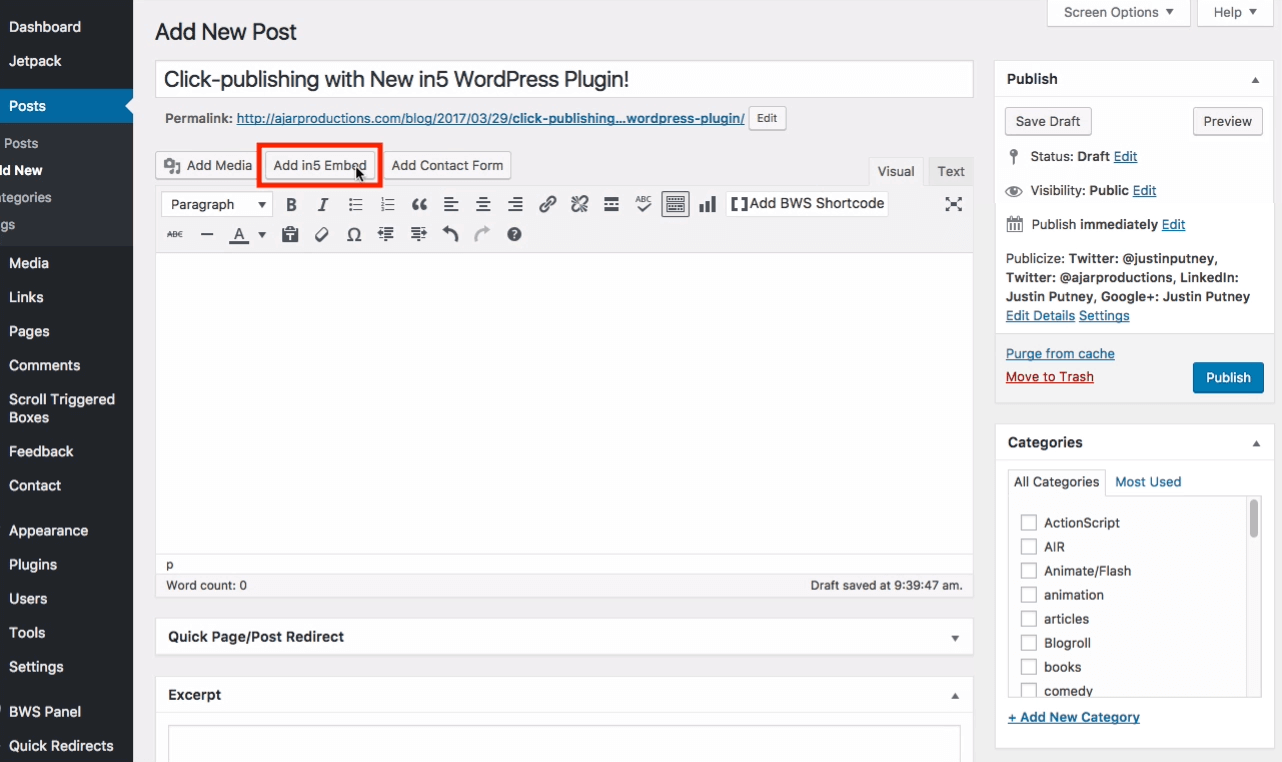
The Add in5 Embed button appears in the Post Editor.
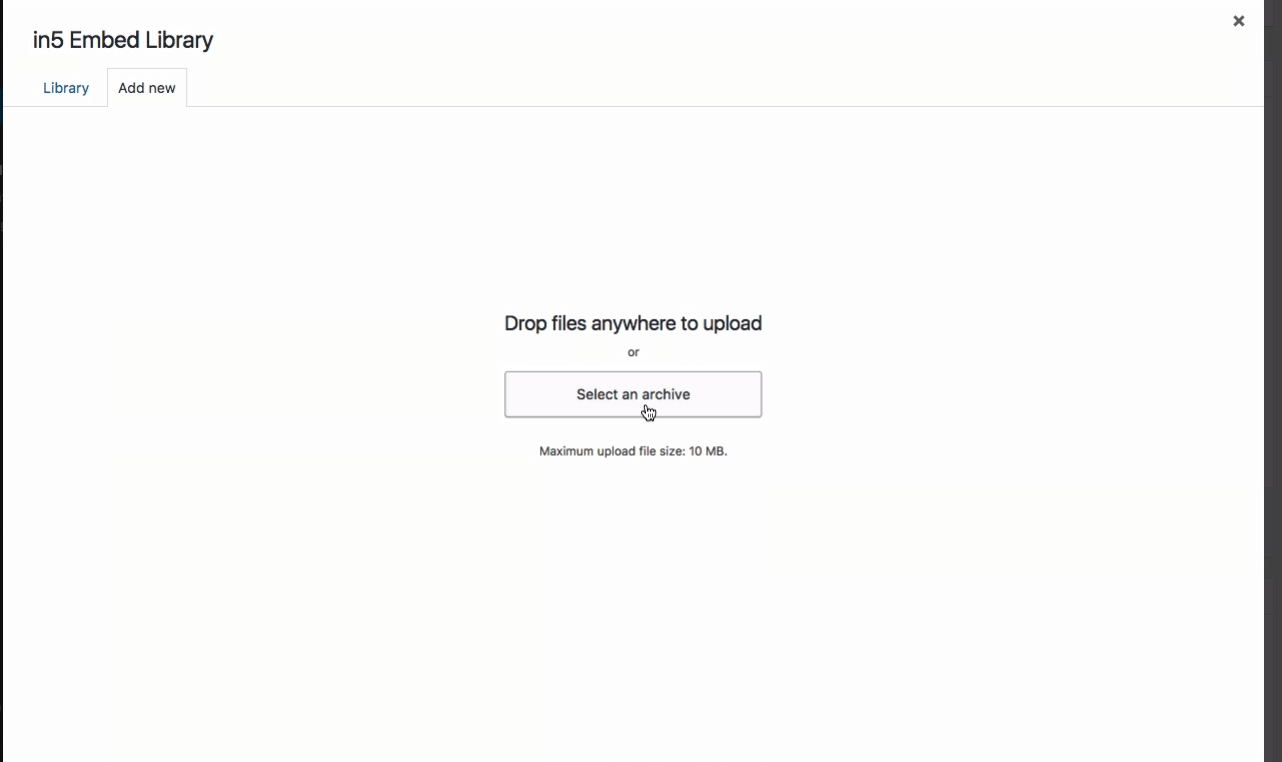
Easily click to upload a zip file (or choose a previously uploaded package).
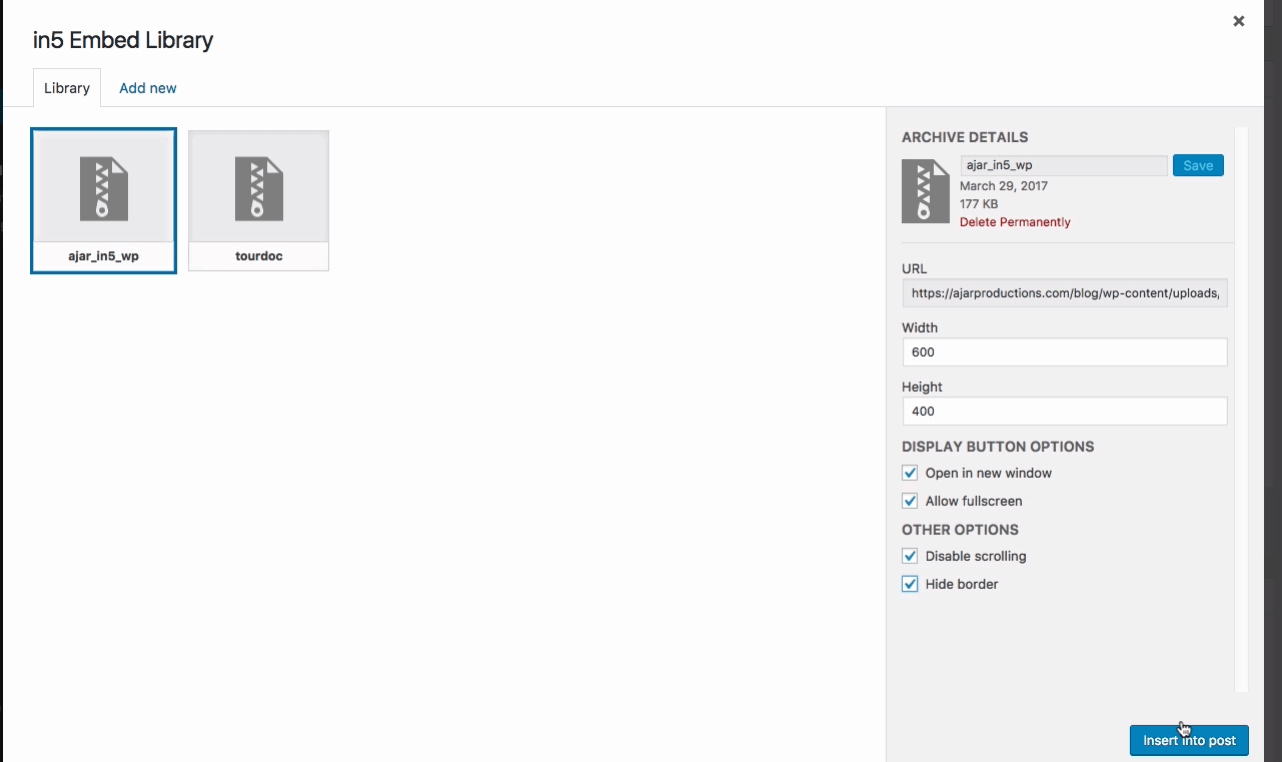
The plugin automatically populates the title, width, and height from the in5 content. You can apply addition options from here as well.
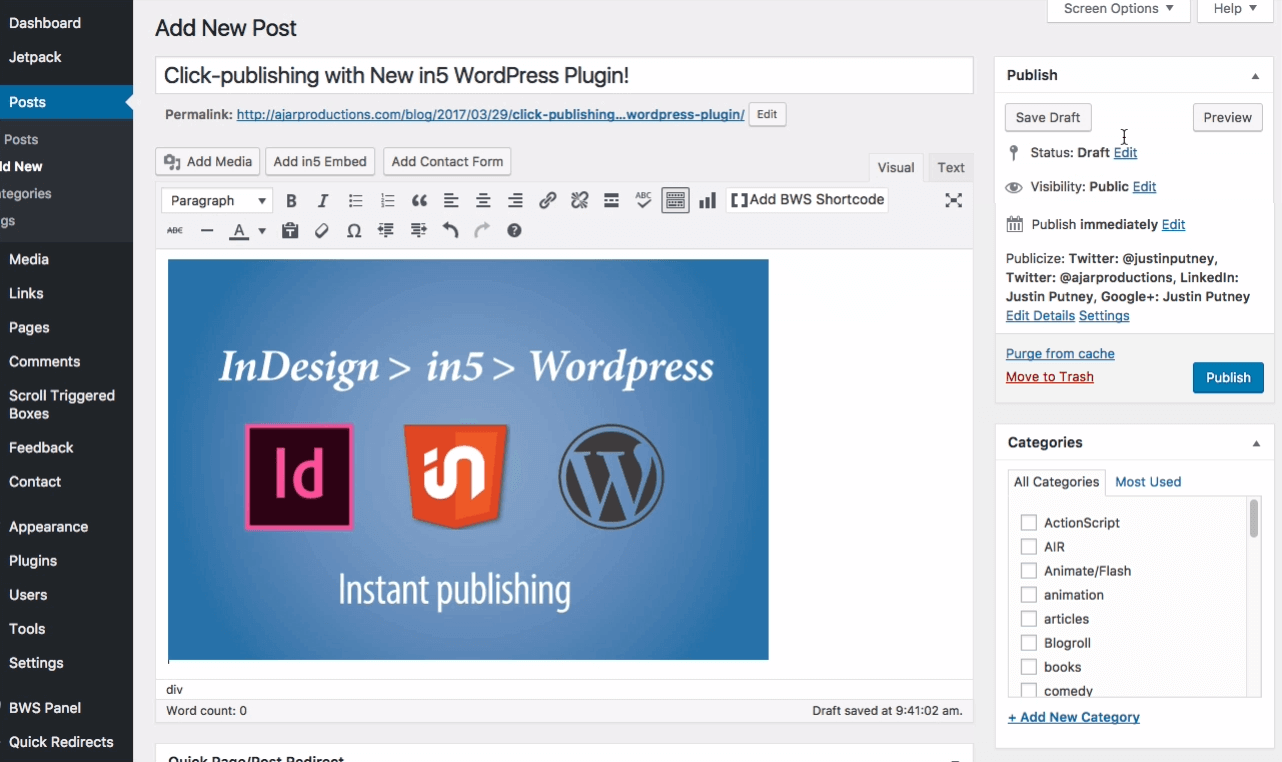
The content is automatically inserted into your post.
You can also use the in5 embed plugin with the Gutenberg editor.
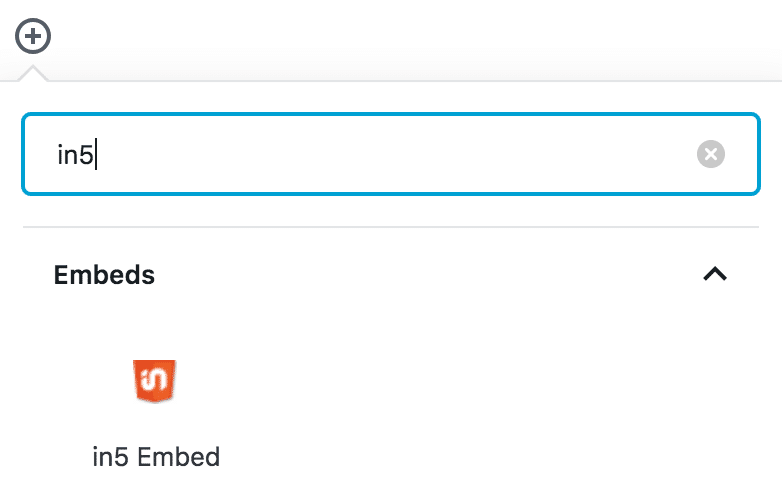
Filter by in5 to easily find it in the Gutenberg editor.
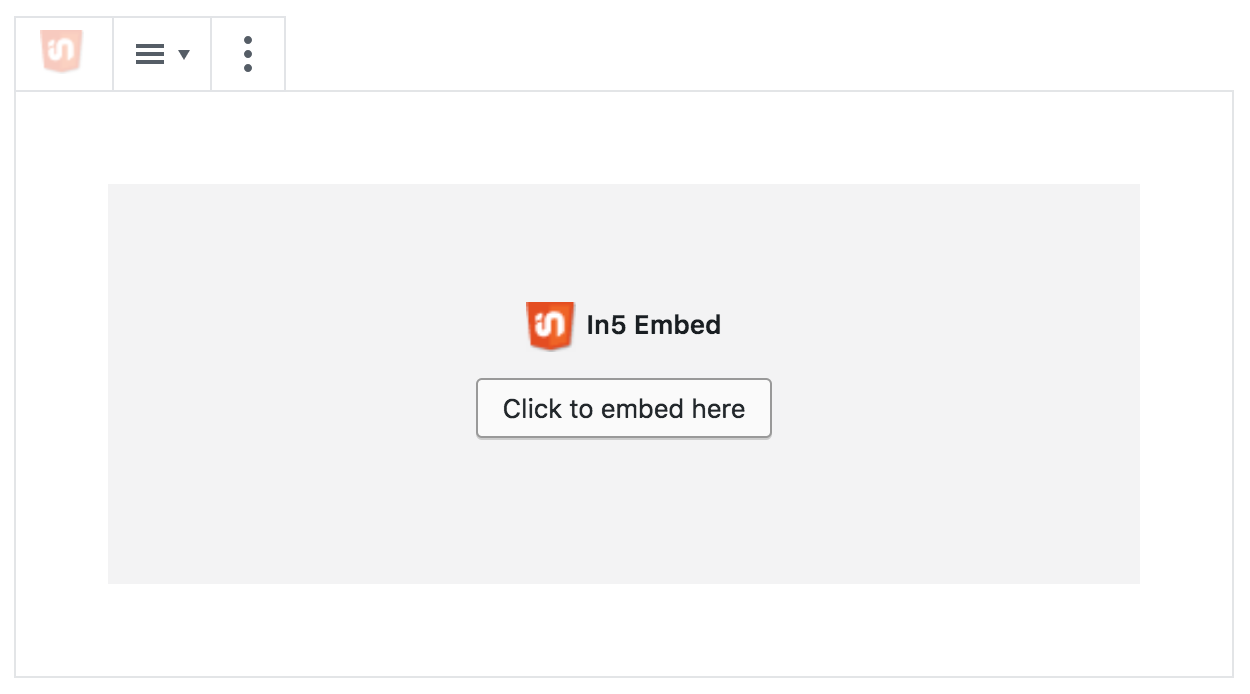
Click to embed from the Gutenberg editor block.
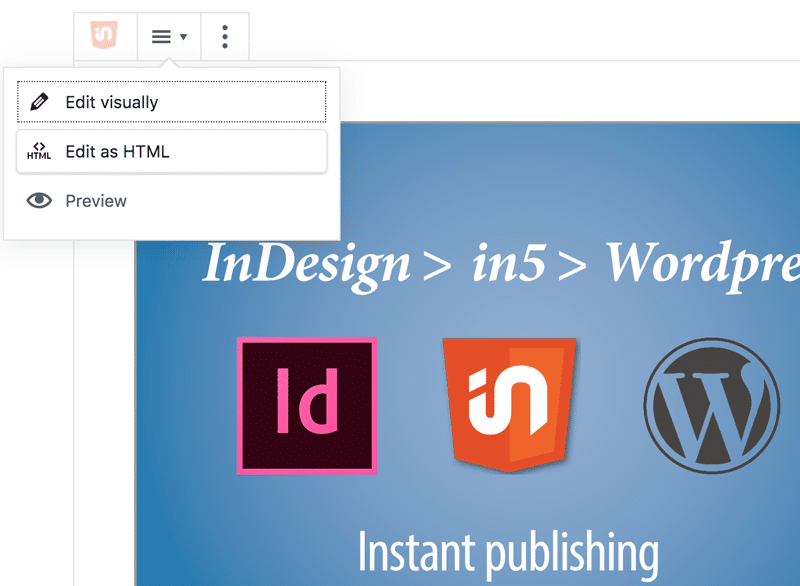
As a block, you can as view as HTML, or preview the content itself.