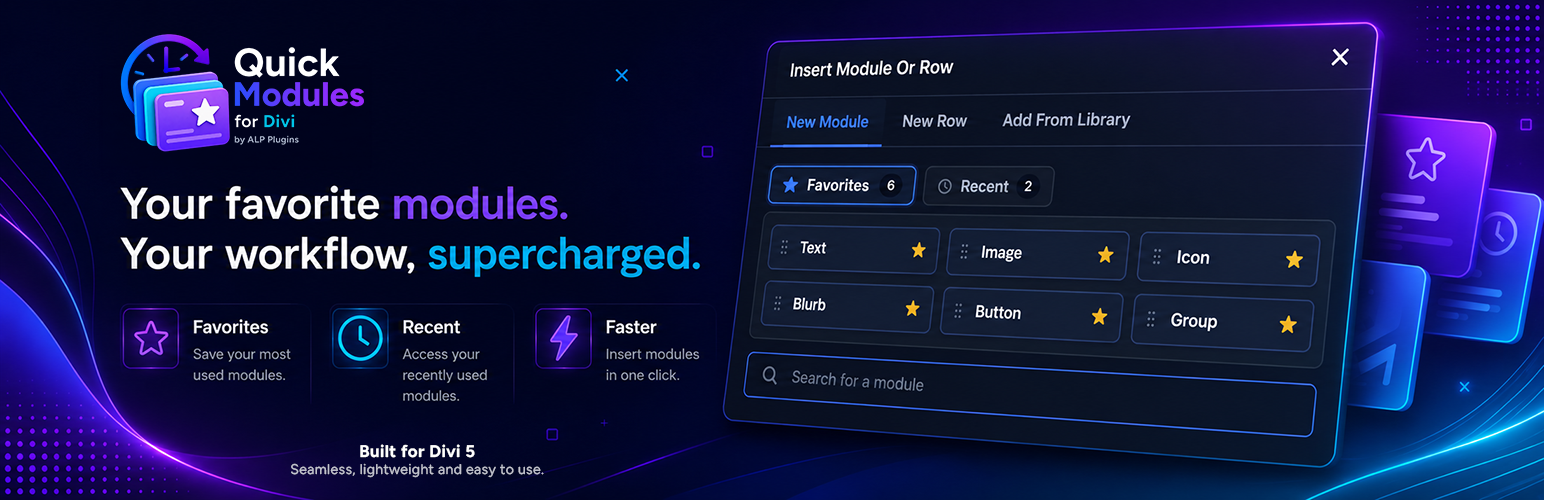
ALP Quick Modules for Divi is a free Divi 5 productivity plugin that adds favorite and recently used modules and Components directly to the Divi module picker.
Save your most-used Divi modules and Components as favorites, access recent items instantly, reorder favorites with drag and drop, and insert them faster without searching through the full module list.
🆓 Completely Free
ALP Quick Modules for Divi is completely free to use.
There is no premium tier, no license key, no feature paywall, no usage limit, and no external subscription required.
⭐ Features
- Favorite your most-used Divi modules and Components.
- Access recently used modules and Components instantly.
- Add Divi Components to Favorites and Recent in Divi 5.15 and newer.
- Keep Components with identical names separate using their stable Divi Component ID.
- Renamed Components can still be resolved from Favorites and Recent.
- Reorder Favorites with drag and drop.
- Insert modules and Components directly from Favorites and Recent.
- Remove favorites from either the shortcut cards or the regular module list.
- Clear visual feedback when favorites are added or removed.
- Works with the Divi 5 Visual Builder and Theme Builder.
- Automatic Light Mode and Dark Mode styling.
- Responsive module picker behavior.
- Per-user preferences for Favorites and Recent.
- Multilingual interface support.
- Cross-language matching for native Divi modules.
- Designed to work with native modules, third-party Divi modules, and Divi Components shown in the module picker.
- No custom database tables.
- No tracking or telemetry.
- No external API requests or services.
- No plugin assets loaded on the public frontend.
⚡ Built for Divi 5
ALP Quick Modules for Divi integrates directly with the Divi 5 module picker while preserving the native builder workflow.
It supports both the Visual Builder and Theme Builder and keeps your favorite and recent Divi modules and Components close at hand while you build.
Divi Components are supported in Divi 5.15 and newer.
🔒 Privacy Friendly
The plugin works locally inside your WordPress installation. Favorite and recent module names, along with stable identifiers for saved Divi Components, are stored as WordPress user metadata in your site’s own database.
It does not track users, send analytics, require an external account, or communicate with third-party services.
Stored Favorites and Recent preferences can be erased through WordPress privacy tools. Deactivating the plugin keeps your preferences, while deleting the plugin removes them from the database.
🚀 Why Quick Modules?
As a Divi site grows, the module picker can contain dozens of native modules, third-party modules, and reusable Components. ALP Quick Modules for Divi reduces that friction by keeping the items you actually use within easy reach.
Favorite them once, reorder them however you like, and access them directly whenever you open the Divi 5 module picker.
ALP Quick Modules for Divi is independently developed by ALP Plugins and is not affiliated with, endorsed by, or sponsored by Elegant Themes. Divi is a trademark of Elegant Themes, Inc.
Privacy
ALP Quick Modules for Divi does not collect or transmit personal data. Favorite and recent module names and stable Divi Component identifiers are stored as WordPress user metadata in the site’s own database. The plugin makes no remote requests and includes no analytics or telemetry.
Stored preferences can be erased through WordPress privacy tools and are removed when the plugin is deleted. Deactivating the plugin does not remove preferences.
Screenshots

Complete view of ALP Quick Modules for Divi inside the Divi 5 Visual Builder, showing Favorites, Recent, and the standard module picker together.

Closer look at Favorites and Recent in Divi 5 dark mode.
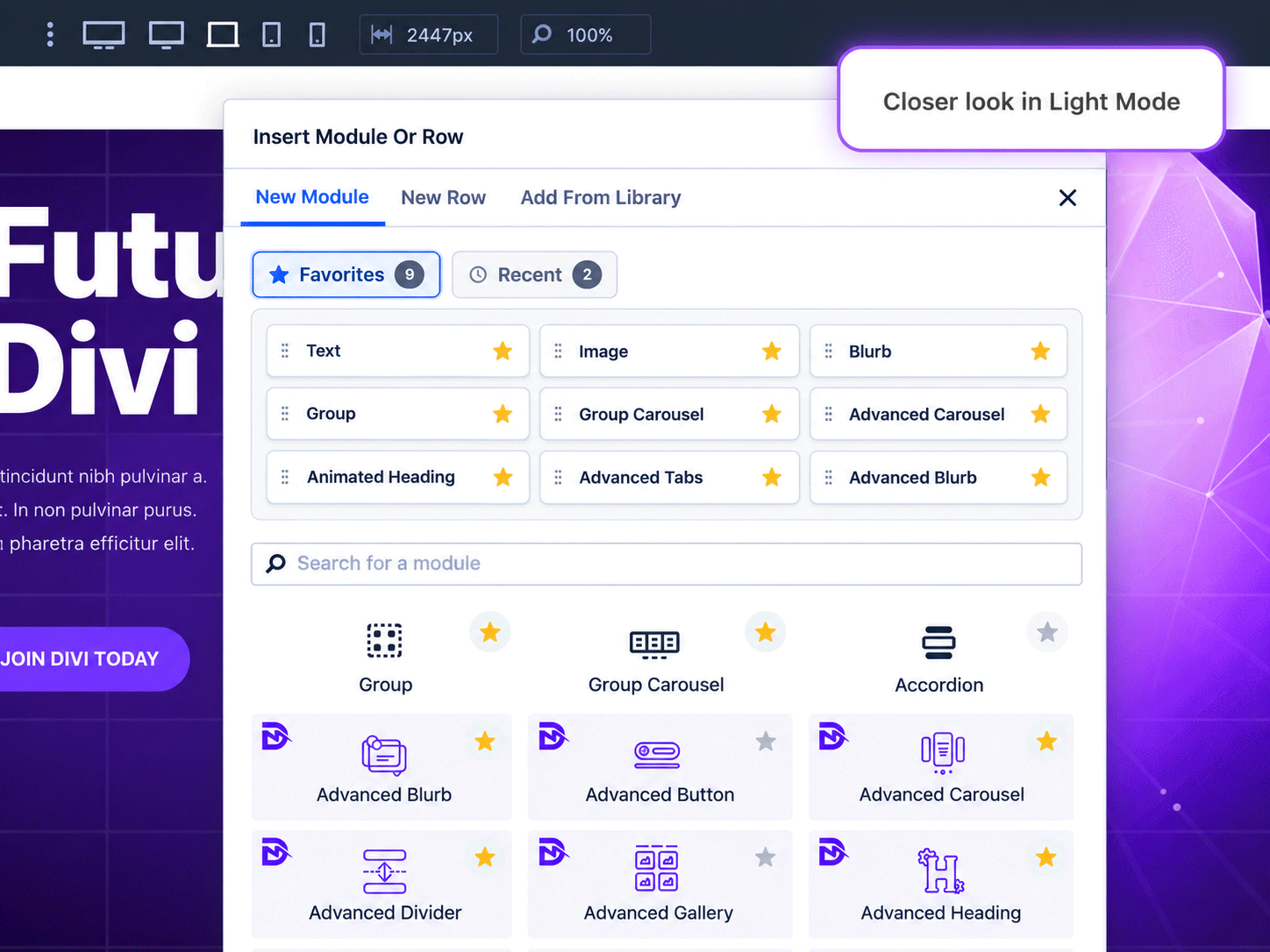
Closer look at Favorites and Recent in Divi 5 light mode.

Green confirmation feedback after adding a module to Favorites.

Red confirmation feedback after removing a module from Favorites.

Favorite removal hover state: the star turns red to clearly indicate that clicking it will remove the module from Favorites.