Animicro lets you add high-end animations (Awwwards-style) with minimal performance impact. Enable modules in the panel, apply classes like .am-fade, .am-split-words or .am-text-reveal in your page builder, and you’re done.
Philosophy: Utility-first. No complex interfaces, no timelines. Just classes and data-am-* attributes.
100% free. Every module, Smooth Scroll and Page Transitions are included. No license keys, no locked features, no external calls.
Entry animations
- Fade (
.am-fade), Scale (.am-scale), Blur (.am-blur) - Slide Up / Down / Left / Right (
.am-slide-up,.am-slide-down,.am-slide-left,.am-slide-right) - Skew Up (
.am-skew-up) — slides up with a slight skew that straightens as it stops - Flip X / Flip Y (
.am-flip-x,.am-flip-y) — 3D card flip on entry
Text
- Split Text (
.am-split-chars,.am-split-words) — animates text by letters or words - Text Reveal (
.am-text-reveal) — reveals text line by line with a sliding mask - Scatter Text (
.am-scatter-chars,.am-scatter-words) — letters or words fly in and converge - Scramble Text (
.am-scramble) — decodes character by character with a glitch wave - Highlight (
.am-highlight) — animated marker behind text - Typewriter (
.am-typewriter) — types text with a blinking cursor, with rotating strings
Groups & layouts
- Stagger (
.am-stagger) — animates a container’s children in sequence - Grid Reveal (
.am-grid-reveal) — reveals grid items outward from a focal point
Scroll
- Parallax (
.am-parallax) — scroll-linked parallax movement - Text Fill on Scroll (
.am-text-fill-scroll) — fills text word by word as you scroll - Scroll Slide Left / Right (
.am-scroll-slide-left,.am-scroll-slide-right) — horizontal drift across the viewport
Media
- Clip Reveal (
.am-clip-reveal) — image reveal via clip-path: curtains, center split, expanding circle - Image Parallax (
.am-img-parallax) — the image moves inside its frame as you scroll - Ken Burns (
.am-ken-burns) — slow infinite zoom for hero images - Zoom Hover (
.am-hover-zoom) — image scales up on hover
Continuous & mouse
- Float (
.am-float), Pulse (.am-pulse), Spin (.am-spin) - Magnet (
.am-magnet) and Magnetic (.am-magnetic) — elements pulled toward the cursor - Custom Cursor (
.am-cursor-expand) — a custom cursor that grows on hover targets
Global
- Smooth Scroll — Lenis-powered smooth scrolling, with anchor support
- Page Curtain — symmetric overlay transition between internal pages
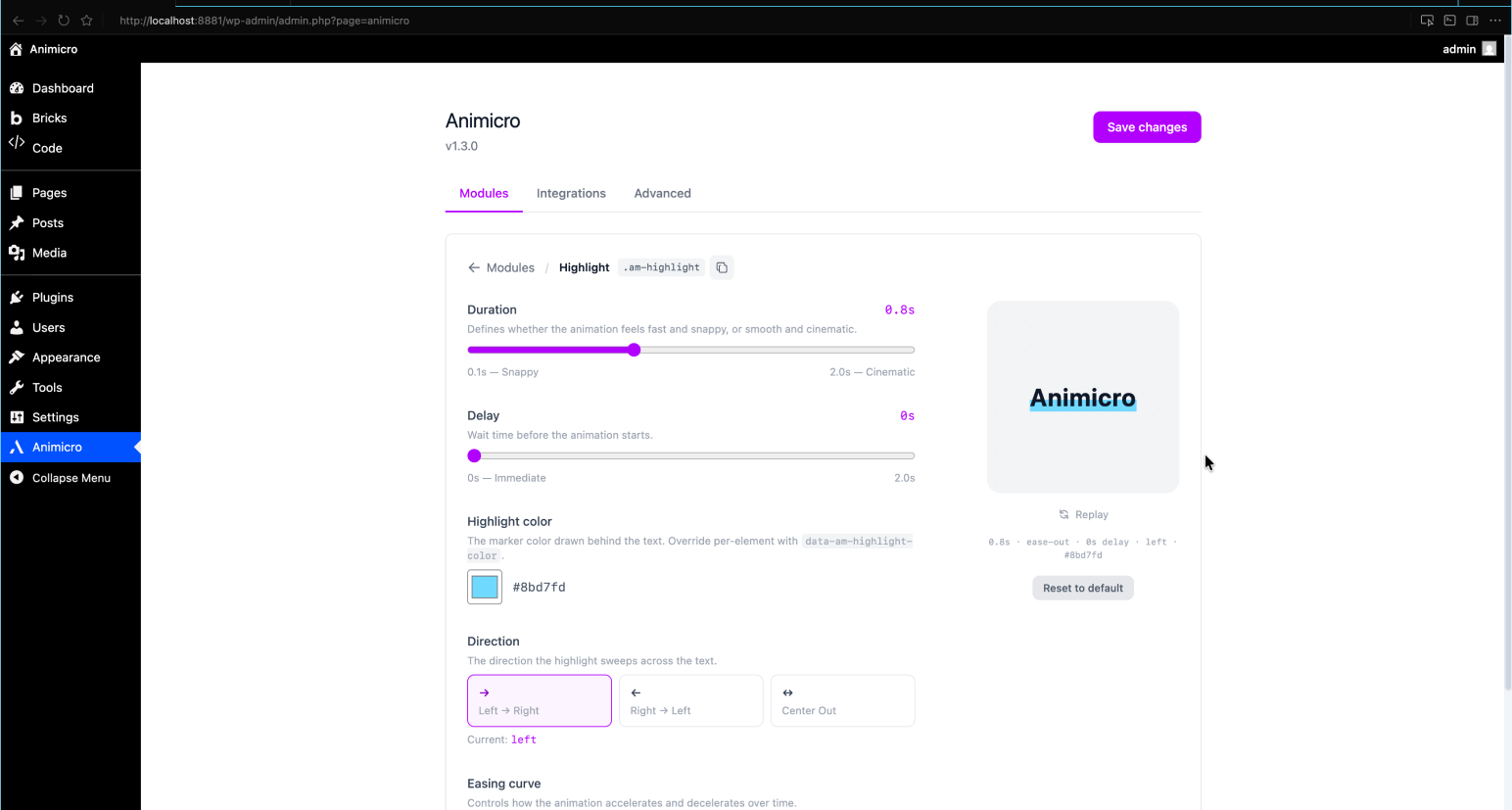
Each module has its own settings panel with live preview so you can tune duration, easing, delay, and activation margin without leaving the admin. Only the JavaScript of the modules you enable is loaded.
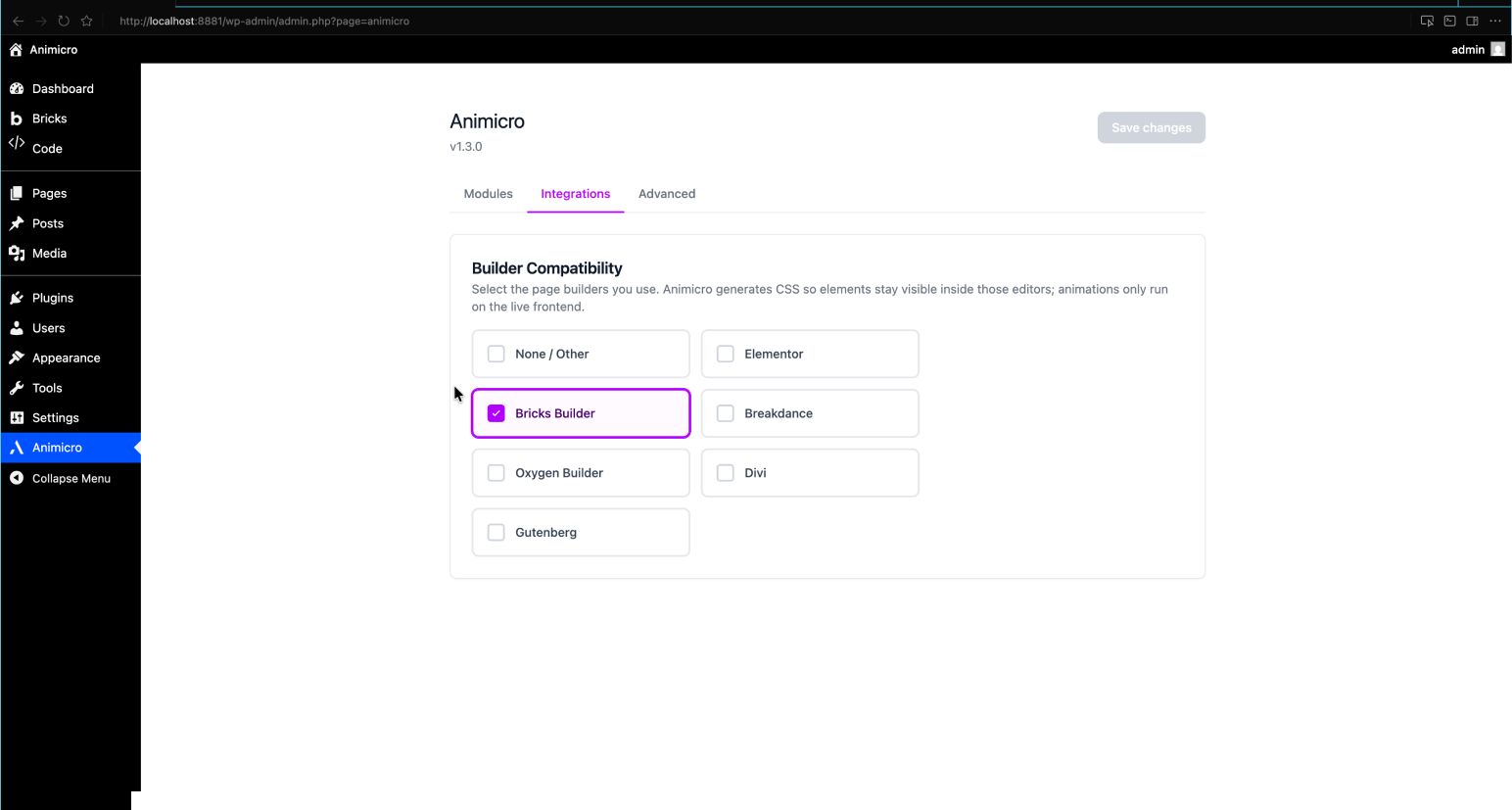
Builder compatibility
Works with Elementor, Bricks, Breakdance, Oxygen, Divi, and Gutenberg. Dynamic inline CSS adapts per builder so elements stay visible inside editors and animations only run on the live frontend.
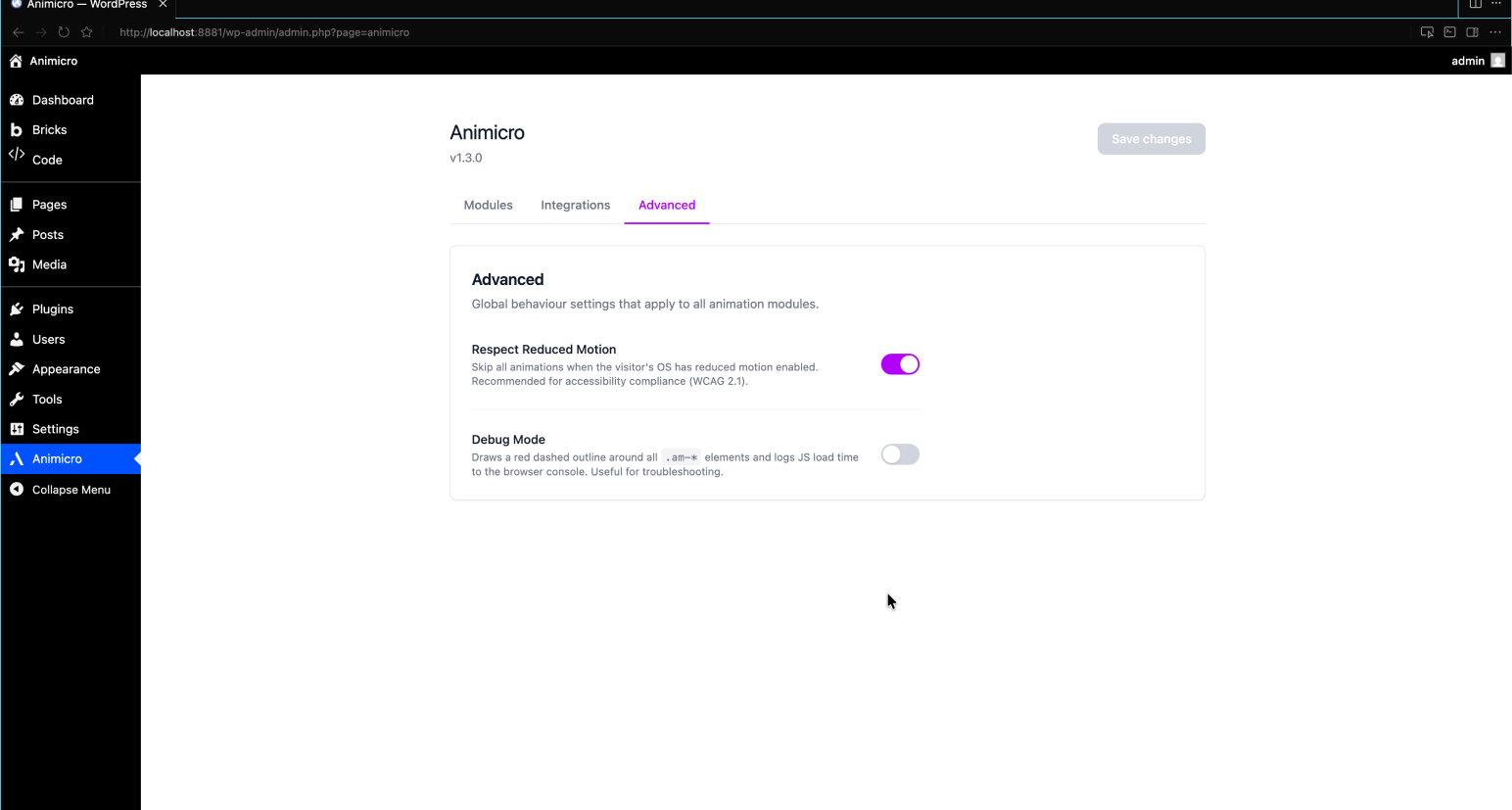
Advanced
Under Animicro Advanced you can enable Respect Reduced Motion (skips JS-driven animations when the visitor prefers reduced motion) and Debug Mode (outlines .am-* elements and logs script timing in the browser console).
Ready-made layouts
Want a head start? The Animicro Library offers copy-paste Bricks sections built with these modules. The plugin itself is complete on its own and never requires the library.
External Services
This plugin does not connect to any external services. All animation logic runs
locally in the visitor’s browser using JavaScript bundled with the plugin.
No data is collected, transmitted, or stored outside your WordPress installation.
Source Code
This plugin includes compiled JavaScript and CSS built with Vite from React (admin panel) and vanilla JS (frontend animations). The full, uncompressed source code is available at:
https://github.com/infojorgeml/animicro
Screenshots
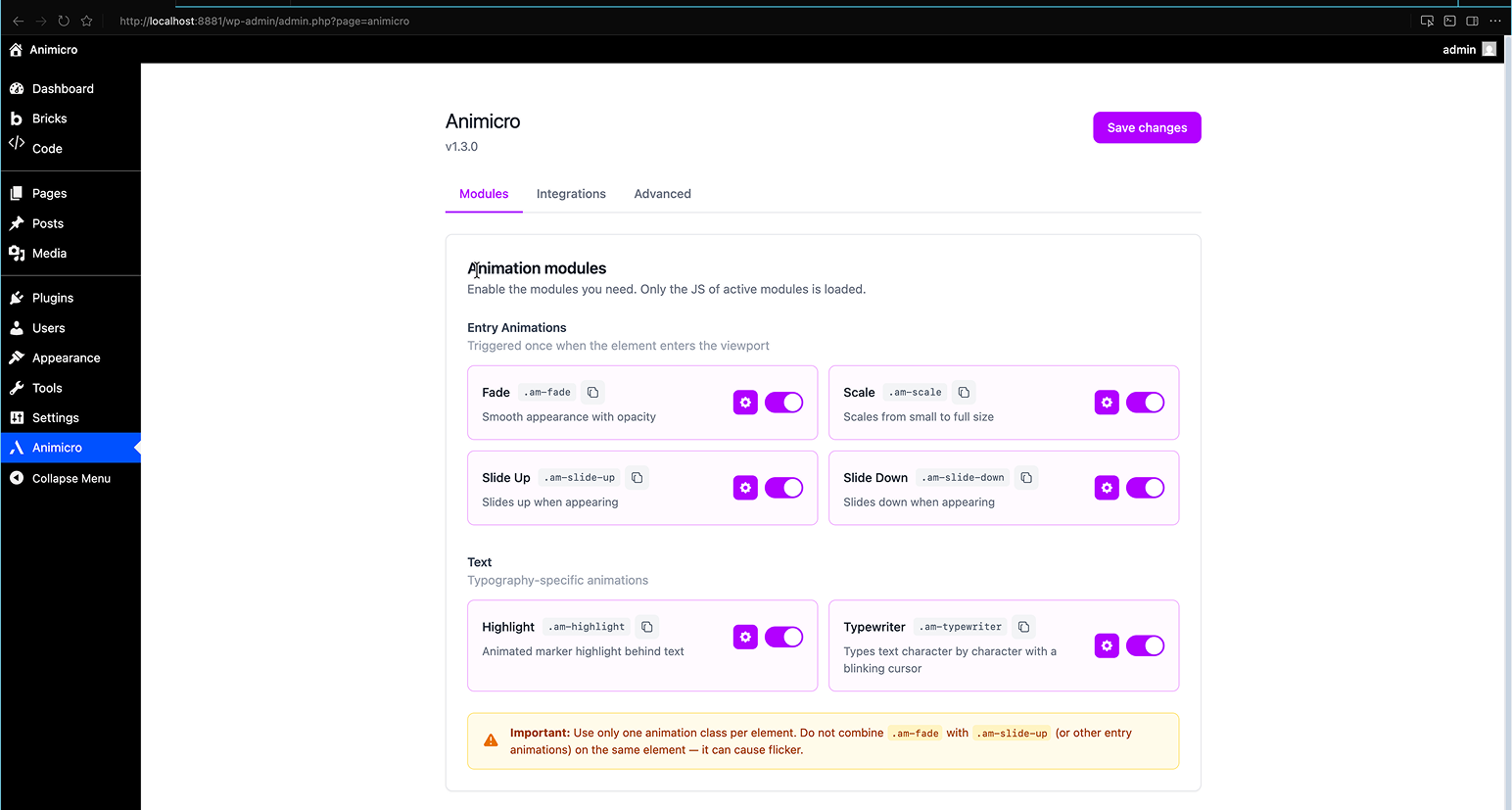
Module dashboard with toggle switches and settings
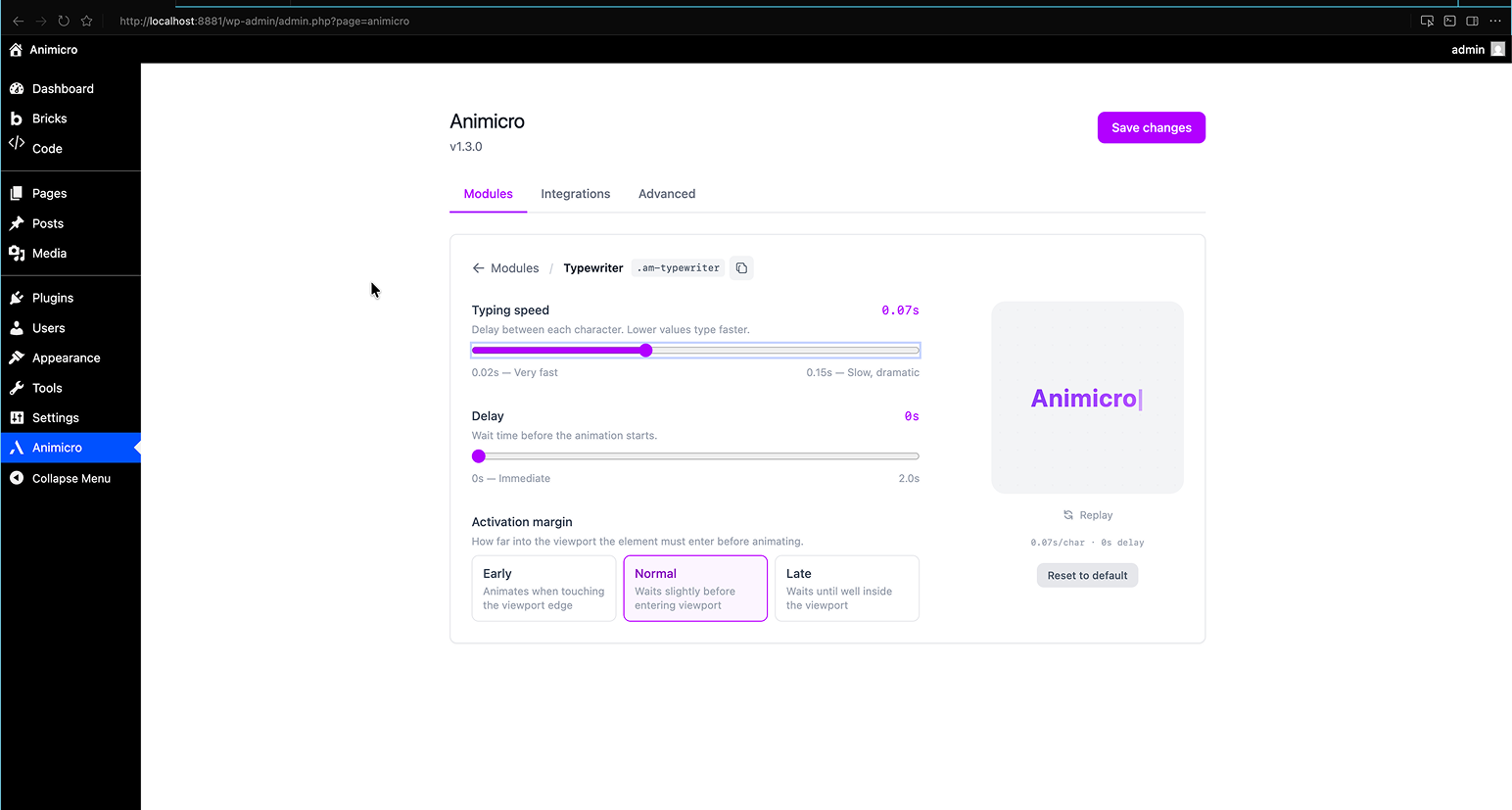
Per-module configuration with live preview
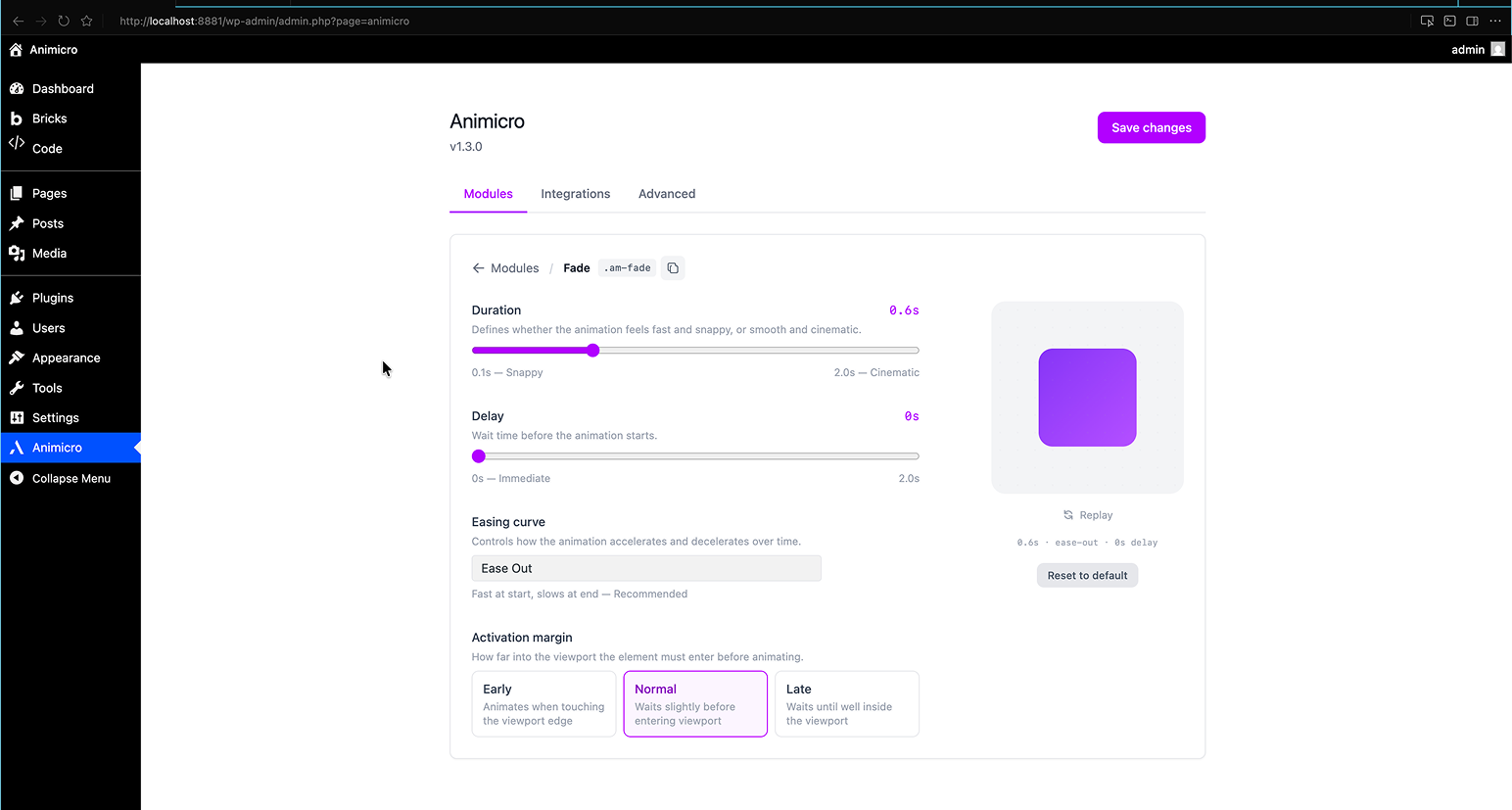
Builder compatibility settings