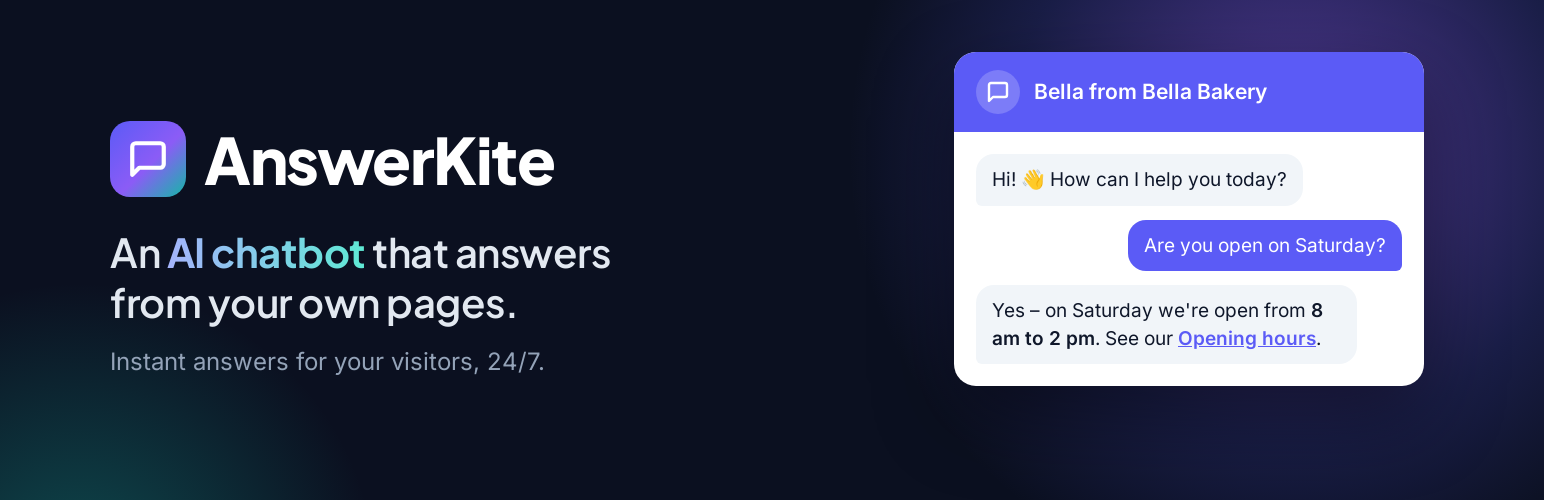
AnswerKite adds a chat button to your website. Visitors ask a question, and the assistant answers in seconds from the pages you choose – your About, FAQ, Services, Shipping or Contact page – instead of making them search.
It answers only from your content. When the answer is not on your pages, it says so and points the visitor to your contact page or email address instead of making something up.
Features
- Chat button and window that fit any theme, on desktop and phones
- Learns from the pages you choose – as many as you like – plus a box for extra facts (opening hours, delivery times…)
- Answers only from your content, in the visitor’s language, with links to the right page
- “Contact us” link for questions it cannot answer
- Your assistant name, welcome message and colour
- “Try a question” box in the dashboard to check answers before visitors do
- Privacy-friendly: no visitor names, emails or chat logs are stored on your site
- Cost protection: set a maximum number of answers per day
- Choose the OpenAI chat model (gpt-4o-mini by default)
- Works with page caching
You need an OpenAI API key. AnswerKite uses your own OpenAI account (see “External services” below). OpenAI bills you directly; with the default gpt-4o-mini model an answer usually costs a fraction of a cent, and learning a page costs a fraction of a cent once (and again only when the page changes).
AnswerKite Pro
AnswerKite Pro is a separate plugin, sold at answerkite.com. It is not needed for anything this plugin does; it adds features this plugin does not have, for websites and WooCommerce stores:
- Learns from posts and WooCommerce products too
- Knows your store: shipping zones and costs, free-shipping thresholds, payment methods and policies
- Reads pages as visitors see them (page builders, theme sections) and updates itself when you edit them
- Lead capture (name and email) and every conversation saved in your dashboard
- Hand-over to your support team by email with the full chat transcript
- General product questions answered with your own safety disclaimer
- Your own tone of voice and rules, automatic knowledge updates and priority support
Your API key and settings move over automatically when you install Pro.
External services
This plugin connects to the OpenAI API (https://api.openai.com) to understand your pages and to write answers. It is required for the chatbot to work and is only used after you enter your own OpenAI API key.
What is sent, and when:
- When you click “Update knowledge base” (or save new settings): the text of the pages you selected and your “Extra information” text, to create search embeddings.
- When a visitor asks a question in the chat, or you use “Try a question”: the question, the last few messages of that conversation and the parts of your selected pages that match the question, to write the answer.
- When you click “Test connection”: a short test text.
No visitor names, email addresses, IP addresses, cookies or WordPress keys are sent. OpenAI may keep API data for a limited time under its own policies; see its terms. You need your own OpenAI account with API billing set up. The service is provided by OpenAI: Terms of use, Privacy policy.
The plugin does not contact any other service. Links to answerkite.com in the dashboard are ordinary links; nothing is loaded from that site.
Screenshots
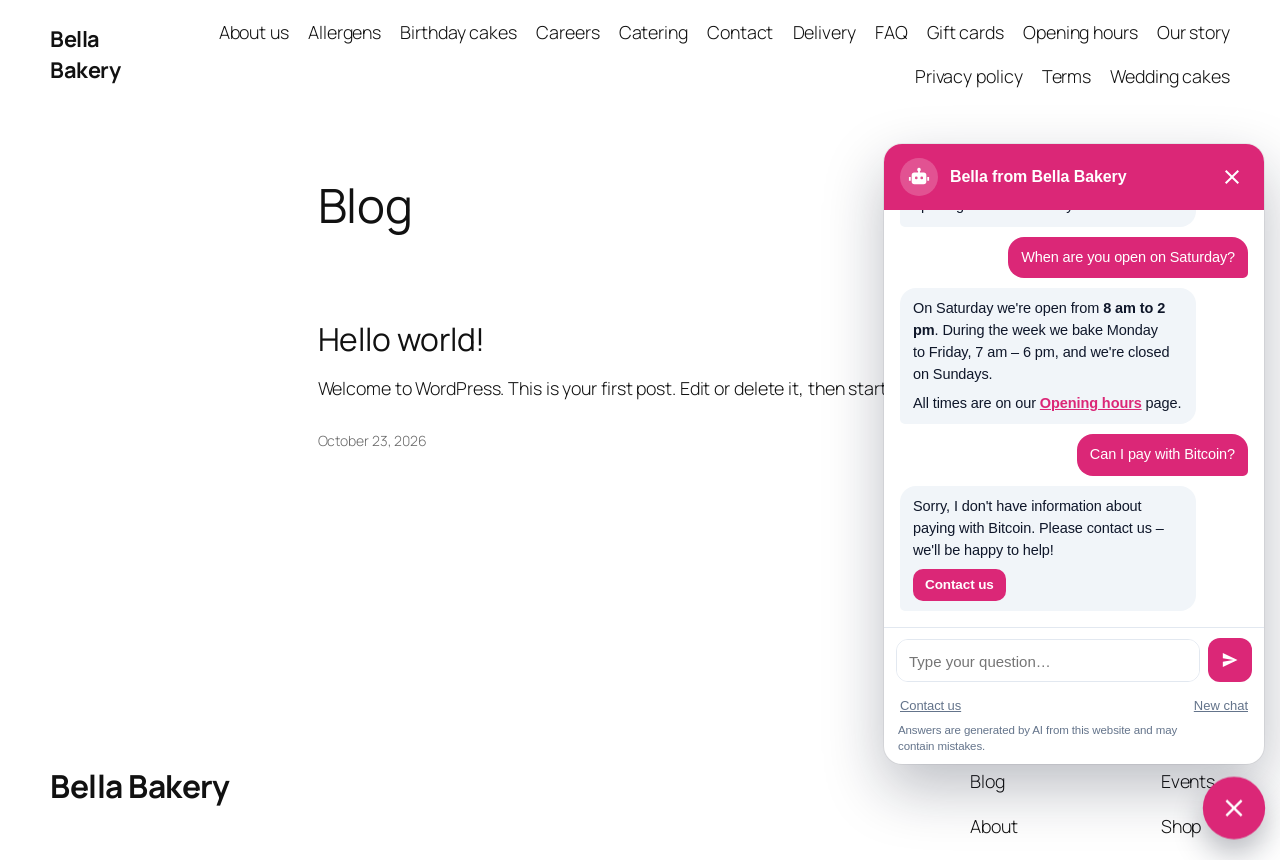
The chat window on your website.

The AnswerKite settings screen: API key, pages, chat window and cost protection.
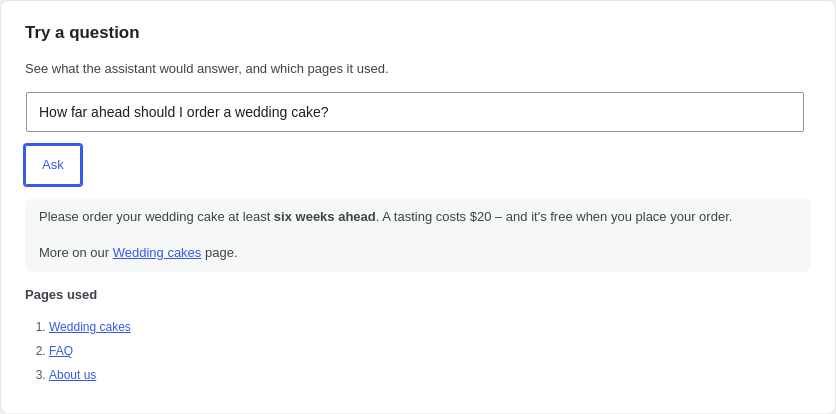
"Try a question": check answers and the pages they come from.