This tool allows you to monitor, dequeue and requeue scripts and styles that are enqueued on your site. It is designed for frontend performance engineers who want to view and manage all assets enqueued on any page and control the minification and concatenation themselves.
For background, please read Chris Coyier’s initial request.
Warning: This plugin makes it easy to break your site. Don’t use this unless you know what you’re doing.
How to use
Once the plugin is activated, browse to any page on the front of your site. An Assets link will appear on the top right of the admin bar. Click that to view and manage all assets.
Developers
Development takes place on GitHub. Patches welcome.
Screenshots
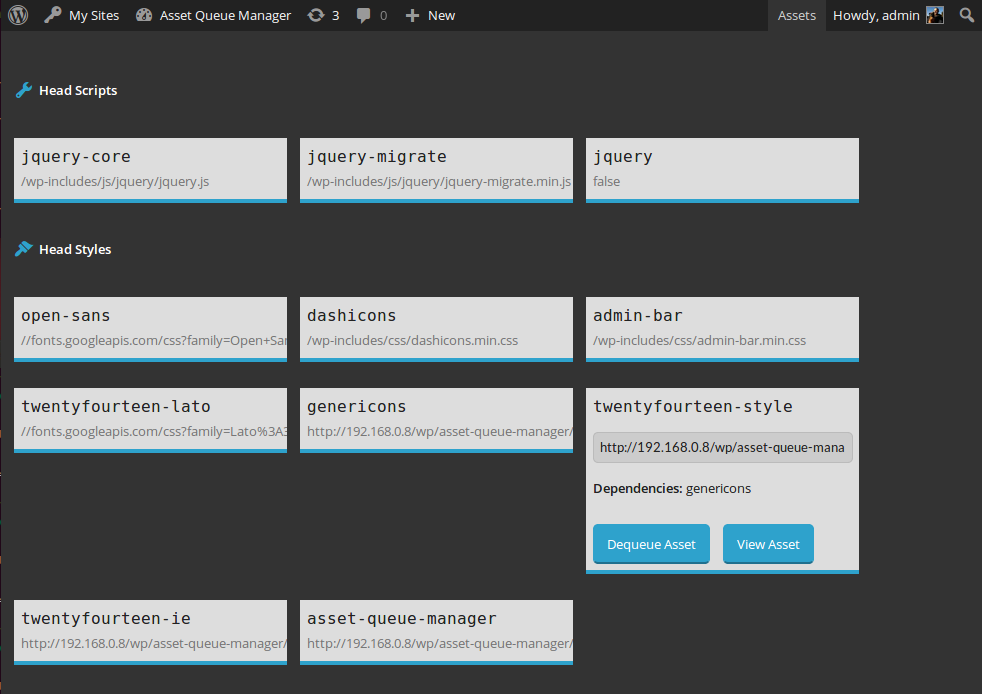
View details about assets enqueued in the head or footer. Dequeue them or view them for copying and minifying on your own.

View details about assets that are being dequeued by this plugin. Requeue them or view them for copying and minifying on your own.