
The Attendance Management For LifterLMS addon provides a comprehensive attendance management system for LifterLMS-powered educational platforms. This major update (v2.0.0) introduces powerful new features designed for scalability and advanced reporting.
New in Version 2.0.0:
– Advanced Reporting Dashboard with interactive charts and analytics
– Custom Database Tables for improved performance with large datasets
– Migration System to seamlessly upgrade from meta-based storage
– Role-Based Attendance Marking allowing instructors to mark student attendance
– Export Functionality for attendance data (CSV, PDF)
– Performance Optimization for sites with thousands of students
– Graceful Degradation ensuring compatibility across all environments
Core Features:
– Students can mark their attendance and view their attendance statistics
– Admin can enable/disable the addon from LifterLMS settings
– Course-specific attendance control
– Admin attendance management in course edit pages
– Shortcode support for displaying attendance information
– Global attendance settings
– Data cleanup options
Prerequisite:
- LifterLMS (Latest version recommended)
Features:
Core Attendance Management:
– Students can mark their attendance and view attendance statistics (count & percentages)
– Admin can enable/disable the addon from LifterLMS settings page
– Course-specific attendance control (allow/disallow per course)
– Admin can view and manage student attendance in course edit pages
– Global attendance settings for all courses
– Shortcode support for displaying attendance information
New Advanced Features (v2.0.0):
– Interactive Reporting Dashboard with charts and analytics
– Custom Database Architecture for improved performance
– Role-Based Attendance Marking – instructors can mark student attendance
– Data Migration System – seamless upgrade from meta-based storage
– Export Functionality – export attendance data in multiple formats
– Performance Optimization – handles thousands of students efficiently
– Email Notifications – low attendance alerts
– Testing Framework – built-in performance testing tools
Technical Improvements:
– Hybrid data management system (meta + custom tables)
– Graceful degradation when custom tables unavailable
– Enhanced error handling and validation
– Improved database indexing for faster queries
– Memory usage optimization
– WordPress coding standards compliance
Screenshots

Plugin settings

Enable/disable plugin
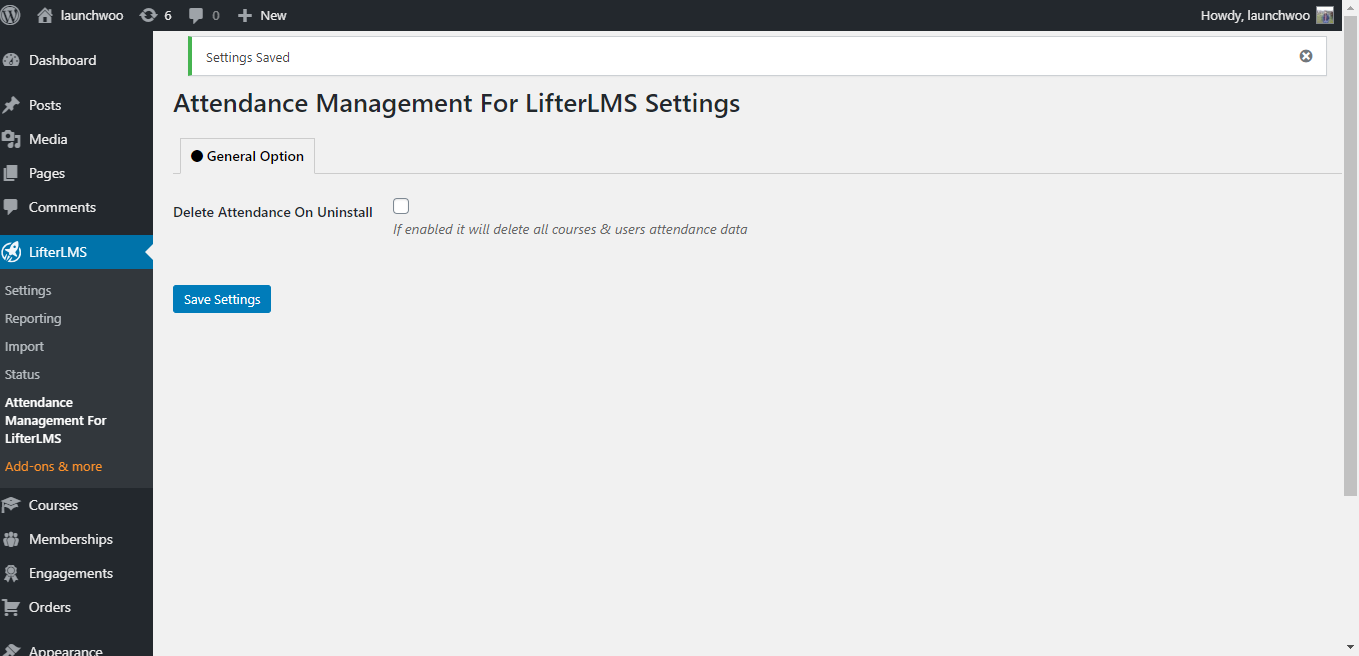
Delete attendance data on uninstall

Students can mark their attendances by cliking this button

Listing of students attendance in course edit pages

Shortcodes to display attendance information

Display Attendance Information using shortcodes

Admin can disallow attendance on specific courses students will not be able to mark attendance

Disallow attendance

Global Attendance

Attendance Reporting Settings

Attendance Migration

Attendance Reporting

Dark Mode