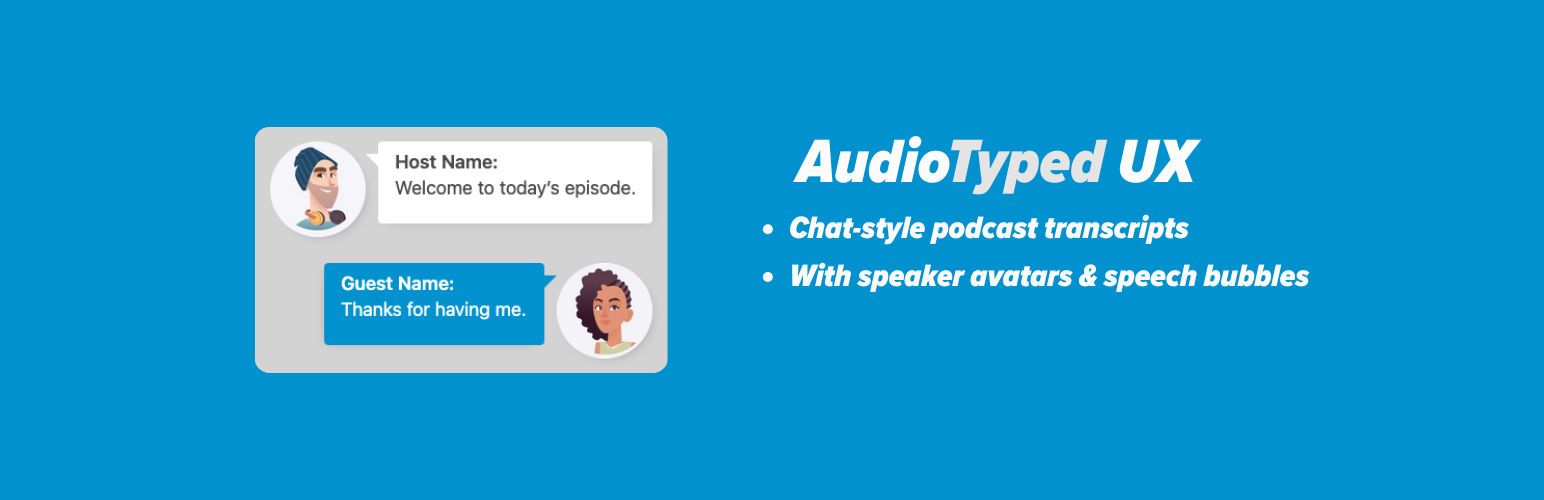
AudioTyped UX provides clean, accessible, and structured transcript layouts for interviews, podcasts, co-host formats, research conversations, and other spoken-word content published on WordPress. The plugin improves readability through a chat-style layout with distinct speaker sections and optional avatars, helping readers follow conversations smoothly.
Video AudioTyped UX demo:
Traditional transcripts often appear as dense text blocks or hidden behind toggles. AudioTyped UX places transcripts front and center with a clear layout that supports accessibility and makes long-form conversations easier to navigate — including for deaf and hard-of-hearing users.
All layouts are created using pure HTML, ensuring full SEO crawlability and compatibility with assistive technologies.
Why AudioTyped UX?
- Improves readability of long conversations
- Supports accessibility for deaf and hard-of-hearing users
- Distinct speaker bubbles for clear separation
- Works for interviews, podcasts, journalistic content, research, NGOs, and education
- Fully HTML-based for optimal SEO
- Lightweight and easy to style
Who Is It For?
- Podcasters
- Journalists publishing interviews
- Researchers working with qualitative data
- NGOs sharing spoken-word content
- Educators and academic projects
- Corporate teams publishing internal or external transcripts
- Bloggers and content creators
Key Features
- Clean chat-style bubble layout
- Optional speaker avatars
- Clear speaker identification
- Accessible HTML structure
- SEO-friendly markup
- Works with any theme
- No external libraries required
Accessibility & SEO
- Full search engine indexing
- Screen-reader compatibility
- Consistent structure for long transcripts
- Stable, lightweight performance
Requirements
Transcripts must follow a consistent speaker structure:
Host:
Guest:
Screenshots

Example interview transcript design for desktop and tablet view

Example interview transcript design for smartphone mobile view

How to fill in the form fields to generate the HTML for the transcript view

Buttons for generate html and copy HTML

Paste generated HTML code into WordPress post or page custom html block

Settings for individual design of your podcast interview transcript