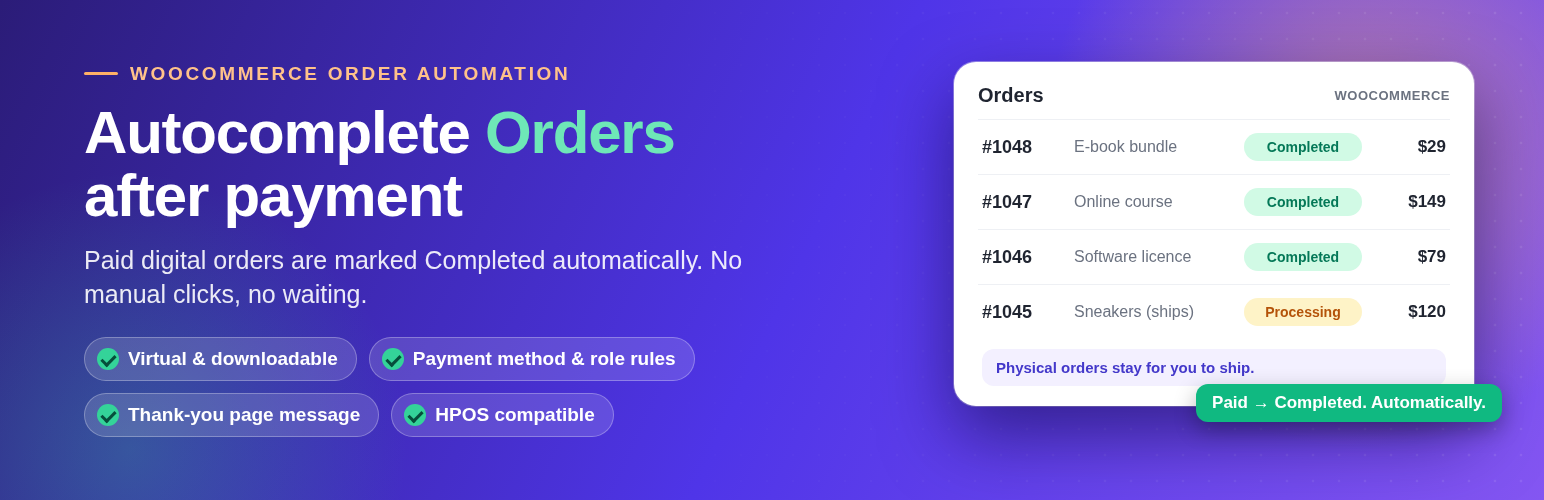
Want more control? Get Autocomplete WooCommerce Orders Pro.
Everything in Free, plus variable products, a product picker, zero-value orders, all user roles, admin and customer emails, an auto-completed orders table and import / export.
One-time payment. 7-day money-back guarantee.
Pro Packages
Package           Sites             Price (one-time)
---------------   ---------------   ----------------
Single Site       1 site            $29
5 Sites           Up to 5 sites     $79
Unlimited Sites   Unlimited sites   $99
Free vs Pro
Feature                                      Free   Pro
------------------------------------------   ----   ----
Automatic completion after payment            ✓      ✓
Rules by payment method                       ✓      ✓
Thank-you page message                        ✓      ✓
Payment method shown on order page            ✓      ✓
HPOS compatible                               ✓      ✓
Simple products                               ✓      ✓
Virtual products                              ✓      ✓
Virtual + downloadable products               ✓      ✓
Rules for administrator & customer roles      ✓      ✓
Variable products                             ✗      ✓
Product picker (choose exact products)        ✗      ✓
Zero-value orders                             ✗      ✓
Rules for all user roles                      ✗      ✓
Admin email notification                      ✗      ✓
Customer email notification                   ✗      ✓
Auto-completed orders table (search, bulk)    ✗      ✓
Export / import auto-completed orders         ✗      ✓
Export / import settings (JSON)               ✗      ✓
What you get with Pro
Autocomplete WooCommerce Orders Pro includes every Free feature and adds more control, notifications and reporting.
More Products & Rules
- Variable products
- Product picker: choose exactly which products are auto-completed
- Zero-value orders (free orders worth 0) can be auto-completed
- Rules for all user roles, not only administrator and customer
Notifications & Emails
- Custom admin and customer email notifications when an order is auto-completed
Reports & Order Management
- A dedicated admin table of auto-completed orders with search, filters and bulk actions
- Export auto-completed orders (CSV, Excel or JSON) and import them back for reports and backups
Import / Export & Portability
- Import and export all plugin settings (JSON) to move them to another site
Tired of manually marking WooCommerce orders as “Completed”?
Autocomplete for WooCommerce Orders automatically completes orders after successful payment based on product type, payment method, customer role, and global rules — no coding required.
This plugin works perfectly for physical, digital, virtual, and downloadable products, helping store owners save time and automate order processing.
Why Store Owners Choose Autocomplete for WooCommerce Orders
- Automatically complete WooCommerce orders after payment
- Smart conditions based on payment gateway, product type, and user role
- Improve customer experience with instant order completion
- Compatible with PayPal, Stripe, Apple Pay, Google Pay, Klarna, and more
- Cash on Delivery and Bank Transfer excluded by default for safety
- Lightweight: it only runs when a payment completes, with no extra database tables or background jobs
- Lightweight and performance-friendly
Ideal for:
- Digital product stores (eBooks, music, PDFs)
- Membership sites, LMS platforms, and subscriptions
- Stores looking to automate WooCommerce order workflows
- High-volume WooCommerce businesses
Free Features
Automation & Rules
- Automatically complete orders after successful payment
- Rules based on payment method and admin & customer role
- Global enable / disable option
Product Type Compatibility
- Simple products
- Virtual products
- Downloadable products
- Virtual & Downloadable products
Order Status & Display
- Display payment method on the order page
- Custom thank-you message on checkout success page
Performance & Compatibility
- Lightweight: it only runs when a payment completes
- Compatible with all major payment gateways
- Safe to use on live production websites
Notes
Supported payment gateways include PayPal, Stripe, Apple Pay, Google Pay, Square, Amazon Pay, Klarna, Afterpay, and Venmo.
Cash on Delivery, Bank Transfer, and Check orders are never completed by this plugin, because they are not paid when placed. They need manual review.
Summary
WooCommerce Auto Complete Orders is a simple and powerful solution to automate WooCommerce order completion.
Save time, reduce manual work, and streamline your store’s order workflow — even for high-volume shops processing 20,000+ orders.
Screenshots
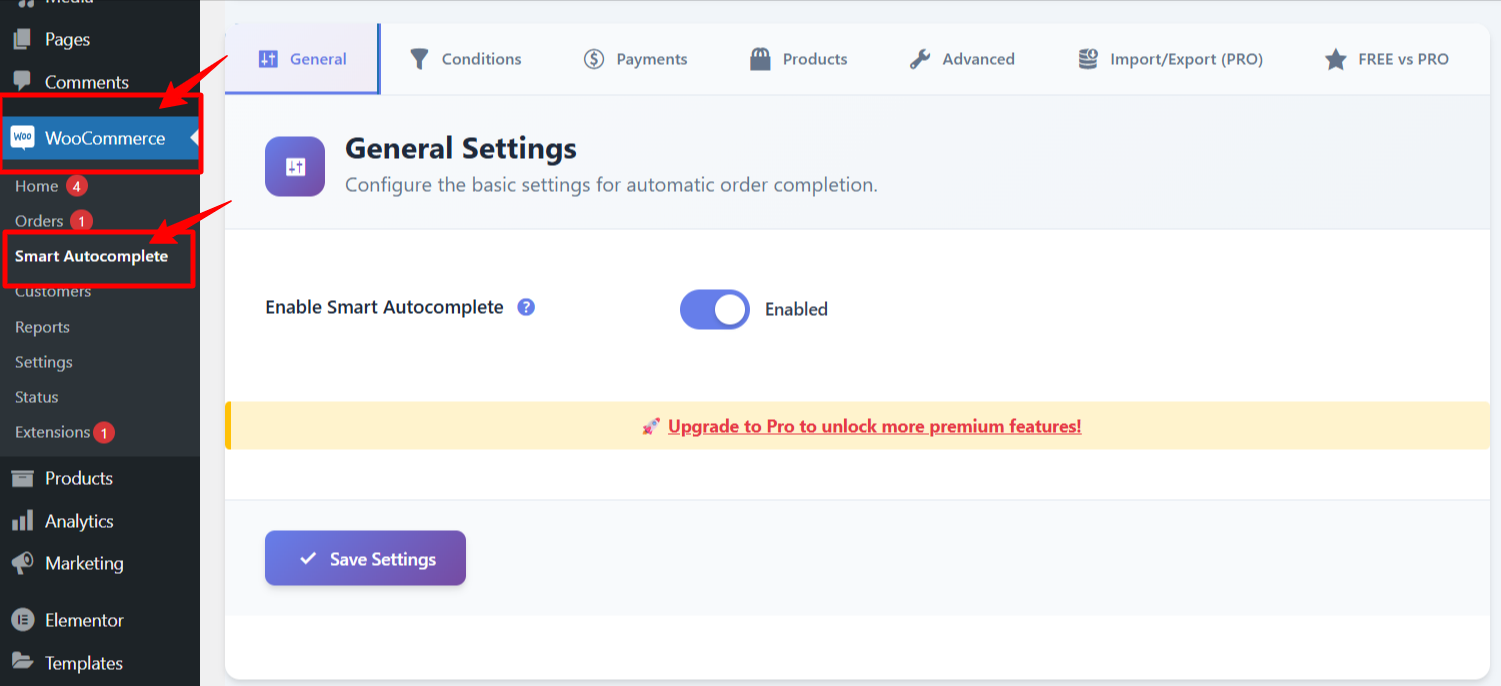
Autocomplete settings inside WooCommerce with plugin enable/disable options.
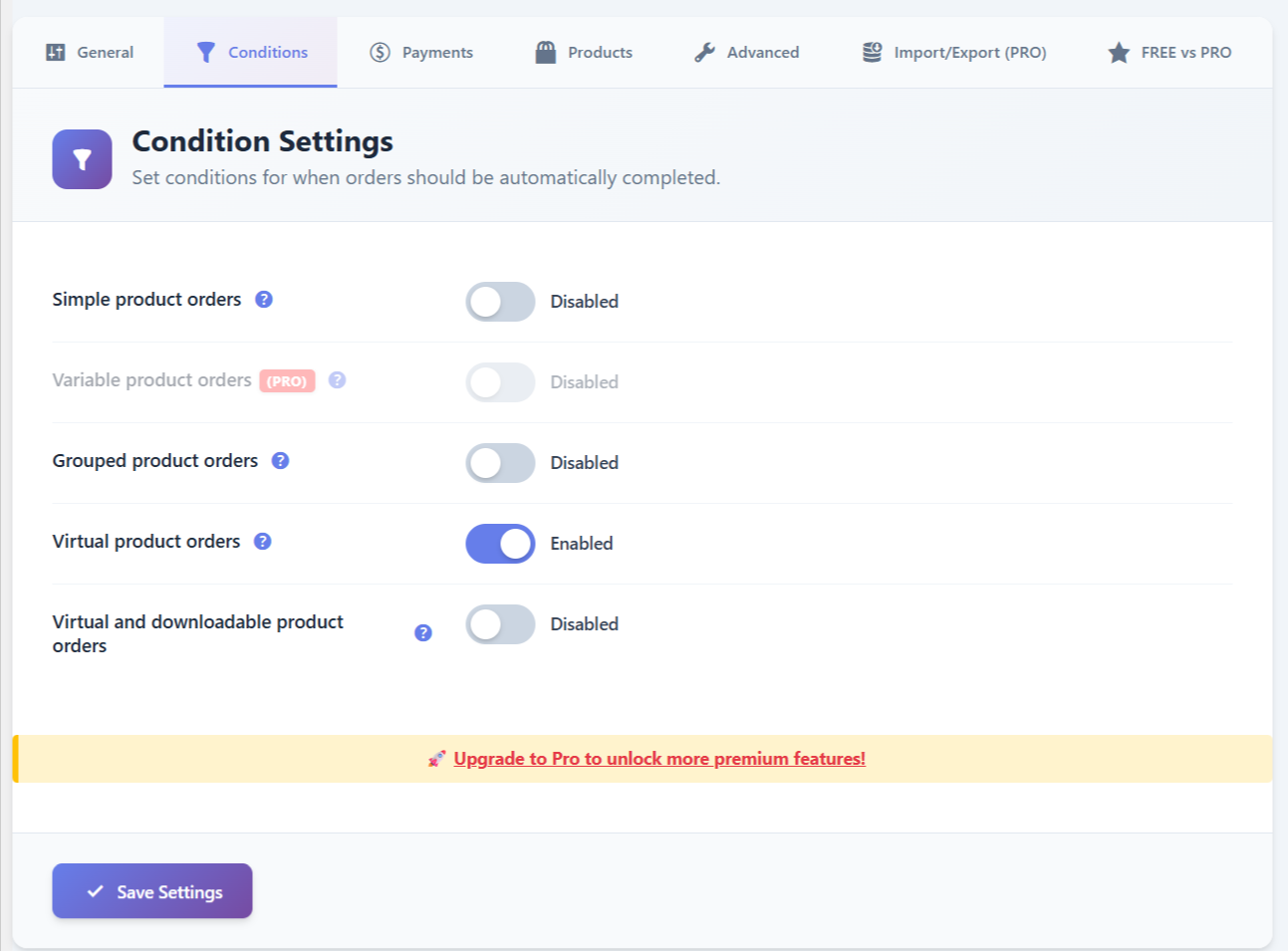
Product rules configuration for Simple, Variable, Virtual, and Virtual + Downloadable products.
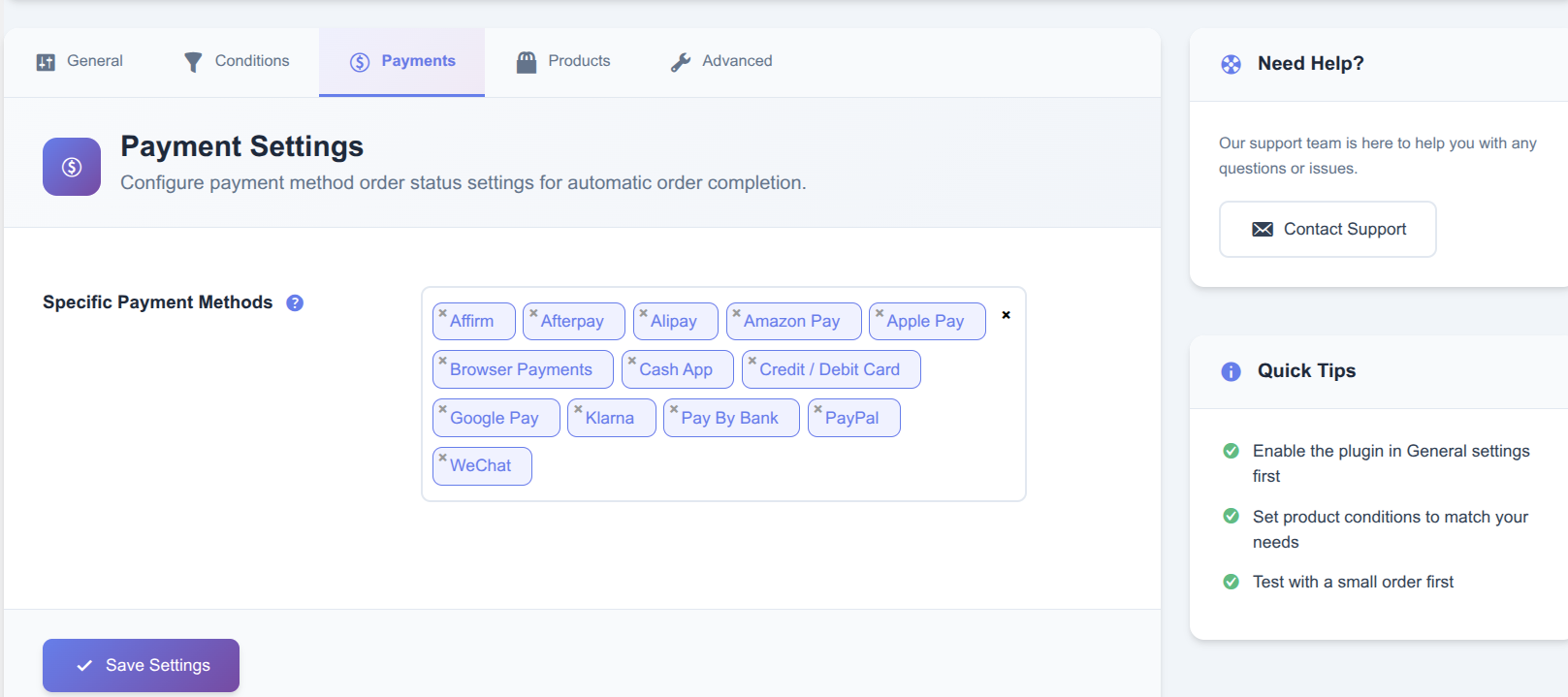
Payment method conditions — select gateways such as PayPal, Stripe, Venmo, SagePay, Apple Pay, and more.
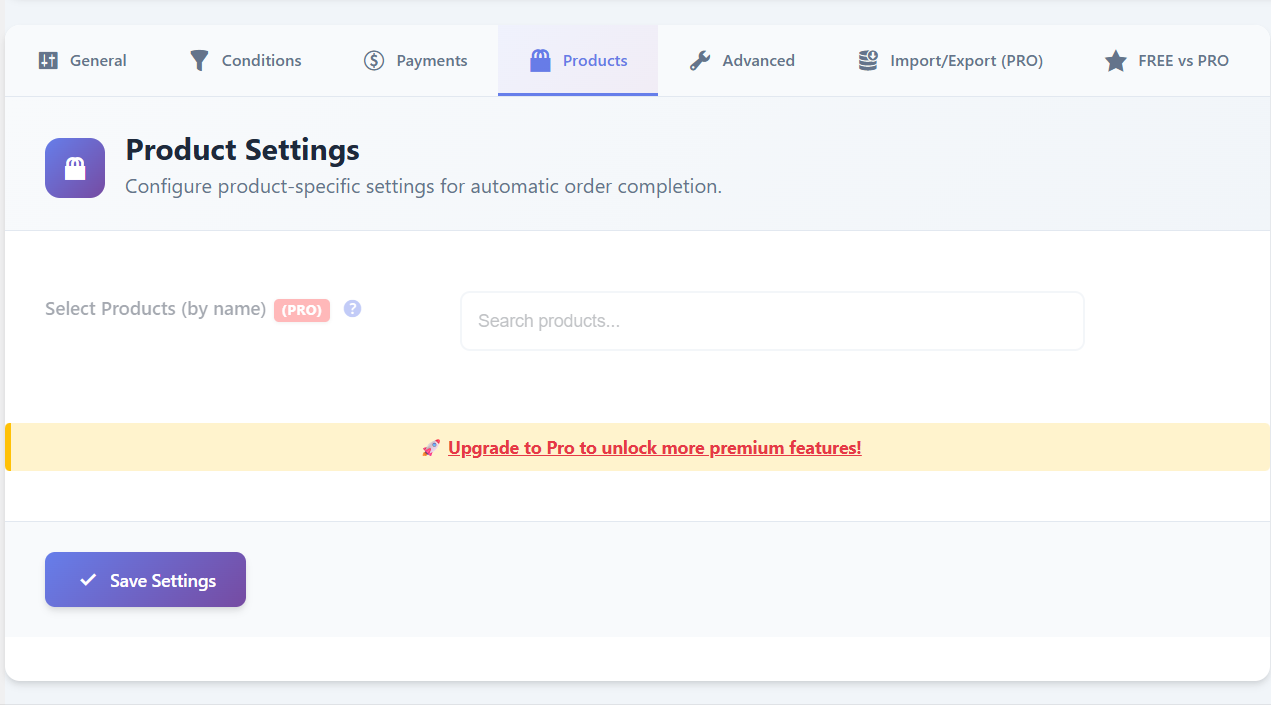
Product picker — apply autocomplete rules to specific products.
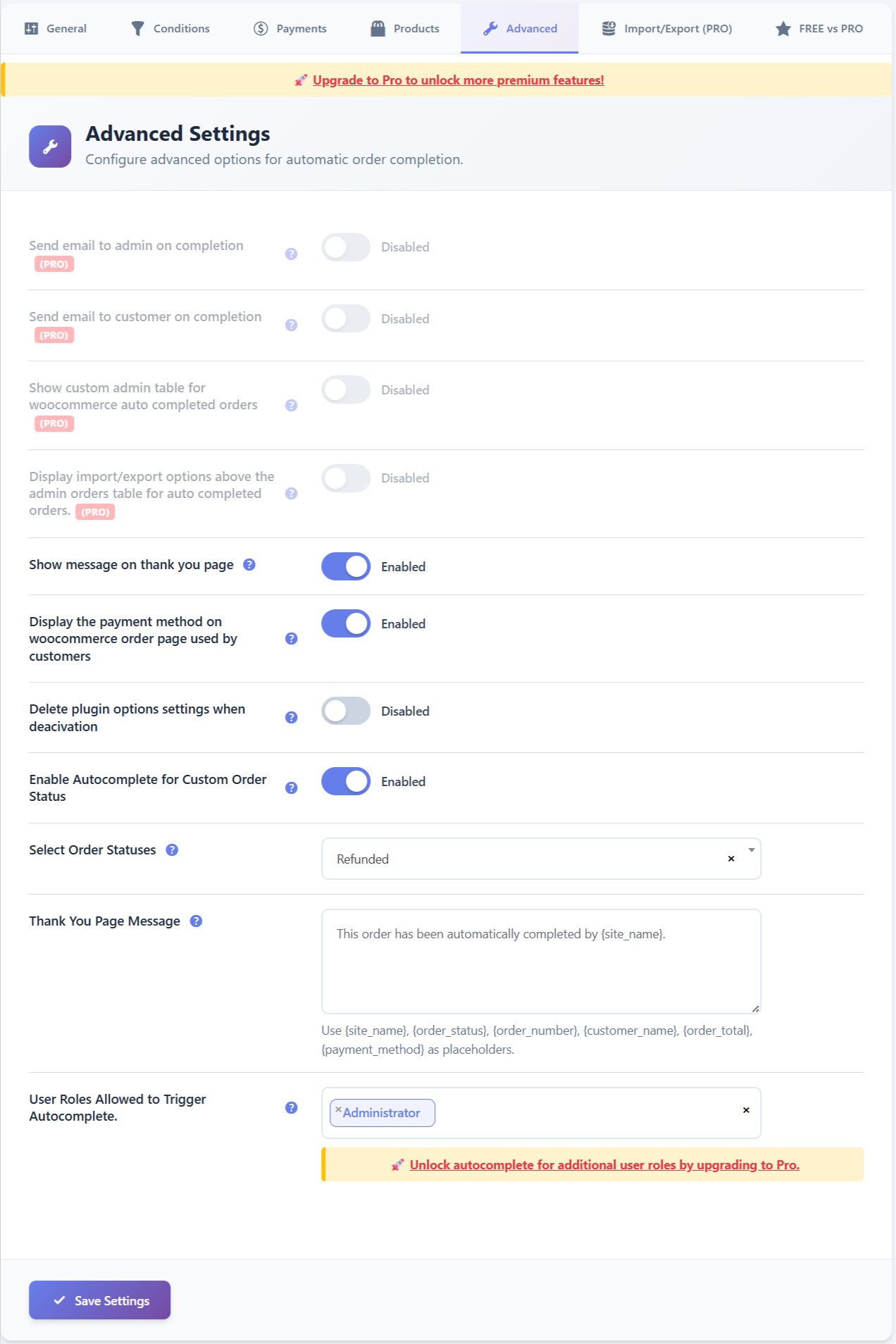
Advanced settings — autocomplete order emails, role-based conditions, and more.
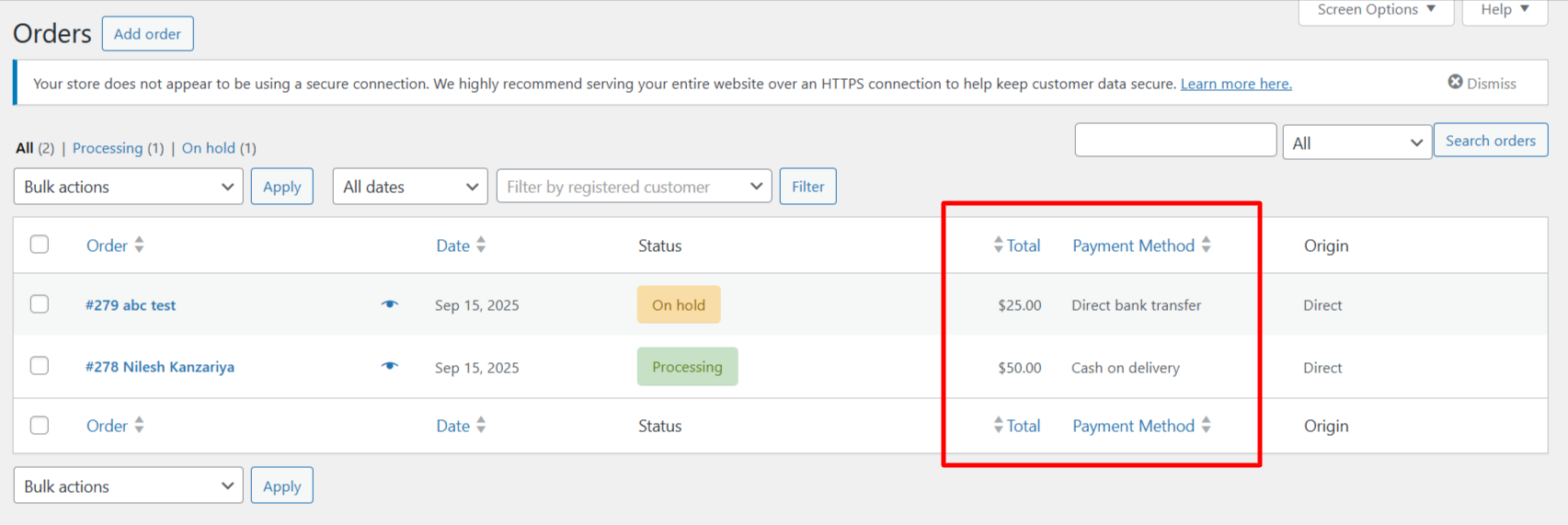
Display the payment method used by customers on the WooCommerce order details page.

Custom Thank You page displayed after the order is automatically completed.

Orders automatically marked as “Completed” in the WooCommerce orders list.