BACK TO DIRECTORY

IP Whitelist lets administrators limit access to the WordPress dashboard and login page to a list of trusted IP addresses. Any visitor whose address is not on the list receives a 403 “Access Denied” response, which keeps brute-force bots and curious strangers away from /wp-admin and /wp-login.php without touching the public site.
Features
- Protects
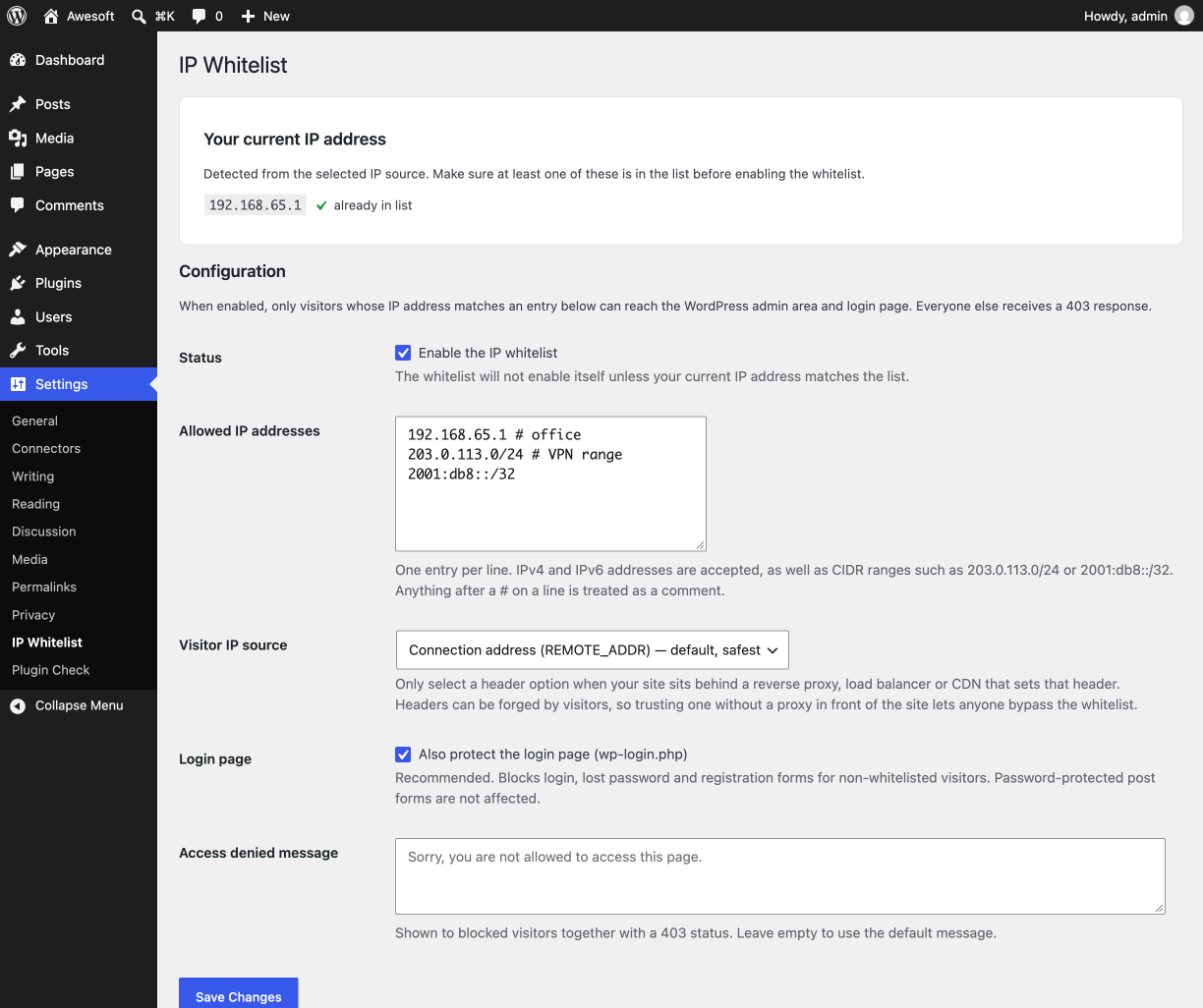
/wp-adminand/wp-login.php; the login protection can be switched off separately. - Accepts single IPv4 and IPv6 addresses and CIDR ranges such as
203.0.113.0/24or2001:db8::/32. - Optional comments after
#on each line so you can label entries. - Shows the IP address WordPress sees for you, with a one-click “Add to list” button.
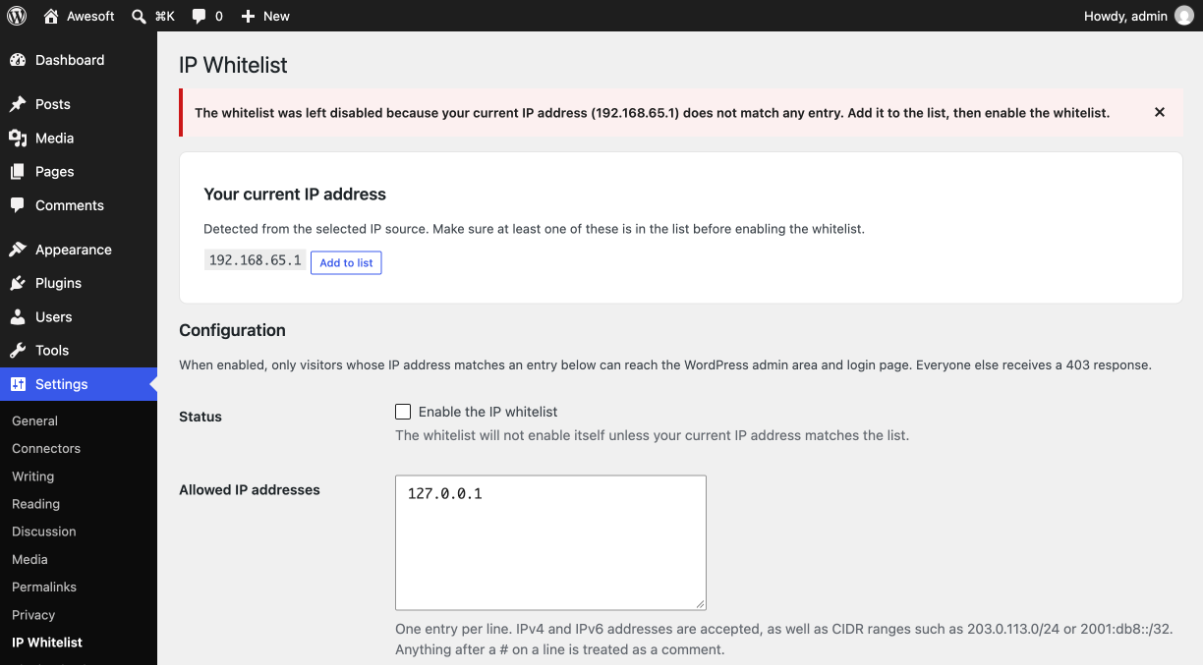
- Lock-out guard: the whitelist refuses to enable itself if your own address is not on the list.
- Choose where the visitor IP comes from: the connection address (default) or the
X-Forwarded-For,X-Real-IPorCF-Connecting-IPheader when the site runs behind a proxy, load balancer or Cloudflare. Headers are never trusted unless you select them. - Customisable access-denied message.
- Public site features keep working: AJAX (
admin-ajax.php), cron, WP-CLI, front-endadmin-post.phpsubmissions and password-protected post forms are not blocked. - Emergency bypass: define
AWESOFT_IP_WHITELIST_DISABLEinwp-config.phpto switch the whitelist off without database access. awesoft_ip_whitelist_allowedfilter for developers who need custom allow rules.- Removes all of its options when the plugin is deleted.
Screenshots
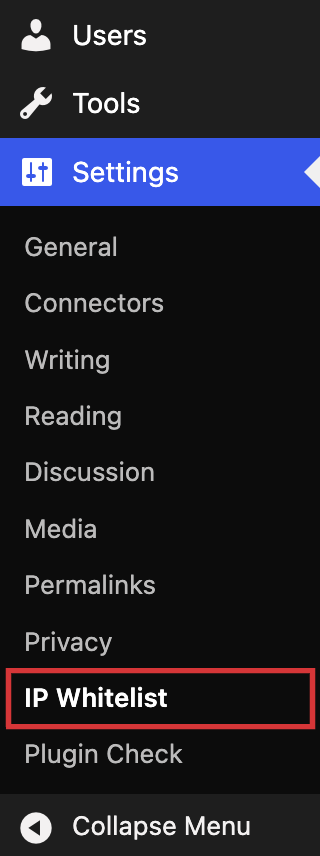
The IP Whitelist entry under the Settings menu.
The settings page with the detected IP address, allowed addresses and proxy header options.
What a blocked visitor sees when trying to open the admin area.