When the plugin is activated, navigate to s2Member – Pro Coupon Codes – Pro-Form Coupon Code Configuration. You will see a new column named Affiliate.
In the Legend below, for the above configuration fields, it is mentioned:
s2Member Pro Coupon Codes checks this field to assign this coupon to the affiliate registered on AffiliateWP. You need to input the Affiliate user login (username).
Also, the s2Member integration is selected in AffiliateWP – Integrations screen.
How to find Affiliate User Login?
Affiliates – Affiliates, select the appropriate affiliate and see the Username field.
Paste that username on the Affiliate column of s2Member Pro Coupon Codes.
Apply Coupon
Once that’s done, apply the coupon through s2Member checkout form and happy tracking!
Prerequisites:
Screenshots

Activate plugin
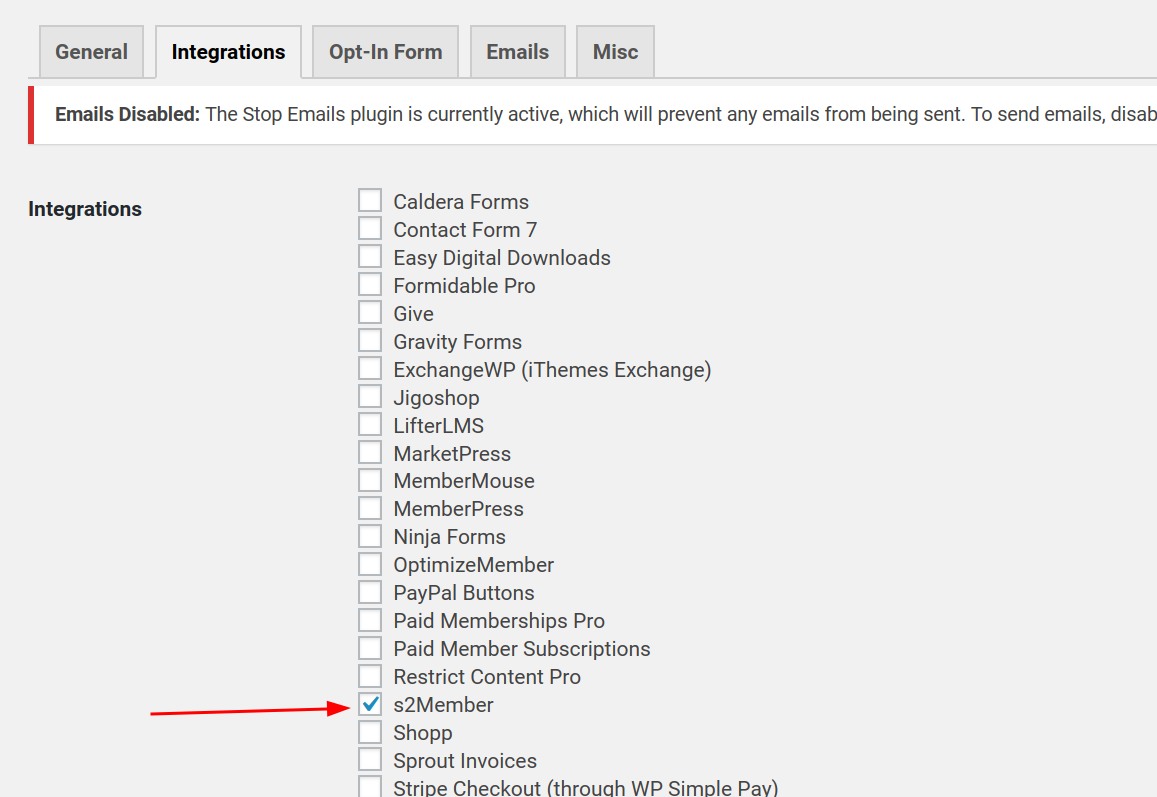
Enable s2Member Integration

Get Affiliate username

Affiliate Column in s2Member Pro Coupon Codes section

Apply Coupon without any referred Affiliate

Admin View of tracked referral

Affiliate View of tracked referral