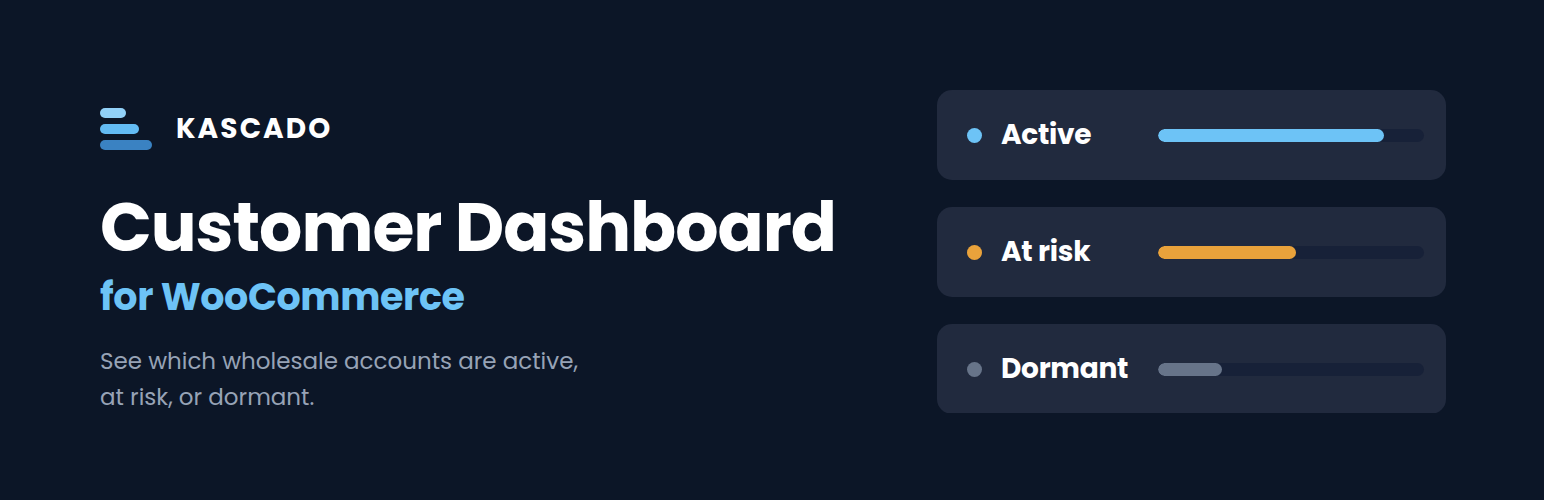
Kascado Customer Dashboard for WooCommerce gives WooCommerce wholesalers, distributors, and B2B stores a single screen that shows exactly who their best customers are, who is slipping, and who has already gone dormant — with hard revenue numbers attached.
What you get
- Urgent alert cards: Dormant Accounts, Slipping Accounts, Growth Opportunities
- Key metric cards: Total Revenue, AOV, Active Account ratio, Reorder Cycle
- Revenue trend line chart, showing 6, 12 or 24 months depending on the range you select
- Customer Health doughnut (Active / At Risk / Dormant)
- Top Revenue Customers + Accounts Needing Attention tables
- Full sortable, searchable, filterable B2B customer table
- CSV export of the currently filtered customer list
- Configurable activity thresholds + B2B role detection
B2B customer detection
Detects B2B customers by matching the role slugs and user meta keys used by B2BKing (WebWizards), Wholesale Suite (Rymera), WholesaleX (WPXPO), and Barn2 Wholesale Pro. Other B2B plugins are supported via the Additional B2B Roles setting.
Customers are recognized as B2B when they match any of:
- A role used by B2BKing, Wholesale Suite, or Barn2 Wholesale Pro
- User meta set by B2BKing or WholesaleX
- A custom role you pick on the Settings page
Only if none of those match a single customer does the plugin fall back to order counts: any customer with at least the configured minimum number of orders, in the statuses you count toward revenue, is treated as B2B.
HPOS-compatible
Declares compatibility with WooCommerce High-Performance Order Storage. The plugin detects the active order storage backend and uses a query path appropriate to each — both HPOS and legacy post-based storage are fully supported, and output has been verified identical across both.
Part of the Kascado plugin suite for B2B WooCommerce operations. More plugins coming soon — visit kascado.com for updates.
Screenshots

Customer health at a glance. Revenue at risk, dormant accounts, slipping reorder patterns, and growth opportunities, all visible above the fold.

Two prioritized work queues side by side. The Accounts Needing Attention table is sorted by revenue exposure so you know which at-risk customer is worth the most lost revenue. The Top 5 Revenue Customers table shows your biggest accounts in the current period.

Headline metrics with period-over-period trend indicators, revenue trend over time, and the active, at-risk, and dormant customer health split.

Filter, search, sort, and export your full B2B customer list. Seven sortable columns, status filter pills, expandable search, and CSV export.

Activity thresholds. Define when a customer counts as active, when they tip into at-risk, and how much reorder cycle drift triggers a slipping alert.

B2B customer detection. Built-in role detection works automatically with major wholesale plugins. Add custom roles, set a minimum order count fallback, and exclude internal accounts.

Performance settings. Control how long cached data is reused and how much order history the dashboard scans.