
Bearmor Security – Free Firewall, 2FA, Malware Scanner & Vulnerability Alerts
by bearmor
Bearmor Security puts straightforward, professional WordPress security tools on small business and WooCommerce sites — without charging for essential features. The plugin is completely free: no PRO plan, no upsell tiers, no feature locks. Features other security plugins keep behind paid plans are free here: two-factor authentication with an authenticator app, daily vulnerability alerts, a plain-language AI security summary, a web application firewall and file integrity monitoring.
You get one clear dashboard that tells you whether your site is Protected, needs a Review, or needs Action — and links directly to the setting to fix it. Setup is quick and reversible, and each hardening rule explains what it does and what could break.
Documentation: step-by-step setup guides are at bearmor.eu/docs.
Firewall
- Blocks common SQL injection, XSS, path traversal and command injection patterns before WordPress loads the page
- Optional rate limiting per IP (logged-in users, WP-CLI and REST are never limited)
- Optional country blocking by 2-letter country code
- IP whitelist so you never lock out yourself or your office
- Honeypot fields on the login and comment forms catch bots without CAPTCHAs
Login protection
- Brute force protection: repeated failed logins trigger 5 minute, 30 minute and 24 hour lockouts, and repeat offenders are blocked permanently
- Login activity log with failed and successful attempts and their country
- Generic login errors so attackers can’t guess usernames
Two-factor authentication (2FA)
- Authenticator app codes (Google Authenticator, Microsoft Authenticator, Authy, 1Password, Bitwarden and any TOTP app)
- QR code setup on the user profile, generated on your own server
- One-time backup codes for a lost phone
- Email codes as an alternative method
- Choose which administrators must use 2FA; “remember this device for 30 days” option
Malware scanner and file integrity
- Daily scan of WordPress root, wp-content PHP files, the active theme, mu-plugins and uploads for backdoors, web shells and obfuscated code
- Core files checked against official WordPress.org checksums, including localized builds
- Alerts for changes in core, wp-config.php, the active theme and PHP files in uploads
- Quarantine, restore, or mark a file as safe in one click
Vulnerability alerts
- Daily check of WordPress core, plugins and themes against the WPVulnerability database
- Shows severity, CVE and the fixed version; one email for critical issues
Hardening (30 rules)
- Three tiers: Baseline, Access Hardening and Lockdown
- Security headers: X-Frame-Options, X-Content-Type-Options, Referrer-Policy, Permissions-Policy, HSTS
- Disable XML-RPC, pingbacks, file editor, Application Passwords, user enumeration and REST user listing
- Block PHP execution in uploads, restrict the REST API to logged-in users (Contact Form 7 and WooCommerce checkout keep working)
- “Freeze Site” preset, hourly file tripwire and login IP allowlist for finished sites
- Each rule explains what it does, what it might break and how to test it; a built-in self-test checks that enabled rules work; changes can be undone for 24 hours
AI security summary
- A short, plain-language weekly summary of what is working and what needs attention, with links to the right setting
- Built from your site’s own facts: firewall blocks, failed logins, scans, updates, vulnerabilities and 2FA status
Activity log and uptime
- Audit log of logins and logouts, new and deleted users, plugin installs, activations and deletions, theme switches and file actions
- Uptime monitoring with history on the dashboard
Need a hand?
Prefer someone to look after it for you? Bearmor also offers WordPress maintenance – updates, monitoring and cleanup by real people. The plugin remains fully free either way.
External services
This plugin connects to these services over HTTPS:
- Bearmor (bearmor.eu) – site registration, daily check-in, uptime monitoring and the AI security summary. The summary request sends counts and names (plugin names, versions, scan results), not passwords or visitor data; bearmor.eu generates the text using OpenAI. Privacy Policy, Terms
- WordPress.org API – official core file checksums.
- WPVulnerability API (wpvulnerability.net) – vulnerability data for core, plugins and themes.
- ip-api.com – country lookup for the login activity log.
- ipwho.is – country lookup for firewall country blocking (only when enabled).
Screenshots
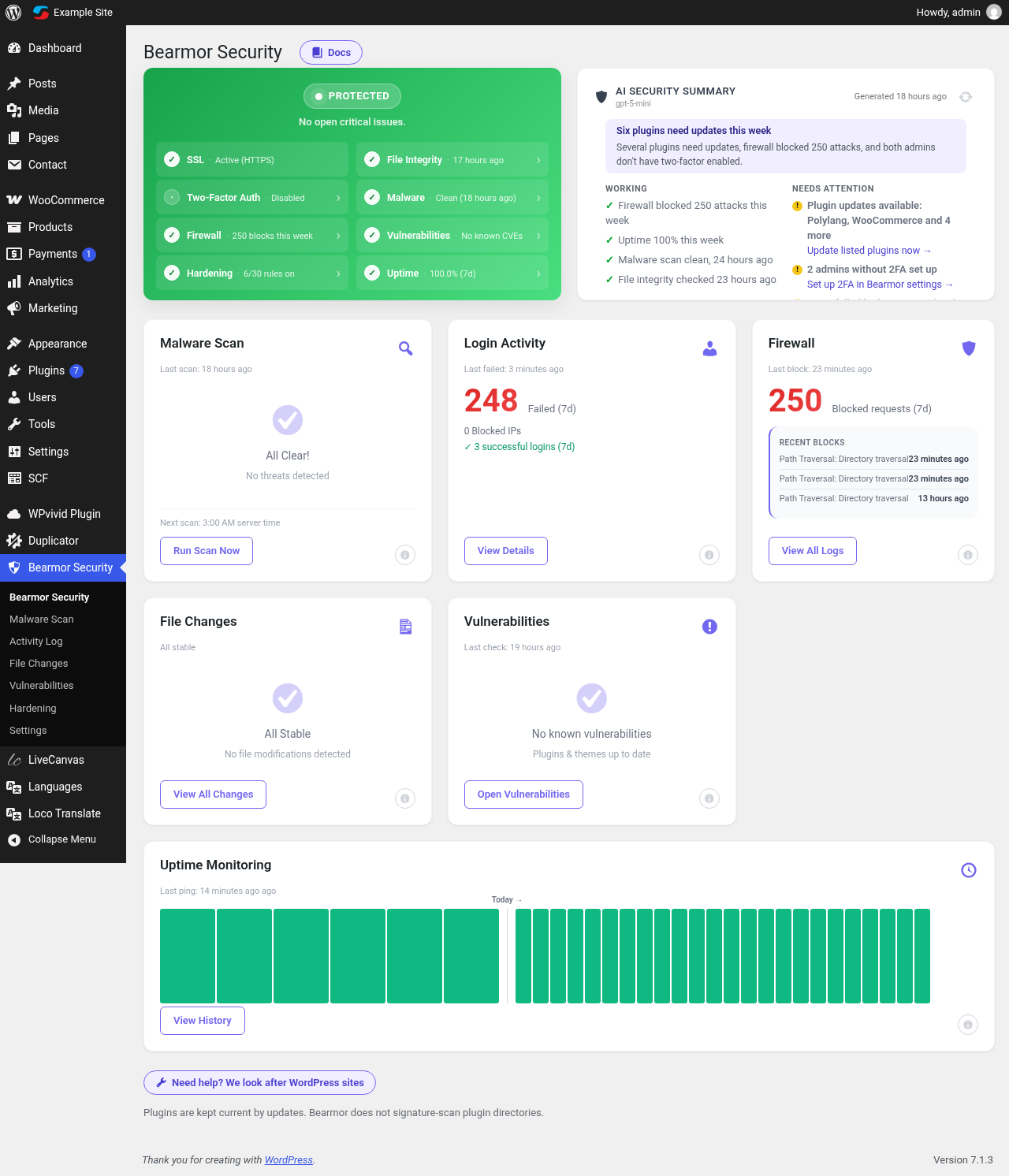
Security dashboard with status, AI security summary, firewall, login and uptime overview.
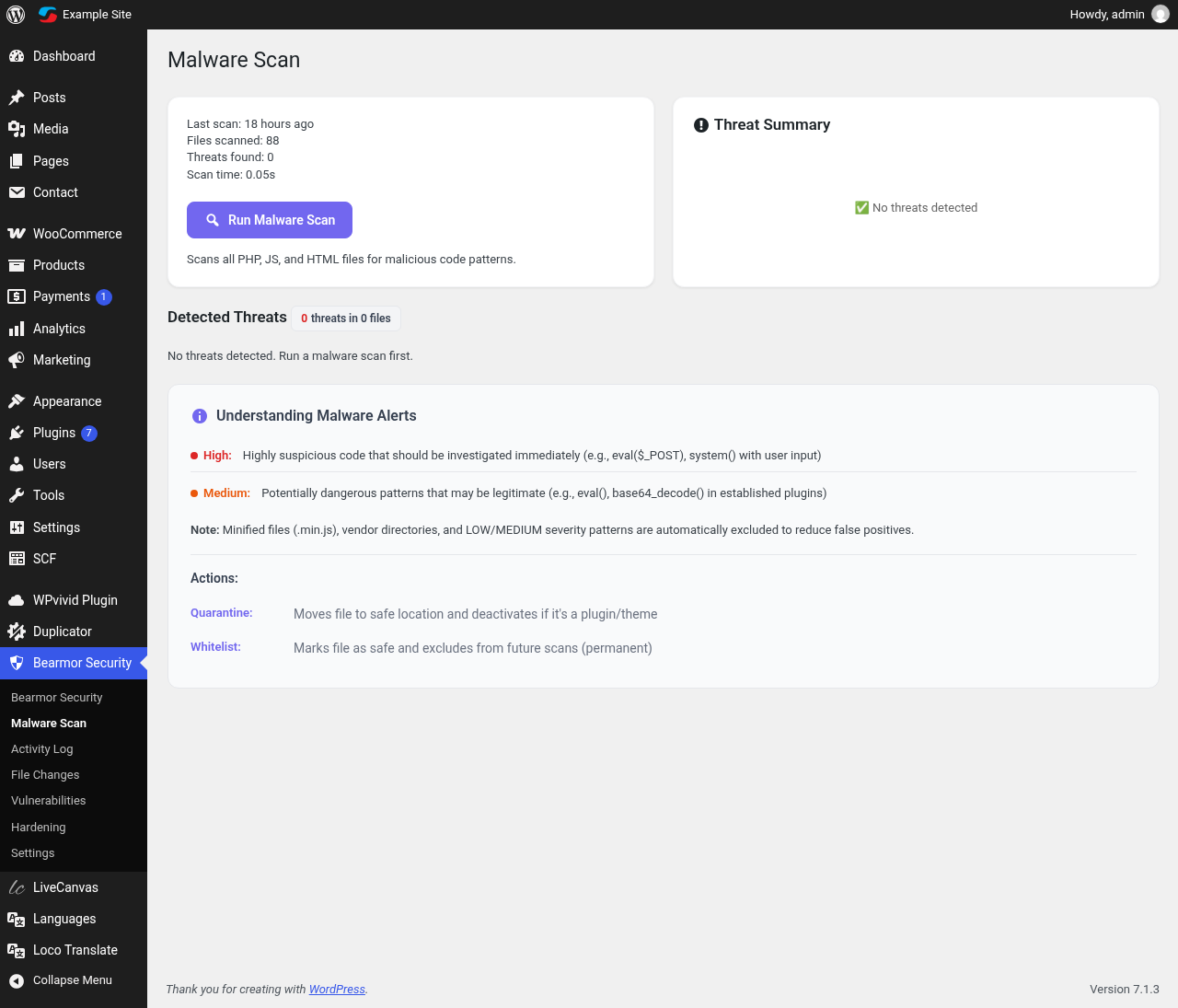
Malware scan results with quarantine and whitelist actions.
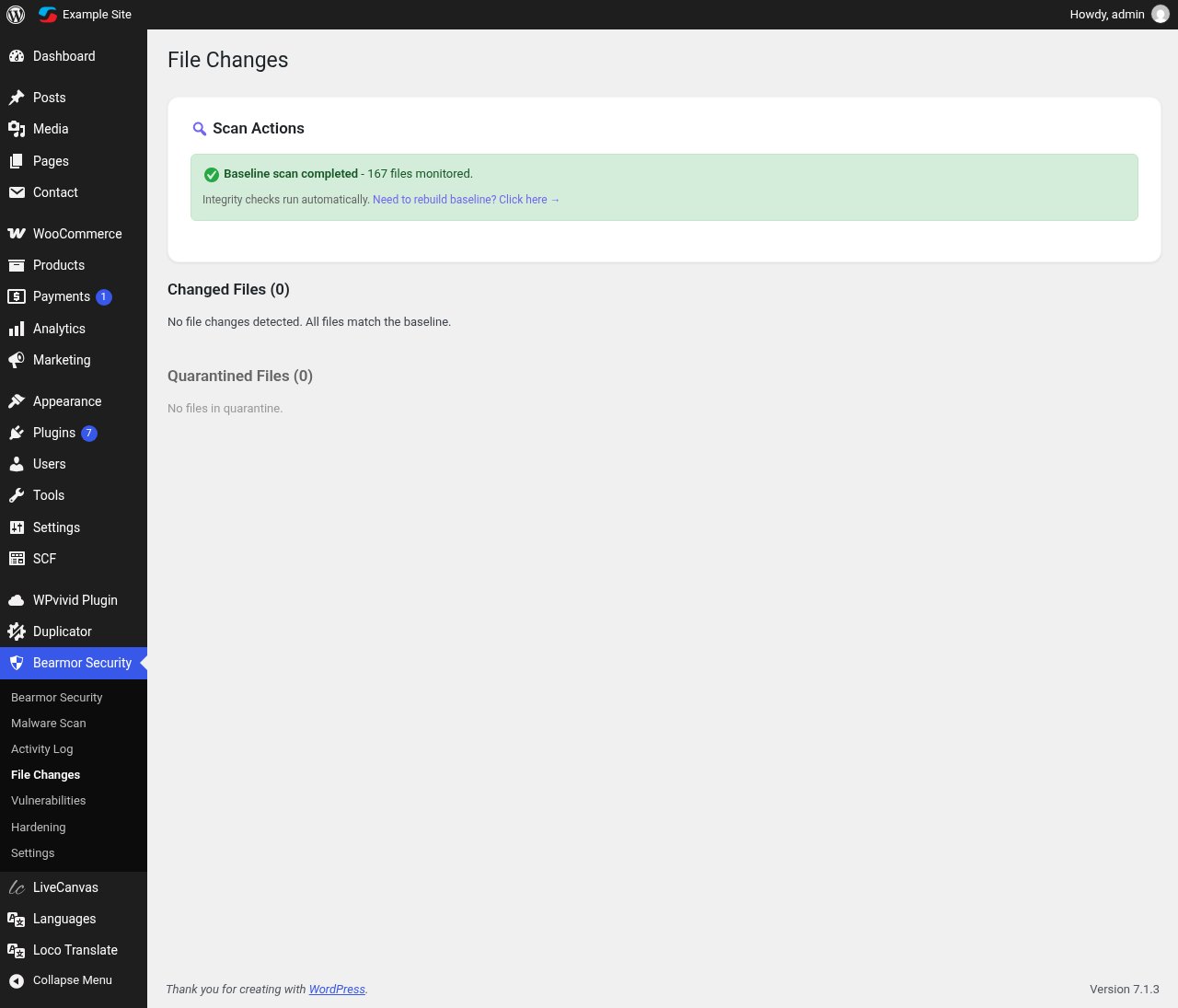
File changes: integrity monitoring for core, theme and uploads.
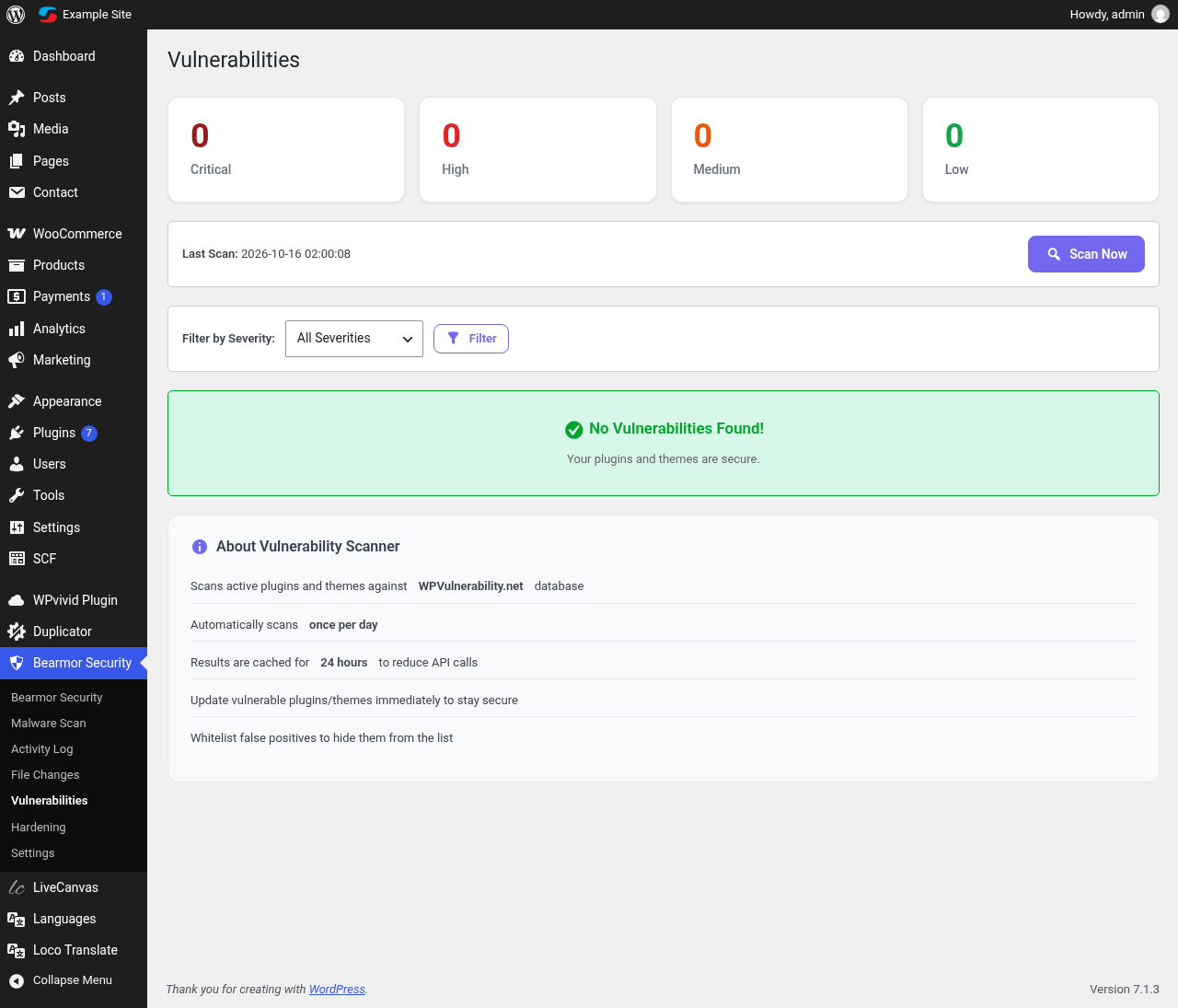
Vulnerability alerts for WordPress core, plugins and themes.
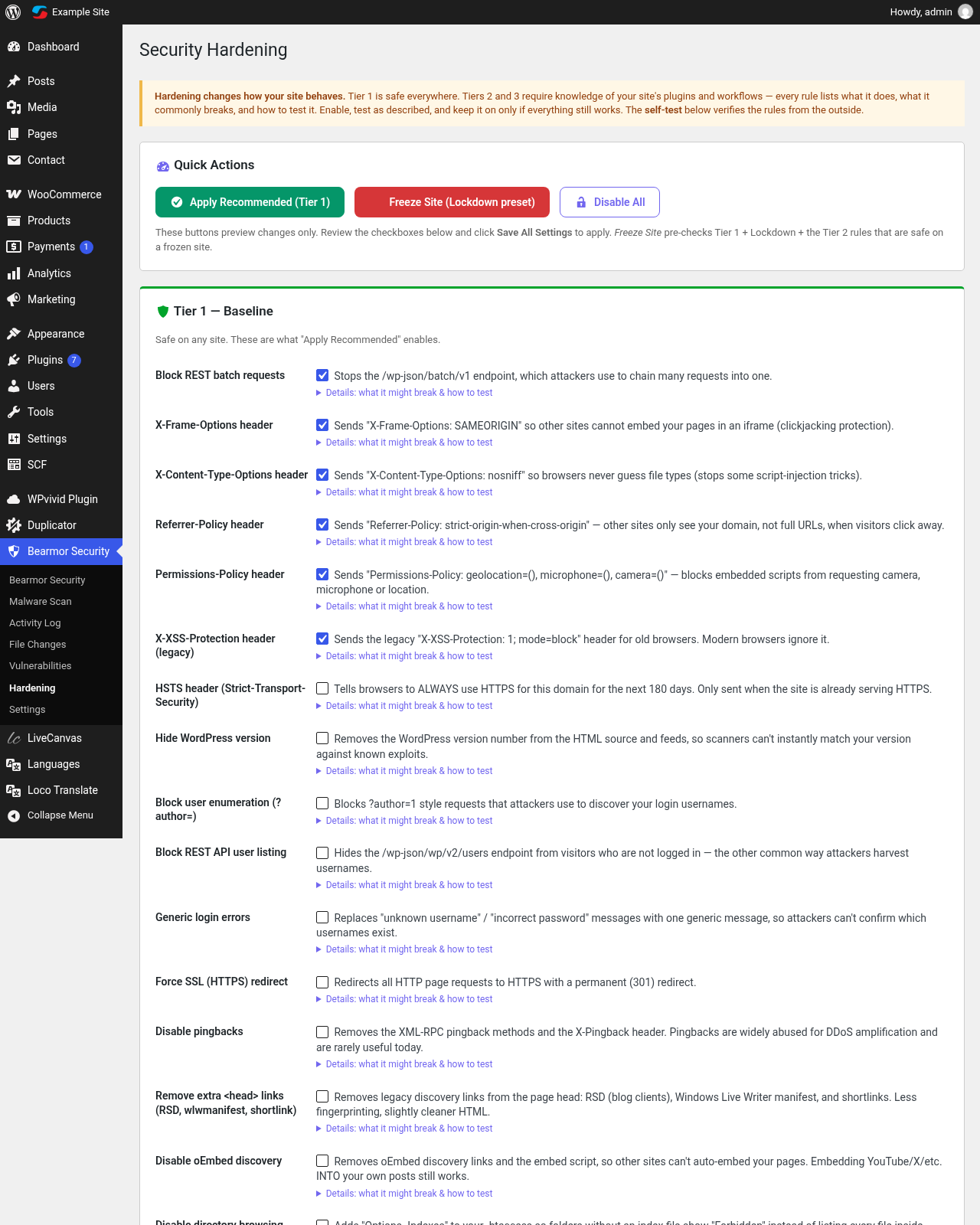
Hardening: 30 rules in three tiers with self-test.
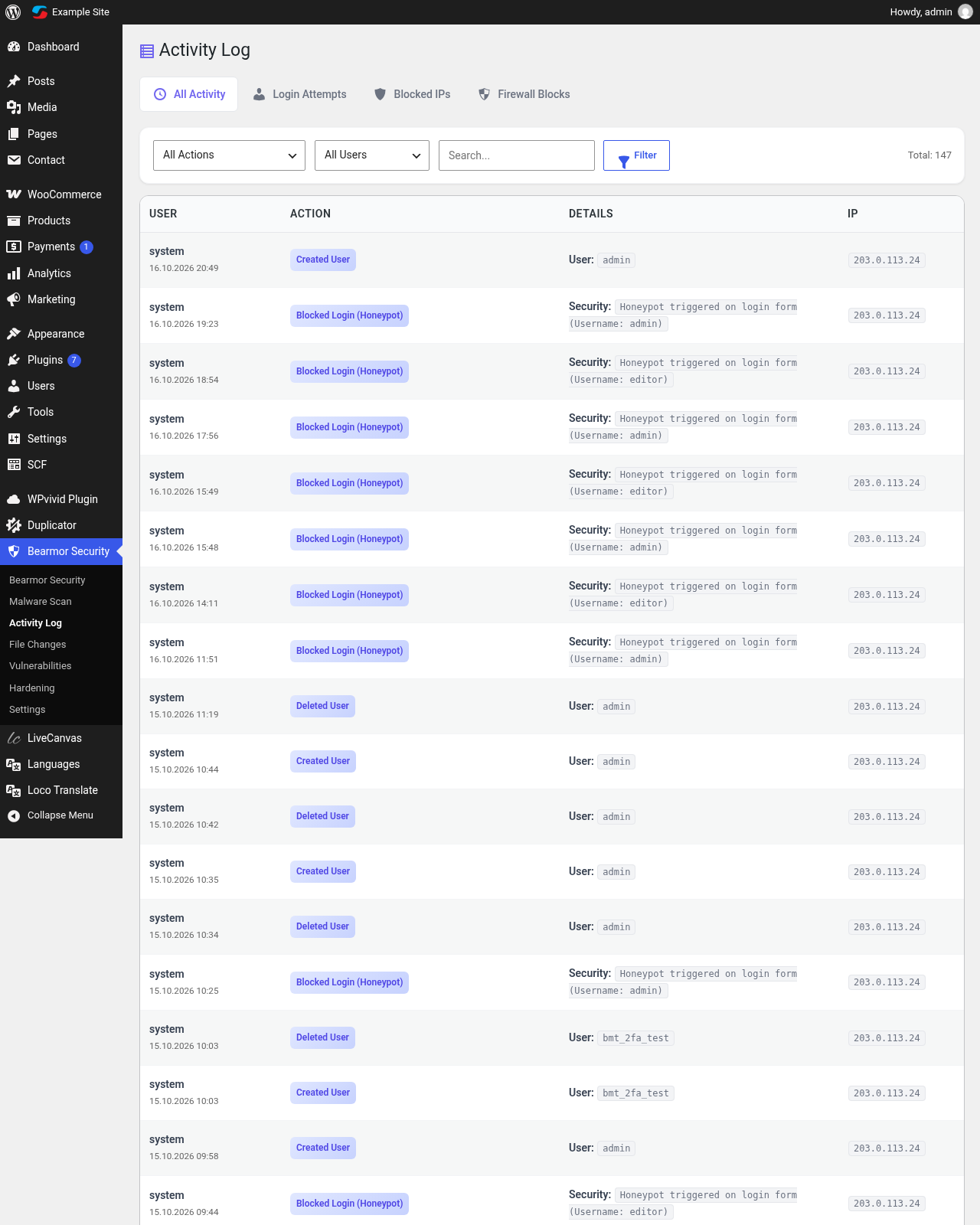
Activity log of logins and admin actions.
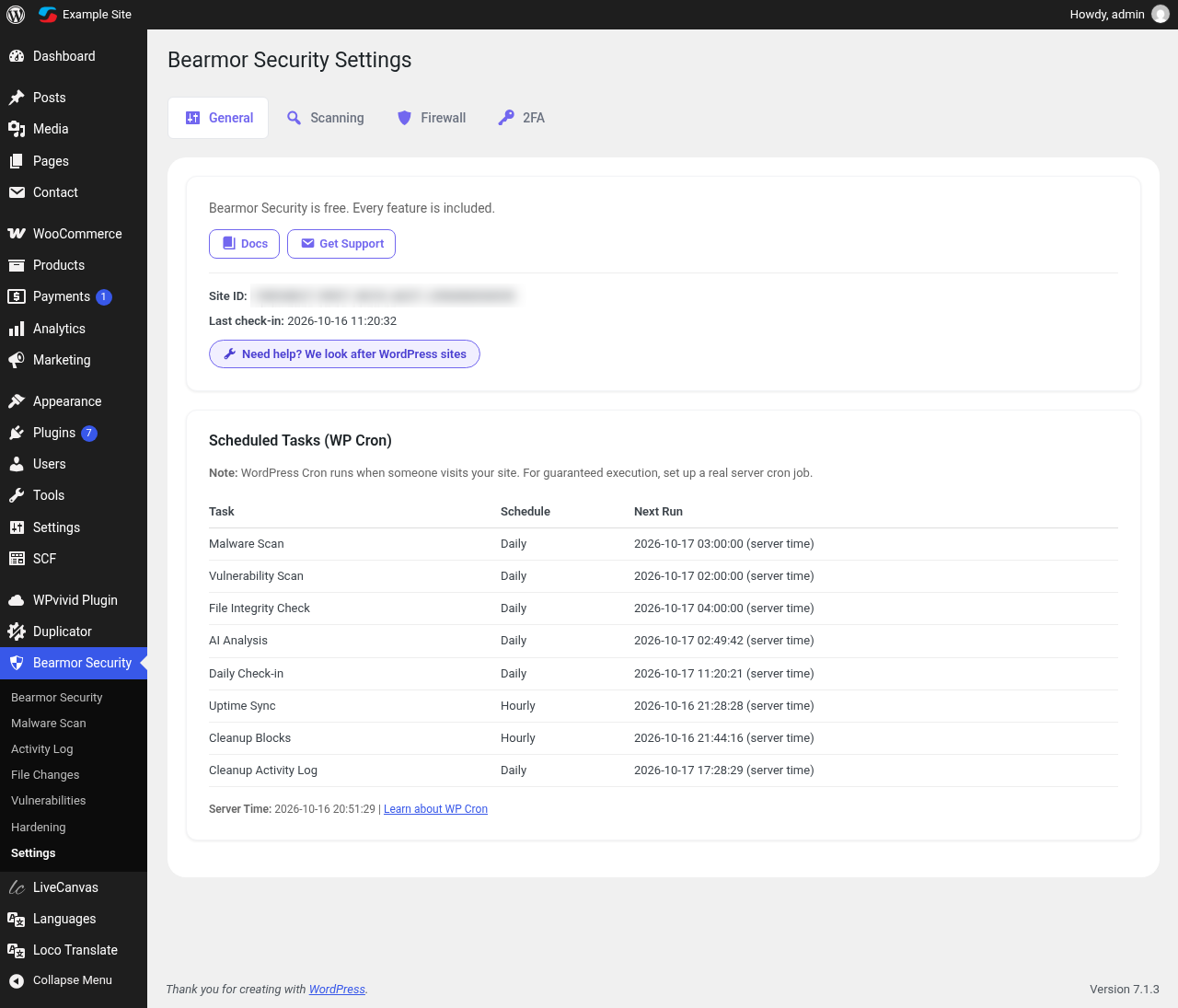
General settings.
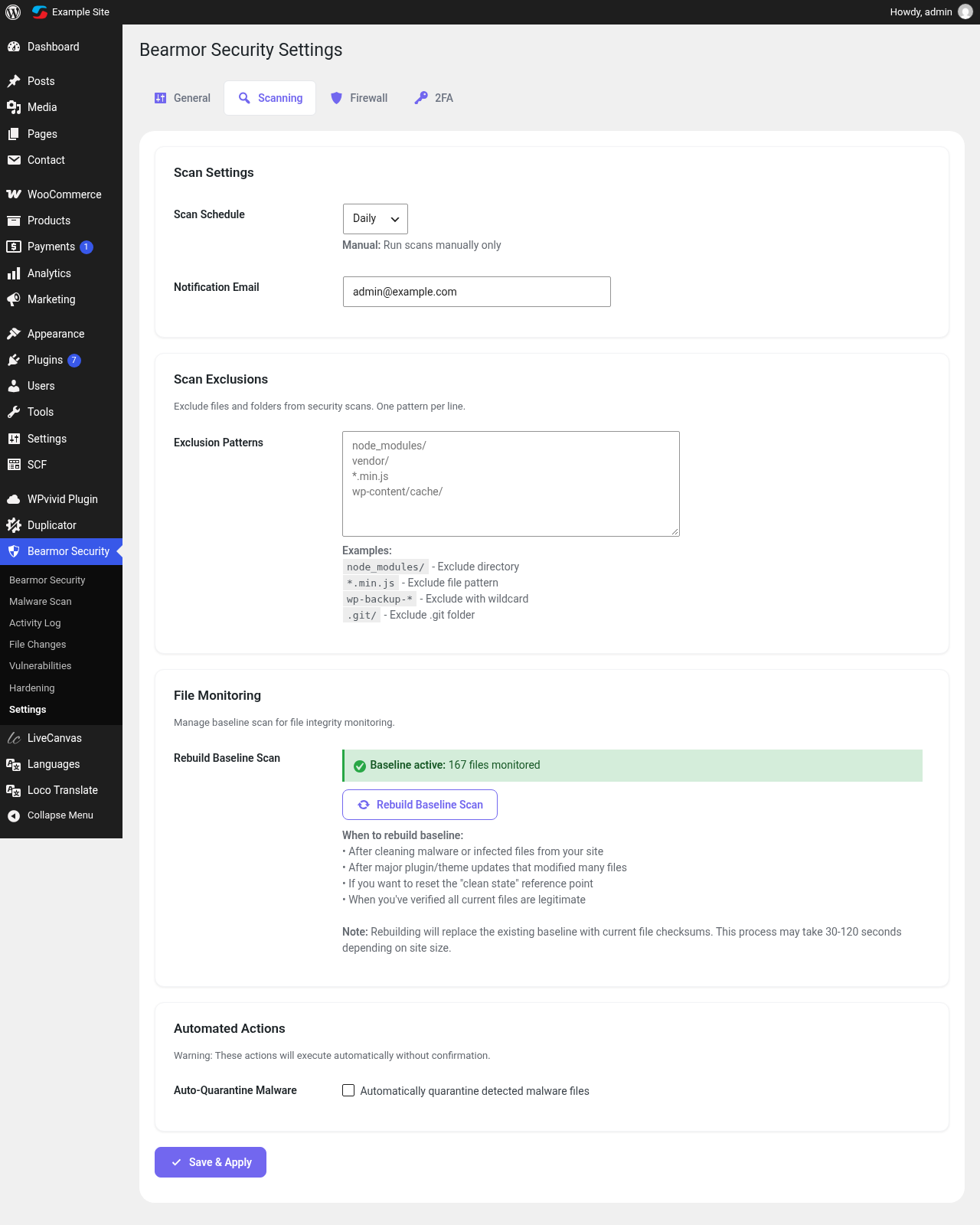
Scanning settings.
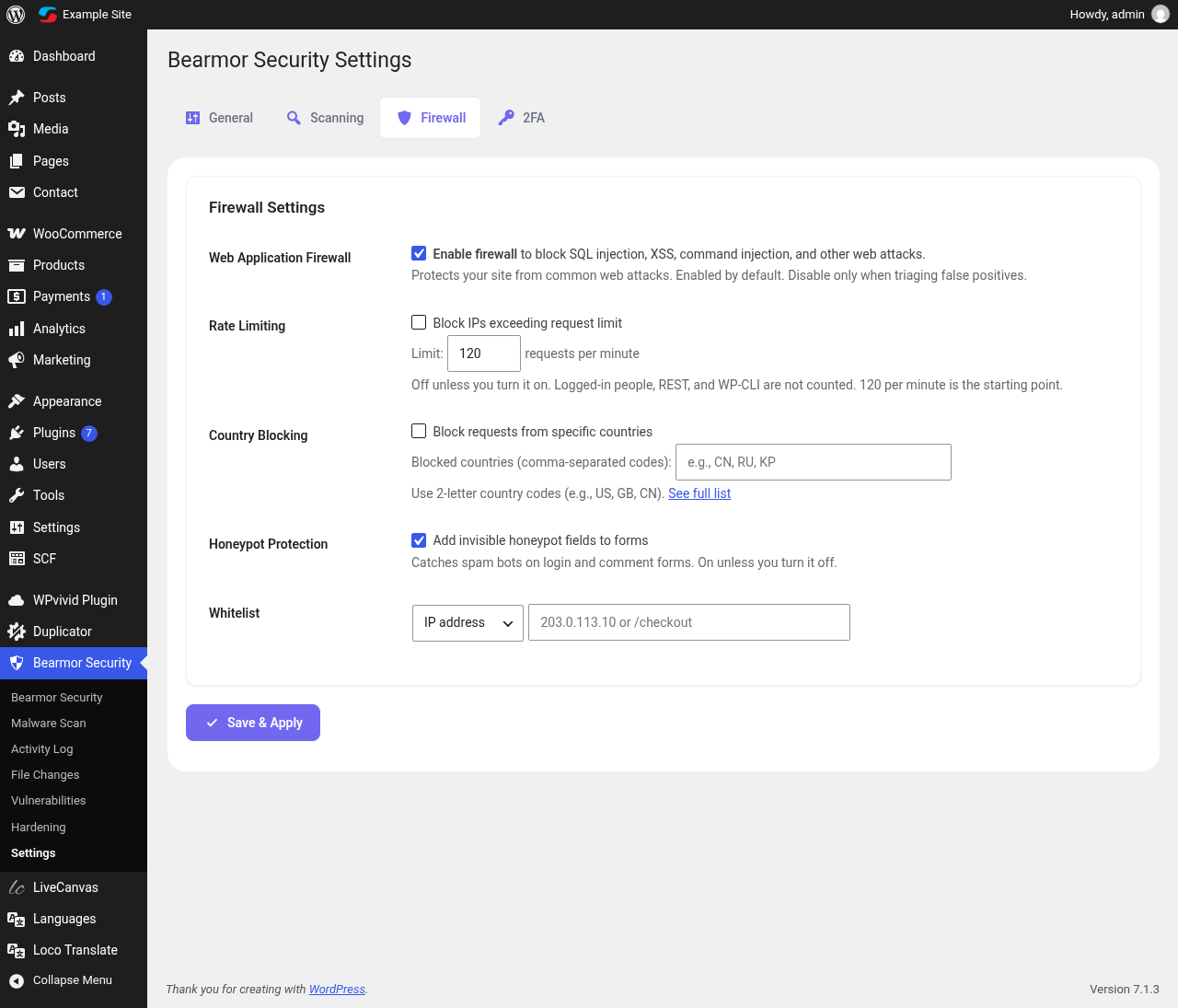
Firewall settings: rate limiting, country blocking, honeypot and IP whitelist.
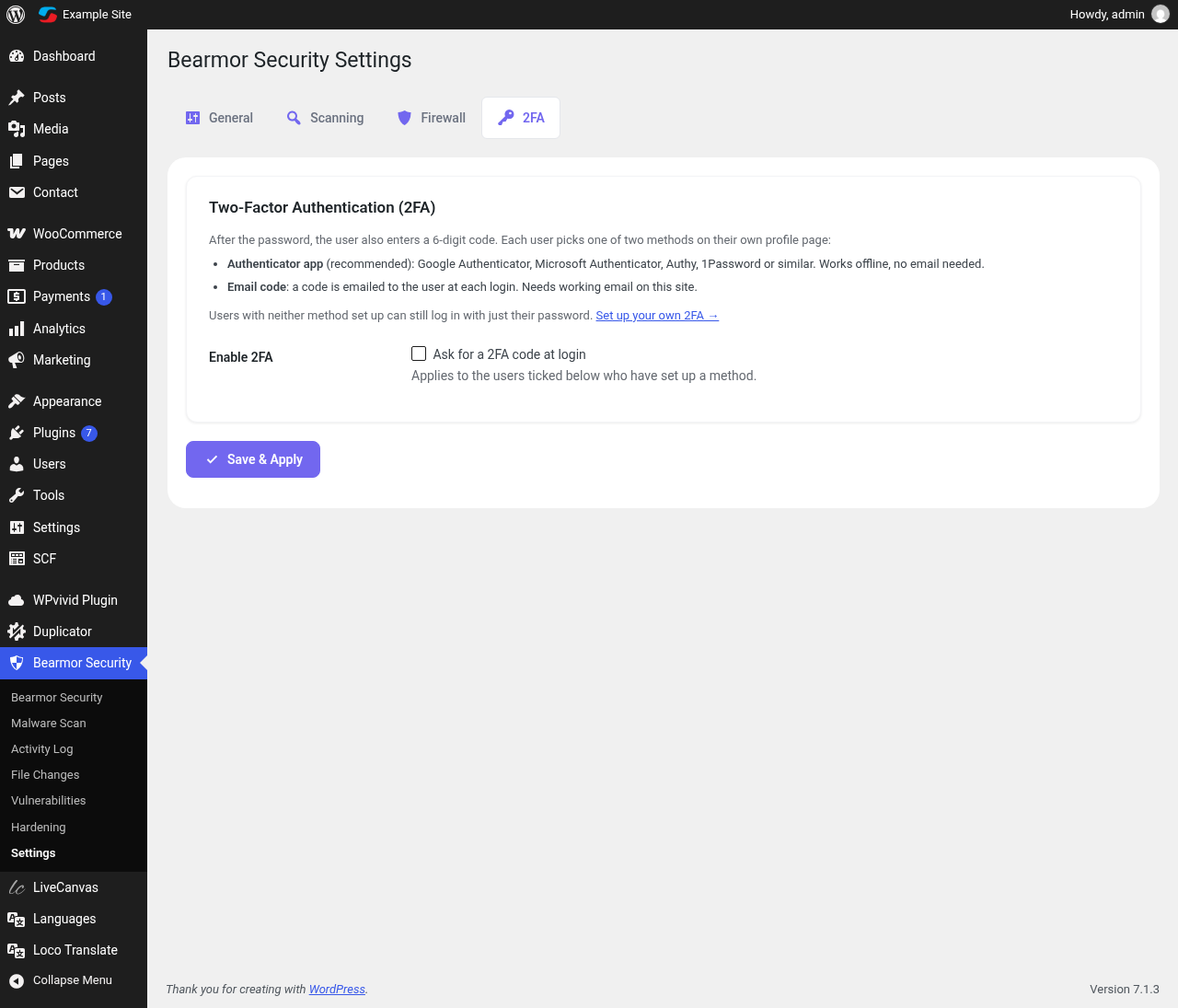
Two-factor settings: choose which administrators must use 2FA.
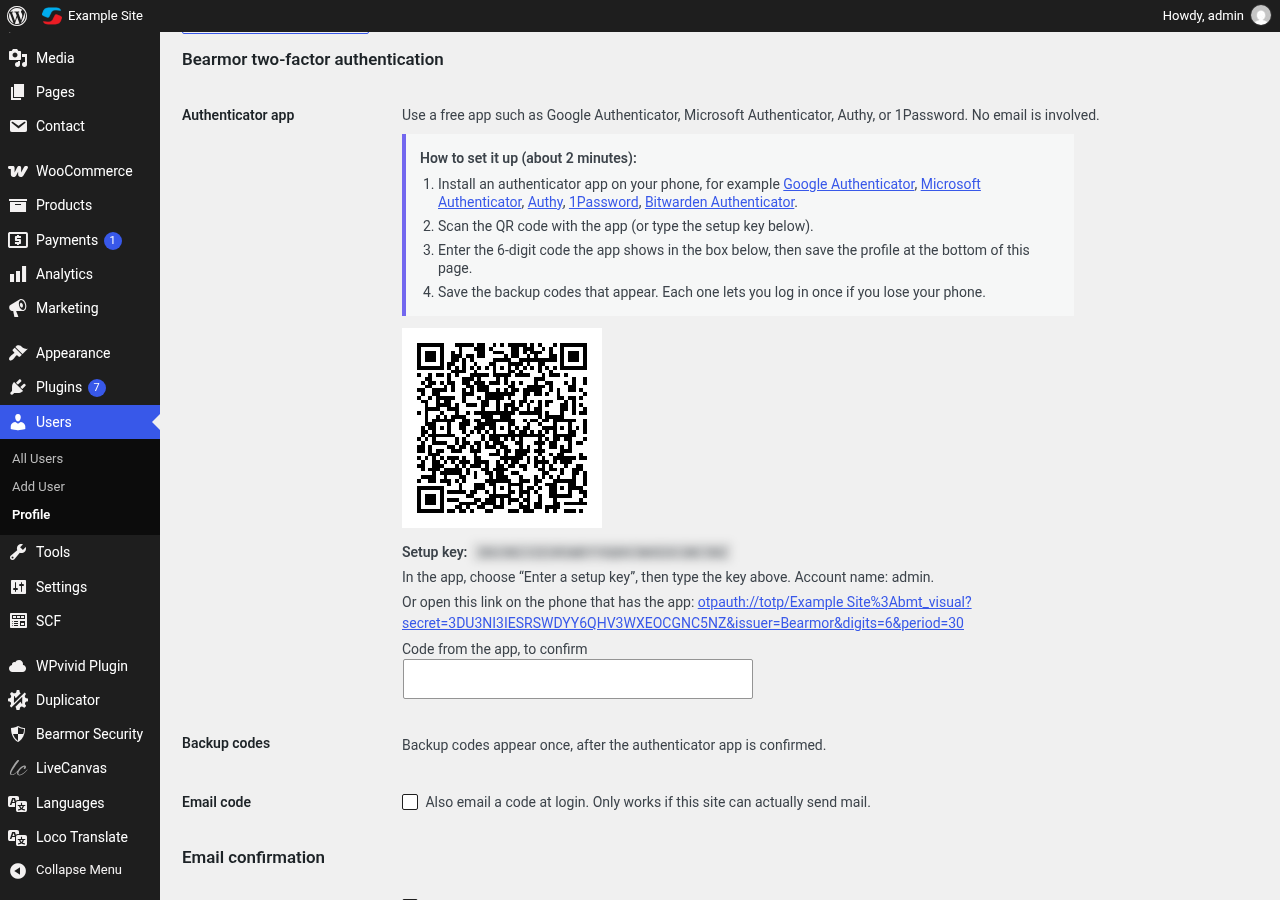
Authenticator app setup with QR code on the user profile.
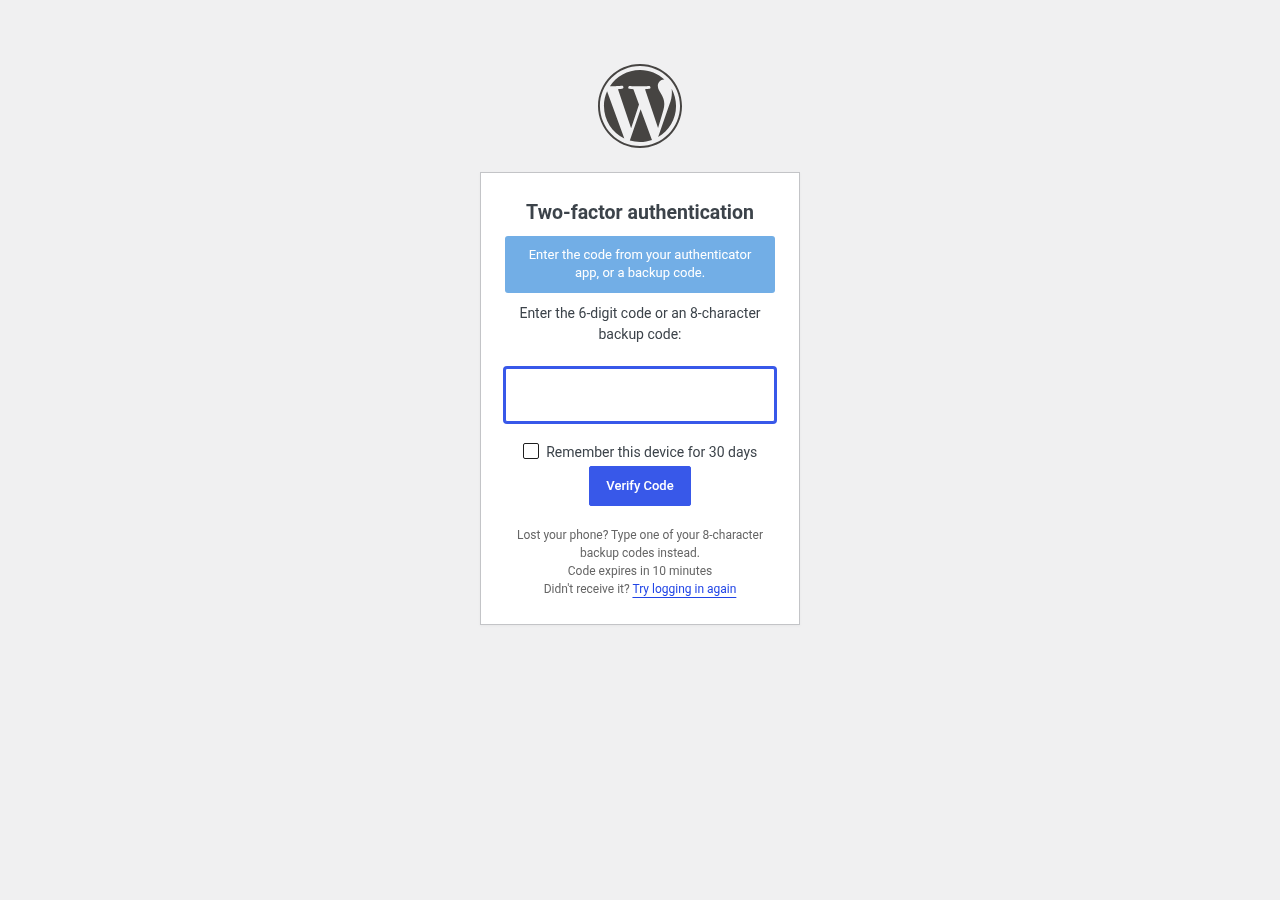
Two-factor code prompt on the login screen.

Docs and Settings links on the Plugins screen.