
Belarusian Currency (B) Symbol plugin is a lightweight WordPress and WooCommerce plugin that seamlessly integrates the official new symbol for the Belarusian ruble into your online store. Developed in response to the National Bank of the Republic of Belarus’s early 2026 currency update, this tool works right out of the box. It requires zero coding knowledge and operates silently without impacting your site’s loading speeds.
Key Features & Benefits
- High Performance. Built with clean, minimal code to ensure your website remains fast and responsive.
- Official Graphics. Displays the exact, officially approved design assets for the new currency symbol.
- Standalone Versatility. Works perfectly both within the WooCommerce ecosystem and across independent WordPress pages.
- Ad-Free Experience. Provides a clean workspace with absolutely no built-in ads, banners, or promotional clutter.
- SEO-Friendly. Fully optimized to comply with search engine indexing and structural best practices.
Setup Instructions
Get your site updated in under a minute:
– Install and activate the plugin through the WordPress plugins screen directly, or upload the plugin files to the /wp-content/plugins/ directory.
– Navigate to your WooCommerce currency settings and select Belarusian Ruble as the base currency.
– The new symbol will automatically apply to all prices across your entire website.
Manual Implementation
The plugin provides full flexibility, allowing you to manually render the new currency symbol anywhere on your site outside of standard WooCommerce loops. This is highly useful for custom landing pages, pricing tables, or blog posts.
Frontend Class Method. To transform standard text, apply the custom class igs-byn to any HTML element containing the “BYN” string.
<span>500 <span class="igs-byn">BYN</span></span>
Frontend Style Method. You can also add the font-family style rule manually to the ƃ symbol.
font-family: "nbrb" !important;
or
font-family: "nbrb-byn" !important;
to “BYN” string
Admin Panel Shortcut. When working inside the WordPress editor or backend admin fields, simply type the ƃ symbol. The plugin will automatically convert it to the official symbol on the front end. For example:
<span>500 ƃ</span>
Screenshots
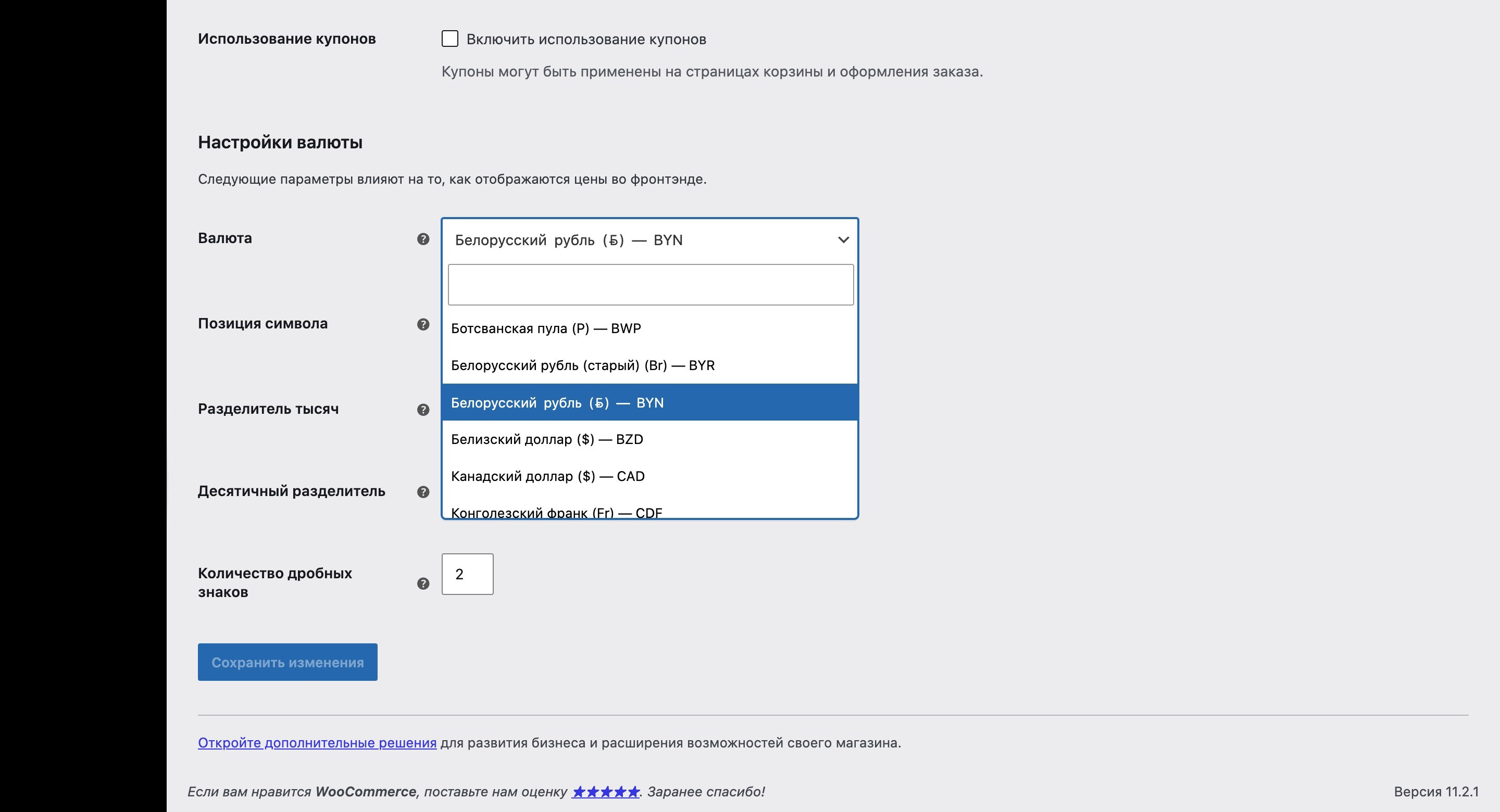
WooCommerce Settings

Catalog Page
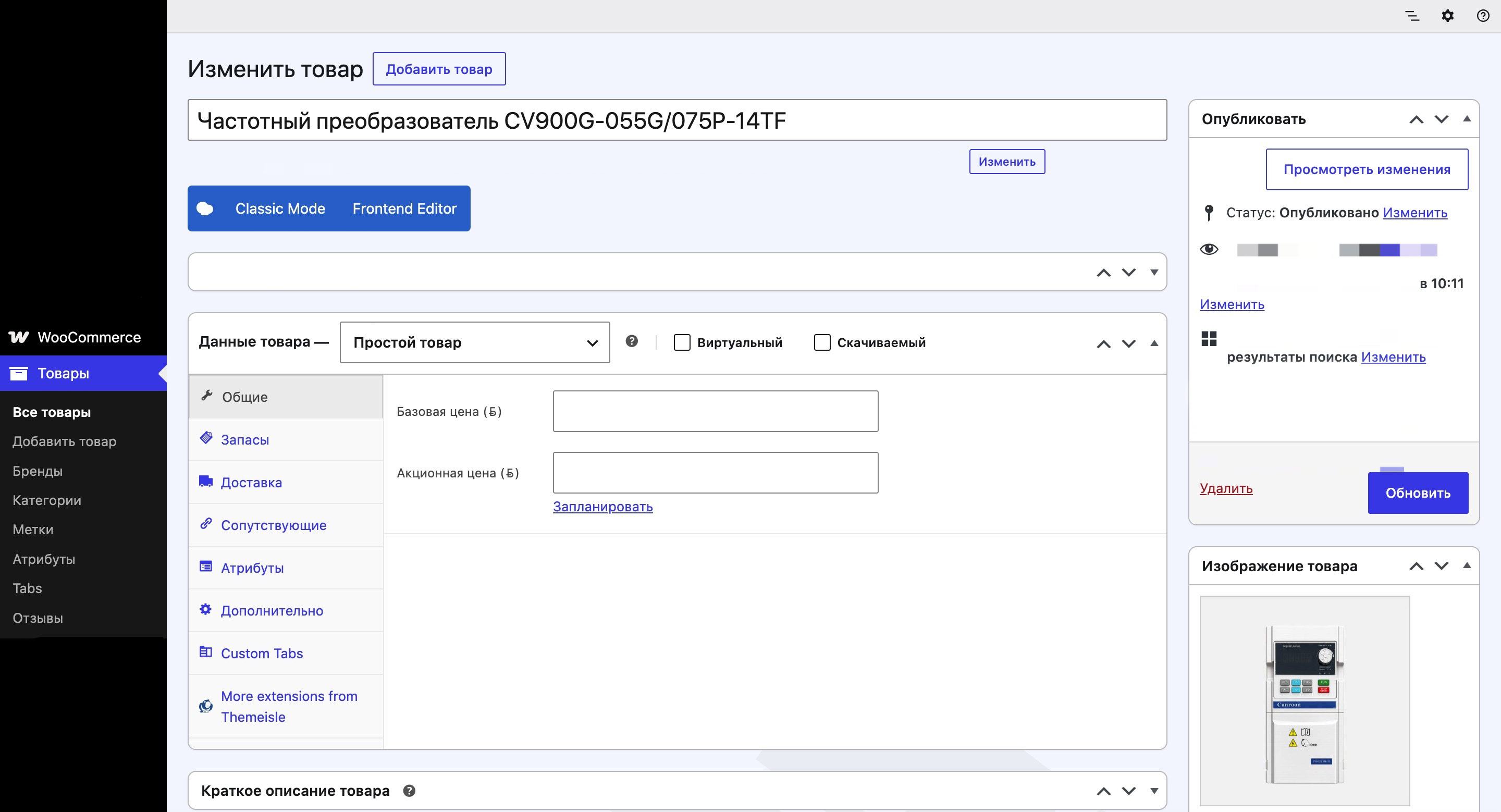
WooCommerce Backend Product Page
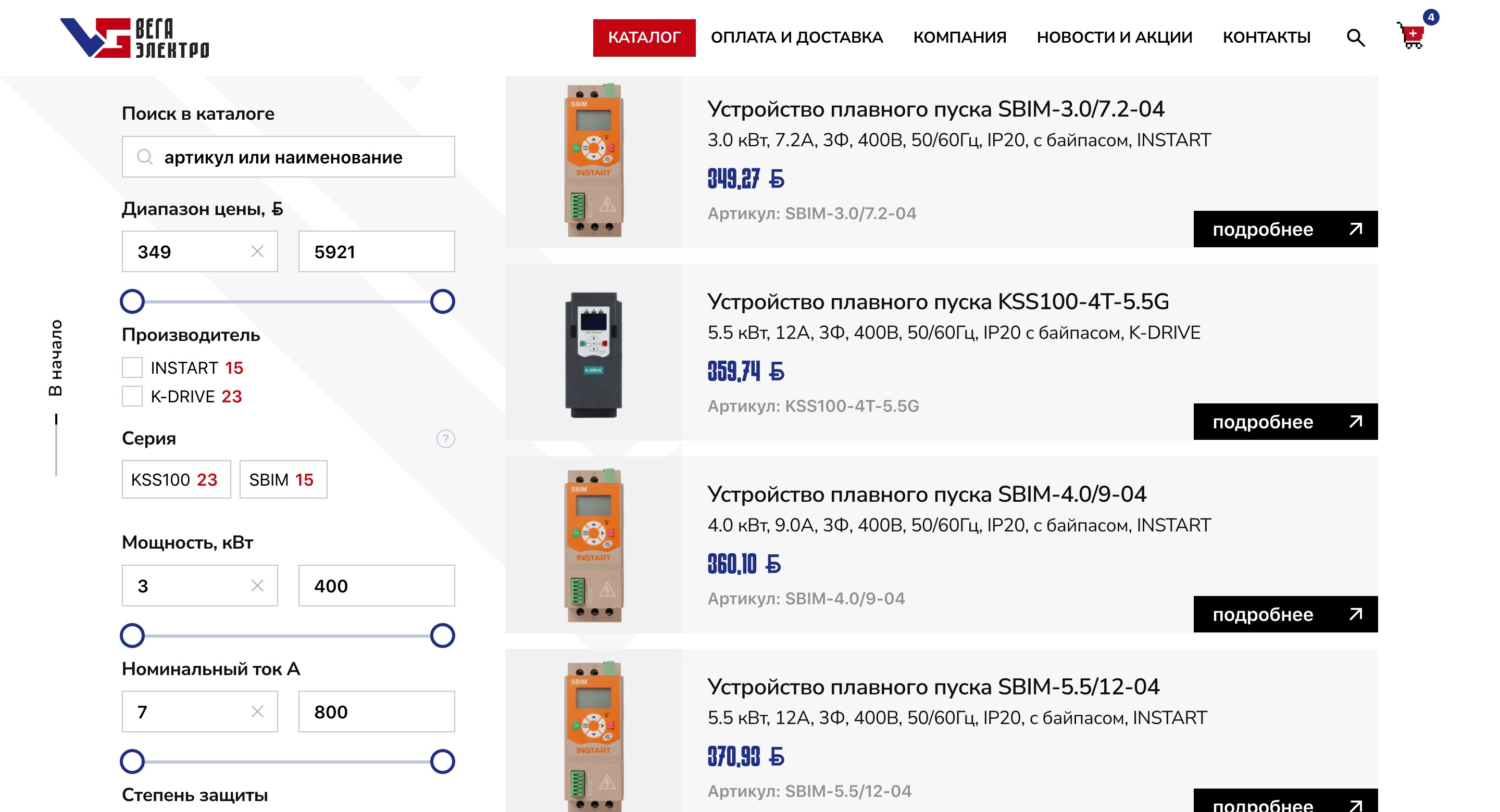
WooCommerce Shop Page
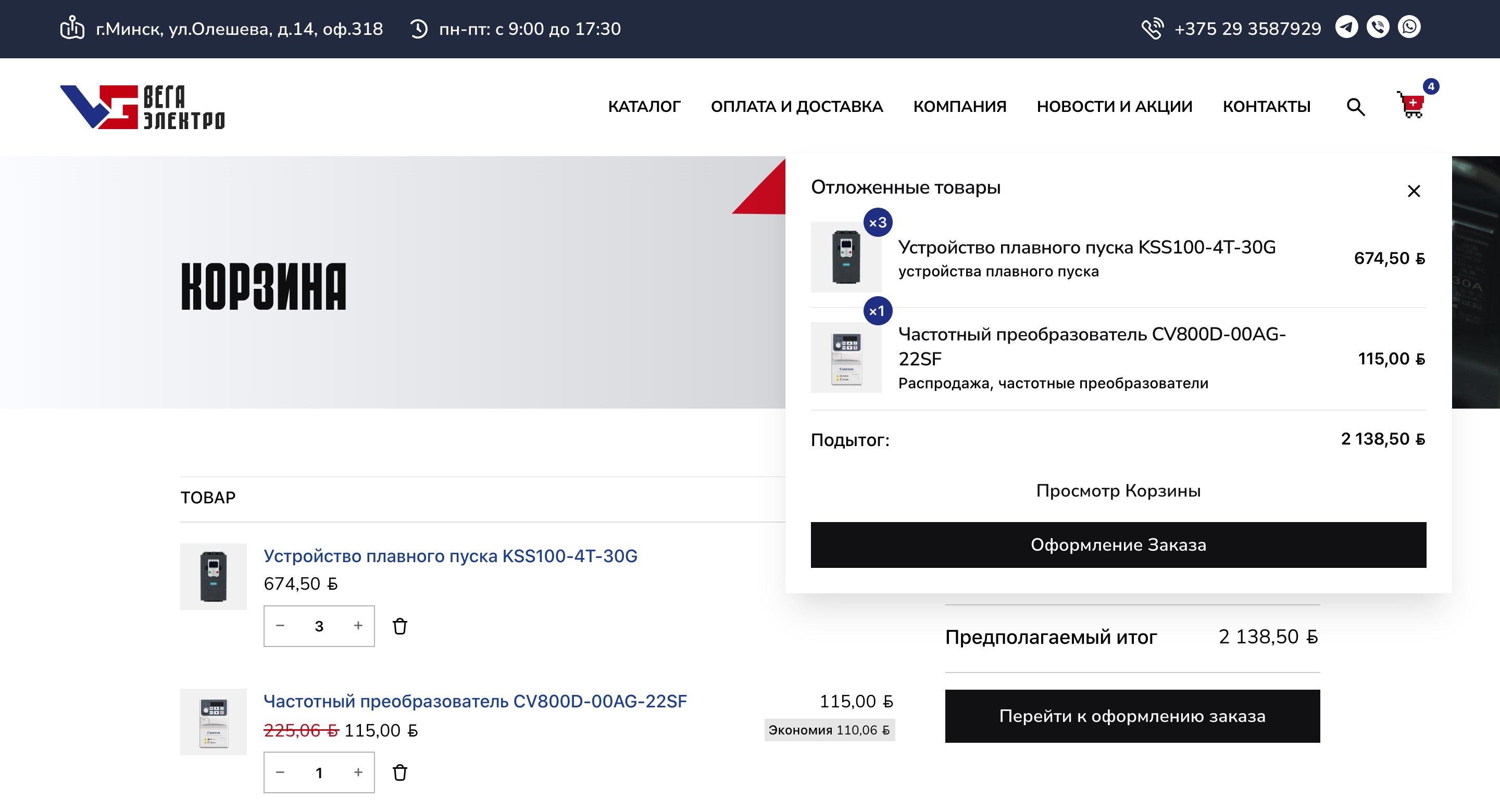
Single Product Page