One install, four AI tools. Your WordPress site writes content, answers visitor questions, captures leads, and on Pro+ becomes a real agent that talks to your store and your CRM. All from one plugin.
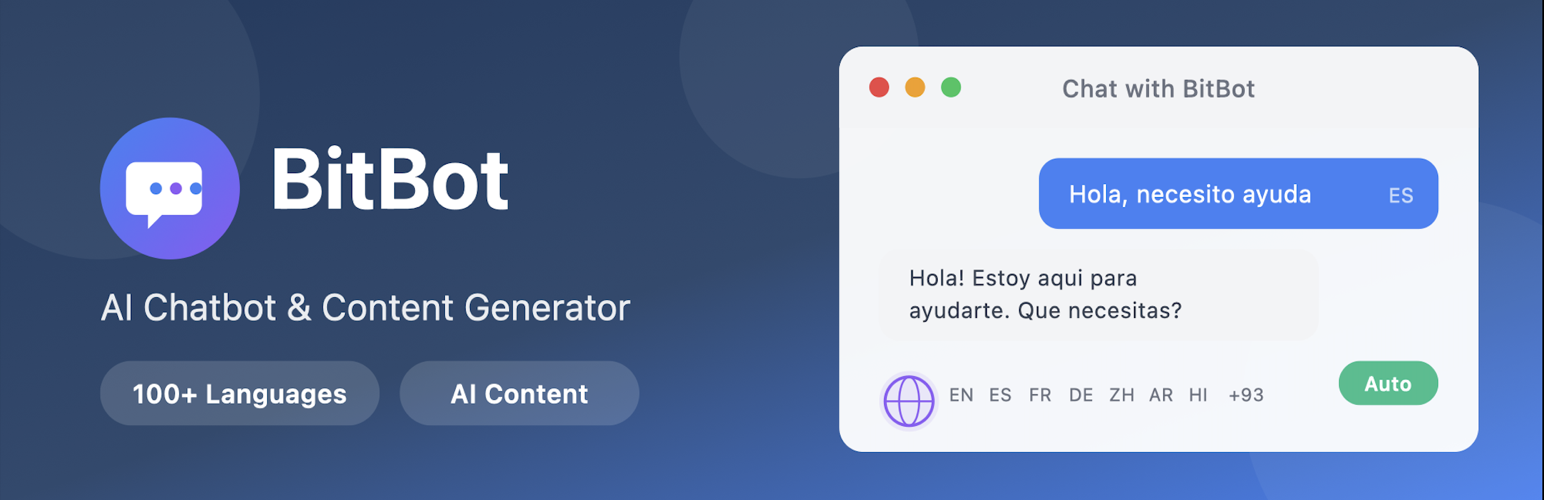
BitBot indexes every page and post on your site. Visitors ask questions in 100+ languages and get accurate answers with clickable citations back to the source page. Form submissions and chat emails land in a single leads inbox. The content generator turns a topic, URL, or uploaded document into an SEO-optimised draft you can preview and publish in one click.
No API keys to manage. No per-token billing. The Free tier covers small sites; Pro removes the caps; Pro+ turns the chatbot into a real agent that searches your WooCommerce catalogue, creates draft orders with a one-click checkout link, looks up order status, and connects your CRM.
See it live on PolishingRocks.com — ask the chatbot anything about rock tumbling.
AI Chatbot
- Indexes every page and post automatically — auto-syncs on publish, update, or delete
- Answers from your content with citations linking back to the source page and section
- 100+ languages with automatic detection — visitor asks in Hindi, bot answers in Hindi, even if your site is in English
- Detects emails in conversation and creates a lead with the full chat transcript attached
- Mobile-responsive widget, customisable colours and corner offset
- Loads asynchronously — zero impact on page speed
- Auto-stacks gracefully when other floating widgets (WhatsApp, accessibility menus) are present
AI Content Generator
- Discover Topics — surfaces gaps in what you’ve already published, suggests SEO-shaped angles to fill them
- Generate from a prompt, a URL, or an uploaded PDF / image
- Knows your existing content and avoids duplicates
- SEO metadata generated automatically (title, description, focus keywords)
- Preview and edit before publishing — drafts open in the WordPress block editor
Form Builder
- Describe a form in plain English — BitBot generates fields, types, and validation
- Or start with basic fields and customise manually
- Drag-to-reorder fields
- Embed anywhere with
[bitbot_form id="…"]— works inside Gutenberg, Classic, page builders - Rate limiting and spam protection built in (per-IP burst guard, per-email cooldown)
Leads Inbox
- Every form submission and chat email becomes a lead
- Stage tracking: New Contacted Qualified Won / Lost
- Geolocation — country and city for every lead
- Activity timeline — notes, stage changes, AI research, sent emails
- Unread badge on the BitBot menu drops as you open each lead
- Search and filter by stage, name, or email — paginated cleanly past 1,000 leads
Pro: Lead Research & Follow-up
- AI Lead Research — scrapes the lead’s domain, searches the web, reads the full chat conversation, returns a who-they-are / what-they-need summary with a suggested next step
- AI-drafted follow-up emails — copy to clipboard, paste into your mail client
- Email notifications — get pinged the moment a visitor turns into a lead
- Removes “Powered by BitBot” footer link from the widget
- Topic Discovery and Style Analysis on the Content Generator
- AI form-field generation in the Form Builder
Pro+: The Agent
Pro+ upgrades the chatbot from a Q&A assistant into a real agent. Skills are modular capabilities the agent activates when a visitor’s intent matches — running on real tools, not scripts:
- Product recommendations — searches your WooCommerce catalogue live and renders visual product cards in chat (image, price, sale strikethrough, stock)
- Add to cart / draft order — agent confirms the exact item and quantity with the visitor, OTP-verifies their email, creates a real pending WooCommerce order, hands them a one-click checkout link
- Order enquiries — OTP-verifies the visitor owns the order, then looks up status, tracking, delivery ETA. Never exposes another customer’s order
- Live handover — if you’re online (heartbeat seen in the last 5 minutes), the chat flips to you directly in the Live Chats dashboard. If not, a handover email goes out and a lead is created
The Live Chats dashboard shows every active conversation in real time with PRESENT / IDLE / LEFT presence pills, so you can jump into any thread the moment you want to take over.
Pricing
Free — 100 chat messages/month, 3 AI blog posts/month (24h cooldown), 1 contact form, up to 10 stored leads, multilingual chatbot, full content indexing. Free forever, no credit card.
Pro — $20/month — Unlimited chat, unlimited posts (prompt / URL / PDF), unlimited forms, unlimited leads, AI Lead Research, drafted follow-up emails, email notifications, Topic Discovery, Style Analysis, AI form generation. Removes BitBot branding. Fair-use applies. Cancel anytime.
Pro+ — $49/month — Everything in Pro, plus the Agent: a chatbot that actually does things, using a growing list of integrations (WooCommerce, Zoho, Pipedrive, Google Search Console, and more) to meet your business where it already runs, without disrupting your flow. Cancel anytime.
Screenshots

Your whole bot at a glance. Top cited pages, the questions visitors actually ask, coverage gaps to fix, where visitors are from, and how many turn into leads.

Visitors browse your WooCommerce catalogue inside the chat — image, price, sale strikethrough, stock — without leaving the page.

Every form submission and chat email lands in a single inbox. Stage tracking, location, source, and an unread badge on the BitBot menu.

One-click AI research on any lead — pulls from the chatbot's full conversation and the open web, returns a who-they-are summary with a suggested next step.

Discover Topics surfaces gaps in what you've already published, suggests SEO-shaped angles, and generates the draft for any one of them in a couple of clicks.

Turn on the tools you already use and the agent acts inside the conversation. WooCommerce, Zoho, Pipedrive, Search Console and a growing list, with more shipping every sprint.

Describe a form in plain English — BitBot generates the fields, gives you a live preview, and a shortcode you can drop on any page.

When the chatbot hands off to a human, the visitor sees a clear "Live: you're now chatting with someone from the team" banner. Their next message lands directly in your Live Chats dashboard.

The visitor writes in Hindi, the bot replies in Hindi. Tested across English, Hindi, Spanish, Arabic, French, German and more.