
- Find which blocks are used across your site.
- Fully Integrated with the WordPress Admin.
- Use filters to see Posts that use a specific block.
- Find Posts that use Reusable Blocks.
- Use the WP CLI to quickly find blocks from the command line.
- Use custom WordPress filters to extend the Block Catalog.
Getting Started
-
On activation, the plugin will prompt you to index your content. You need to do this first before you will be able to see the various blocks used on your site. You can also go to WP-Admin > Tools > Block Catalog to do this yourself. Alternately, you can run the WP CLI command
wp block-catalog indexto index your content from the command line. -
Once indexed, you will be able to see the different blocks used on your site in the Block Catalog Taxonomy.
-
Navigating to any Block Editor post type will also show you the list of blocks present in a post.
-
You can also filter the listing to only show Posts that have a specific block.
Screenshots
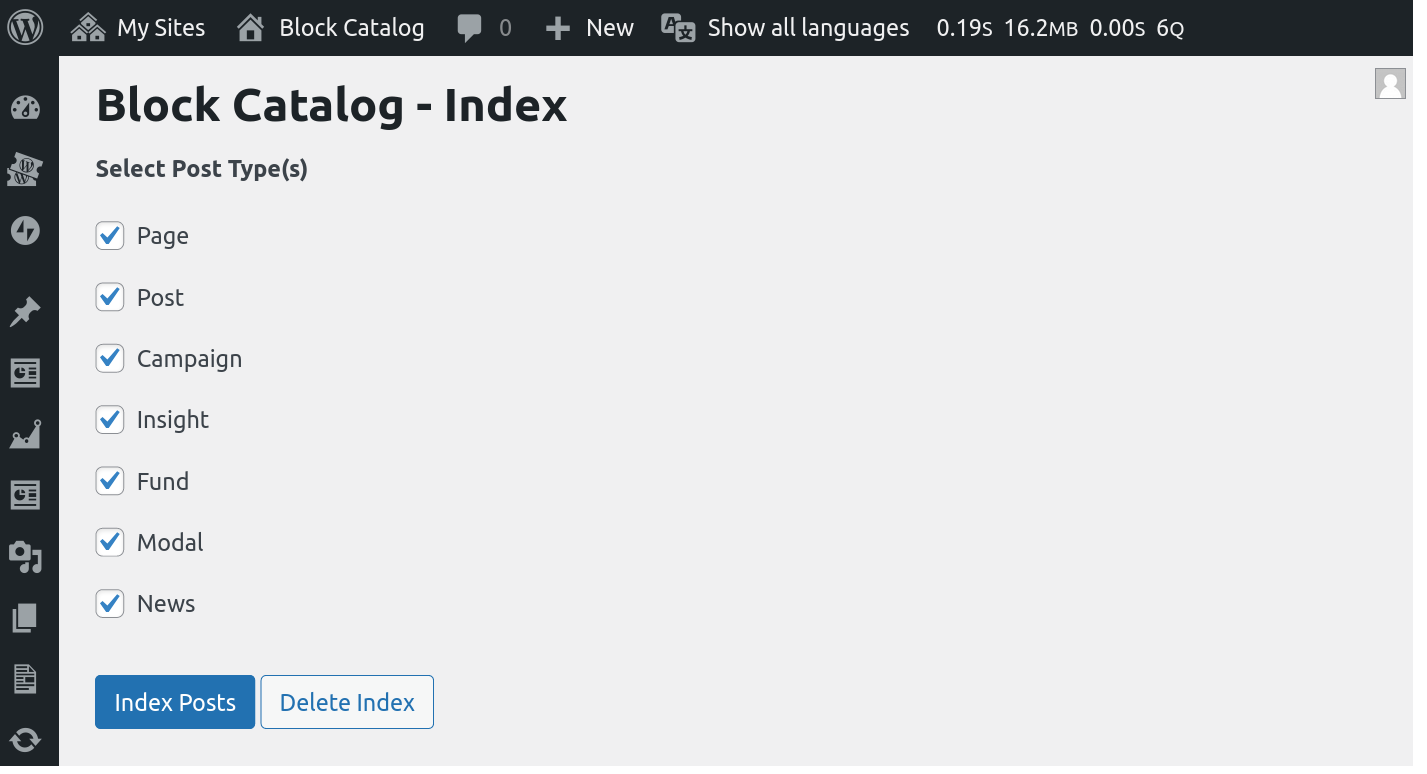
The Block Catalog indexing page. You need to index your content first.

The Blocks found by the plugin on your site.

The Blocks for each post can be seen on the post listing page.

You can filter the post listing to a specific Block using this dropdown.