BACK TO DIRECTORY
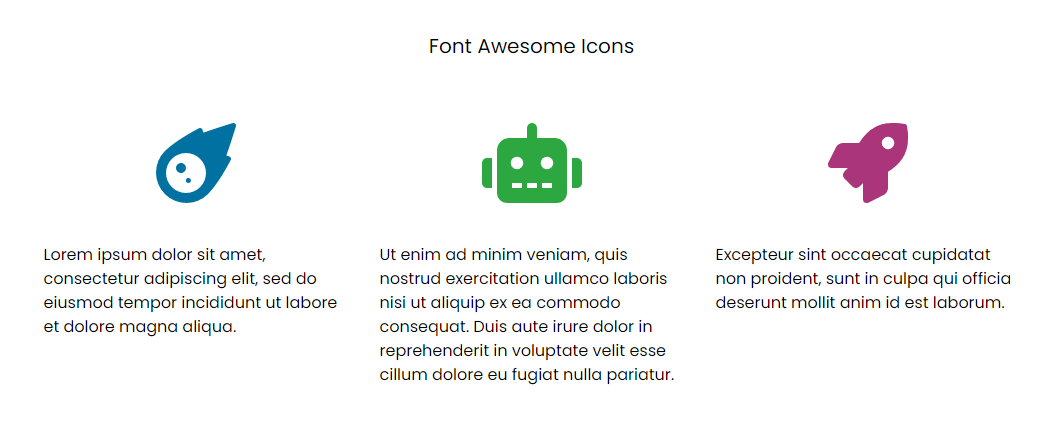

Add a Font Awesome Icon block, click Choose icon, search by name or keyword (“phone”, “home”, “arrow”) and pick from 2,000+ Font Awesome Free 7 icons. No class names to remember.
Free icons are output as small inline SVG, so your pages don’t need to load the Font Awesome script or font at all. Icons follow your text colour and work with the block Color, Typography (size) and Spacing panels.
- Visual, searchable icon picker with style filter (solid, regular, brands) and keyboard navigation.
- Inline SVG output: no
all.js, no web font, no layout shift. - Accessible: decorative icons are hidden from screen readers, or add a label for icons that carry meaning.
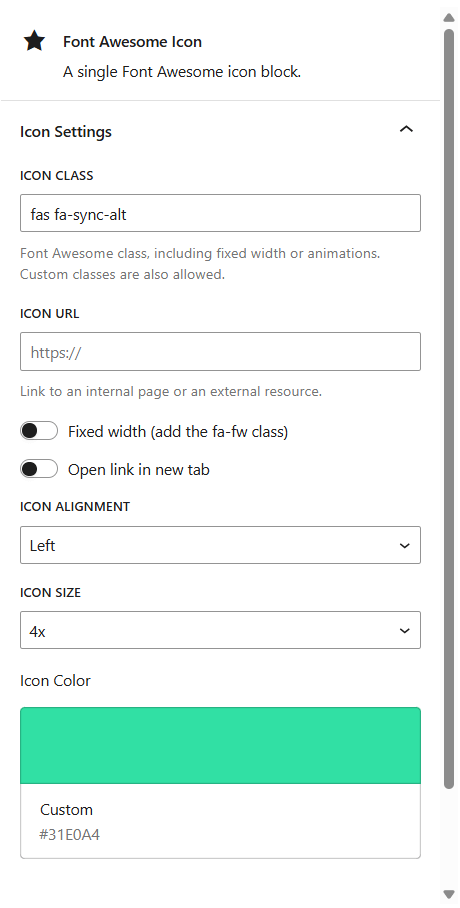
- Optional link, new tab, size, fixed width and alignment.
- Adds Font Awesome Free as a collection in the core WordPress Icon block, with transforms between the two blocks.
- Two patterns: an icon feature list and a social icons row.
- Existing content keeps working: old blocks and the
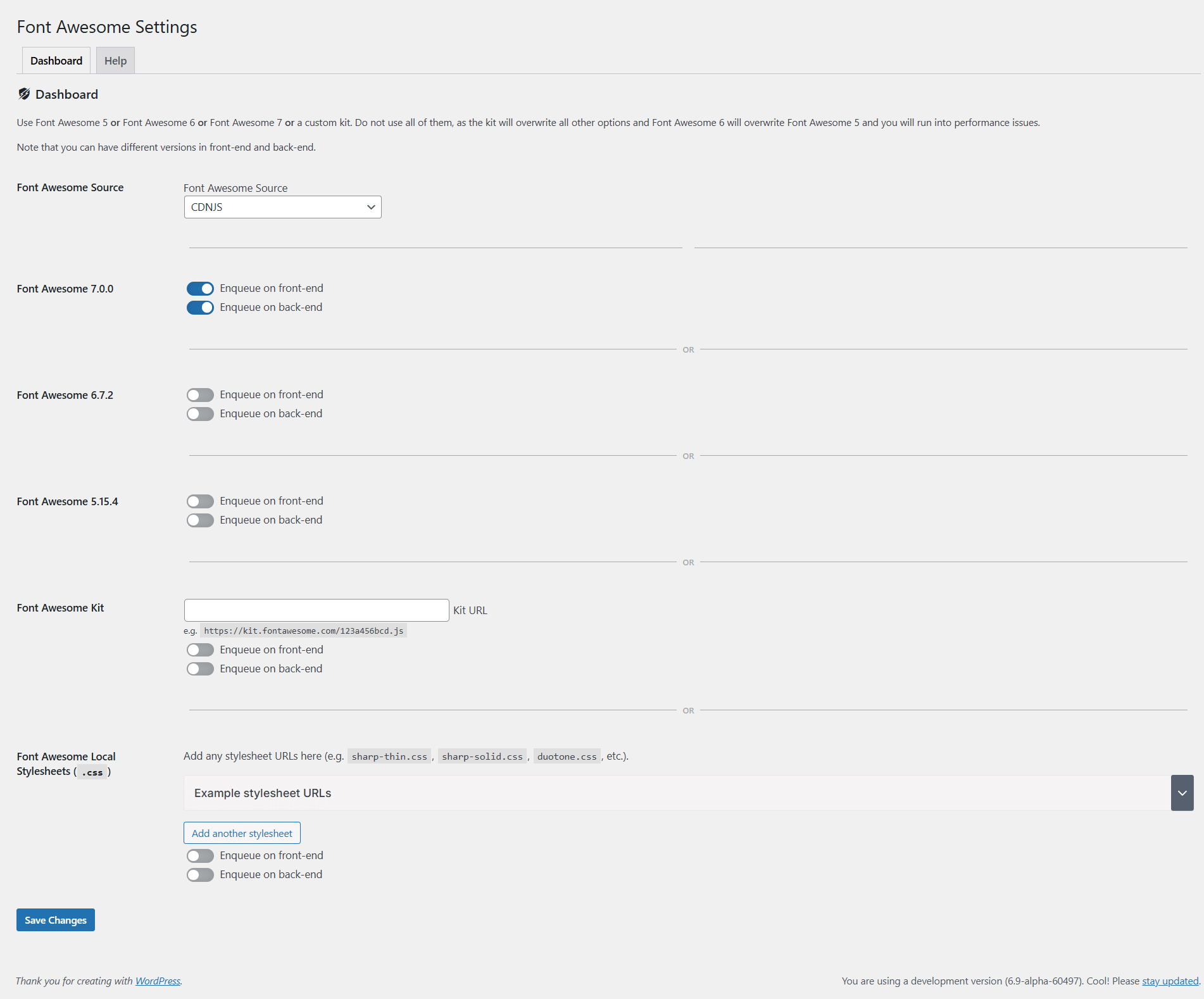
[fa class="fa-solid fa-phone"]and[icon prefix="fas" name="phone"]shortcodes now render Free icons as SVG too. - Font Awesome Pro and kits are still supported through the optional script loader in Settings Font Awesome.
Read more about the Block for Font Awesome plugin here.
Explore more WordPress Plugins.
Font Awesome Free icons by Fonticons, Inc., licensed under CC BY 4.0. Font Awesome is a trademark of Fonticons, Inc. This plugin is not affiliated with or endorsed by Fonticons, Inc.
From the same author
- Active Contacts – WordPress CRM & Follow-up Plugin
- LazyClone – Copy a WordPress Site Without FTP
- Lighthouse – WordPress Performance & Speed Optimization Plugin
- Active Analytics – Privacy-Friendly WordPress Analytics Plugin
- ImagePress – WordPress Image Gallery & Community Photo Plugin
- eCards – WordPress eCard Plugin with Email Designer
- Repeater for Gravity Forms – Repeater Field Add-on
- Fixtures & Results – WordPress Sports League & GAA Club Plugin
- WP Google Consent Platform (GCP)
Screenshots
Searchable icon picker
Icon block settings
Front-end icons
Plugin settings
Plugin Details
Active Installs
1K+Total Downloads
40,893Version
1.8.0Requires WP
7.1Requires PHP
8.0Tested Up To
7.1.4Added
2019-07-06Last Updated
2026-10-09 2:42pm GMTRatings
5
4
4
0
3
0
2
0
1
2