
CTC Masonry Gallery creates flowing image collections in the WordPress Gutenberg editor. Version 2.8.0 brings a refined editor, a polished image viewer, and more reliable image loading while preserving the existing gallery features and saved block markup.
Key Features
- Masonry layout: Images retain their proportions and arrange automatically as the gallery resizes.
- Refined editor: A welcoming image-selection state, a live gallery preview, an image count, and a clear Edit gallery action.
- Grouped settings: Layout, Interaction, and Appearance panels keep every existing control easy to find.
- Image viewer: Browse thumbnails, navigate to the first or last image, zoom in or out, and play or pause a slideshow.
- Keyboard access: Open the viewer with Enter or Space; use Left/Right to browse, Up/Down to zoom, and Escape to close. Tab stays within the viewer and focus returns to the selected image on close.
- Hover enlargement: Optionally enlarge images on hover. Hover enlargement and the image viewer remain mutually exclusive.
- Custom shadows: Adjust shadow size and color, including transparency.
- Flexible spacing: Set image width from 1–100% and the gutter from 1–50 pixels.
- Reliable loading: Cached, slow, and failed image loads no longer keep the entire gallery hidden.
- Existing galleries preserved: No migration is needed; the original masonry and viewer libraries remain in the plugin.
What’s Next
Explore my other WordPress projects:
- CTC Gallery 🎨 – Four unique premium galleries block in same plugin
- Gravity Forms Add-ons
- CT Commerce Lite 🛒 – A block-based eCommerce plugin.
Development
`sh
npm ci
npm run build
npm run lint:js
npm run lint:css
`
The src/ directory contains the editable source. Commit the generated build/ assets with source changes so the plugin can be installed without Node.js. The webpack adapter in tooling/ exposes the classes from the existing js-masonry and ctc-gallery-viewer packages; both dependencies and all existing npm scripts are retained.
Screenshots
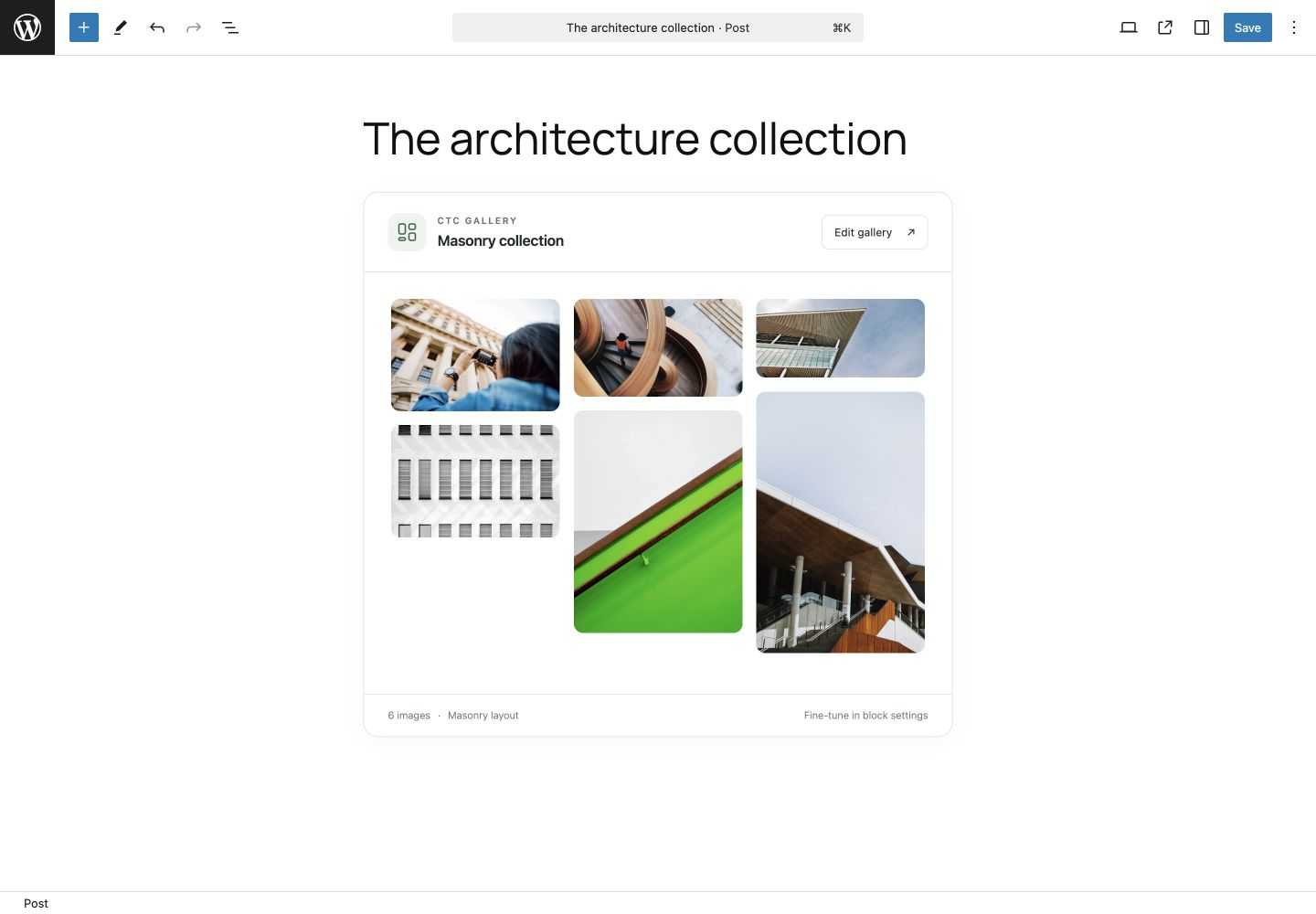
Refined Gutenberg gallery editor with a live masonry preview and collection details.

Grouped Layout, Interaction, and Appearance settings alongside the gallery preview.
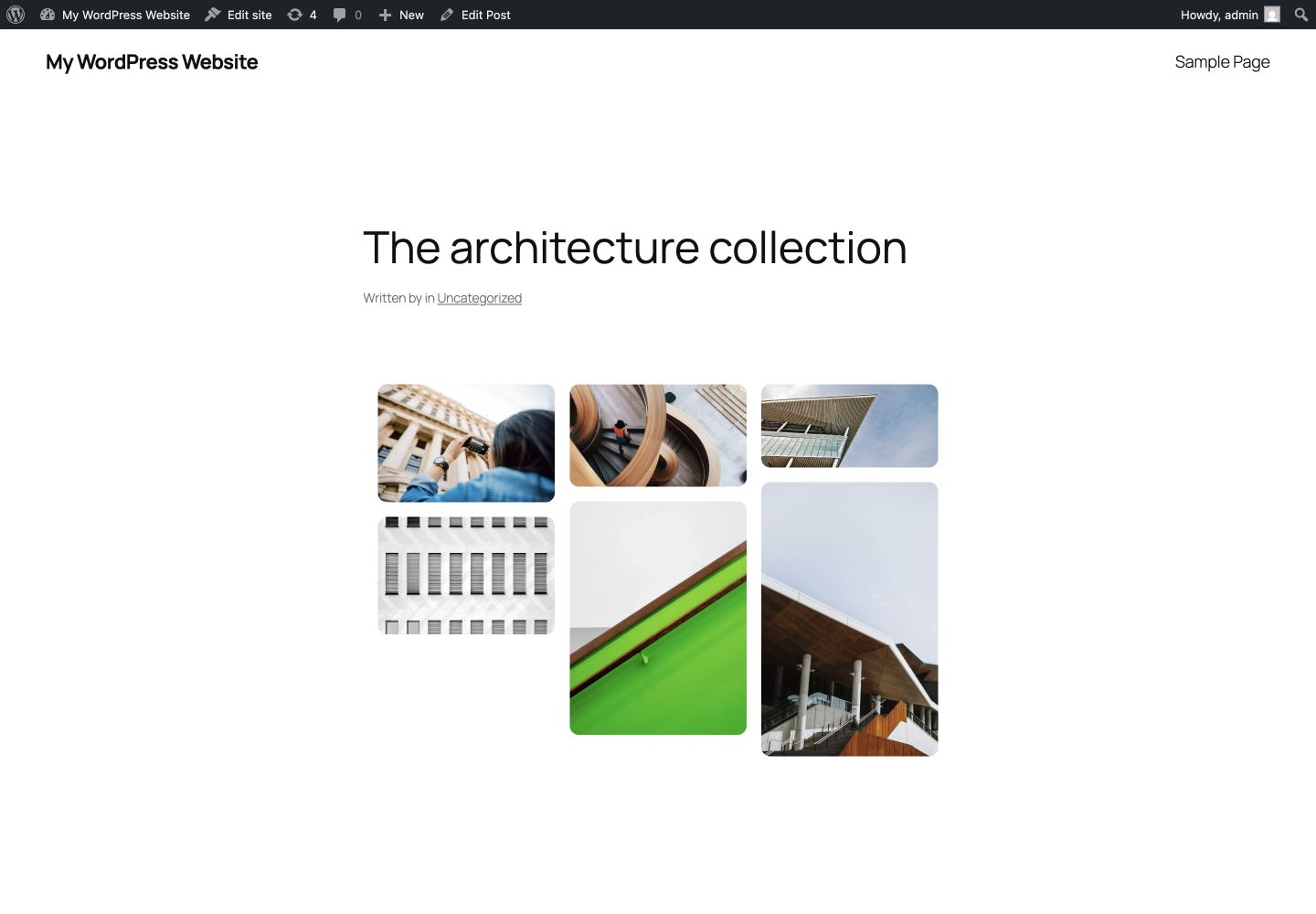
A published masonry gallery with rounded image corners and balanced spacing.
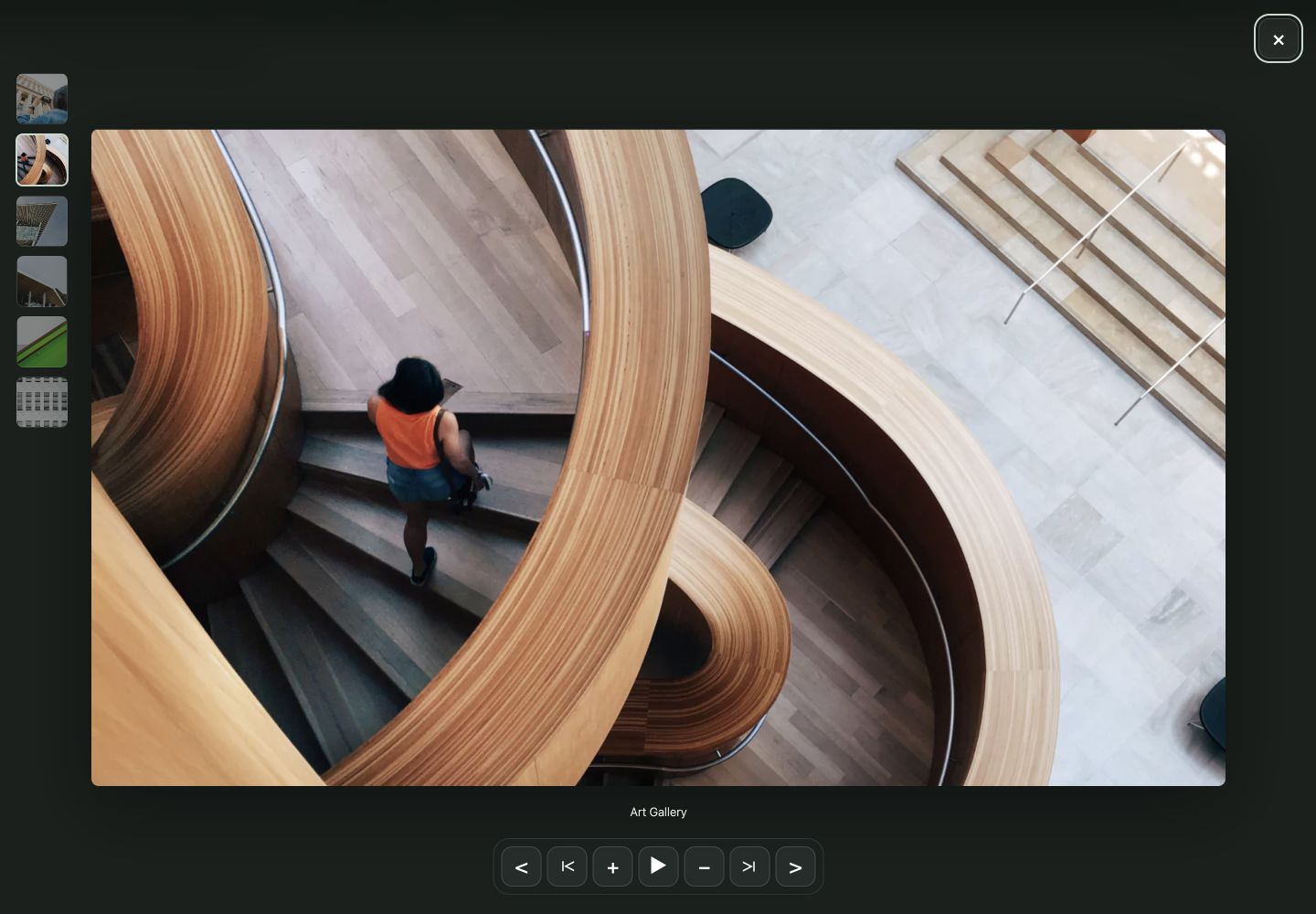
The full-screen image viewer with thumbnails, captions, navigation, zoom, and slideshow controls.
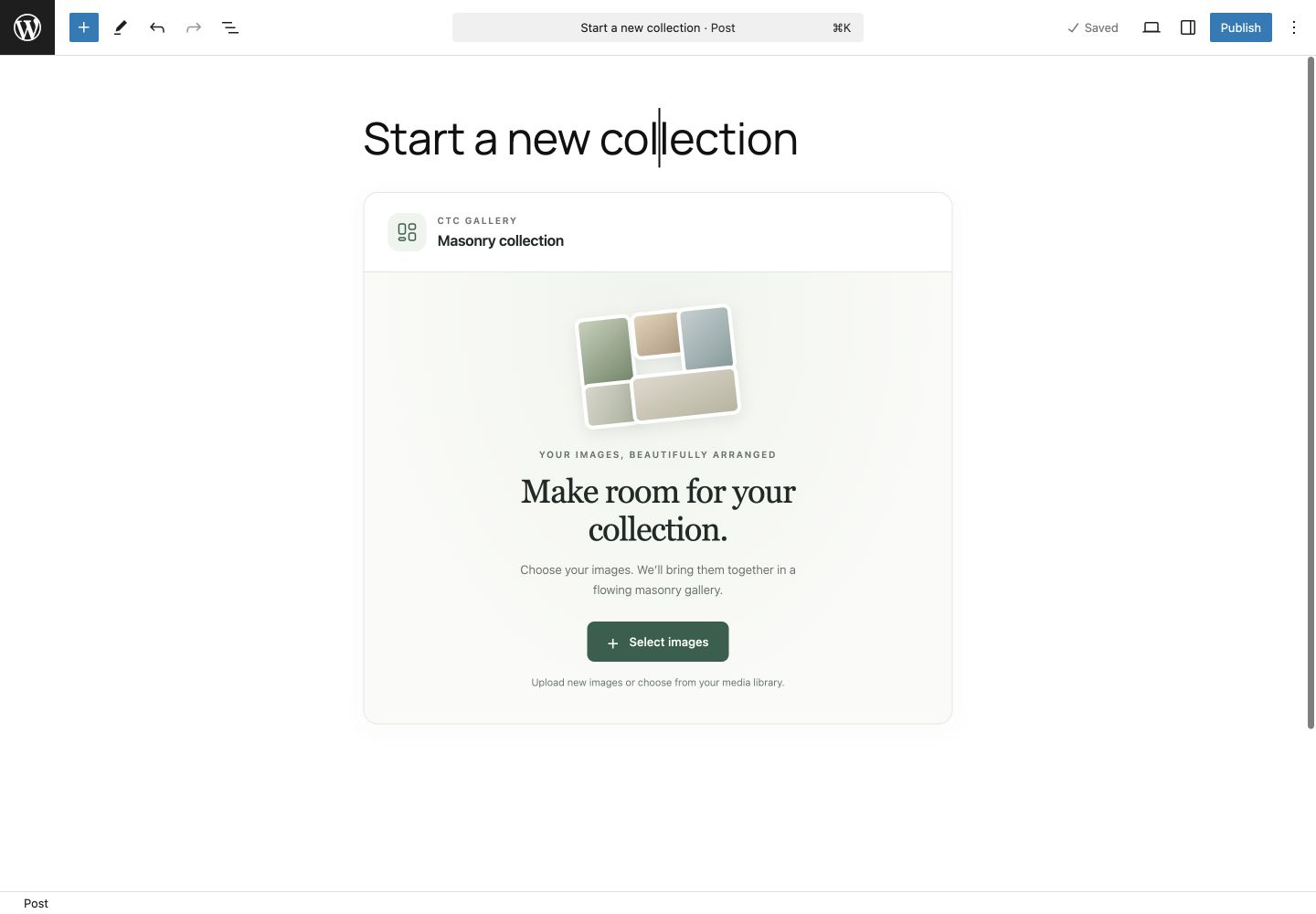
The image-selection screen for starting a new collection.