This plugin will verify every email address submitted by users.
It’ll automatically detect and block disposable, temporary email addresses.
It’ll give a nice warning message when users are signing up, logging in,
or changing email to a temporary email.
The plugin checks the domain name using a service named
IsTempMail.
If a domain name is blocked, it will be stored into a local blacklist.
You can also manage your own local whitelist and blacklist to allow or
disallow certain domains.
The plugin integrates with the WordPress built-in function is_email().
It works seamlessly with other plugins including WooCommerce,
Contact Form 7, Gravity Form, Jetpack/Grunion contact forms, Kadence Blocks Forms as well as
other formbuilders and ecommerce plugins and WordPress’ own registration form.
Screenshots
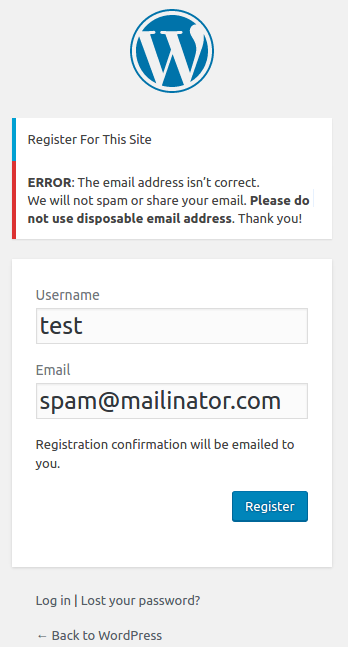
Disposable email address blocked during sign up

Temporary email address blocked when updating profile

Settings to manage your own blacklist and whitelist