BORIS Stock adds physical warehouse control to WooCommerce while keeping WooCommerce responsible for total sellable stock.
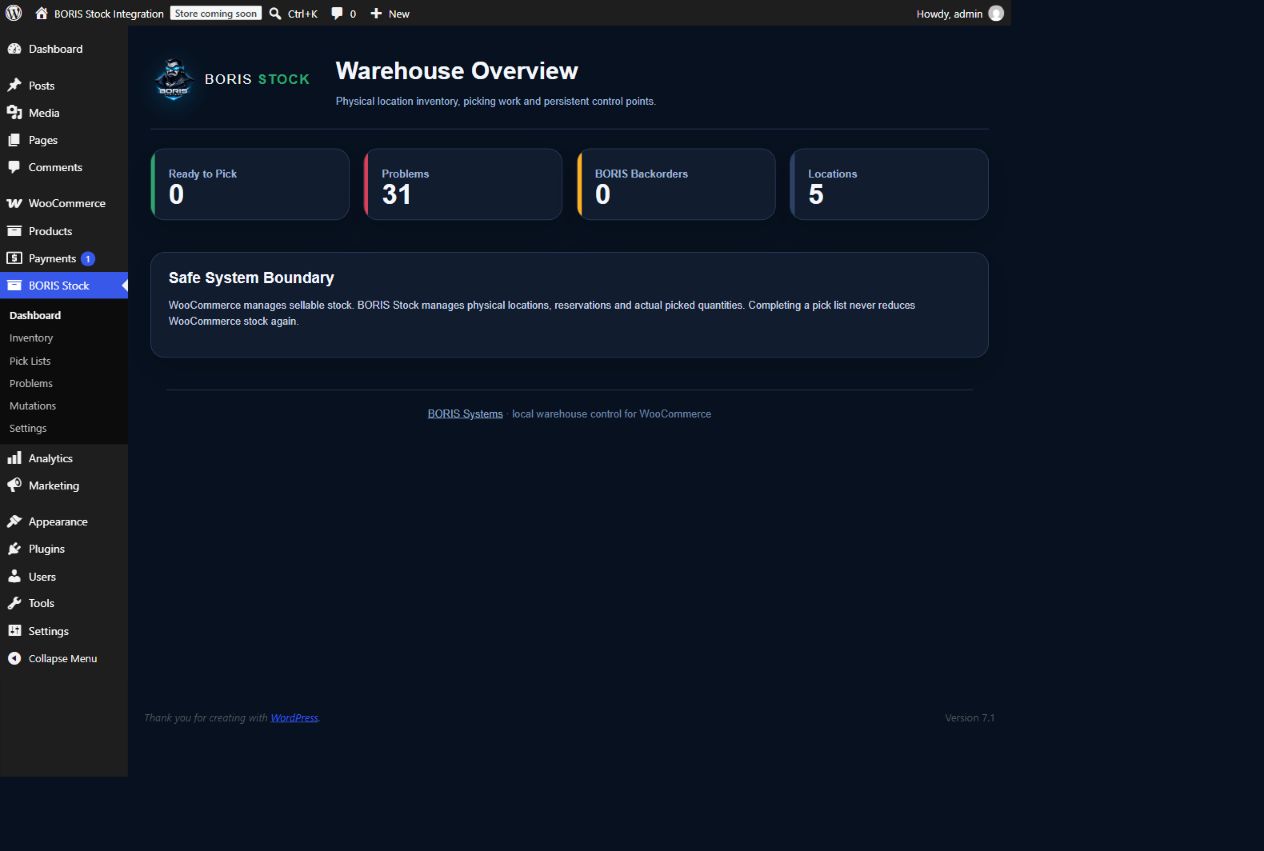
The guided dashboard helps a new user create warehouse locations, import supported WooCommerce products and allocate the existing WooCommerce stock as the initial physical stock. Import and placement are idempotent: repeating either step does not duplicate or reset stock.
Products without a physical location remain valid and sellable in WooCommerce. Their orders remain visible in BORIS Stock and wait for sufficient physical location stock before they can be processed.
Daily warehouse tools support receiving stock, booking out stock, moving stock between locations, smart receiving-location suggestions and protected pick-list processing. Completing a BORIS Stock pick list changes physical location stock only and never reduces WooCommerce stock a second time.
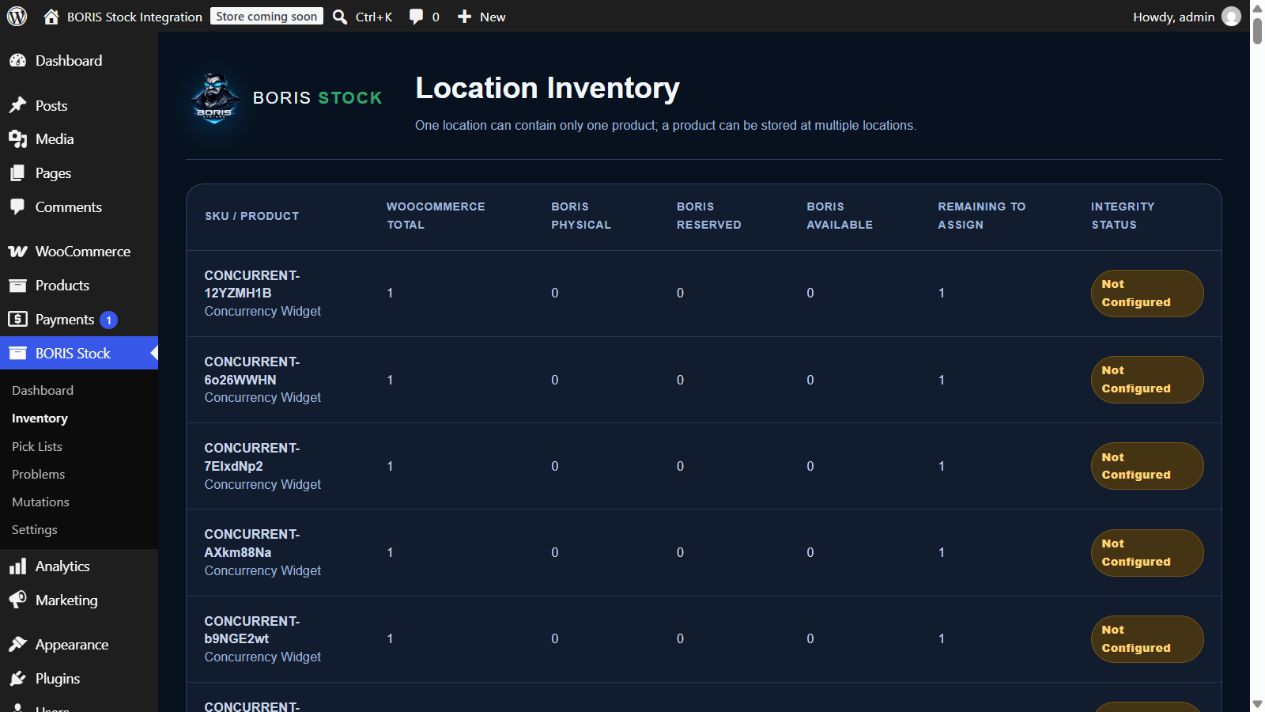
The product-centred inventory screen searches server-side by name, SKU, barcode/GTIN or WooCommerce product ID. It shows physical, reserved, available and WooCommerce stock and lets warehouse users receive, book out, move or safely edit the selected product without loading the complete catalogue into the browser.
Warehouse locations have live total, available and occupied counters, server-side search, availability filters, sorting and pagination. Compatible locations can be searched while receiving or moving stock, and a new location can be created without abandoning the current form.
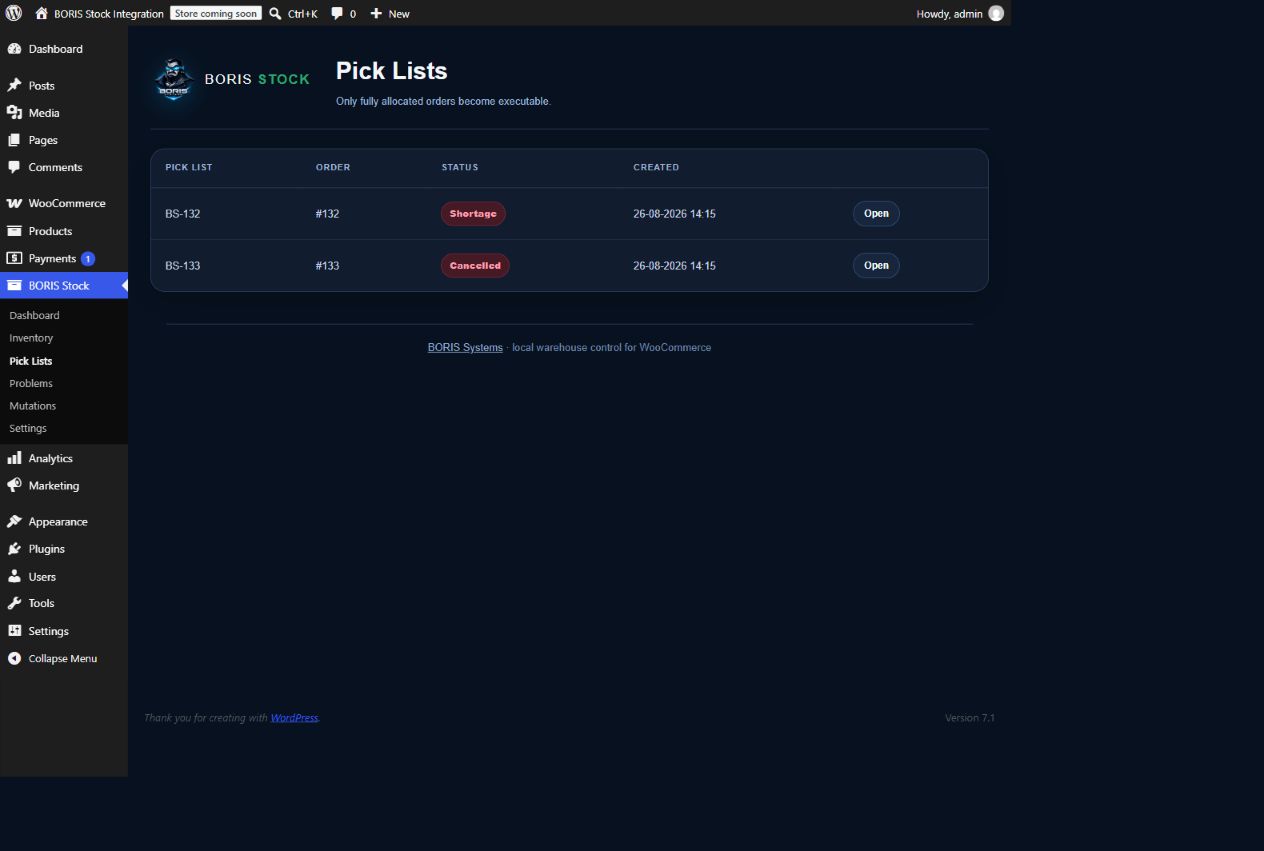
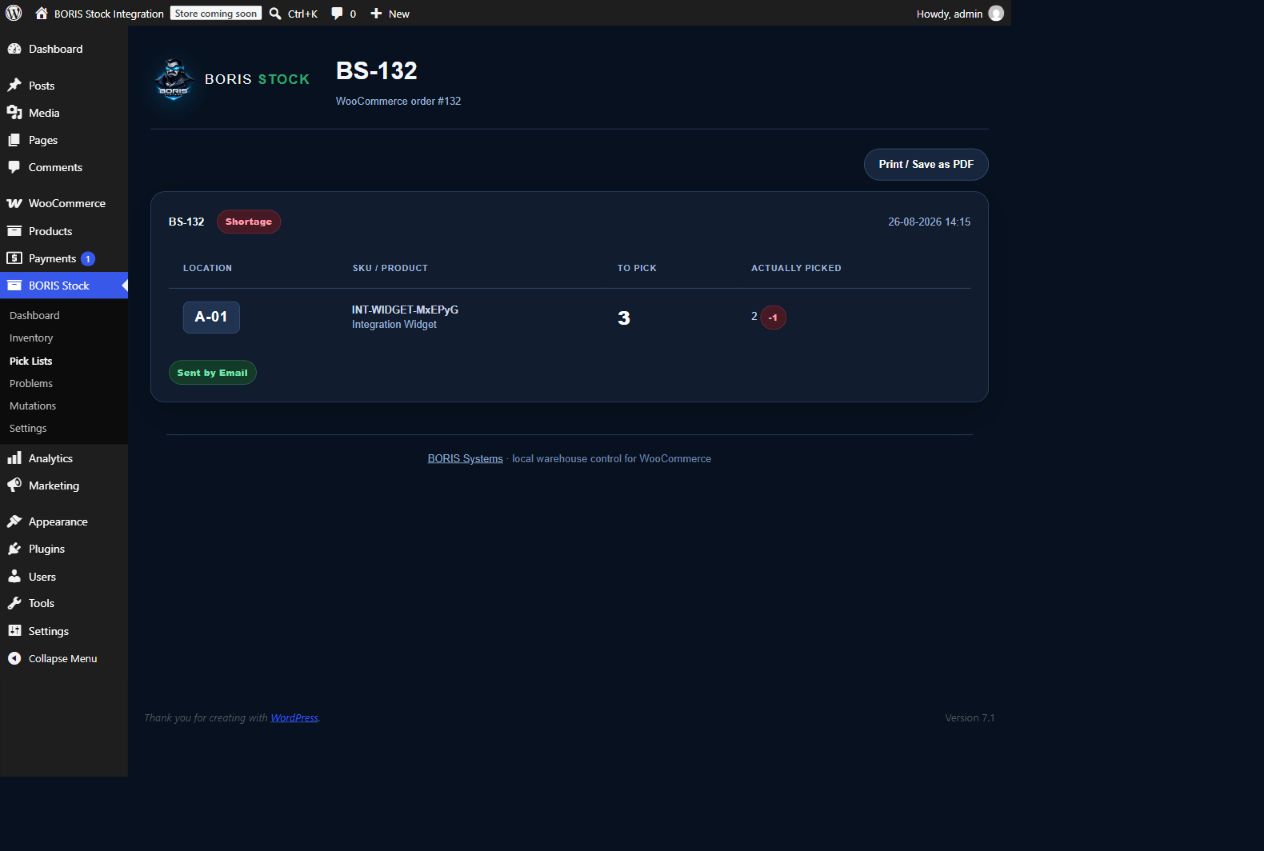
The responsive pick-list screen works on phones and lets authorized warehouse users enter the actual picked quantities and complete the pick list safely. The same pick list can then be printed or saved as a PDF.
Pick lists and customer packing slips are separate documents. Both use the order’s stored shipping address, with a billing-address fallback. Packing slips omit internal warehouse locations, while pick lists retain the locations, SKU and available barcode information needed by warehouse staff. The A4 print layout removes administration controls and avoids an unnecessary blank second page.
Authorized warehouse users can also create a normal WooCommerce simple product from BORIS Stock, including product images, prices, descriptions, categories and shipping measurements, then divide its opening stock across existing warehouse locations. Product photos can be selected or uploaded together, assigned one main photo and ordered for the WooCommerce gallery. Optional hierarchical BORIS photo folders organize ordinary Media Library attachments without moving files or changing attachment URLs. WooCommerce remains the product catalogue and receives the total stock only once.
The plugin records reservations, actual picked quantities, physical shortages and an immutable inventory ledger. New receipts resolve the oldest physical shortages first using FIFO.
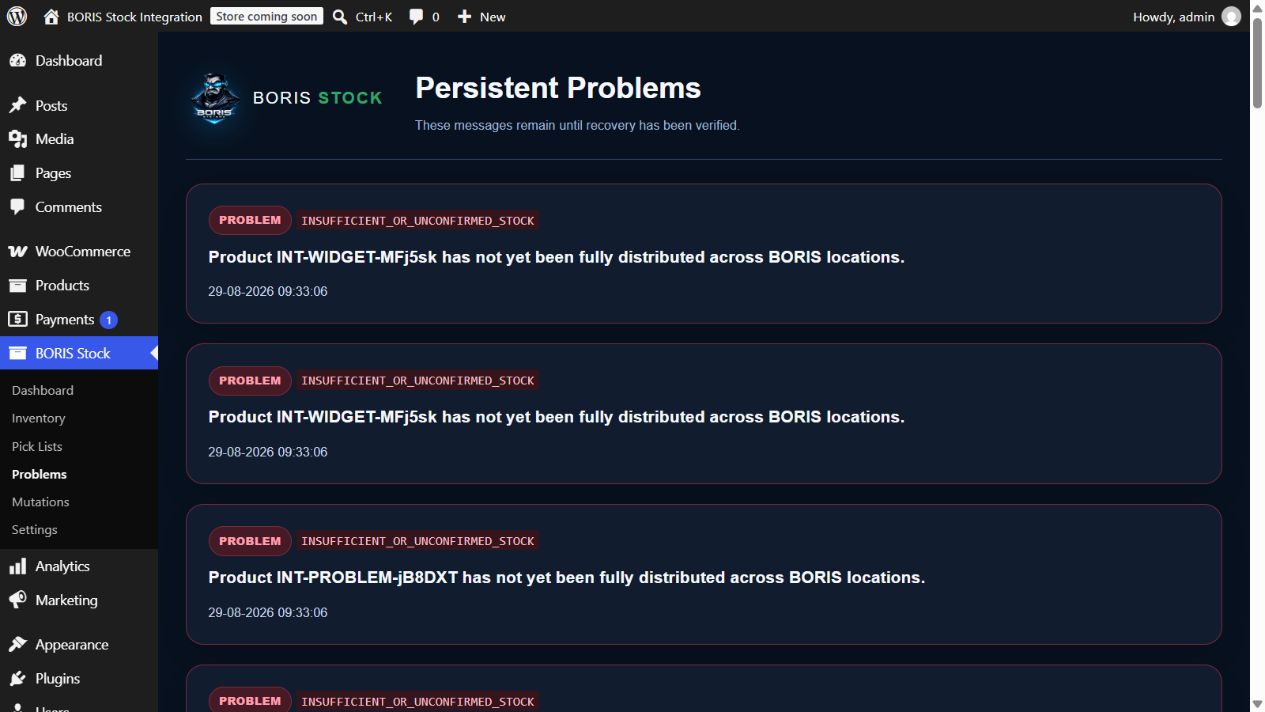
BORIS Stock deliberately does not support WooCommerce backorders, fractional quantities or variations that inherit stock from their parent product. Unsupported configurations are shown as persistent issues.
No external service, telemetry, tracking or BORIS Cloud connection is used.
Documentation: https://borissystems.com/boris-stock/
Official website: https://borissystems.com/
Support: support@borissystems.com
Privacy and Email
BORIS Stock does not send telemetry, analytics or tracking data and does not connect to BORIS Cloud or another fixed external API.
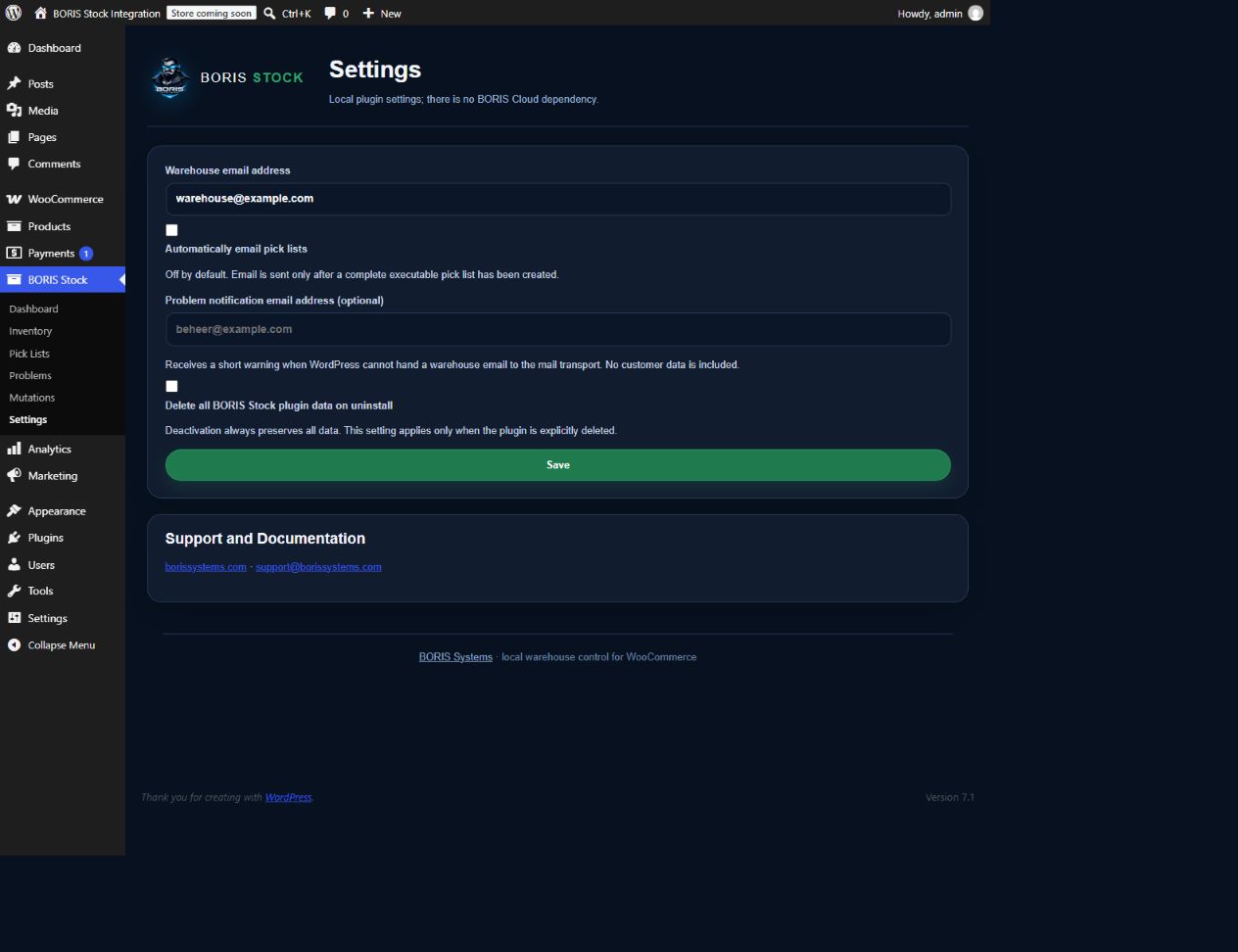
The plugin can send operational plain-text email through the standard WordPress wp_mail() function and the mail transport configured by the site owner. A warehouse email is sent only when an authorized user requests it, or when an authorized administrator has explicitly enabled automatic pick-list email. Automatic email is disabled by default. The recipient is the warehouse address configured under BORIS Stock > Settings, or an alternative address explicitly entered for a manual retry.
Warehouse emails contain the WooCommerce order number, BORIS pick-list number, product SKU, product name, reserved quantity, warehouse location and a protected WordPress administration link to the pick list. They do not contain the customer name, postal address or payment details.
If WordPress cannot confirm a warehouse email and an optional issue-notification address is configured, the plugin sends that address the pick-list number, the mail error and the protected administration link. The site owner controls the recipients and is responsible for the privacy and retention rules of the configured mail service.
Developer Notes
The plugin loads assets/css/admin.css directly. This file is the readable, non-minified source stylesheet; there is no generated minified counterpart and no CSS build step.
Screenshots