BACK TO DIRECTORY
Bricks Element Manager provides a simple way to deactivate/activate Bricks elements from WP admin.
This simple plugin is useful for deactivating all the elements that are not in use, which makes it easier to find the required elements.
To deactivate an element, search for its name in the search bar and click the Deactivate button. The element will be deactivated instantly, and a notification will appear in the bottom left corner of the page.
Key Features Of Bricks Element Manager
- Search bar to search for the elements easily
- Option to deactivate/activate all elements at once
- Instantly activates or deactivates elements without reloading the page
About Us
Bricks Element Manager is built for the users of Bricks Builder by BloomPixel. BloomPixel is an exclusive WP design and development agency with over 11 years of experience. We are the makers of
Screenshots
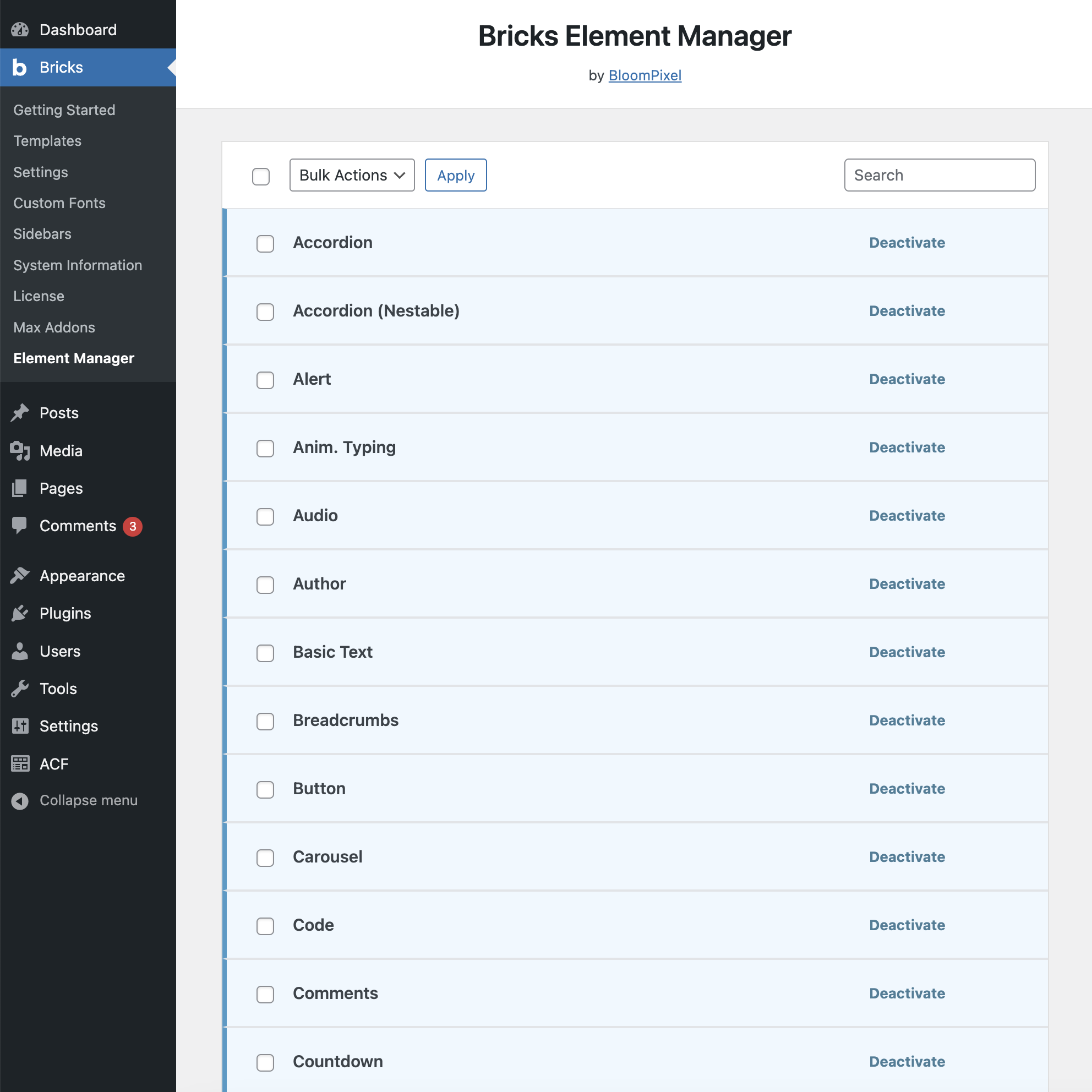
Settings page with all activated elements
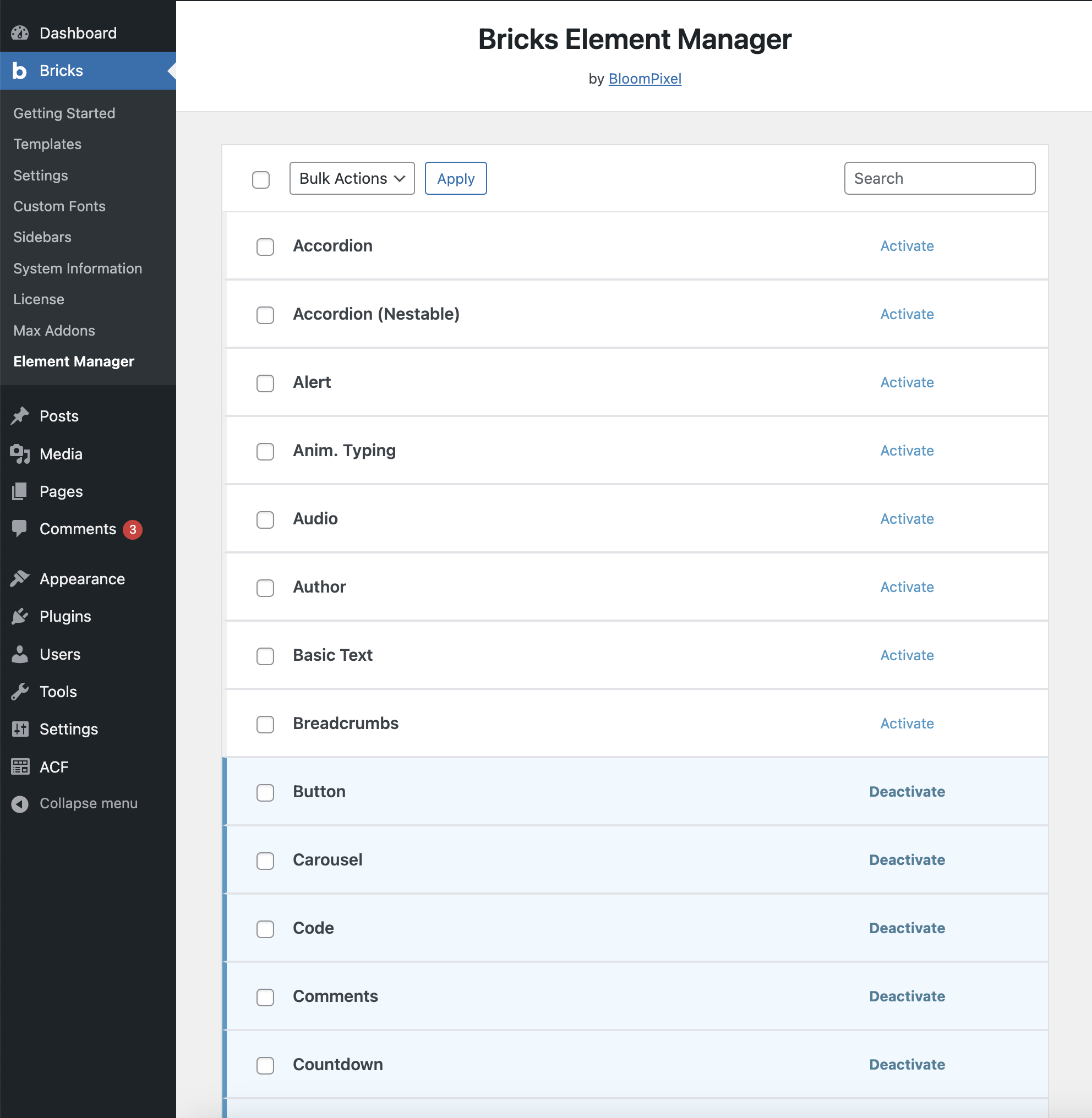
Settings page with some of the deactivated elements
Plugin Details
Active Installs
20Total Downloads
1,620Version
1.0.0Requires WP
6.0Requires PHP
7.4Tested Up To
6.7.11Added
2024-04-24Last Updated
2025-03-12 5:13am GMTRatings
5
0
4
0
3
0
2
0
1
0