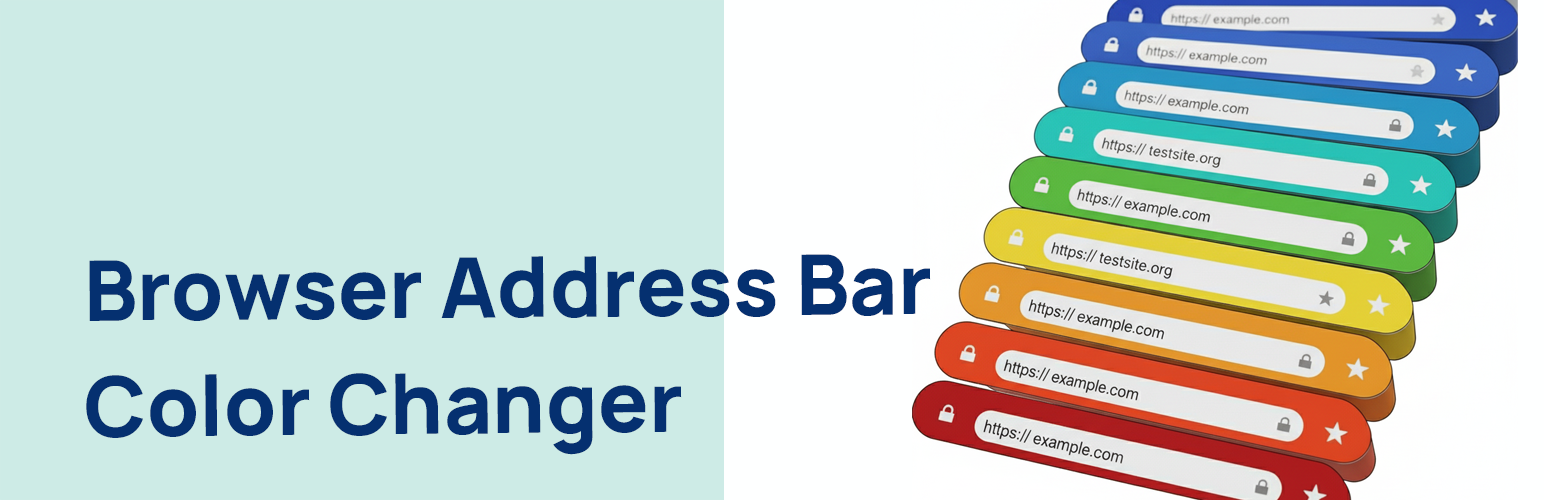
Browser Address Bar Color Changer is a lightweight, secure, and easy-to-use plugin that allows you to set the color of the browser’s address bar on supported mobile browsers (like Chrome on Android). This helps in providing a more immersive, branded experience for your mobile visitors.
The plugin adds a theme-color meta tag to the head section of your website. You can easily pick your desired color from a simple color picker in the WordPress admin settings, without touching a single line of code.
Key Features:
Easy to Use: A simple color picker in the settings page (Settings > Browser Address Bar Color) with a direct link from the plugins page.
Secure: Built using the WordPress Settings API, ensuring all data is saved and outputted securely with proper sanitization, escaping, and validation.
Lightweight: The browser address bar color changer plugin is minimal and only loads its scripts on its own settings page, having zero impact on your site’s frontend performance.
Follows Best Practices: Coded to the highest WordPress standards with unique naming conventions to prevent plugin conflicts.
Screenshots

Browser Address Bar Color Changer Plugin settings page with option to select the color for the address bar and preview

Mobile preview of a website showing address bar with blue color