BACK TO DIRECTORY
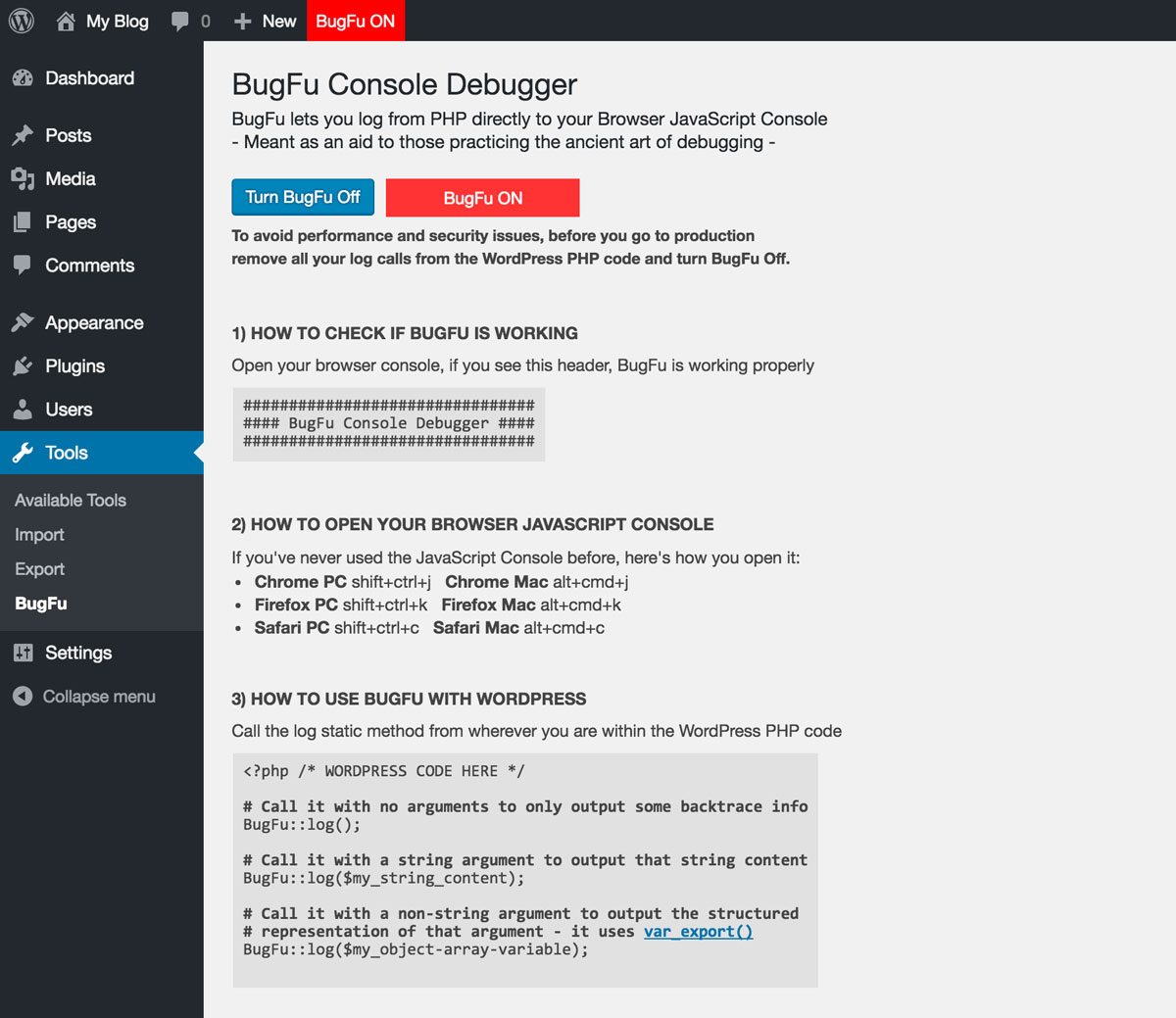


Log/Debug the PHP code in your Theme/Plugin with your Browser Console (no extension needed). Made for themes and plugins developers.
HOW TO CHECK IF BUGFU IS WORKING
Open your Browser Console, if you see this header, BugFu is working properly
################################
#### BugFu Console Debugger ####
################################
HOW TO OPEN YOUR BROWSER JAVASCRIPT CONSOLE
If you’ve never used the Browser JavaScript Console before, here’s how you open it:
- Chrome PC shift+ctrl+j – Chrome Mac alt+cmd+j
- Firefox PC shift+ctrl+k – Firefox Mac alt+cmd+k
- Safari PC shift+ctrl+c – Safari Mac alt+cmd+c
HOW TO USE BUGFU WITH WORDPRESS
Call the log static method from wherever you are within the WordPress PHP code
<?php /* WORDPRESS CODE HERE */

/* Call it with no arguments to only output some backtrace info */
BugFu::log();

/* Call it with a string argument to output that string content */
BugFu::log($my_string_content);

/* Call it with a non-string argument to output the structured
   representation of that argument - it uses var_export() */
BugFu::log($my_object-array-variable);

/* Call it with the second optional argument set to "false"
   to turn off the backtrace info (which is on by default) */
BugFu::log($my_content, false);
DEVELOPERS
Official Github repository:
https://github.com/fedeandri/bugfu-console-debugger
Screenshots
The admin page when BugFu is ON
The Browser JavaScript Console when BugFu is ON
The admin page when BugFu is OFF