BACK TO DIRECTORY
Having a problem or a question? Please write to the support forum first. I read it and will try to help you before you leave a review.
Bulk Password Protect Post Types lets you choose one or more post types and set one password for every post within them. A visitor sees WordPress’s own password form instead of the text, on the page, in search results, in feeds and in the REST API.
Features
- Lists the post types your visitors can see, custom post types included, by the names the admin menu uses.
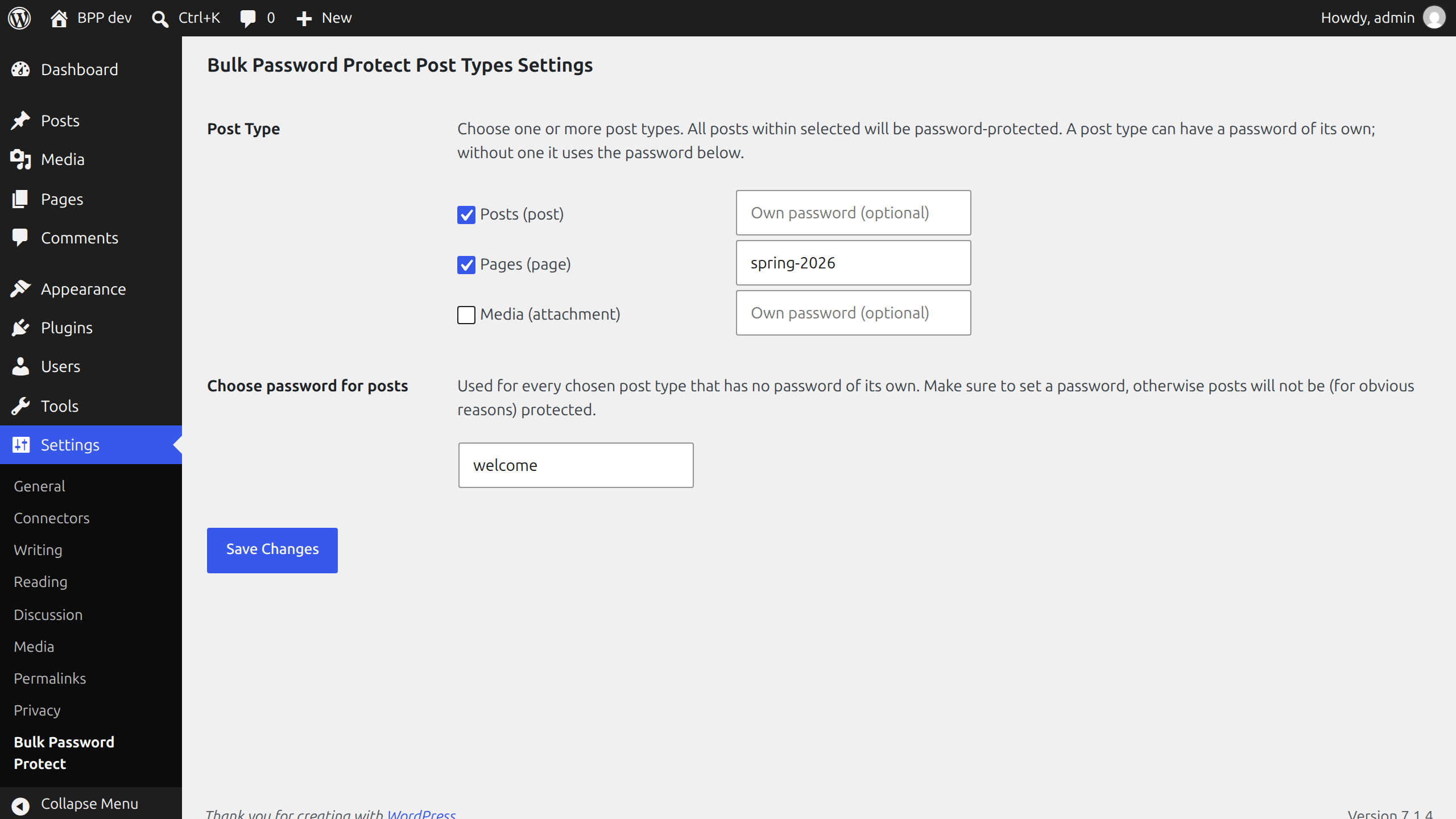
- One password for all posts of the chosen types, set in one place.
- Or a password of its own for a post type, when you want different ones.
- Uses WordPress’s own password protection, so the form and the cookie behave as they do for a single protected post.
- Posts you add later to a chosen type are protected from the first moment.
Good to know
- The password is saved in the site’s database as plain text, as WordPress saves the password of a single post. Do not use one you use elsewhere.
- The password of the setting replaces the password a post had of its own, for the post types you chose. A post type without a password, its own or the general one, is left as it is.
- Nothing is written to the posts themselves. Remove a post type from the setting, or deactivate the plugin, and its posts are open again.
Screenshots
The settings page.
Plugin Details
Active Installs
20Total Downloads
4,128Version
1.2.0Requires WP
5.9Requires PHP
7.4Tested Up To
7.1.4Added
2017-01-16Last Updated
2026-10-28 7:45pm GMTRatings
5
0
4
0
3
0
2
0
1
0