SilentShield – Captcha & Anti-Spam for WordPress (CF7, WPForms, Elementor, WooCommerce)
by Forge12 Interactive GmbH
SilentShield is a unified captcha and anti-spam plugin for WordPress.
It works with the most popular form builders and protects login, registration, and comment forms – without slowing your site.
Why choose SilentShield?
– Invisible defense – Captcha, honeypot, and blacklists working silently.
– Instant results – Install, activate, and stop spam.
– Universal support – Works with Contact Form 7, WPForms, Elementor, Formidable, Ninja Forms, Forminator, Kadence, WooCommerce, and more.
– Privacy-first – No cookies, no tracking, built for GDPR / DSGVO-compliant use.
SilentShield doesn’t just protect forms.
It protects your time, your customers, your business.
Core Features
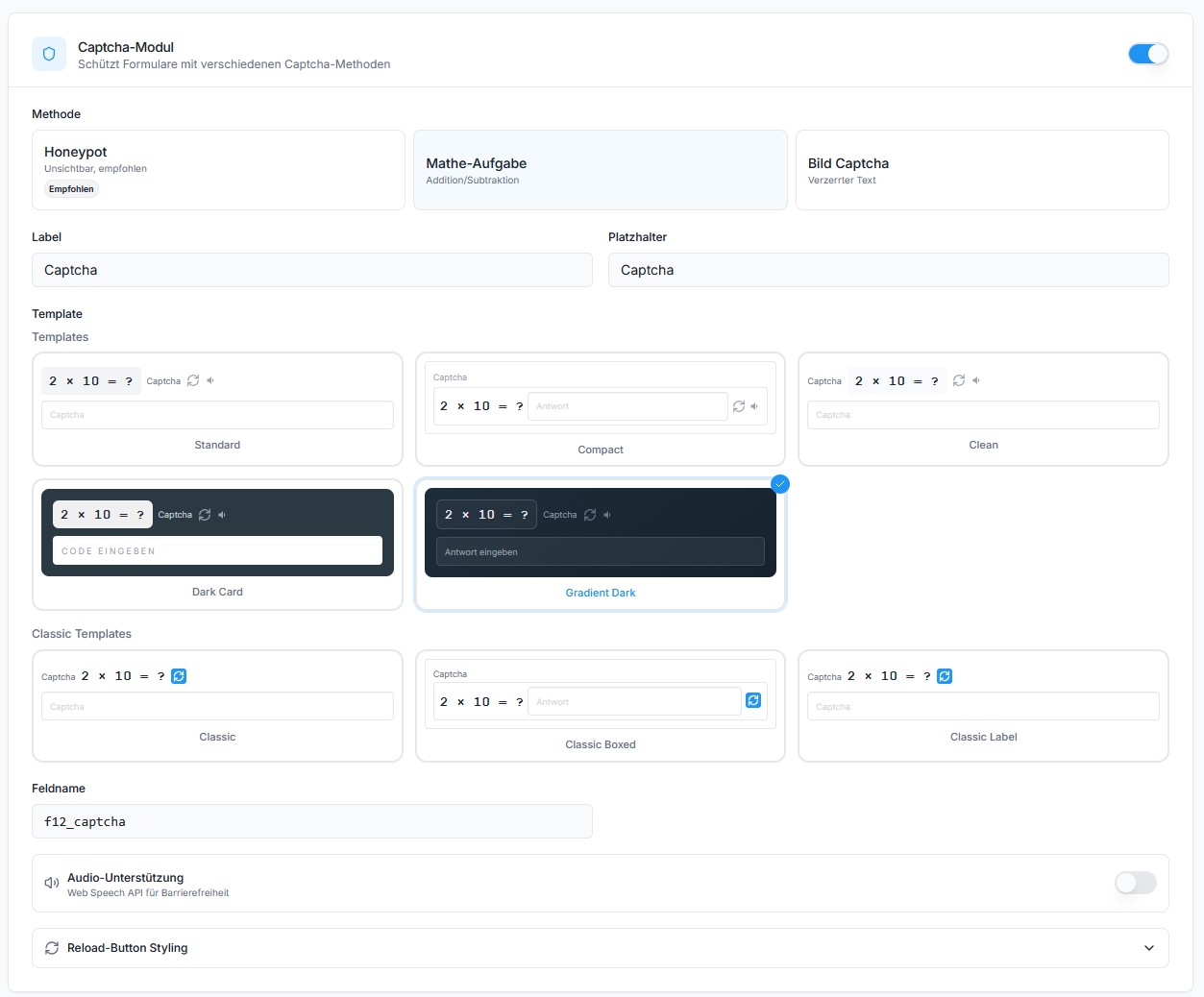
- Invisible Captcha (Arithmetic, Honeypot, Image)
- Smart IP Blocking & Blacklists
- Spam filters for links, code & keywords
- Whitelisting for admins & customers
- GDPR-ready, no cookies, no tracking
Supported Form Plugins & Integrations
SilentShield protects forms from all major WordPress form builders and core features:
Form Builders:
– Contact Form 7 (CF7)
– WPForms / WPForms Lite
– Elementor Pro Forms (classic widget and v4 “atomic” forms)
– Gravity Forms
– Fluent Forms
– Formidable Forms
– Ninja Forms
– Forminator
– JetFormBuilder
– Kadence Blocks (Advanced Form)
– Jetpack Forms (contact form block and shortcode)
– Avada (Fusion Builder) Forms
Newsletter:
– MC4WP – Mailchimp for WordPress (signup forms)
WooCommerce:
– Checkout – block (the default for new shops since WooCommerce 8.3)
– Checkout – classic (incl. PayPal Payments)
– Login
– Registration
– Lost password
– Account details
– Works with Germanized for WooCommerce (order button, legal checkboxes, EU withdrawal form)
WordPress Core:
– Login form (wp-login.php)
– Registration form
– Lost password form
– Comment forms (including WooCommerce product reviews)
Communities & Forums:
– bbPress (new topics and replies)
– BuddyPress (member registration)
Donations:
– GiveWP (classic donation form; the visual-builder form is not yet covered)
Other:
– Ultimate Member (Login & Registration)
– WP Job Manager (Job Applications)
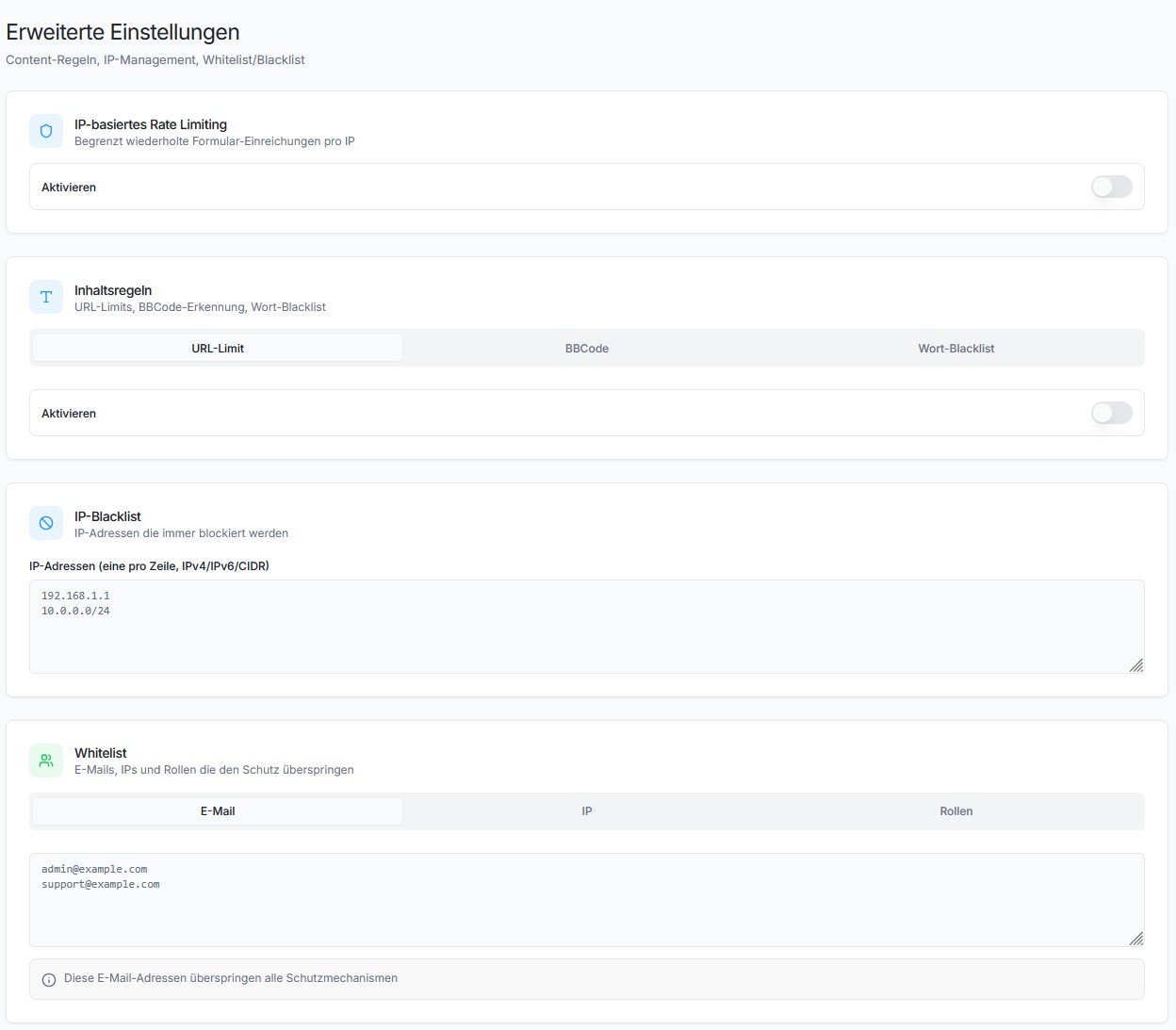
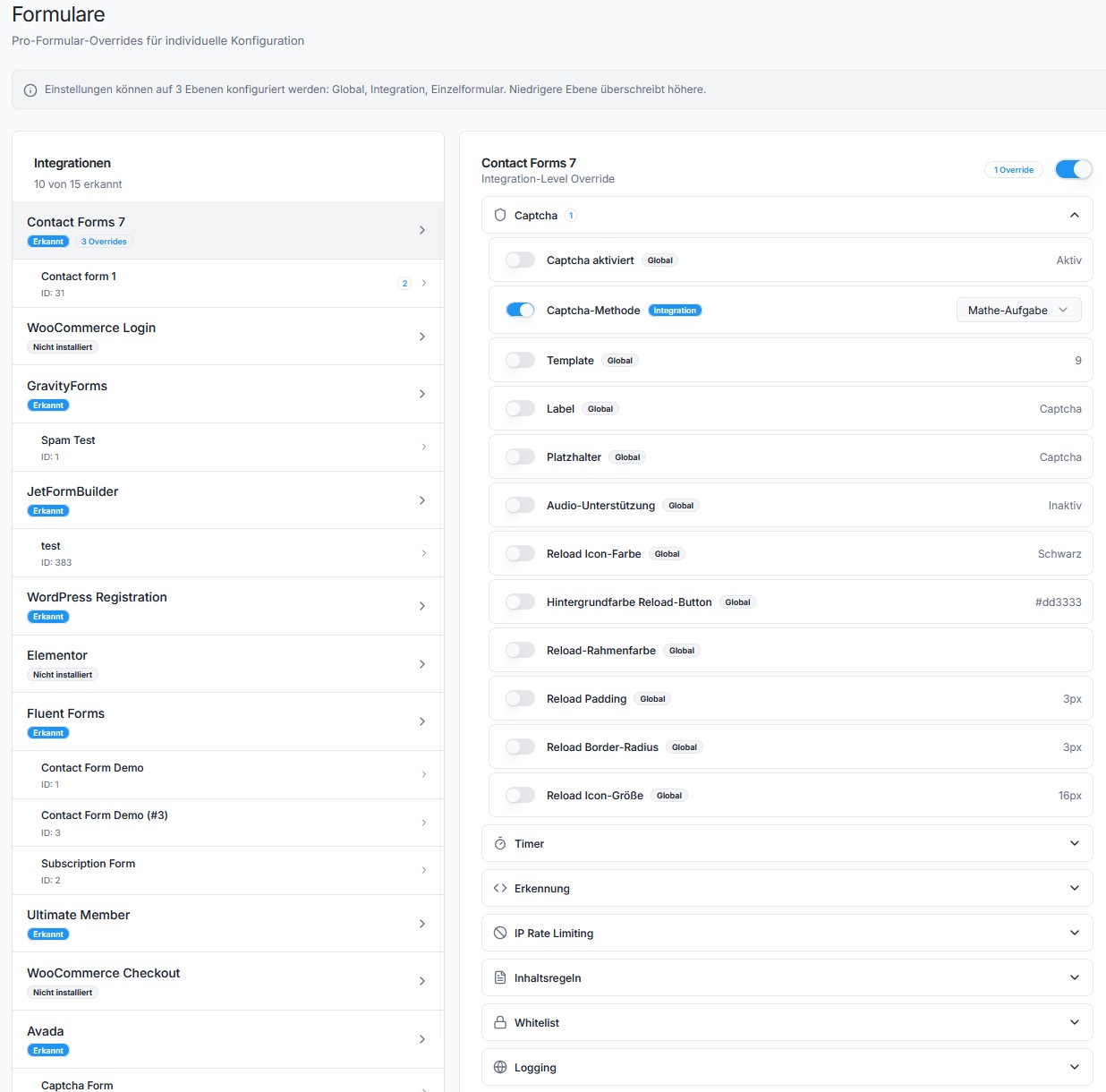
Each integration can be enabled or disabled individually under Settings > Extended.
Protection Layers
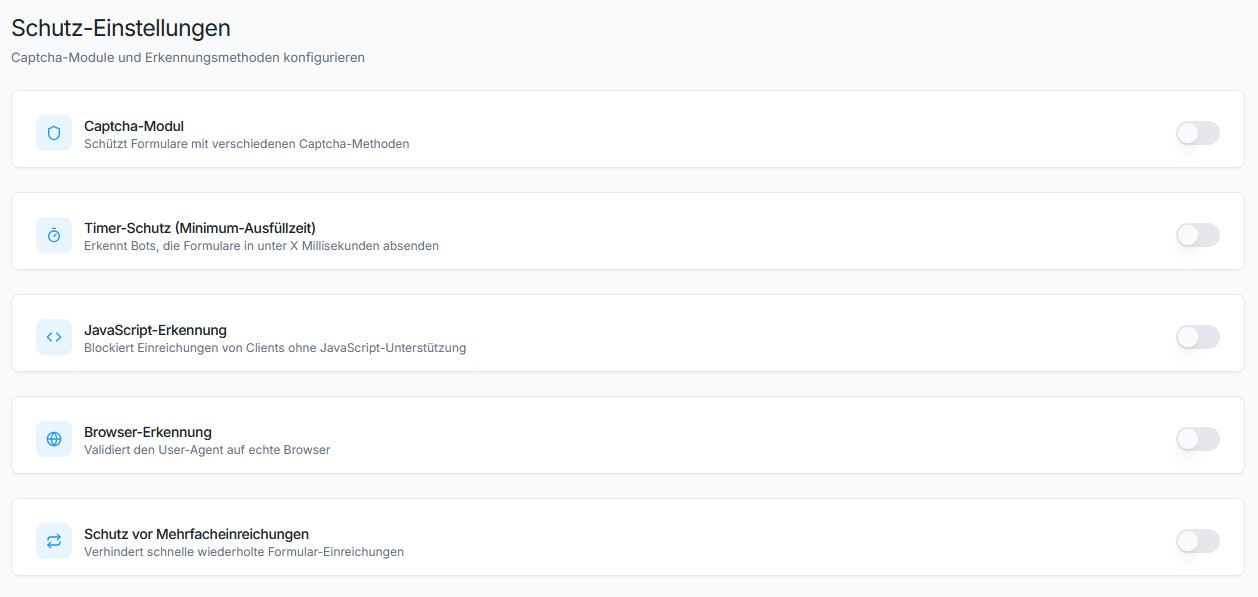
SilentShield uses 10+ protection mechanisms working together:
- Captcha – Arithmetic math, honeypot, or image-based captcha
- JavaScript Protection – Detects submissions from bots without JS support
- Browser Detection – Validates User-Agent strings
- Timer Protection – Blocks submissions faster than a human can type
- Multiple Submission Protection – Prevents rapid duplicate submissions
- IP Rate Limiting – Limits requests per IP and time window
- IP Blacklist – Block known bad IPs
- Content Rules – Limit URLs, block BBCode, keyword blacklist
- Gibberish Detection – Recognises submissions filled with random characters, the kind a bot writes when it only needs the form to go through. Unlike every other check it does not depend on the sender’s browser, so a bot driving a real browser cannot pass it by playing along. Starts in observation mode and blocks nothing until you switch it on.
- Whitelist – Skip validation for admins, logged-in users, or specific emails/IPs
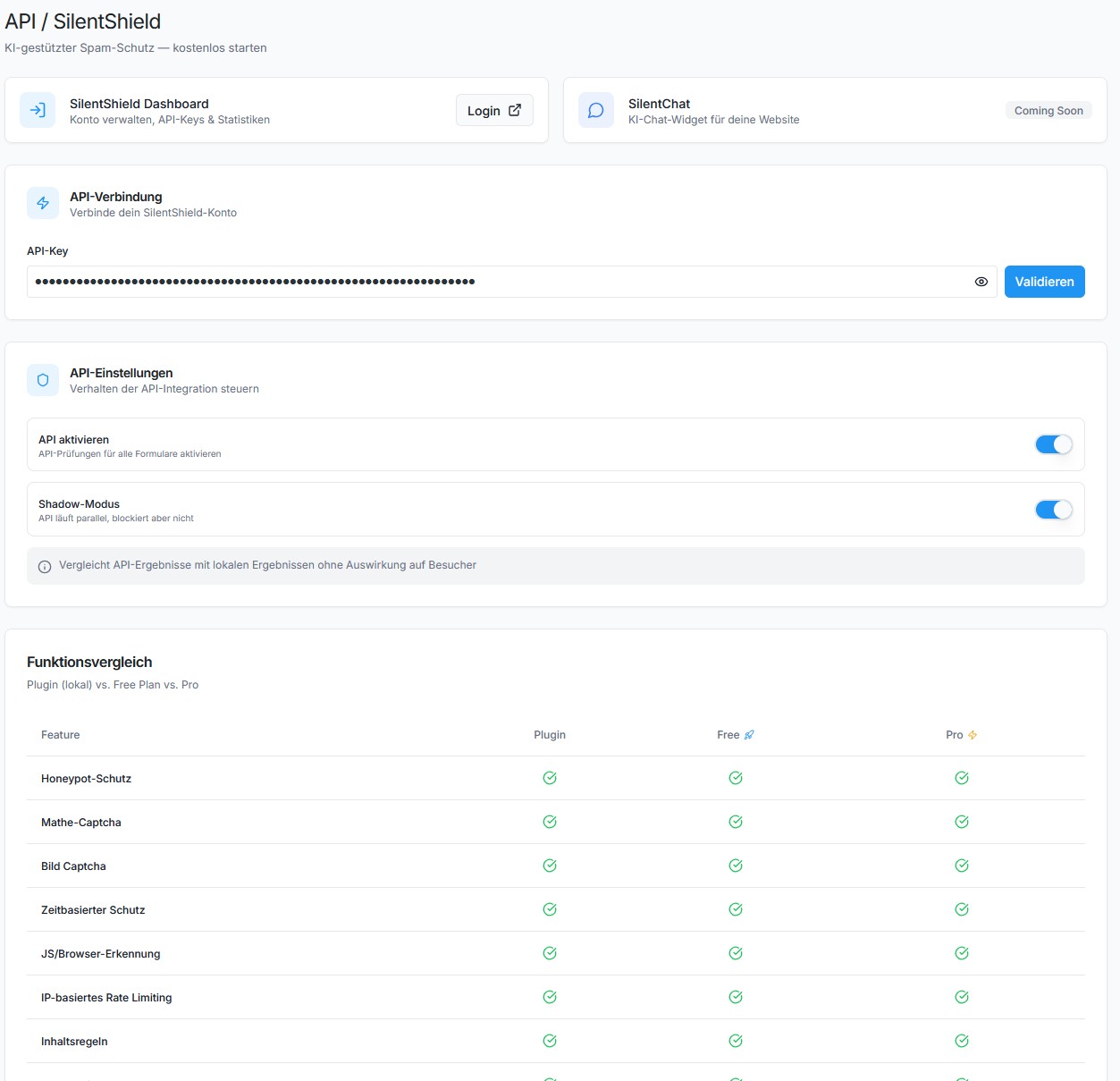
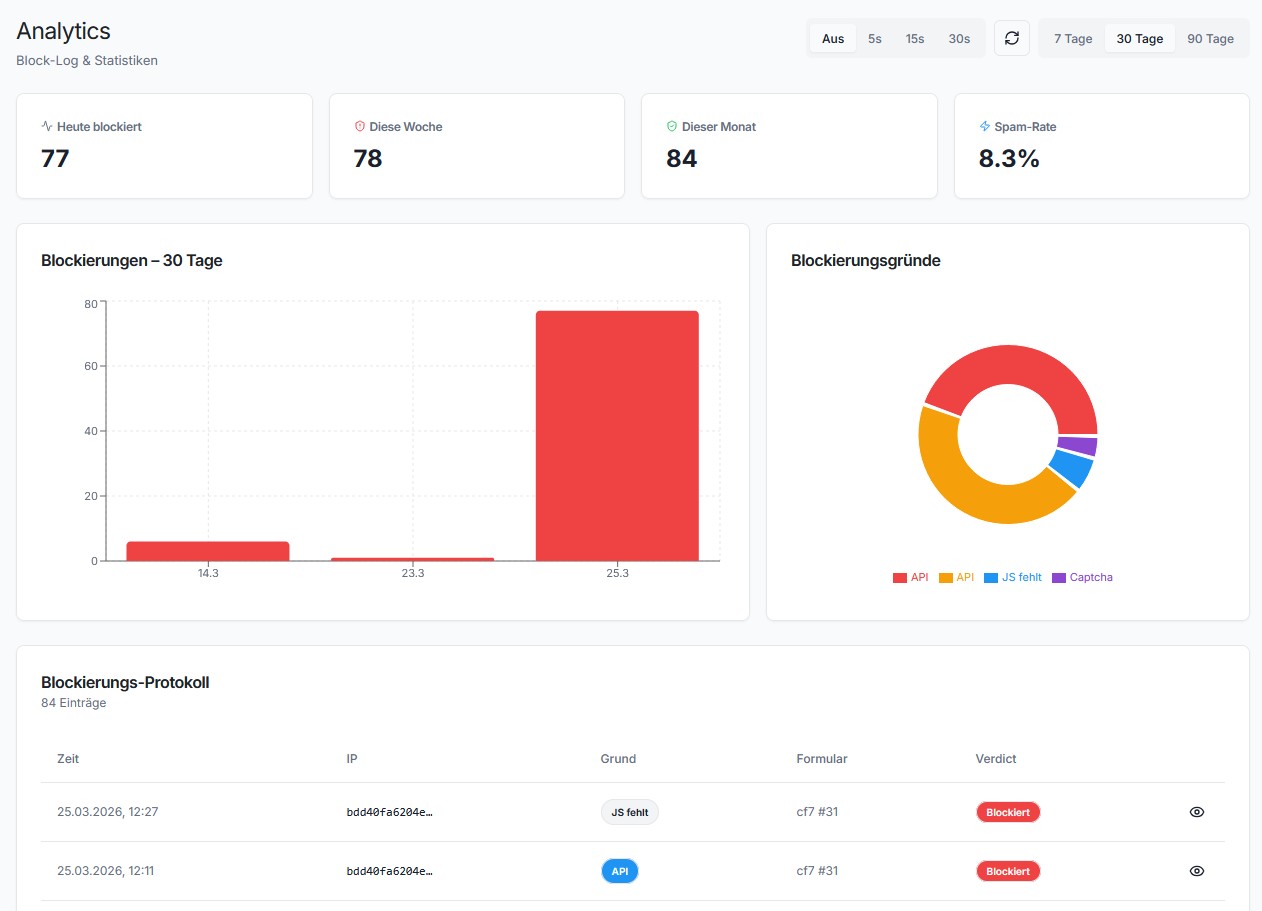
- SilentShield API – Cloud-based spam detection (silentshield.io)
The Promise
SilentShield is not “just another plugin.”
It’s an invisible wall against the background noise of the internet.
Activate once – and your forms are human again.
Want more? SilentShield API
Everything above is free and stays free. No feature is held back, no submission limit, no account needed.
What the free plugin cannot do is recognise a bot that behaves like a person — one driving a real browser, solving the captcha, typing at human speed. Rules can only catch what looks wrong, and those do not.
The SilentShield API answers that with behaviour analysis and browser fingerprinting, scored in the cloud, and it usually decides without showing anyone a captcha at all. Switch it on and the local protections stay exactly where they are as a fallback — if the API is ever unreachable, your forms are still protected.
There is a free plan and a trial, and you can see what it would have caught before you pay for anything: turn on Comparison Mode and the plugin logs what the API would have decided, alongside what your local rules actually did.
👉 Plans and free trial at silentshield.io
Privacy & Telemetry
- No cookies, no user tracking.
- Encrypted IP storage (max. 2 months, only for spam defense).
- Every transmission described below is optional and can be switched off in the plugin settings.
- The plugin’s built-in Privacy page shows which of these are active on your site, what that means, and gives you ready-made privacy-policy snippets in 25 languages.
1. Plugin statistics (setting “Telemetry”)
Anonymous, no personal data, sent at most once a day:
– plugin_slug, plugin_version
– snapshot_date
– settings_json (anonymized config – only boolean/integer flags, no free-text)
– features_json (enabled features)
– created_at, first_seen, last_seen
– counters_json (spam events)
– wp_version, php_version, locale
2. AI-crawler observation (setting “Observe AI crawlers”, on by default; SILENTSHIELD_OBSERVER to force off)
Sent only for requests identified as an AI crawler — never for your human visitors. Delivered after the page has already been sent to the visitor:
– ua (the crawler’s User-Agent), ip, path (without query string), method
– The IP address is pseudonymised on the server (daily keyed hash) and never stored in the clear.
3. Blocked-request reports (only with “Block AI crawlers (enforce)” on; follows the observation setting above)
Same fields as (2), plus the outcome (deny / throttle), for every request enforcement turned away. Note that a block rule which is not restricted to a specific crawler can also catch a human visitor — that request is then reported in the same way.
4. Form assessment (only with the SilentShield API enabled)
See the API snippet on the plugin’s Privacy page for the full description.
Screenshots
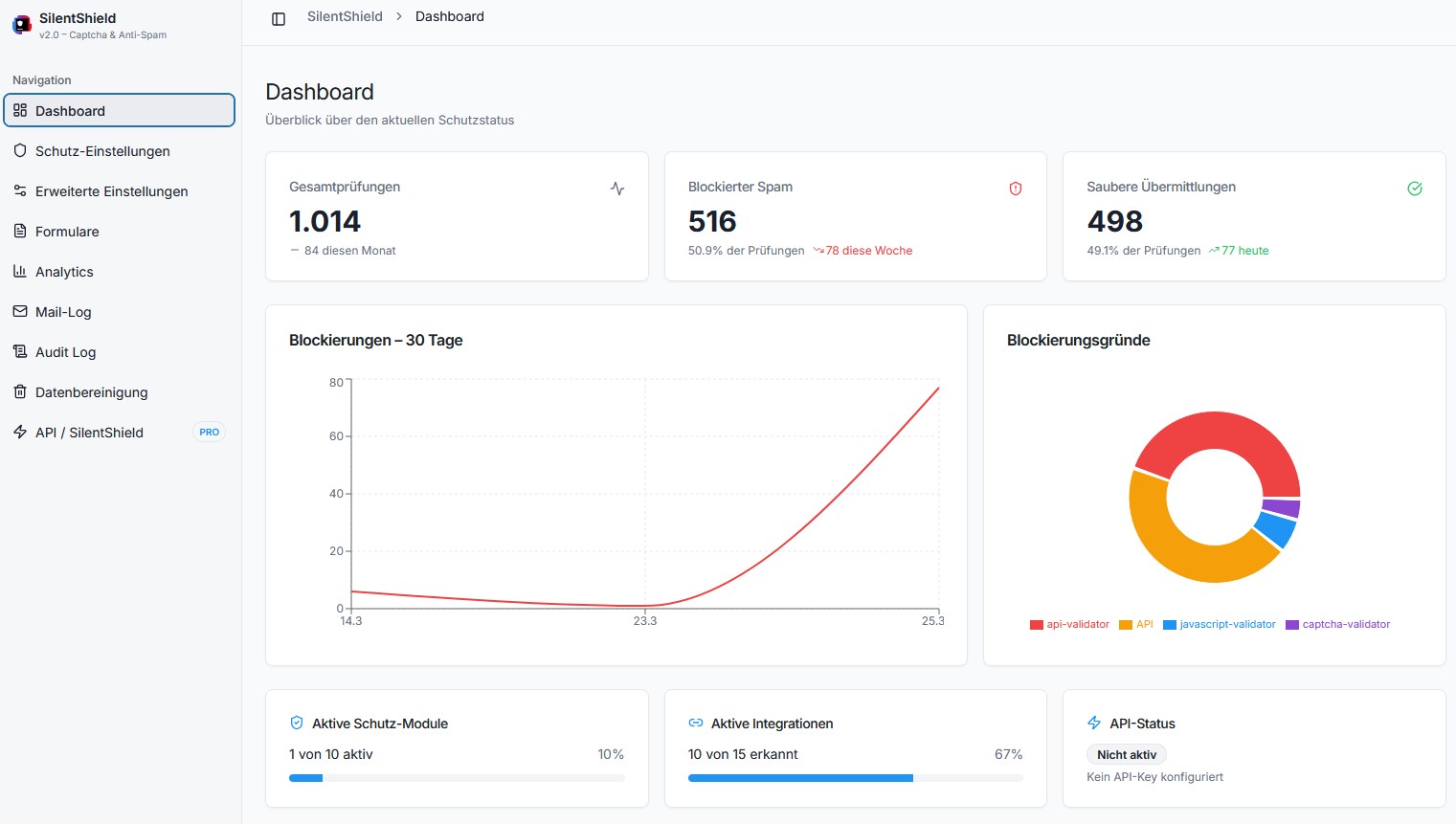
IP Protection settings
Spam protection in comments
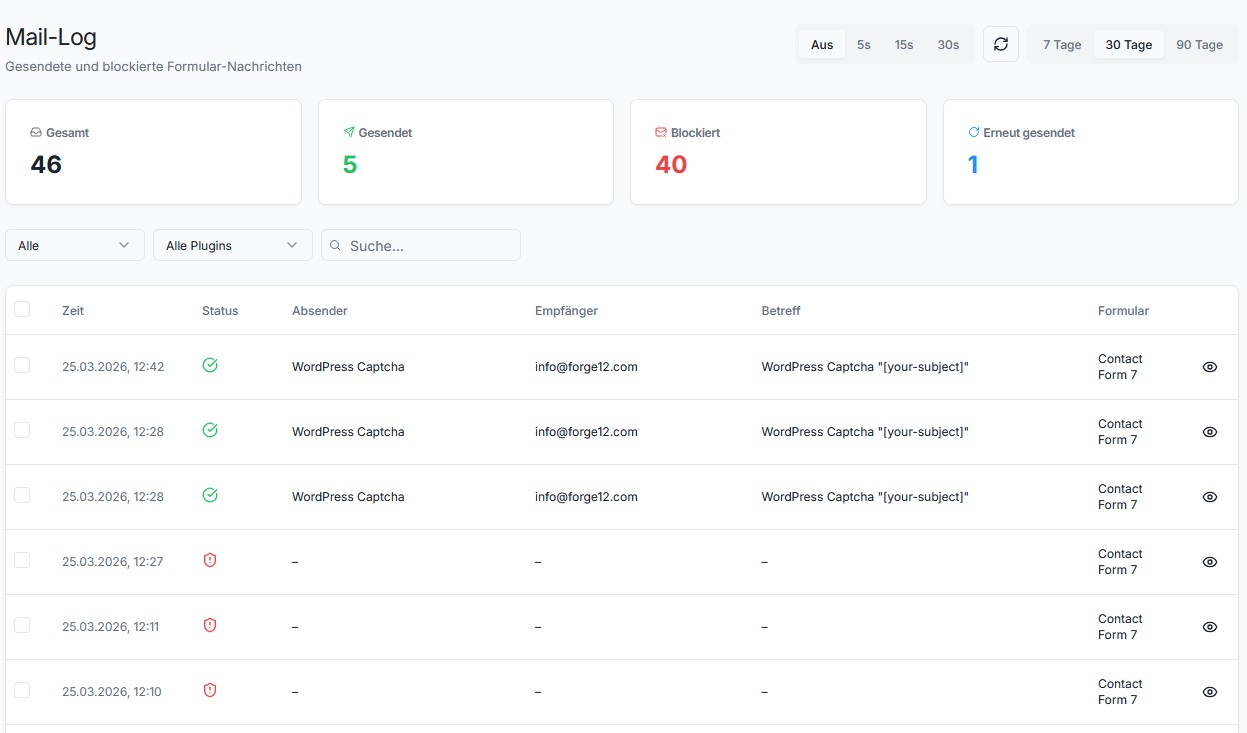
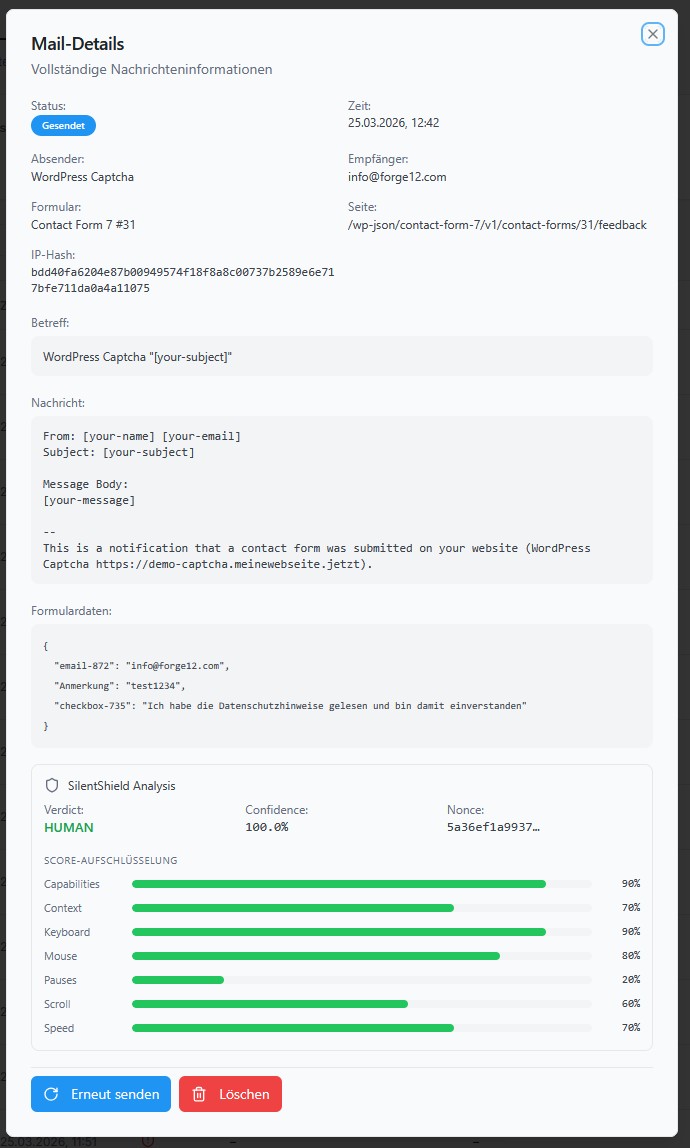
Contact Form 7 integration
Avada Forms integration
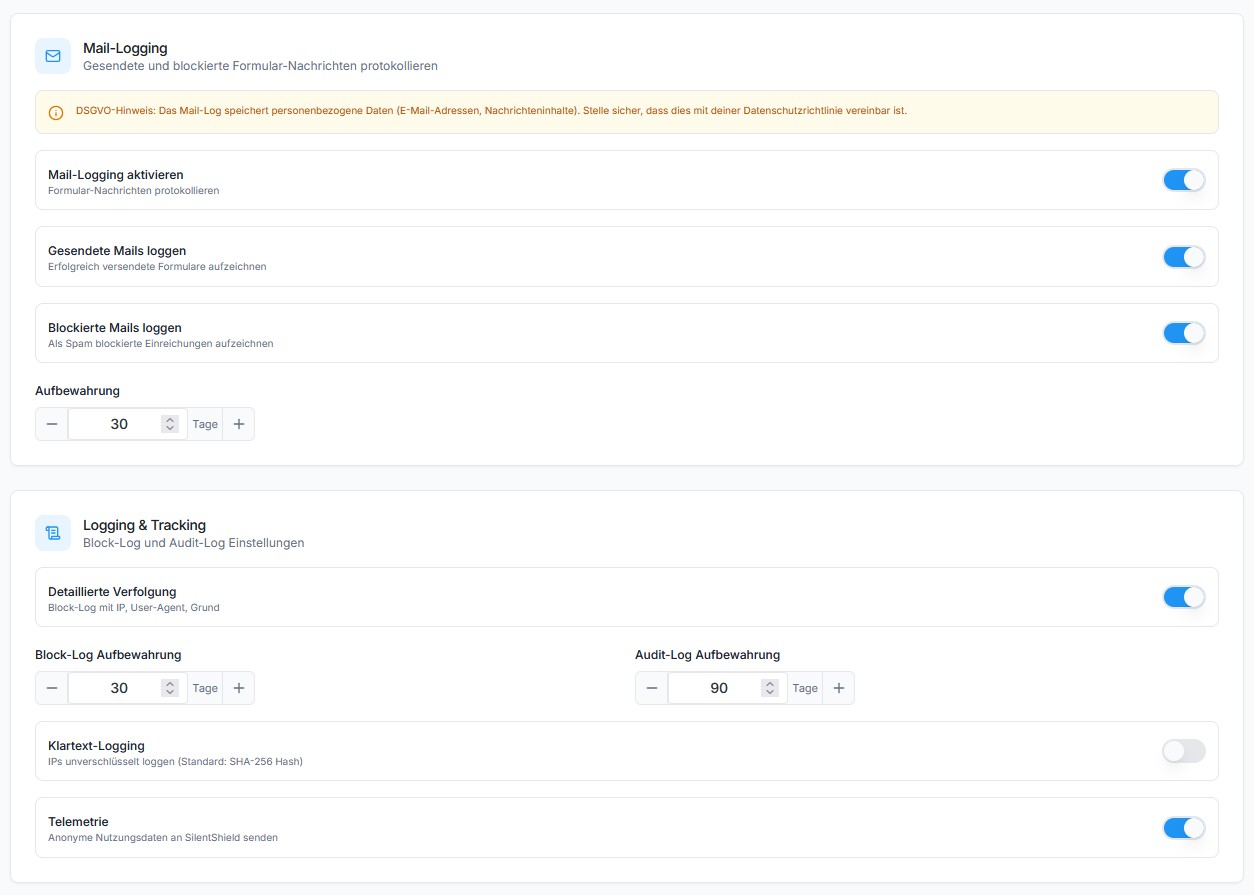
Image Captcha example
Arithmetic Captcha example
Honeypot Captcha example