
Capybara SEO Lead Source Tracker captures UTM parameters and click IDs (gclid, gbraid, wbraid, fbclid) from the URL, stores them in localStorage with a configurable attribution model (last click by default, or first click; kept for 7 days from the selected capture), and automatically updates WhatsApp links with a dynamic message that includes the lead source data.
Key features:
- Captures utm_source, utm_medium, utm_campaign, utm_content, utm_term, gclid, gbraid, wbraid, fbclid
- Configurable attribution model: last click (default) credits the most recent identifiable entry before the WhatsApp click; first click keeps the first identifiable entry. Both keep the selected source for 7 days from its capture, and visits without source signals never erase or renew it
- Automatic channel detection: Google Ads, Meta Ads, Organic, Referral, and AI platforms (ChatGPT, Claude, Gemini, Copilot, Perplexity)
- Lines with no captured data are omitted from the WhatsApp message
- Combinable button placements: Floating button (auto-injected, zero setup) and CSS Selector (reuse existing buttons) can both be turned on at once, plus the always-available [capysele_button] shortcode — all sharing the same number and tracking
- Customizable message template with placeholders
- Click-time page tracking: {exit_page} reports the complete URL where the visitor clicks, including its query string and fragment, and {exit_page_title} reports that page’s title
- Translation-ready: approved locales are delivered separately through WordPress.org language packs based on the WordPress site or user locale
- Debug mode: logs captured data, its capture and expiry dates, and why the channel was assigned to the browser console
Available placeholders for the message template:
{channel}, {utm_source}, {utm_medium}, {utm_campaign}, {utm_content}, {utm_term}, {gclid}, {gbraid}, {wbraid}, {fbclid}, {referrer}, {exit_page}, {exit_page_title}, {landing_page}, {captured_at}
Use {exit_page} for new templates. The legacy {landing_page} placeholder remains supported and now returns the same click-time URL for backward compatibility. Use {exit_page_title} for the title of the page where the visitor clicks (read at click time); you can use the title, the URL, or both. Existing templates are not changed automatically.
Screenshots
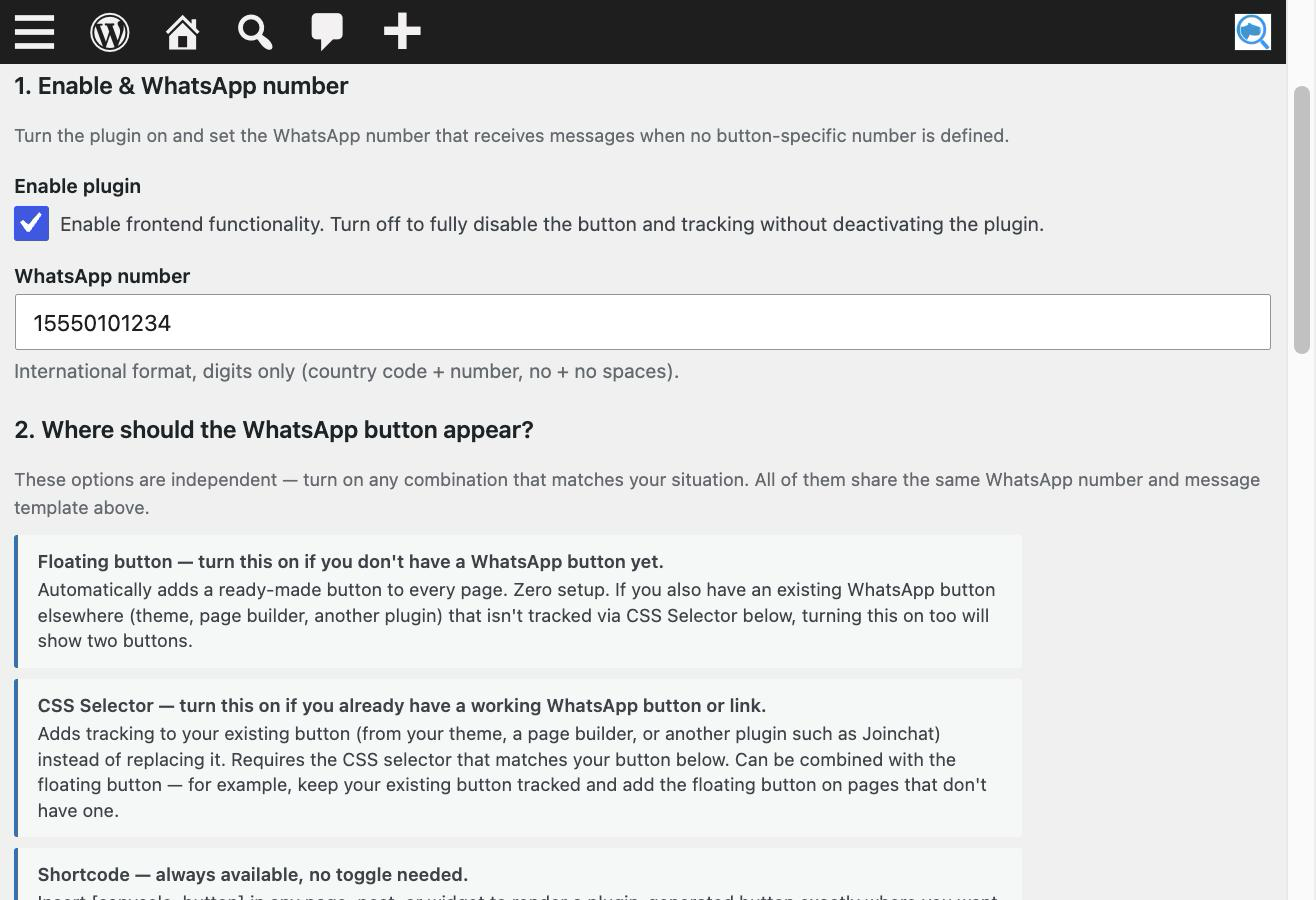
Configure the receiving number and choose one or more button placements.
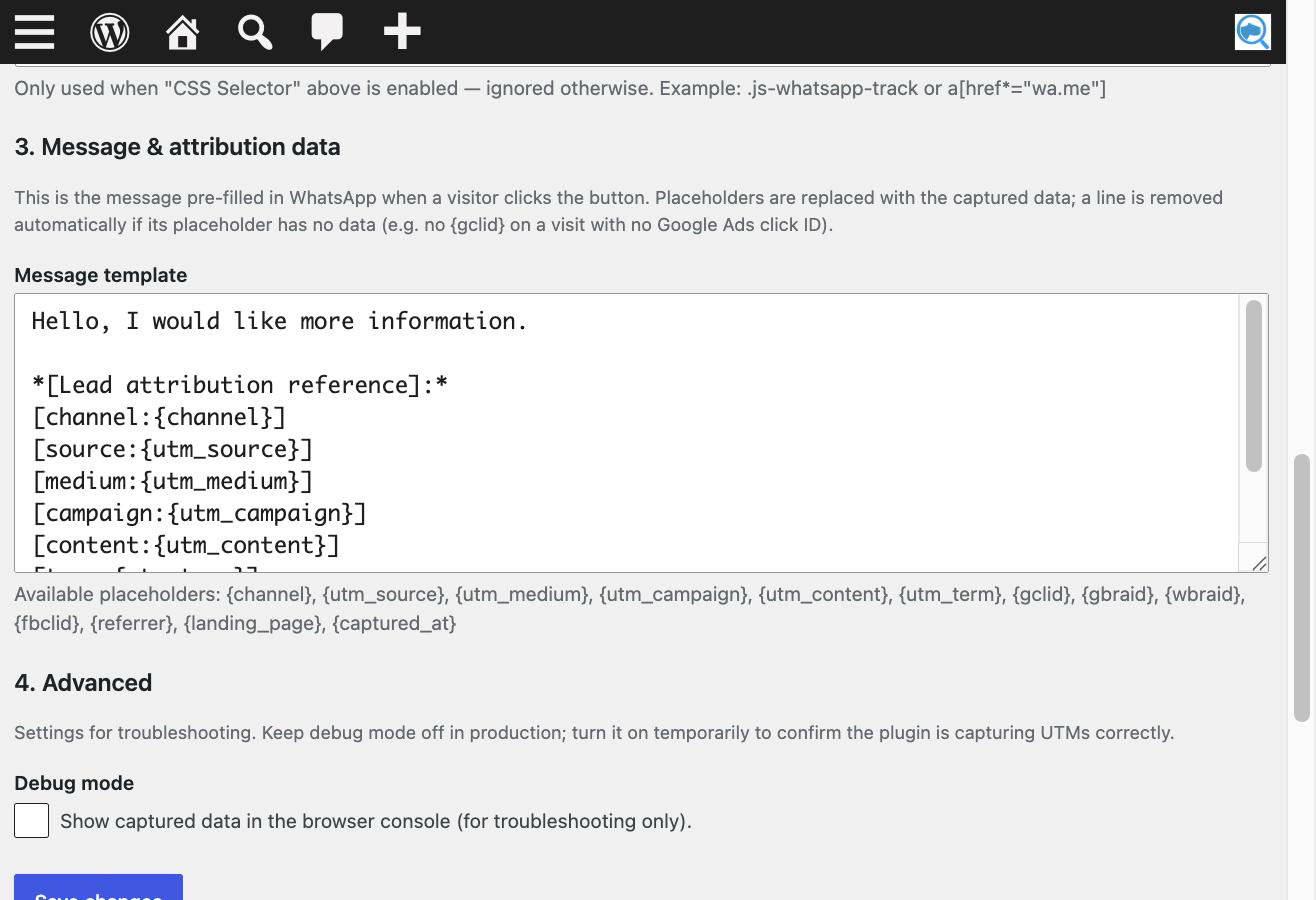
Customize the message template with attribution placeholders.
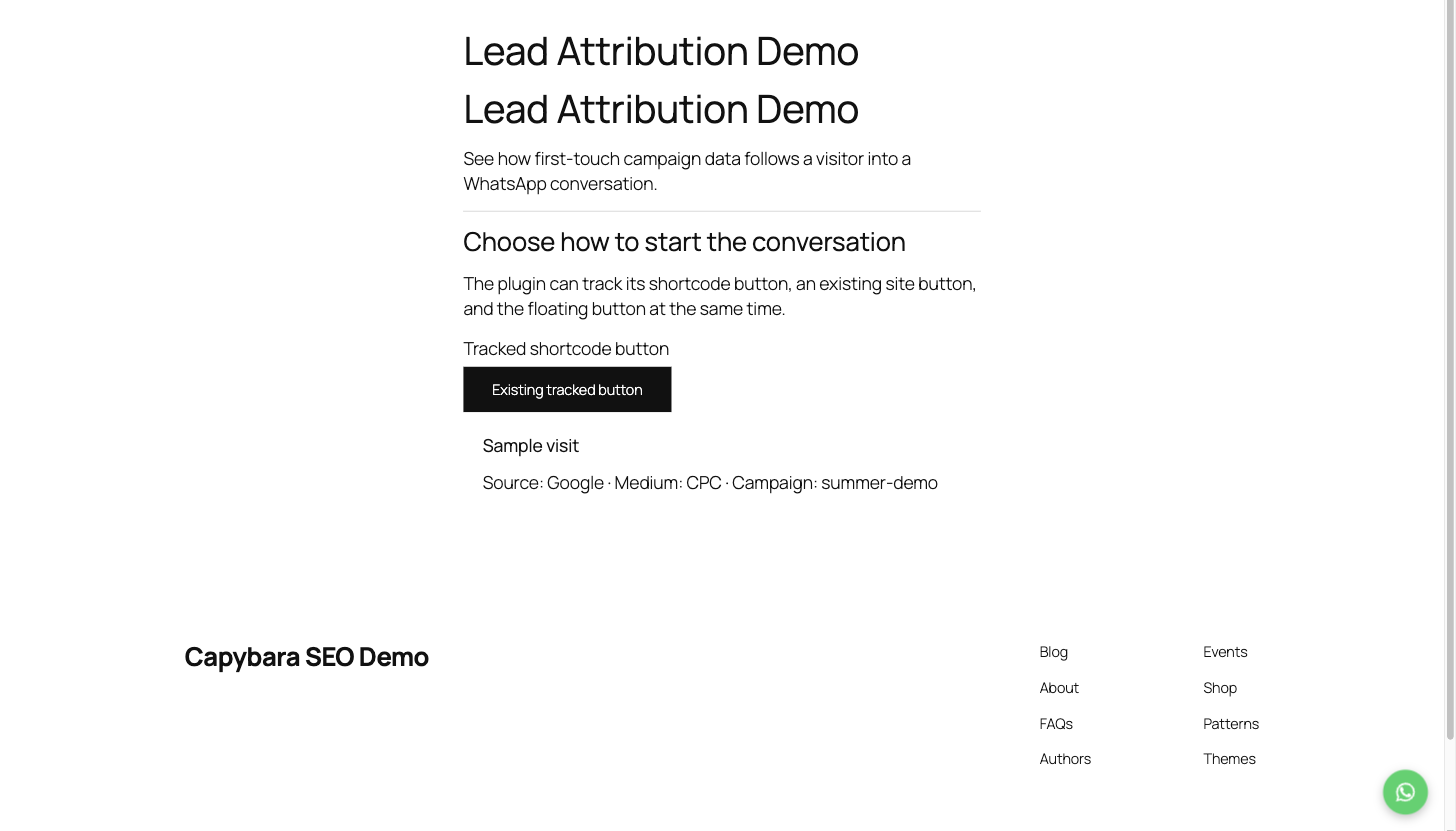
Display the tracked floating button and shortcode button on a WordPress page.
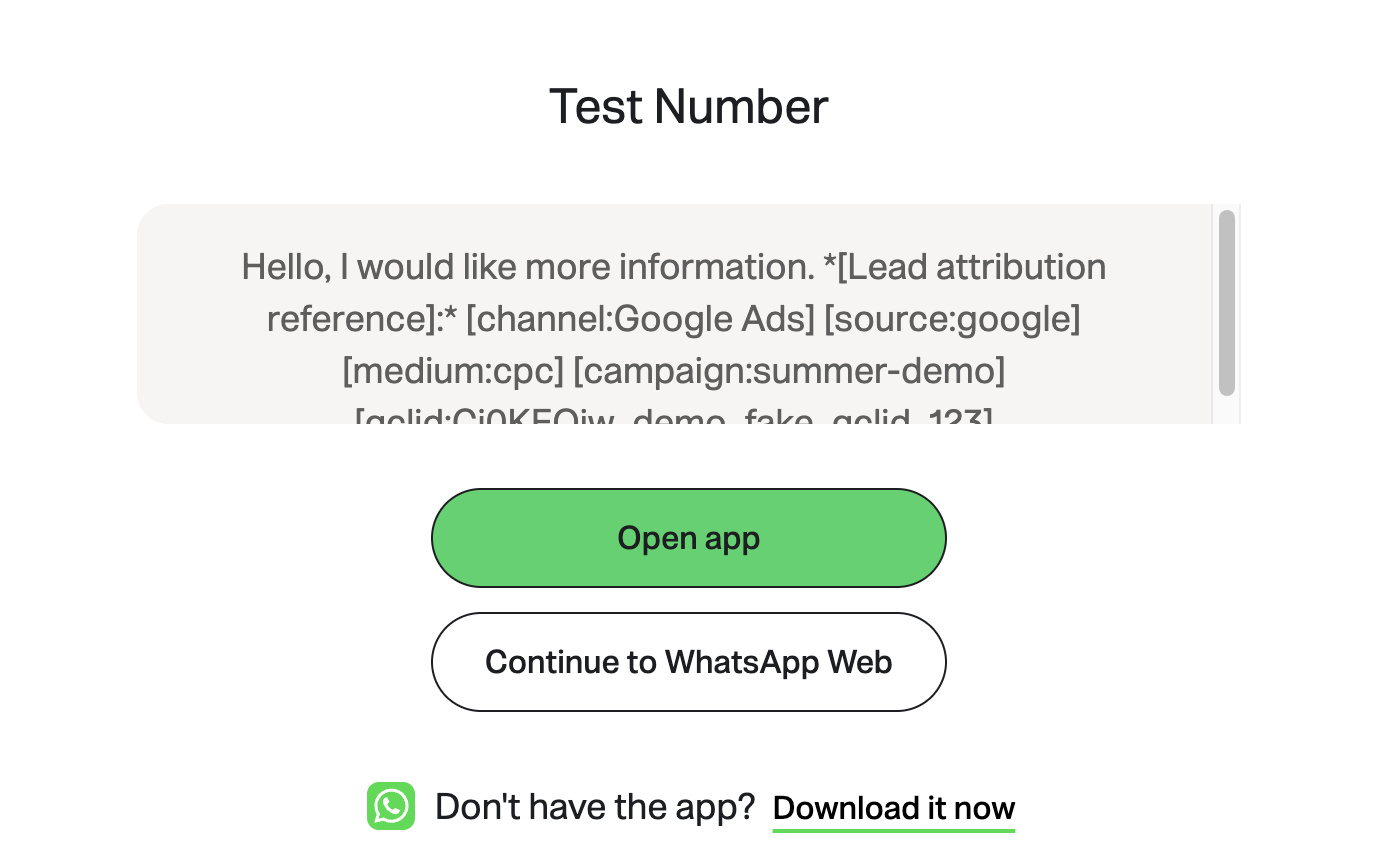
Send a prefilled WhatsApp message containing the captured lead-source data.