Help visitors choose a topic or product category without searching through a long menu. Categories All In One turns your existing WordPress categories into a list, a set of columns or cards that link to category archives.
Use it for blog topics, WooCommerce product categories or another public hierarchical taxonomy. Add the category section with a block, widget or shortcode.
Use it when a plain menu or sidebar list is not enough. Add blog categories above a post list, show nested categories on a page with many articles, or display WooCommerce product categories with images and short descriptions before the product archive.
You decide which categories appear, how deep the list goes and which details should be visible. Keep parent and child categories together, hide empty terms, show content counts and set your own order without renaming categories in WordPress.
You can also:
- use any public hierarchical taxonomy registered by WordPress or another plugin;
- arrange categories as a list, columns or cards;
- order categories by name or post count;
- drag categories into your preferred order;
- leave out categories that should not appear;
- show short category descriptions;
- show WooCommerce category images or provide an image through a public filter;
- add the same category section with a block, widget or shortcode;
- copy a shortcode matching the current block settings directly from the Gutenberg sidebar.
Get the Free ZIP from GitHub Releases and ask questions in GitHub Discussions.
Read the documentation or open the product page.
Examples
Show blog categories in three columns:
[categories_all_in_one taxonomy="category" layout="columns" columns="3" hide_empty="true" show_count="true"]
Show WooCommerce product categories as cards with their category images:
[categories_all_in_one taxonomy="product_cat" layout="cards" columns="3" show_image="true" hide_empty="true"]
WooCommerce must be active for product_cat. Images appear when a category has an assigned image. To show only the children of one category, add parent_category="123" and replace 123 with that category’s ID.
Screenshots

Plugin settings with starting steps, style loading, documentation and support links, version status and a related WordPress tool.

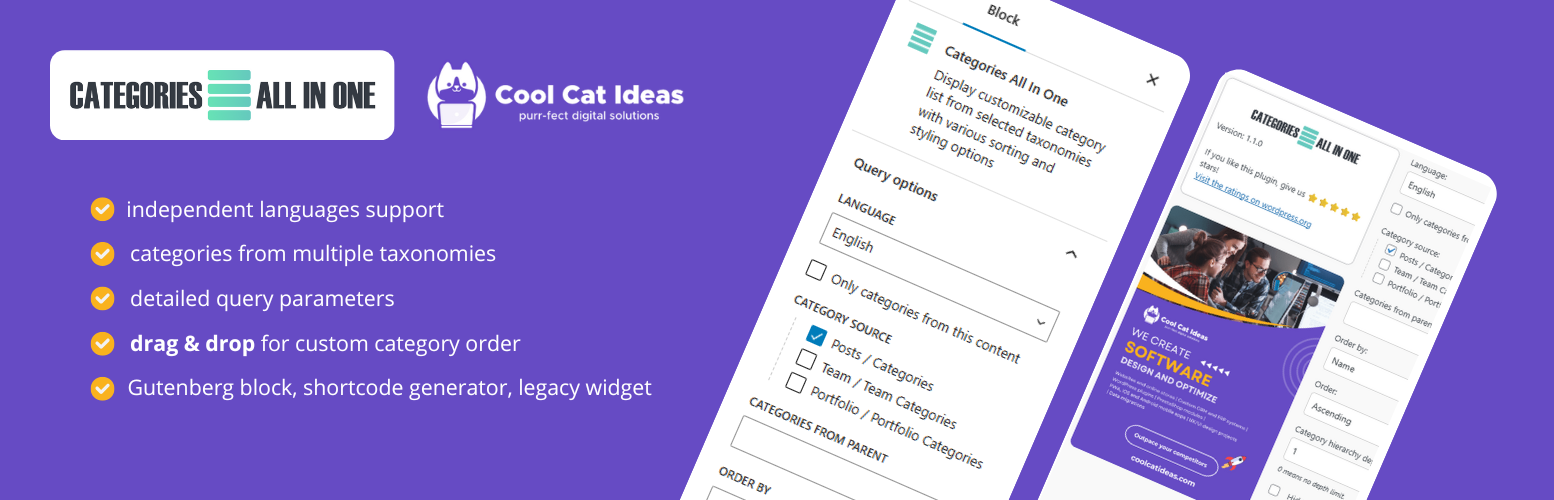
The Categories All In One block in Gutenberg with category source, sorting and hierarchy settings.

Category cards in the WordPress widget editor with the block settings sidebar.

The shortcode generator opened from the classic editor toolbar.

WooCommerce product category cards with images, descriptions and product counts.

Four product category cards displaying a three-level parent and child hierarchy, descriptions and counts.

Blog category links arranged in four columns with post counts.