BACK TO DIRECTORY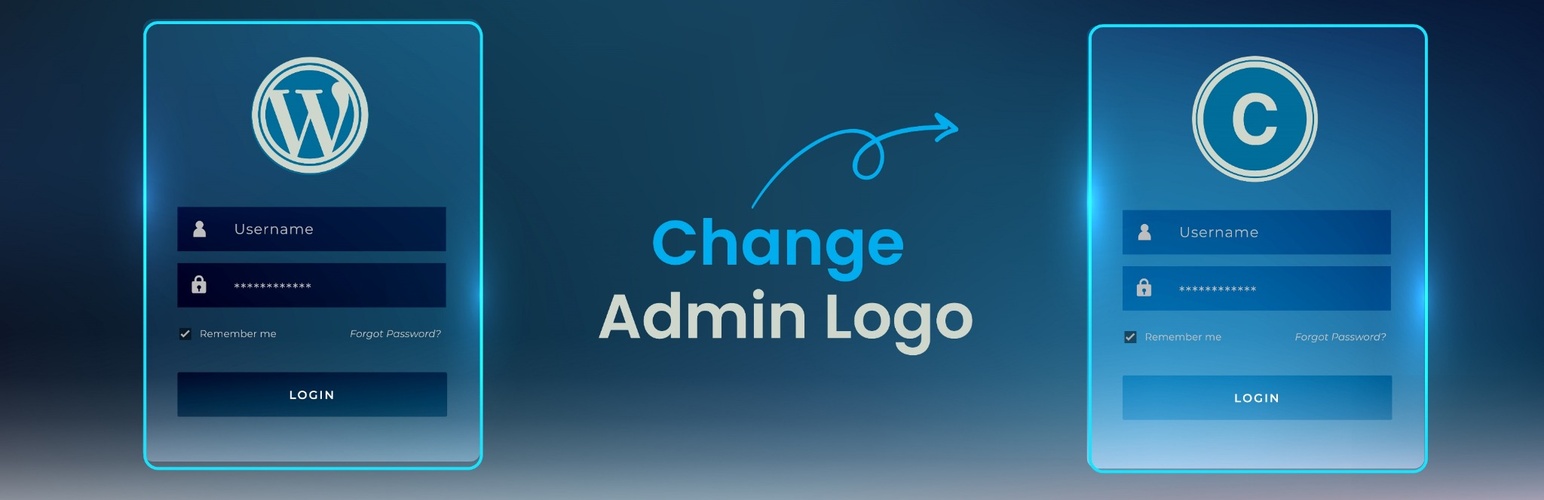
Change WordPress Admin Logo is a lightweight plugin that replaces the default WordPress logo on the login page with a logo of your choice. Whether you are building a site for a client or branding your own website, it gives you a quick way to personalise the login screen with no CSS tweaks or code editing.
Pick an image from the media library and save. The plugin reads the image dimensions and sizes the logo to fit the login form while keeping its proportions, so wide, square, and tall logos all display correctly without any manual sizing. Width and Height fields are available when you want a specific size.
Features
- Choose any image from the media library as the login logo
- Automatic sizing that keeps the logo proportions and fits the login form
- Optional Width and Height fields for a specific size
- Preview of the selected logo on the settings page
- No coding or custom CSS required
- Lightweight: one style block on the login page, nothing on the front end
Usage
- After activation, open Custom Admin Logo in the WordPress admin sidebar.
- Click Choose Logo Image and pick or upload an image in the media library.
- Leave Width and Height empty to size the logo automatically, or enter a value in either field.
- Click Save Changes. Your login screen now shows the custom logo.
Plugin Details
Active Installs
400Total Downloads
2,729Version
1.4Requires WP
5.0Requires PHP
7.0Tested Up To
6.9.11Added
2022-02-25Last Updated
2026-09-09 5:24am GMTRatings
5
8
4
0
3
0
2
0
1
0