BACK TO DIRECTORY


Change Login Page Logo lets you change the default WordPress login page logo image. It also allows you to change logo width, logo height, bottom margin of logo and logo URL.
By default WordPress add its own logo to the login page. If you are sharing the login URL with users, subscribers or even your own team members, it makes sense to have your own branding and change default login logo.
Features include:
- Change Login Logo Image. Select image from WordPress media or use external image
- Customize Logo Image Width. Logo width in pixel
- Customize Logo Image Height. Logo height in pixel
- Customize Logo Bottom Margin. Adjust the spacing between logo and login form
- Change Logo Link. This link will open on the click of logo
Translations/Languages:
This plugin is translation ready and is available in the following languages:
- English
Screenshots
Settings Page - Here you can manage login logo settings.
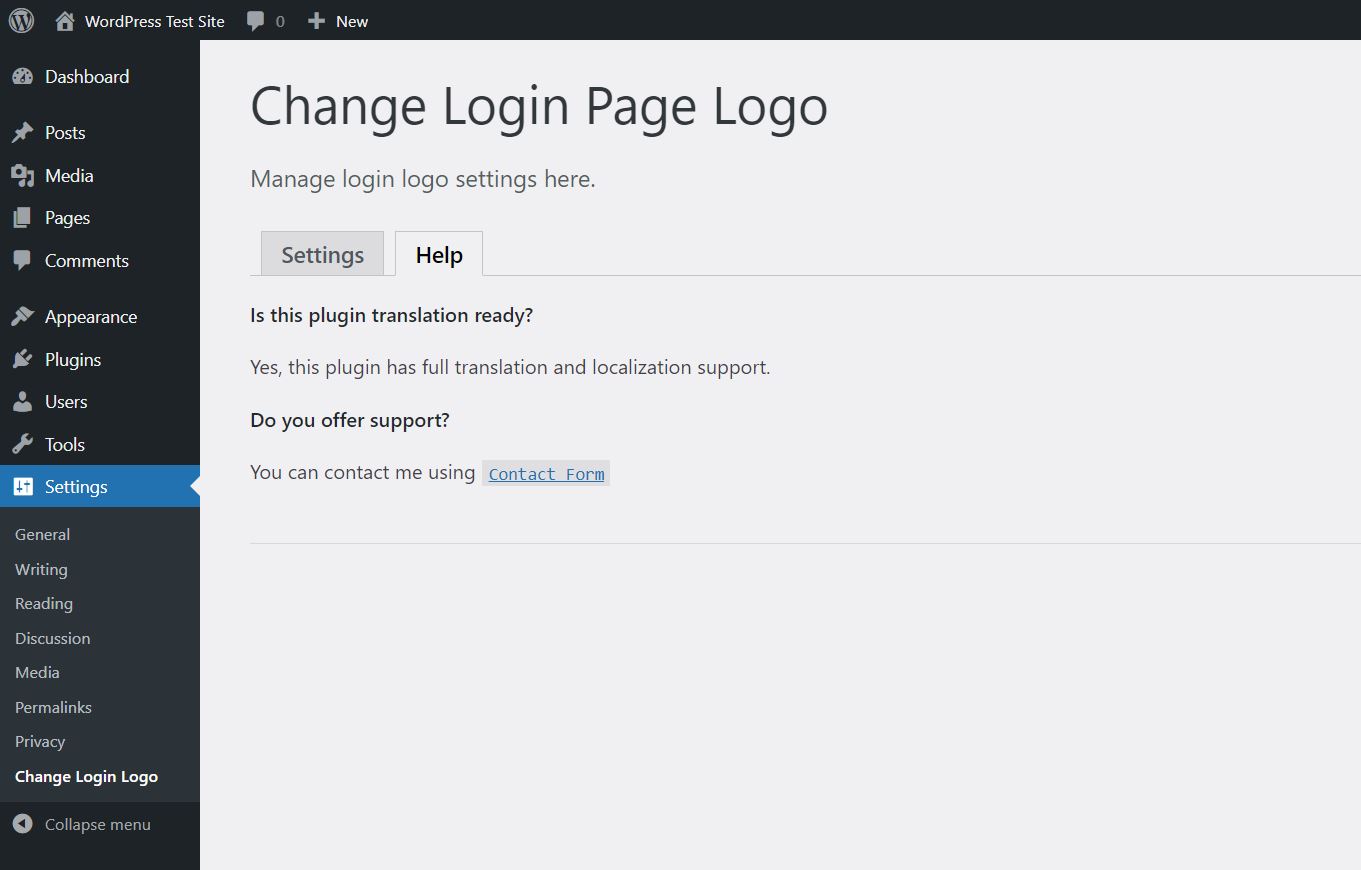
Help Page - List of FAQ and support contact information.
WordPress Login Page - Changed login logo.
Plugin Details
Active Installs
900Total Downloads
7,110Version
1.0.3Requires WP
2.7Requires PHP
5.2.4Tested Up To
6.5.14Added
2021-04-28Last Updated
2024-06-23 12:26pm GMTRatings
5
1
4
0
3
0
2
0
1
0