BACK TO DIRECTORY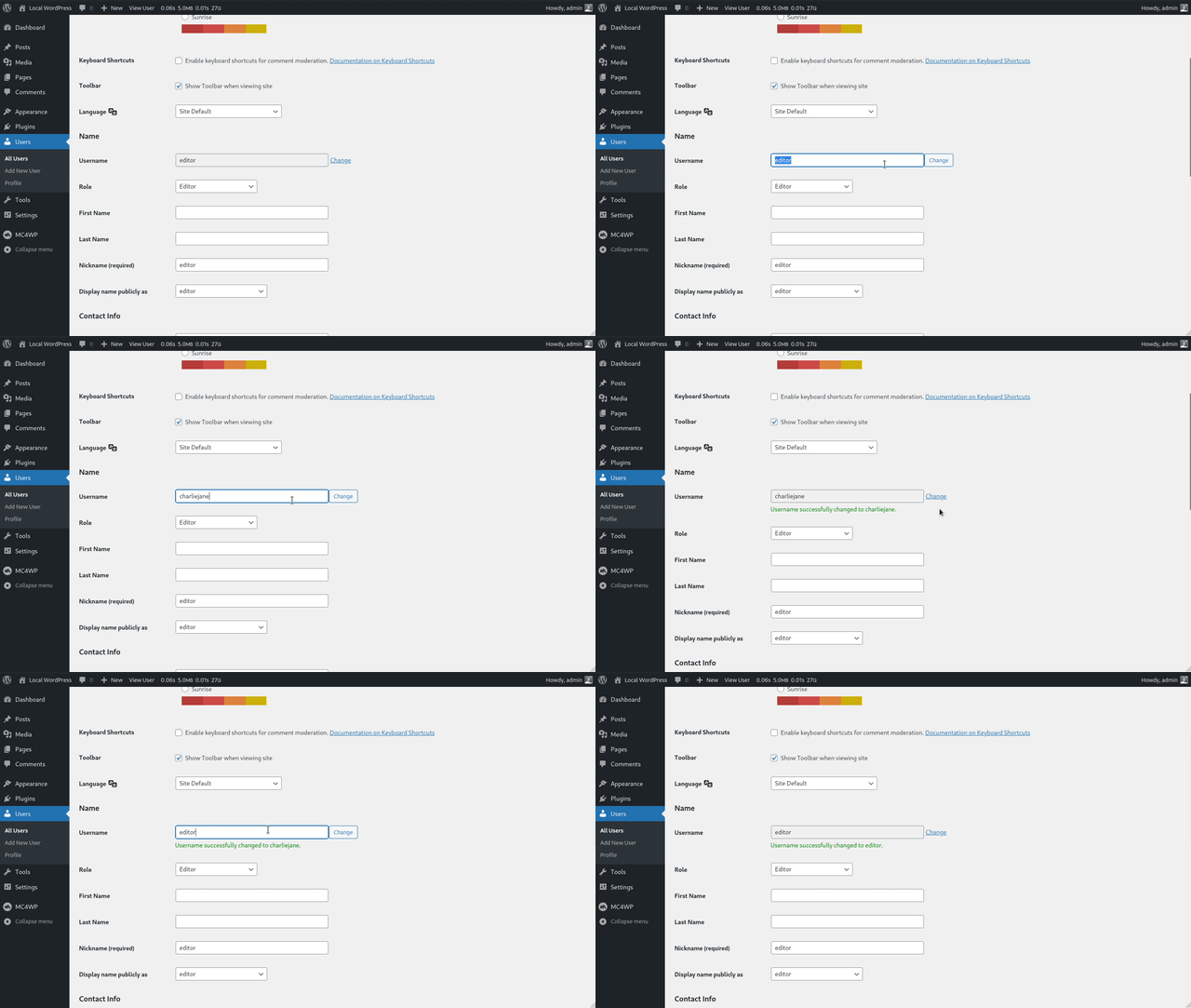
Change WordPress usernames from the user edit screen, with validation for existing users, illegal logins, and Multisite admins.
Change Username
WordPress does not let administrators change usernames by default. Change Username adds that option directly to the existing user edit screen, without a separate settings page.
Use it to update a WordPress username while keeping the same user ID, posts, comments, and profile data attached to the account.
Features
- Change any WordPress username from the existing user edit screen.
- Prevent username conflicts by checking whether the new username already exists.
- Block usernames that are listed as illegal logins.
- Follow the same username validation rules as WordPress core.
- Retain superadmin rights when changing the username of a Multisite super admin.
Requirements
- PHP version 7.4 or higher
- WordPress version 6.0 or higher
About the plugin author
Danny van Kooten has been building WordPress plugins since 2010, starting with WordPress 3.0.
He is the founder of ibericode, the small software company behind popular WordPress plugins including Mailchimp for WordPress and Koko Analytics.
Screenshots
Change a WordPress username from the default user edit screen.
Plugin Details
Active Installs
4K+Total Downloads
34,566Version
1.0.3Requires WP
6.0Requires PHP
7.4Tested Up To
7.1.4Added
2017-01-12Last Updated
2026-08-20 6:05am GMTRatings
5
6
4
0
3
0
2
1
1
0