BACK TO DIRECTORY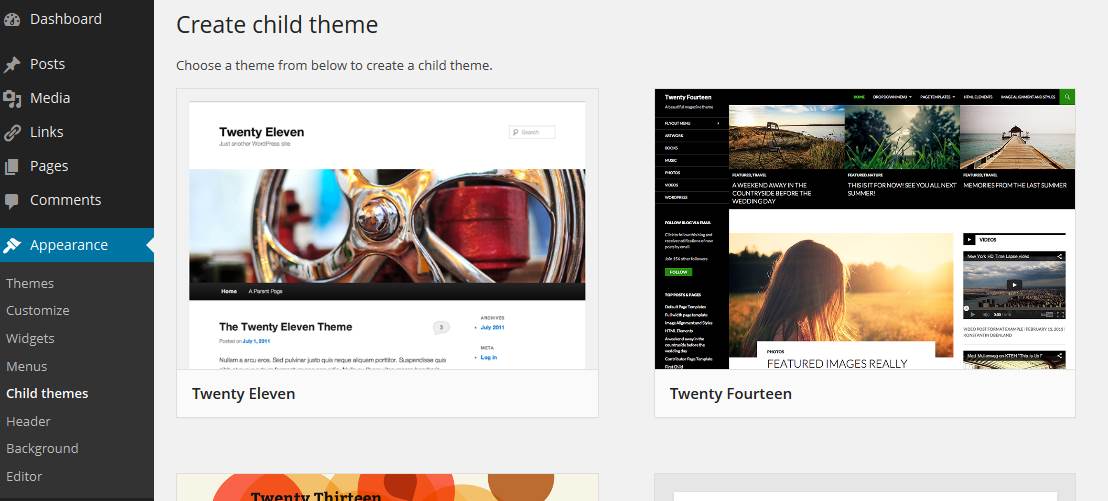


If you’re a WordPress designer who wants to spend more time doing what you love – writing CSS and playing with pixels – and less time doing the tedious chore of creating child themes, this plugin is for you.
Just install, visit the “Child Themes” menu option under “Appearance” and create a child theme from any installed theme using a simple form. Your new child theme will be created immediately and you can activate it straight away.
How’d you like them apples?
Screenshots
Find "Child themes" in the "Appearance" menu
Click the "Create child theme" button on the theme you want to use as the parent
Fill in the simple form
There's your new child theme!