Try it out on your free dummy site: Click here => https://demo.tastewp.com/clean-login
Clean Login lets you replace the default WordPress login and registration pages with fully customised frontend forms — no coding required. Place any form anywhere on your site using a block or a simple shortcode.
Whether you need a custom login page, a user registration form, a password reset page or an editable user profile, Clean Login has you covered with one block and one shortcode per form:
[clean-login]— Custom login form with show/hide password toggle[clean-login-register]— User registration form with CAPTCHA, reCAPTCHA and email validation[clean-login-edit]— Frontend user profile editor (name, email, password)[clean-login-restore]— Forgot password / password reset form[clean-login-change-password]— Dedicated password change form with visual strength meter[clean-login-logout]— Standalone logout link, usable anywhere on your site
Every form is also available as a block in the “Clean Login” category of the block editor (Login form, Register form, Restore password form, Edit profile form, Change password form and Logout link), with a live preview of the form while you edit.
Why choose Clean Login?
- No coding — add a block or drop a shortcode into any page or post and the form appears instantly
- Block editor ready — one block per form with live preview, also usable in block widget areas
- Fully responsive — forms adapt to any screen size and integrate with your theme’s CSS
- SEO friendly — login and registration pages are automatically marked as
noindexand excluded from sitemaps, keeping your site’s SEO clean - Secure — nonce verification on every form, honeypot antispam, CAPTCHA and Google reCAPTCHA support
- Password strength meter — visual indicator guides users to create stronger passwords
- WPML certified — official WPML compatibility for multilingual sites
- WooCommerce compatible — works alongside WooCommerce without conflicts
Features
- Custom login page with redirect after login and logout
- Optional redirection of wp-login.php and wp-admin to your login page, with conflict checks before enabling it and an emergency switch in wp-config.php
- Frontend user registration with optional email verification
- Forgot password / password reset via email link
- Dedicated change-password form with animated strength meter (Weak / Fair / Good / Strong)
- Frontend user profile editor — update name, email and password without visiting wp-admin
- Hide admin bar for selected roles
- Block dashboard access for non-admin users
- Standby role for new registrations — users stay inactive until an admin approves them
- Role selection at registration — let users choose their own role from a curated list
- Terms and conditions checkbox on registration form
- Use email address as username
- Automatic login after registration
- Customisable “Lost password?” link text from the settings panel
- Auto-linked forms — shortcodes and blocks detect each other and generate links automatically
- Override any template from your theme (
theme/clean-login/folder) - AJAX compatible
More plugins by Codection
- Import and export users and customers (free): create or update all your users at once from a CSV file and export them whenever you need. Its premium addons add scheduled imports, scheduled exports and users without email
- Payment Schedule for WooCommerce Subscriptions: show your customers when every payment of their subscription will be charged
- Selling in Spain? RedSys, Bizum and Ceca payment gateways for WooCommerce, Paid Memberships Pro, GiveWP, Event Tickets, Tickera, Contact Form 7, Gravity Forms, WPForms, Ninja Forms, Elementor Pro and Easy Digital Downloads
Usage and Settings
Please, refer to Installation section
Screenshots
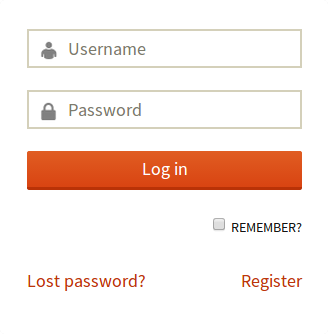
Custom login form (frontend)
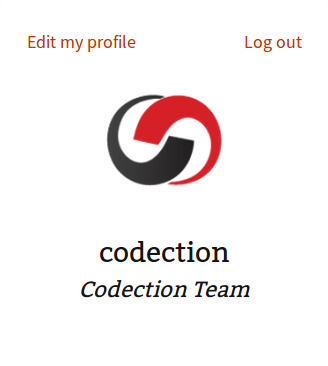
Logged-in user preview with profile links
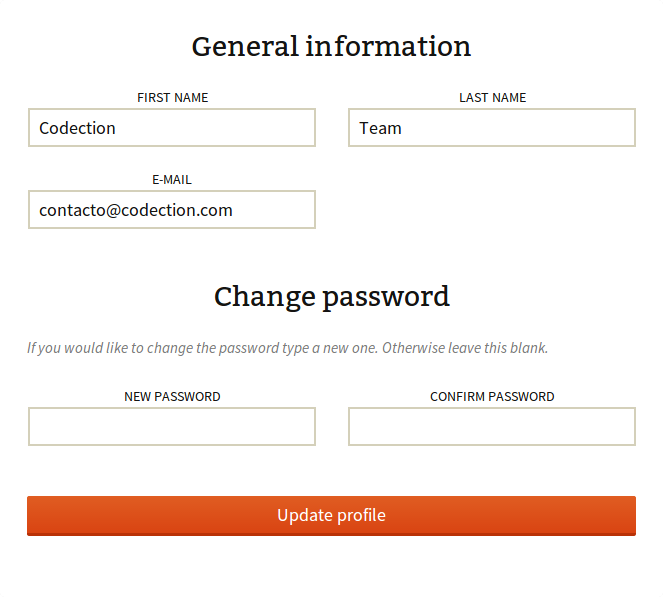
Frontend user profile editor
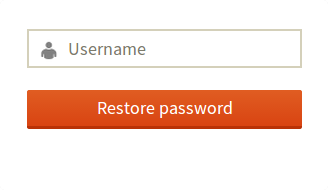
Forgot password / password reset form
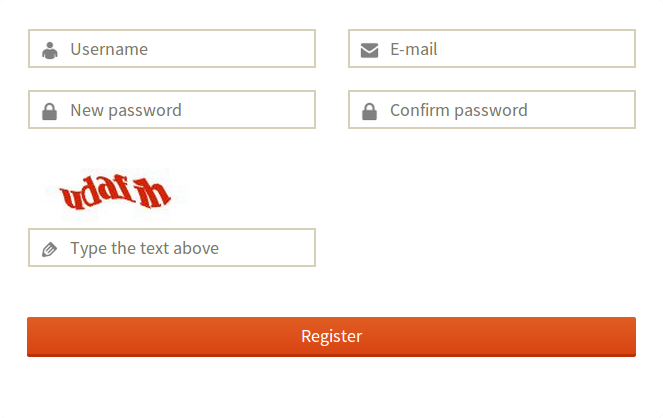
Registration form with CAPTCHA and Google reCAPTCHA
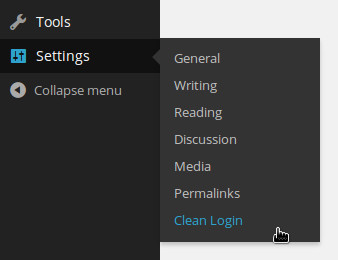
Settings access from the WordPress dashboard
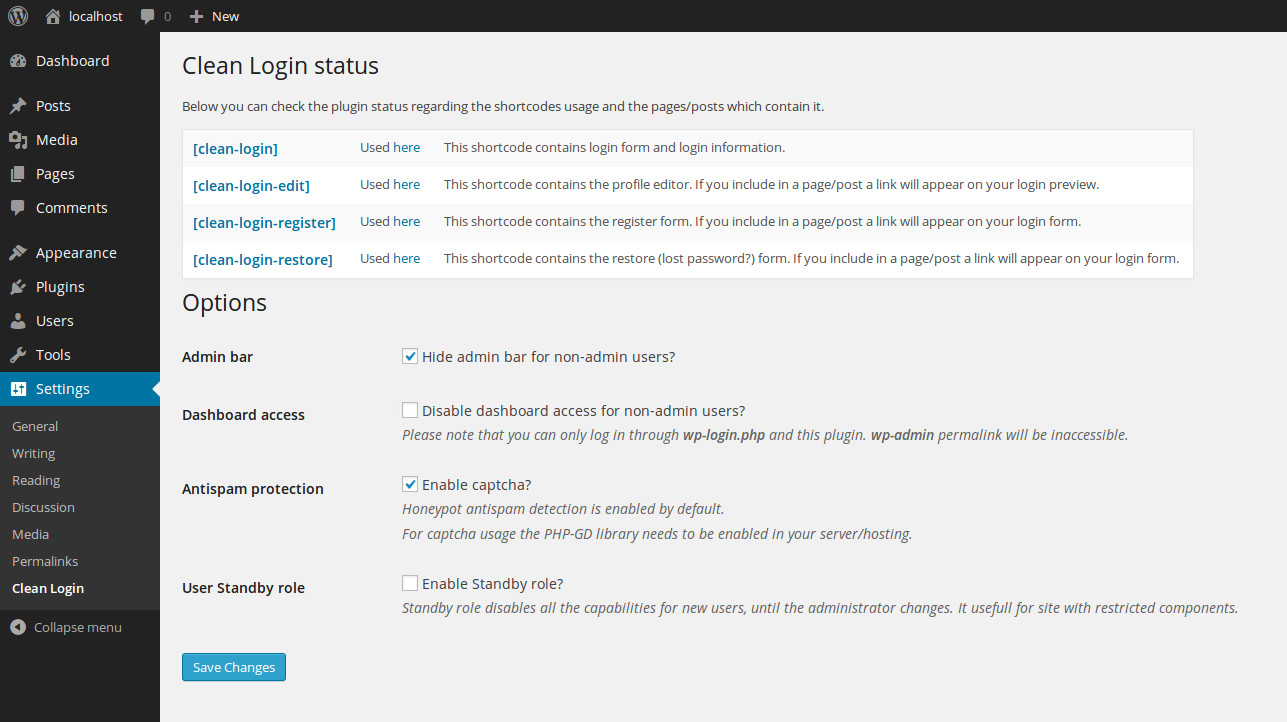
Plugin settings page

Settings menu

Plugin status — shows which shortcodes are active and on which pages

Options section

Plugin status once the login page has been created
WPML Certificate of Compatibility