
The WordPress Client Portal plugin creates private pages for each user. The content for that page is accessible on the frontend only by the owner of the page
after he has logged in.
The plugin doesn’t offer a login or registration form and it gives you the possibility to use a plugin of your choice.
The [client-portal] shortcode can be added to any page and when the logged in user will access that page he will be redirected to its private page.
For login and registration of users we recommend the free Profile Builder plugin.
You can then use the [wppb-login] shortcode in the same page as the [client-portal] shortcode.
Screenshots
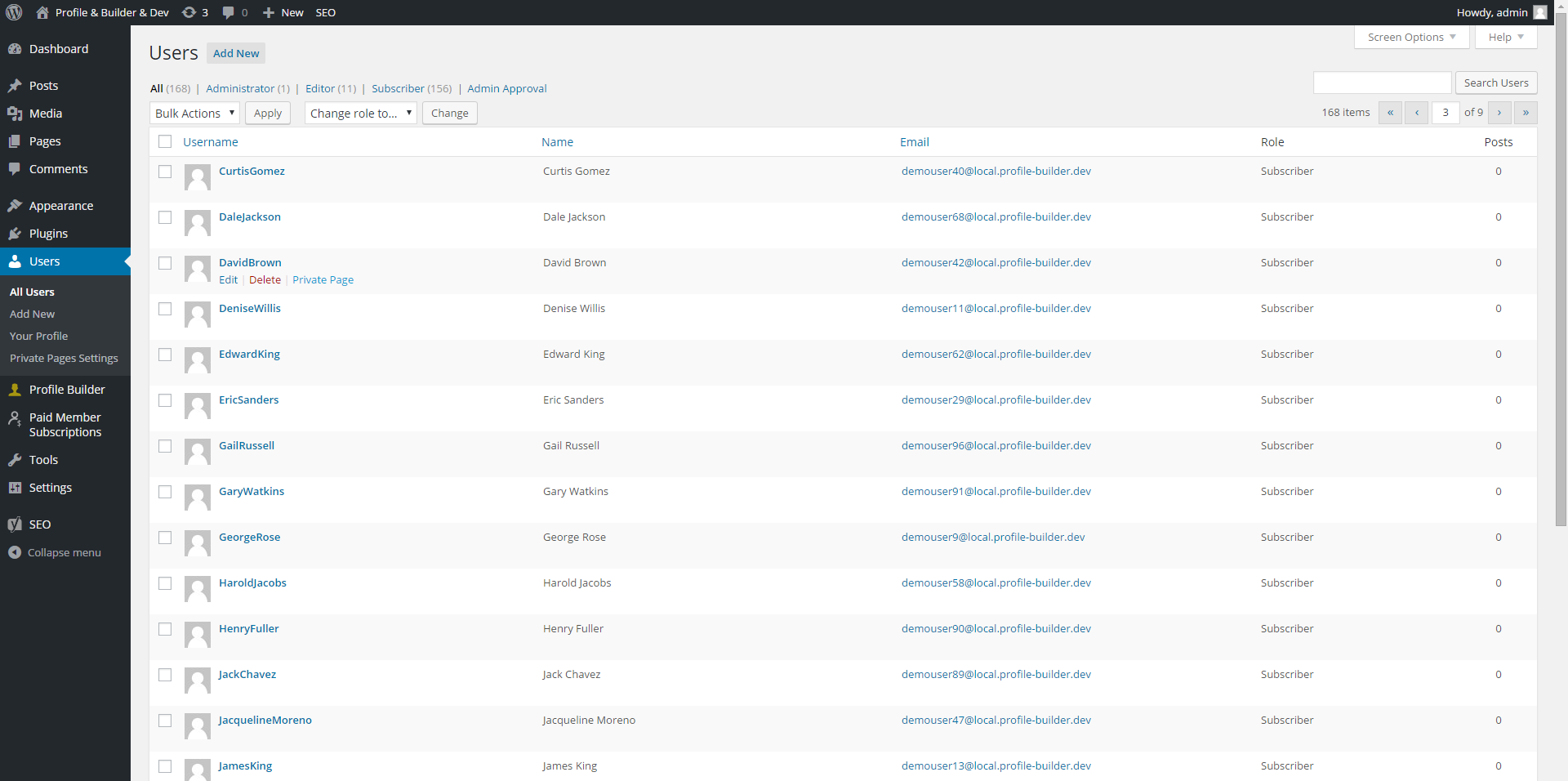
Access the Private Page in the Users Listing in the admin area: screenshot-1.jpg
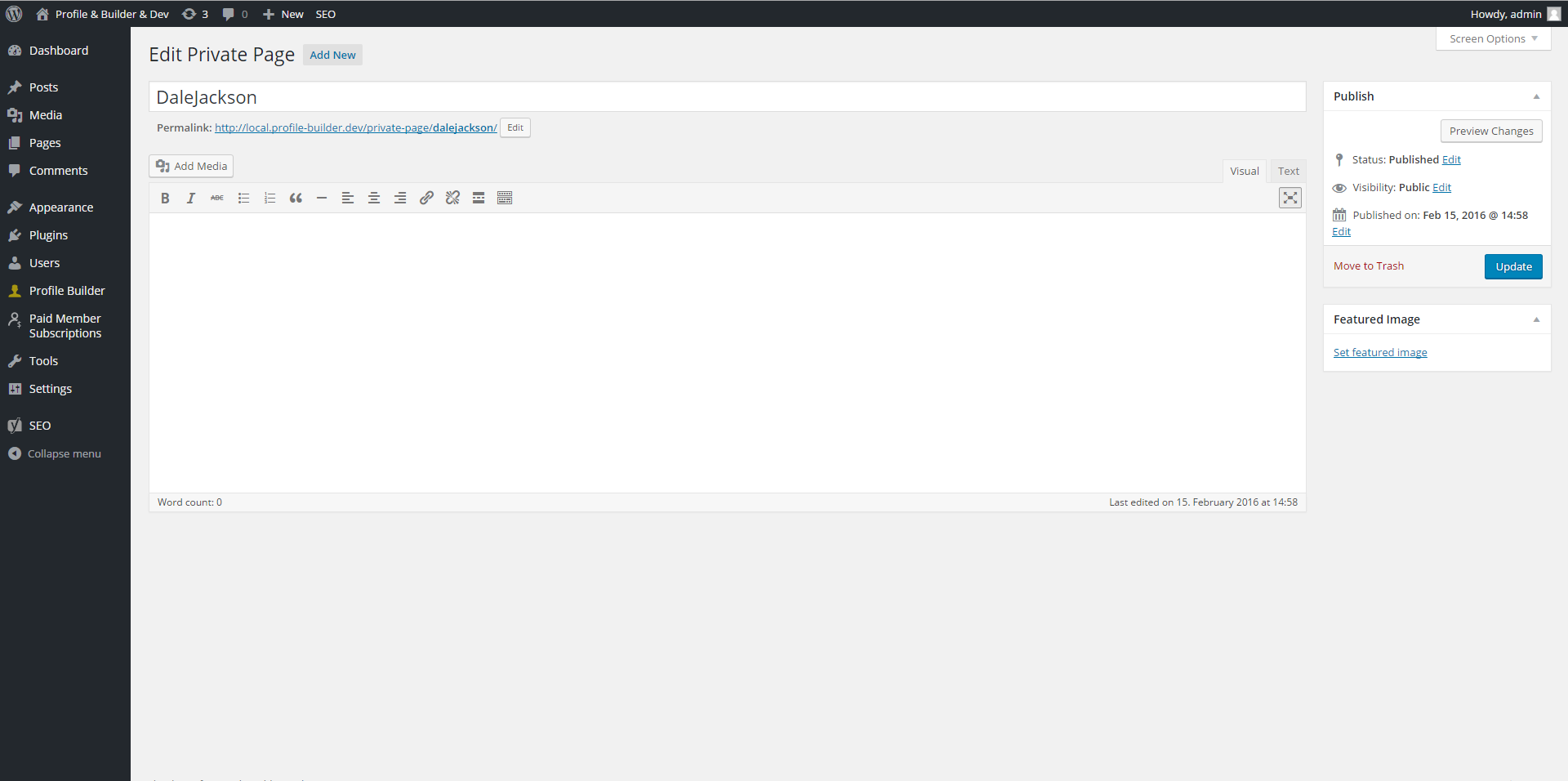
A Private Page edited using the Classic Editor: screenshot-2.jpg
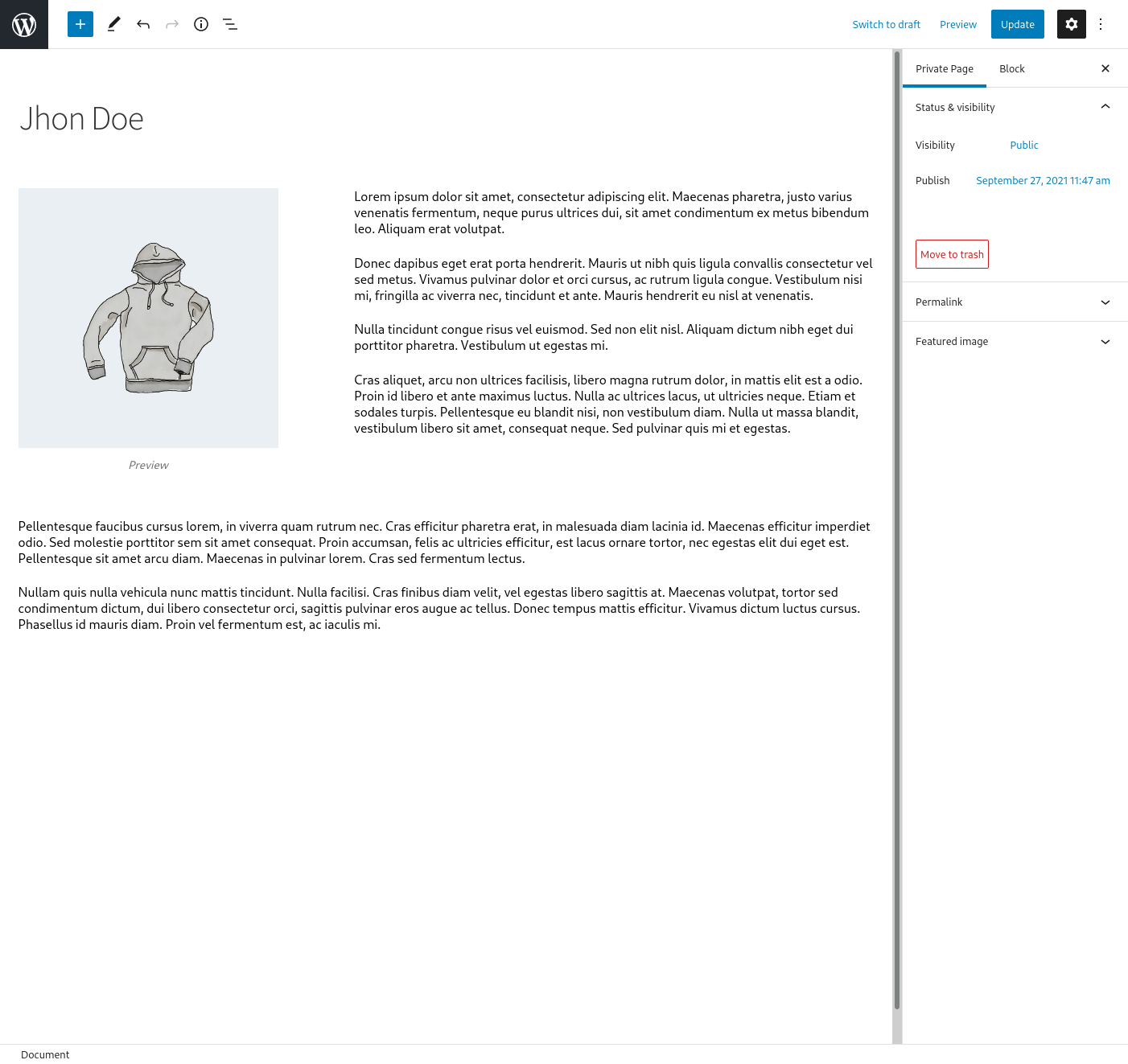
A Private Page edited with the Gutenberg Editor: screenshot-3.jpg
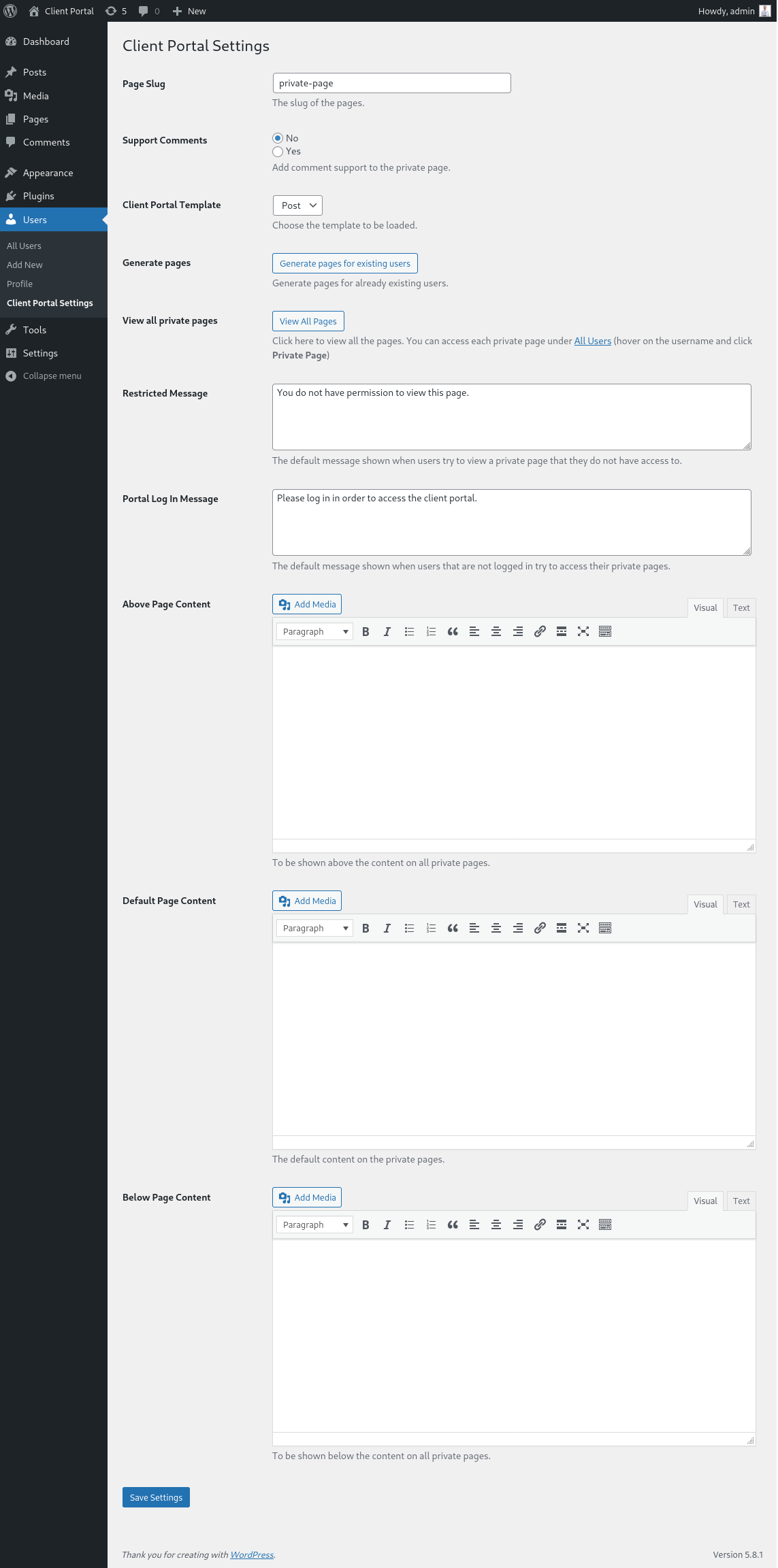
The Settings Page for the Plugin: screenshot-3.jpg