BACK TO DIRECTORY
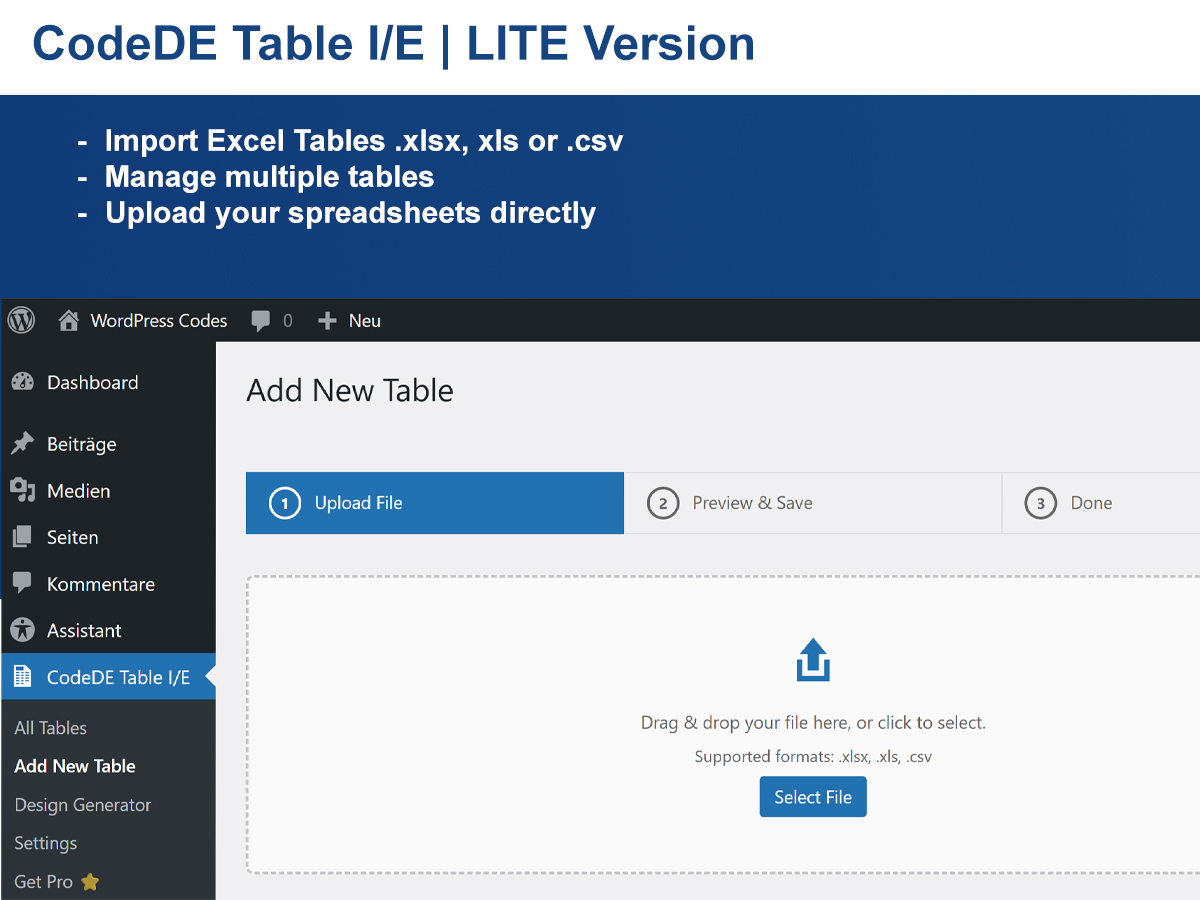
CodeDE Table Import/Export for Excel & CSV lets you upload Excel (.xlsx, .xls) and CSV files and display them as clean, responsive HTML tables on your WordPress site — no coding required.
Features
- Upload .xlsx, .xls, and .csv files
- Display all rows — no artificial limits
- Unlimited tables
- Responsive horizontal scroll on mobile
- Column sorting with multiple sort-style options
- Live search bar
- Column dropdown filters
- Pagination (rows per page)
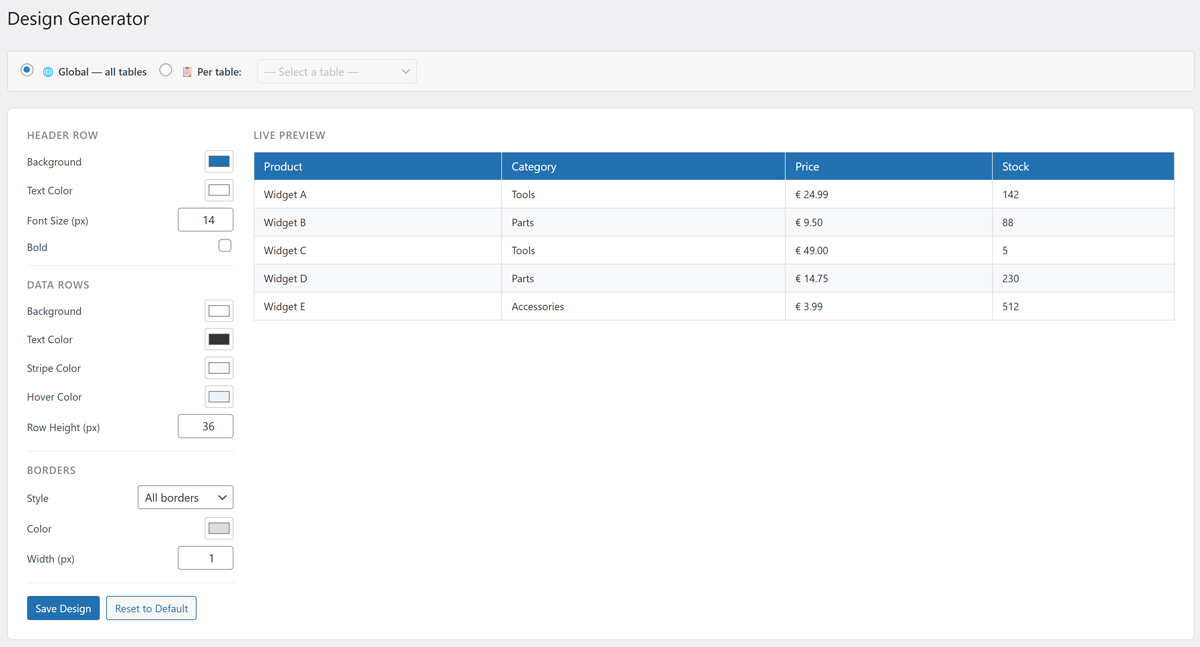
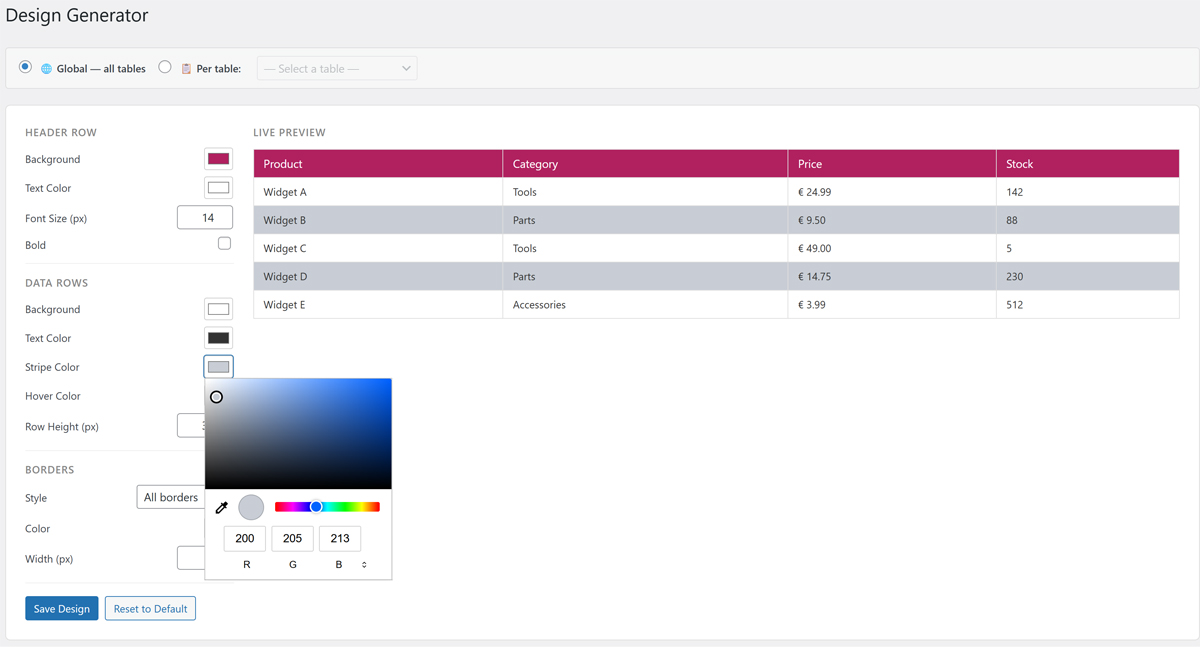
- Visual Design Generator (colors, fonts, borders)
- Excel cell formatting (colors, fonts, alignment)
- Custom CSS field per table for individual styling
- Export tables back to CSV or XLSX
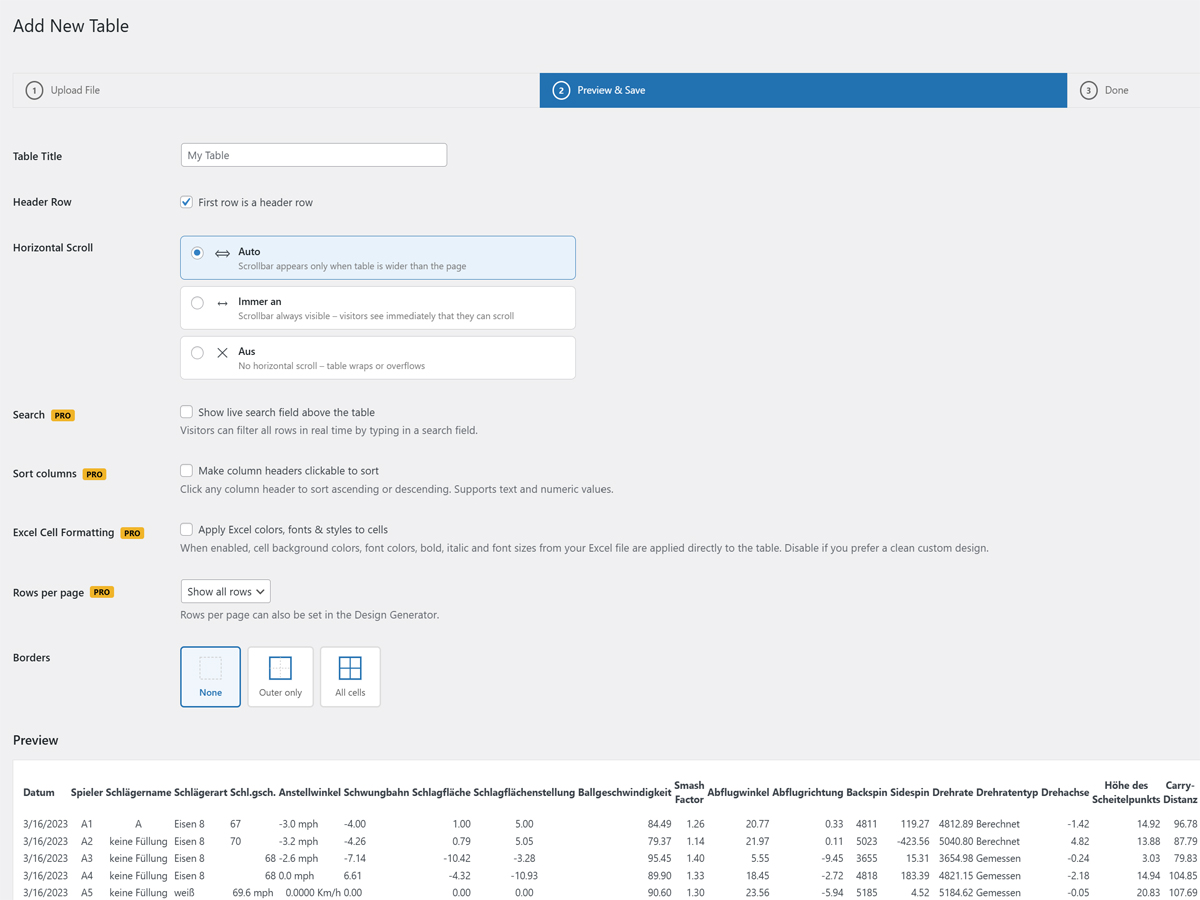
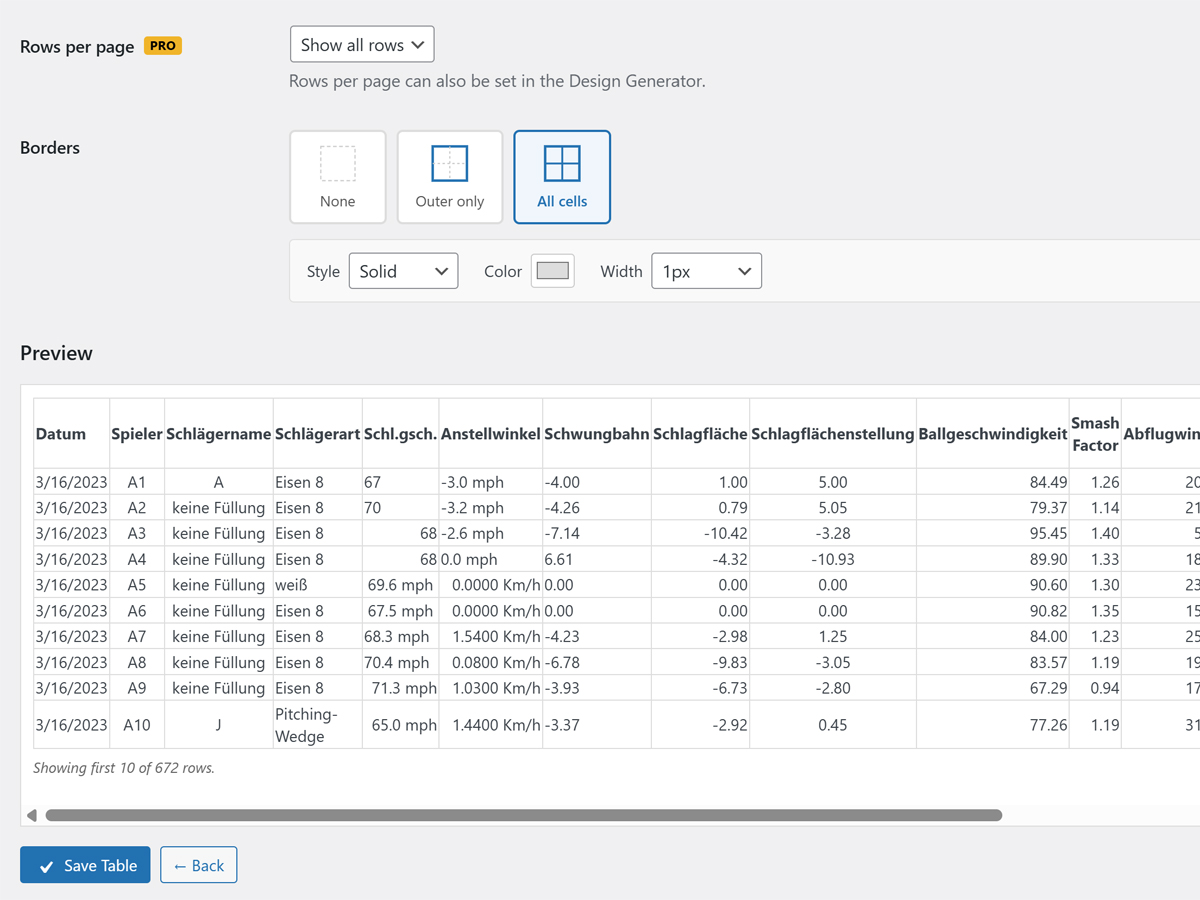
- Border editor (outer, all cells, custom color & width)
- Simple shortcode:
[cdtv id="X"] - Lightweight — no jQuery-heavy libraries, no bloat
- Available in 5 languages: English, German, Spanish, French, Portuguese (Brazil), Indonesian
Language Support
The plugin ships with built-in translations for:
- 🇺🇸 English (default)
- 🇩🇪 German — Deutsch
- 🇪🇸 Spanish — Español
- 🇫🇷 French — Français
- 🇧🇷 Portuguese (Brazil) — Português
- 🇮🇩 Indonesian — Bahasa Indonesia
WordPress automatically loads the correct language based on your site’s language setting. No configuration needed.
Pro Version
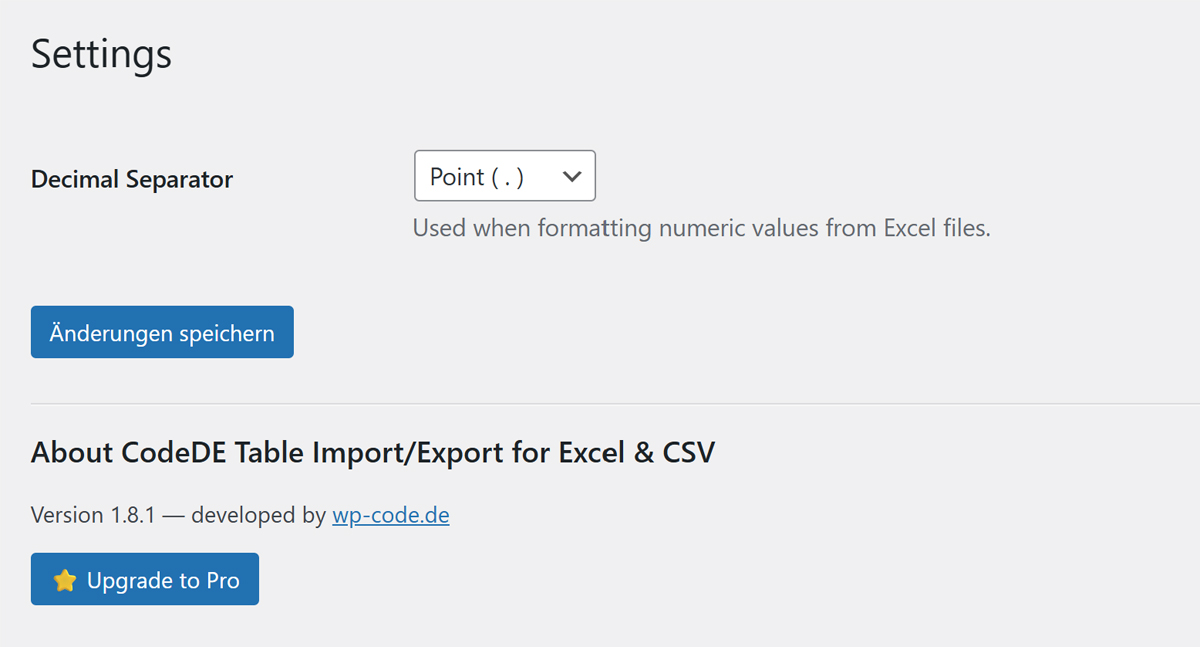
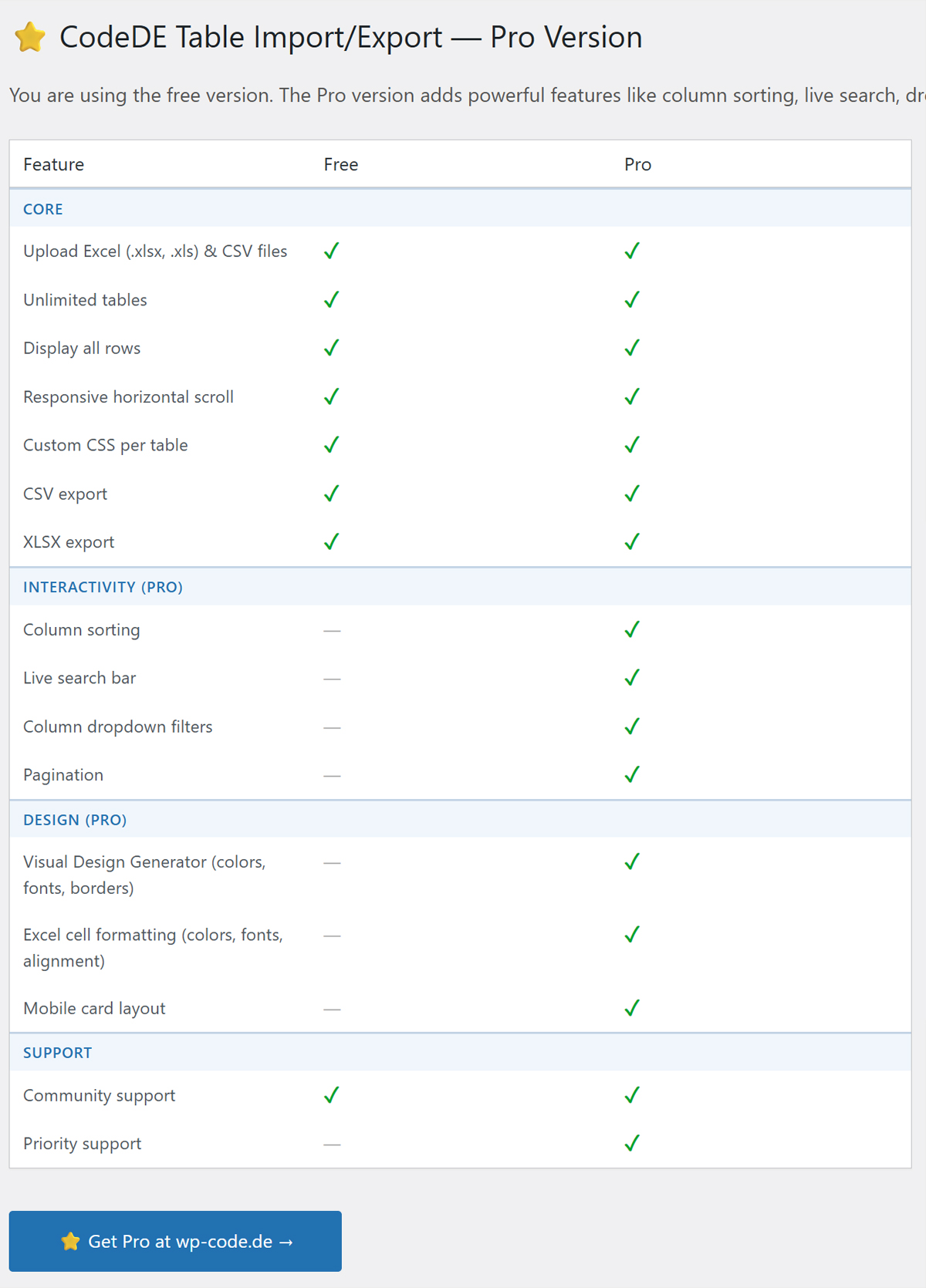
Looking for priority support or have a feature request? Visit wp-code.de to learn about the Pro version with priority support.
Screenshots
Table list in the admin panel.
Upload wizard — step 1.
Upload wizard — step 2 (preview & options).
Frontend table display.
Design Generator.
Plugin Details
Active Installs
0Total Downloads
518Version
1.8.5Requires WP
6.0Requires PHP
8.0Tested Up To
6.9.10Added
2026-04-29Last Updated
2026-05-01 9:01am GMTRatings
5
1
4
0
3
0
2
0
1
0