BACK TO DIRECTORY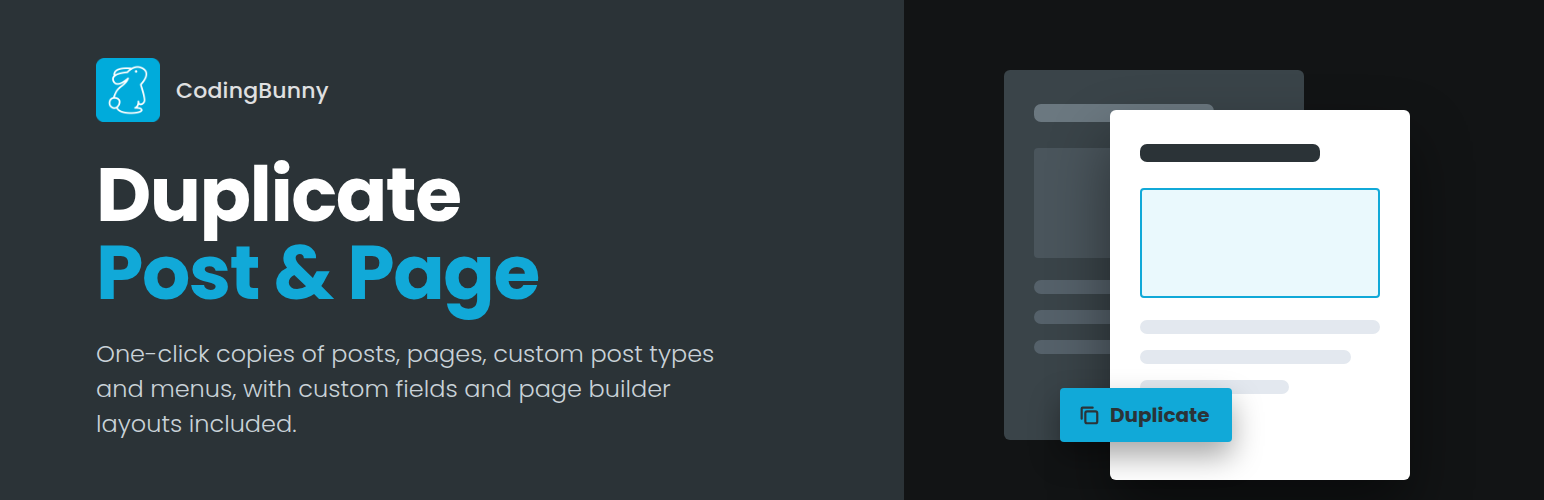


CodingBunny Duplicate Post & Page creates an exact copy of any post, page or custom post type in one click. The duplicate keeps the content, custom fields, taxonomies and page builder layouts of the original, so you can start a new version without rebuilding anything.
You can also duplicate navigation menus, including nested items, CSS classes and link settings.
Where to duplicate
- “Duplicate” link in the post, page and custom post type lists
- “Duplicate” bulk action to copy several items at once
- “Duplicate” button in the block editor and in the classic editor
- “Duplicate” link in the admin bar, also on the front end
What can be copied
- Title, content, excerpt, slug, date, author and password
- Featured image and attached media (files are copied, so deleting the copy never removes the original images)
- Categories, tags and any custom taxonomy
- Page template, post format and menu order
- Custom fields, including data saved by Elementor, Beaver Builder, Divi, ACF and SEO plugins
- Child pages, with their own hierarchy
- Comments, with their replies
Settings
- Title prefix and suffix, with a live preview
- Status of the duplicate: draft, pending review, private, published or same as the original
- Open the duplicate in the editor or stay on the list
- Choose which user roles can duplicate and on which content types
For developers
cbedp_duplicate_argsandcbedp_new_post_datafilters to change what is duplicatedcbedp_excluded_meta_keysandcbedp_excluded_taxonomiesfilters to skip specific datacbedp_user_can_duplicatefilter to customize permissionscbedp_after_duplicate_post,cbedp_duplicate_menu_itemandcbedp_after_duplicate_menuactions
Screenshots
Plugin Details
Active Installs
0Total Downloads
1,026Version
2.0.0Requires WP
6.0Requires PHP
8.0Tested Up To
7.1.4Added
2025-01-31Last Updated
2026-10-01 11:42am GMTRatings
5
0
4
0
3
0
2
0
1
0