BACK TO DIRECTORY
Get Pro👑 | Pro Live Demo | Documentation
1,000+ sites are using Coinbase gateways to accept payments with confidence. Update to our 1.7.0 version perfectly mapped to the new Coinbase Business standard.
How to setup Coinbase Business on WooCommerce webstore:
- Download and Activate the Coinbase Plugin For WooCommerce.
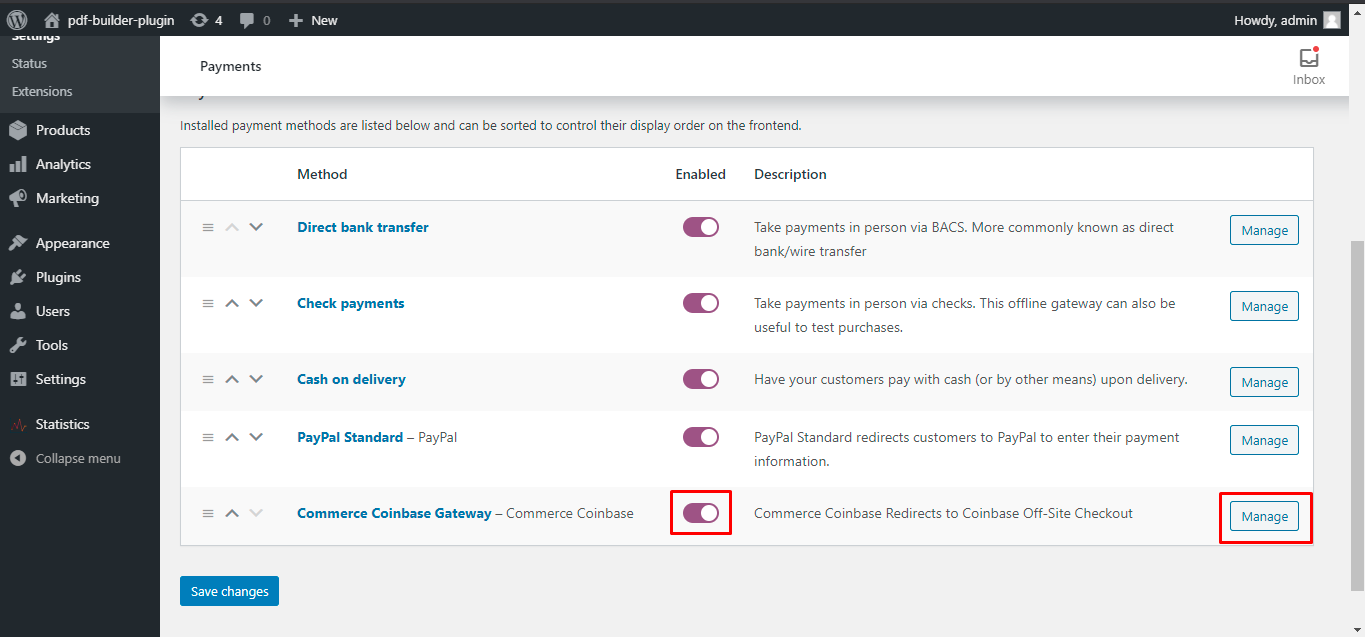
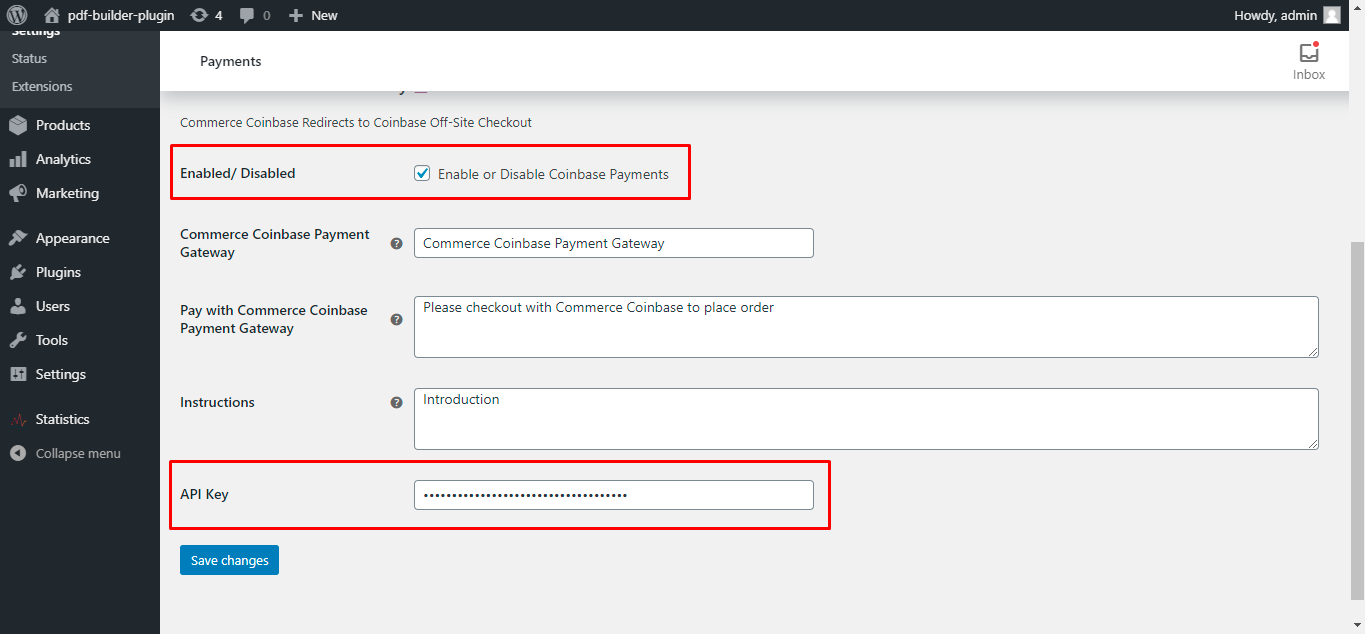
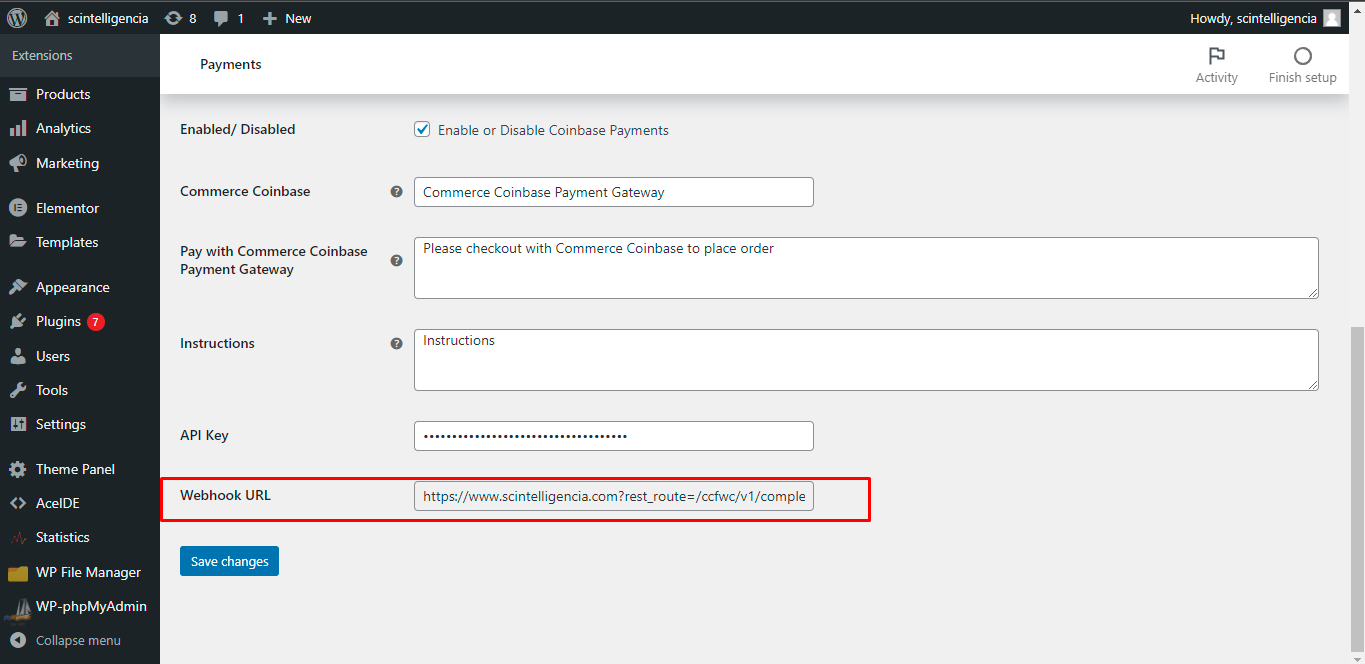
- Enable from WooCommerce > Settings > Payments > Coinbase Business Gateway.
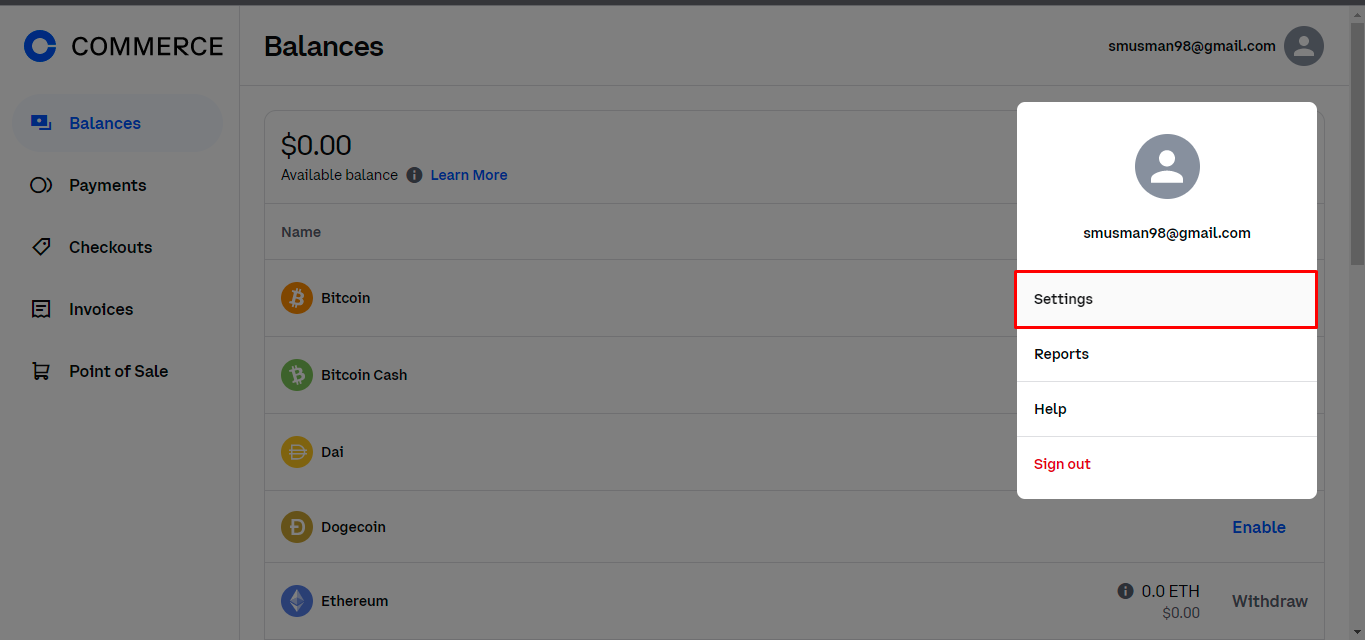
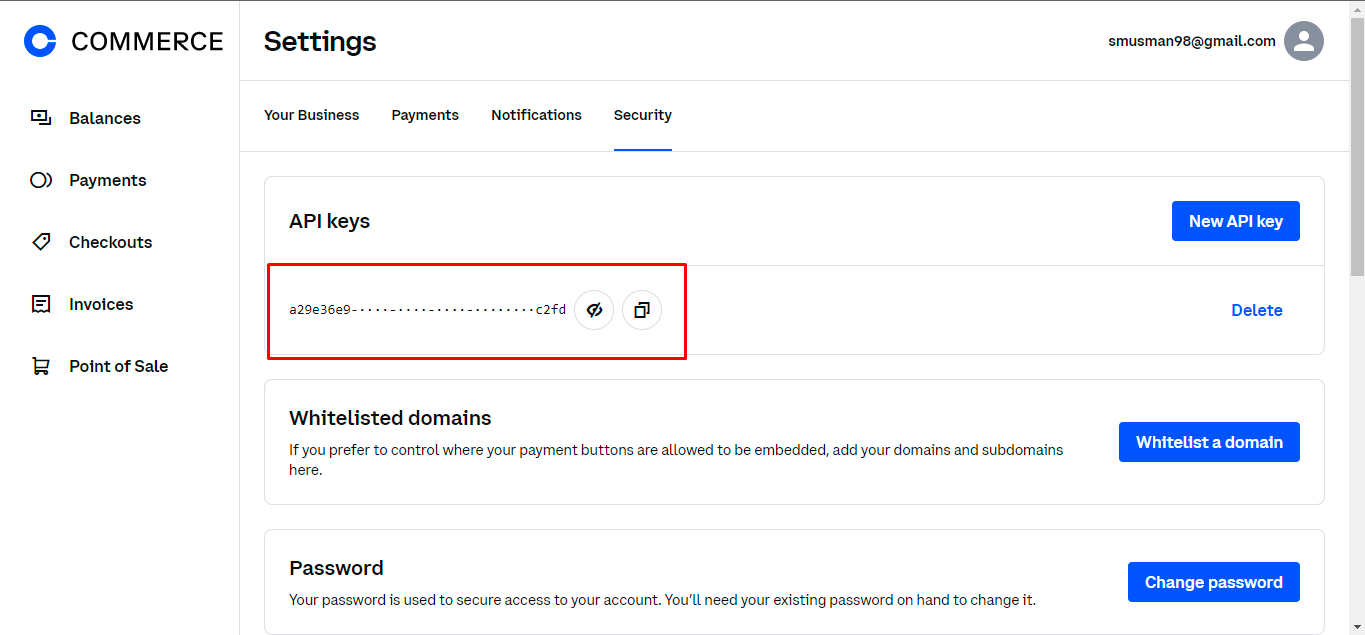
- Create and enter your CDP API Key Name and CDP Private Key from coinbase.com/business.
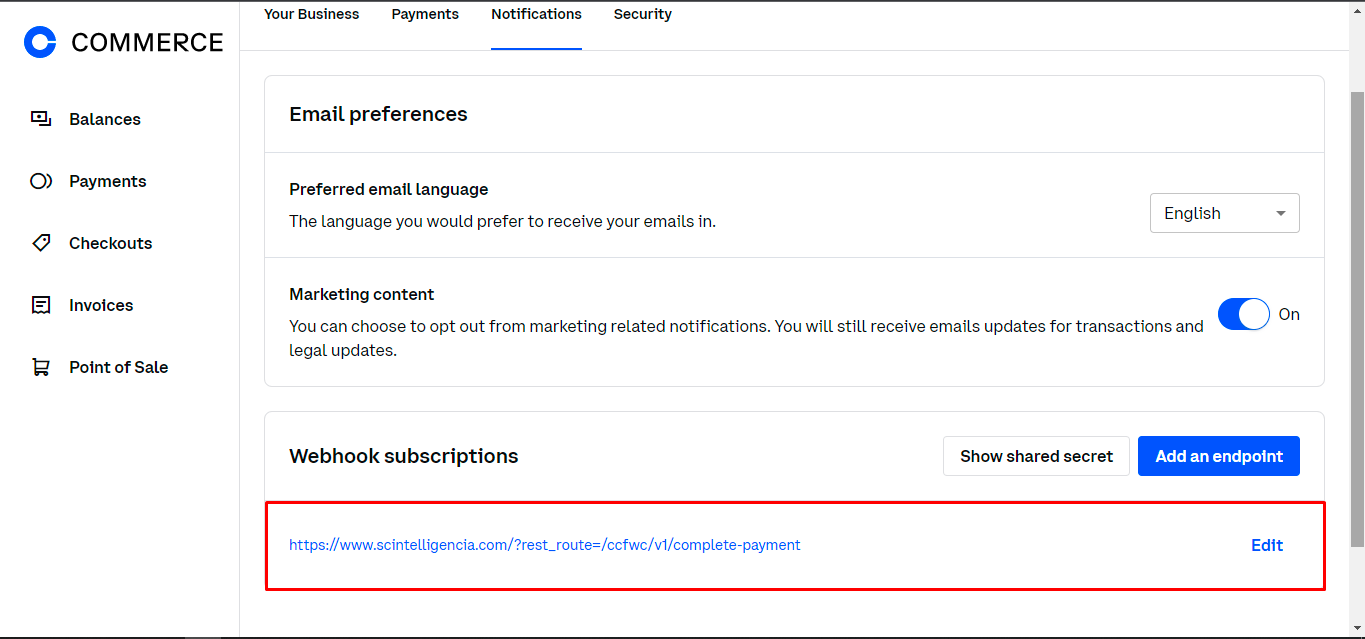
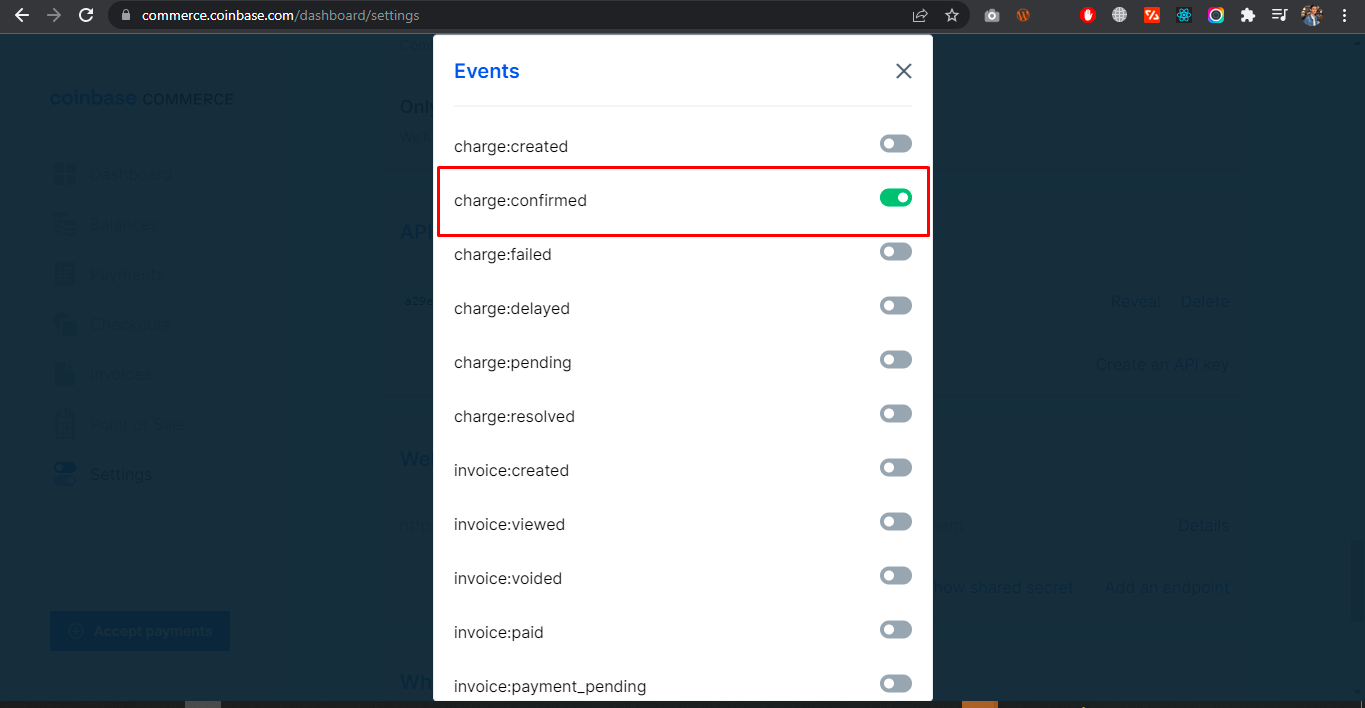
- Set up a Webhook endpoint using the URL provided in settings, and paste the Webhook Secret.
- Ensure your WooCommerce Store Currency is set to USD.
Currencies Support
- USDC on Base
Coinbase Business for WooCommerce Pro – Premium Includes
- Show USDC Icons and Approximate Pricing on Product Page
- Show USDC Icons and Approximate Pricing on Shop Page
- Allow specific products to be purchased with Coinbase
- Set minimum checkout amount to purchase with Coinbase
- Specify Order status to set when payment is done
- Better User Experience
- Priority Support
- Easy Setup
- Better Redirections
- Become Pro User👑
Screenshots
Plugin Details
Active Installs
600Total Downloads
59,086Version
2.0.0Requires WP
4.9Requires PHP
8.0Tested Up To
7.1.4Added
2021-03-02Last Updated
2026-10-21 8:49am GMTRatings
5
20
4
0
3
2
2
0
1
4