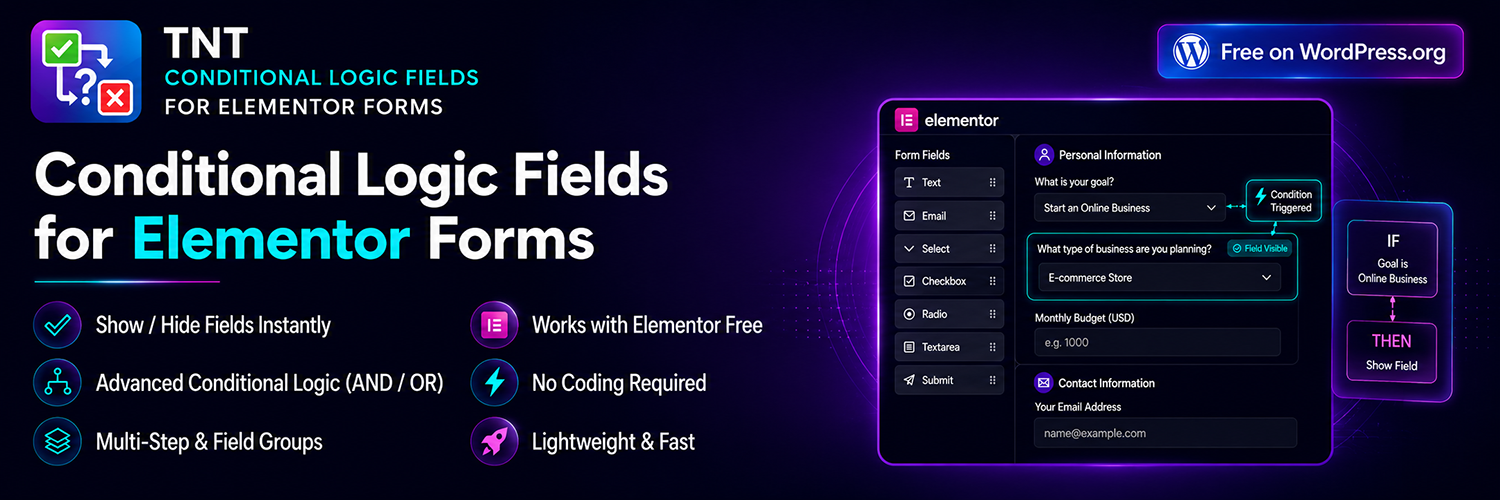
TNT Conditional Logic Fields for Elementor Forms adds real conditional logic to Elementor forms — and unlike most conditional-logic plugins for Elementor, it doesn’t force you to buy Elementor Pro to use it.
Already have Elementor Pro? Add conditions to its Form widget the normal way. Only running free Elementor? Use our own built-in TNT Form widget instead — same conditions engine, same 12 operators, same AND/OR logic, zero Elementor Pro required. Either way, everything lives directly inside the native Elementor editor: no custom code, no external form builder, no separate dashboard to manage.
Long forms that ask every visitor the same questions create a poor experience and lower conversion rates. With conditional fields, a form shows only the questions relevant to what a visitor has already answered, so a quotation form, booking form, survey, or lead-generation form adapts in real time instead of overwhelming the visitor with irrelevant fields.
At a Glance
- No Elementor Pro required — this plugin ships its own TNT Form widget that works on 100% free Elementor, with the full conditional logic engine already built in
- Already have Elementor Pro? The same engine adds a Conditions tab to Elementor Pro’s own Form widget too — install once, both paths just work
- Genuinely free, not a trial — 12 operators, AND/OR logic, multi-step support, auto-fill, and URL/cookie triggers, all included at no cost
- Real-time, no page reload — fields show and hide instantly as a visitor types or selects an option
- Tired of setting the same condition on field after field? Pro’s Field Groups let you bundle fields into a group and set the condition ONCE — instead of repeating it on every single field in a long form
Key Features
- TNT Form widget — our own form widget for sites on 100% free Elementor with no Elementor Pro required, with the same conditional logic engine built in
- Show or hide any Elementor form field based on conditions — works on Elementor Pro’s Form widget and on the TNT Form widget
- Unlimited conditional rules per field, combined with AND / OR logic
- 12 comparison operators in the free version — equals, contains, starts with, ends with, greater/less than, empty, and more
- Auto-Fill Value — a field can set its own value automatically when its condition is met, ideal for a hidden field used for lead routing or tagging
- URL parameter & cookie-based conditions — trigger a rule from a
?utm_source=query string or a browser cookie, not only from another field - Multi-step form support, with hidden steps automatically skipped
- Hidden required fields never block form submission
- Works with every standard Elementor form field: text, email, number, select, radio, checkbox, acceptance, date, time, upload, and more
- Native Elementor editor integration — conditions live in the same panel as every other field setting
Why Choose TNT Conditional Logic Fields
- Works for everyone — free Elementor users get a fully-featured form widget with real conditional logic; Elementor Pro users get the same engine added straight onto the Form widget they already use
- A genuinely capable free tier — AND/OR logic, 12 operators, multi-step support, auto-fill, and URL/cookie conditions, not a crippled trial
- Lightweight: scripts load only on pages that actually contain a form, with no external libraries
- Built with agencies and freelancers in mind, for rebuilding similar forms across multiple client sites regardless of which Elementor tier each client is on
- Stays inside Elementor’s native UI — no new page builder or dashboard to learn
- A clear upgrade path when you need more: Conditional Redirect, Conditional Email routing, Conditional Submit Button, Form Field Groups, Calculated Fields, Multi-Step Forms, and Dynamic Visibility in Pro — all working on the free TNT Form widget too, still with no Elementor Pro required
Free vs. Pro
Free includes the complete conditional logic engine described above — show/hide logic, AND/OR rules, all 12 operators, multi-step support, auto-fill, and URL/cookie conditions, on Elementor Pro’s Form widget AND on the free TNT Form widget.
Pro adds, all still available with no Elementor Pro required on the TNT Form widget:
- Conditional Redirect to different URLs after submission
- Conditional Email routing to different recipients based on field values
- Conditional Submit Button visibility
- Advanced Form Field Groups — bundle related fields into a group and control the entire group’s visibility with a single condition, instead of setting conditional logic on each field one by one. Create as many groups as your form needs, each with its own trigger condition
- Calculated Fields — a field whose value is computed live from a formula referencing other fields (e.g.
{qty} * {price}), verified server-side so it can’t be tampered with - Multi-Step Forms — split a form across pages with Next/Previous navigation, a progress bar, and step-level conditional logic
- Dynamic Visibility — show or hide any Elementor widget, section, column, or container by URL parameter or cookie, independent of forms entirely
Built For
Agencies and freelancers building client sites, and site owners running contact forms, quotation and booking forms, surveys, event registrations, job applications, product inquiry forms, support ticket forms, and lead-qualification forms — anywhere a form should adapt to what a visitor has already told it.
Compatible Field Types
Text, Email, Number, URL, Password, Textarea, Select, Radio, Checkbox, Acceptance, Date, Time, Hidden, HTML, Step, Upload, Honeypot.
Screenshots

Show or hide Elementor form fields dynamically using conditional logic

Display grouped fields dynamically based on user selection

Conditional Redirect after form submission

Advanced Field Groups builder