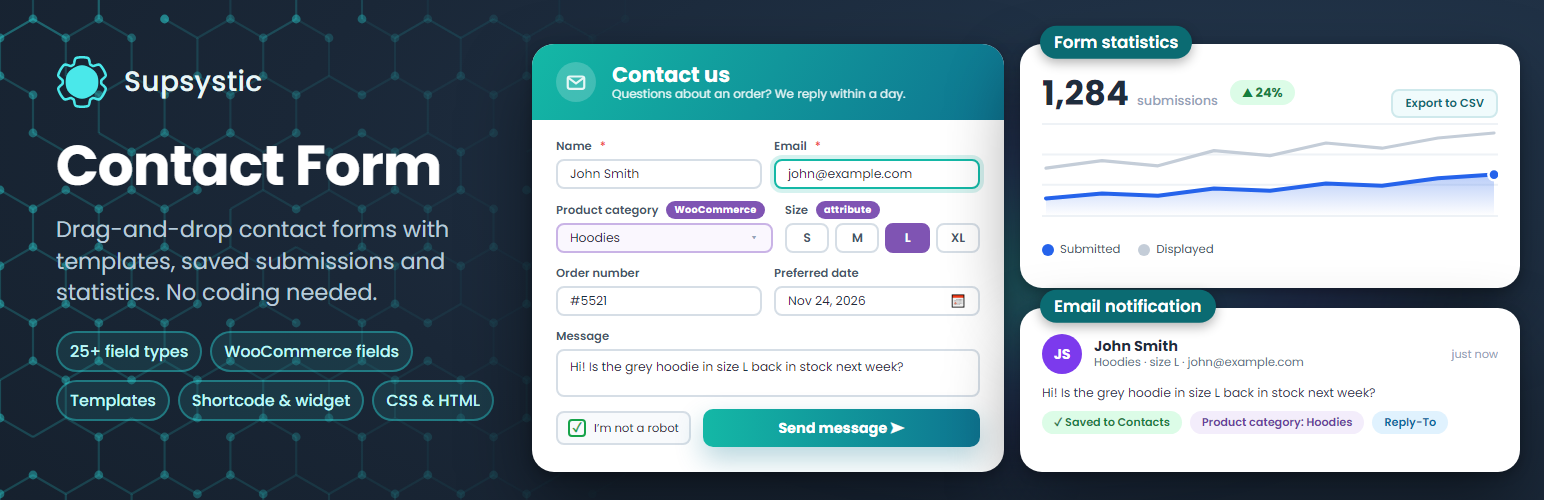
Contact Form by Supsystic – Drag & Drop Form Builder with Templates & Form Statistics
by supsystic
Contact Form by Supsystic is a drag-and-drop form builder for WordPress. Pick a template, add the fields you need, set what happens after the visitor clicks Send and paste the shortcode into any page. Submissions can be saved on your site, and built-in statistics show how many people saw the form and how many sent it.
Unlimited forms, fields and submissions are free.
Try it in your browser: open a live demo in WordPress Playground – no install, no account.
Ready-made form templates
Start from a designed template instead of a blank page: Base Contact, Simple White, Neon, Spearmint, Opacity Grey, Support Service, Time for Tea, holiday designs and more. Every template is fully editable.
25+ field types
- Text, email, number, URL and textarea
- Select box, select list, radio buttons and checkboxes
- Country list and multiple country list
- Date, time, month and week pickers
- Colour picker and range slider
- Google Map field
- Hidden fields and HTML / text delimiters
- Google reCAPTCHA
- Submit and reset buttons
Mark any field as required, set placeholders and labels, and drag fields into the order you want.
Design without code
- Form width in pixels or per cent
- Background colour or image for the form, the fields and the buttons
- Live preview of the form while you edit
- CSS and HTML code editor for full control
What happens after Send
- Email notification to you, with your own subject, sender, Reply-To and message
- Copies to several email addresses
- A success message in your own colour, or a redirect to any page
- Hide the form after it is sent
- A test email button to check that your site sends mail
Submissions and statistics
- Save every submission in the Contacts list on your site with one switch per form
- Export submissions to CSV
- Statistics for views, submits, successful sends and errors by hour, day, week or month
- Export the statistics to CSV
Add forms anywhere
- Shortcode for posts, pages and widget areas
- Contact Form widget for sidebars
- Works with page builders and popup plugins through the shortcode
- Fully responsive on phones, tablets and desktops
Contact Form Pro
Pro adds advanced logic, fields and integrations:
- Conditional logic: show or hide fields based on earlier answers
- A/B testing of form variants
- Subscribe visitors to ConvertKit, ActiveCampaign, GetResponse, Constant Contact, Campaign Monitor, SendGrid, Salesforce and more
- WordPress user registration through a form
- Publish content: visitors submit posts from a form
- WooCommerce fields: product categories and product attributes such as size or colour
- File upload, rating, address search, WordPress editor and post category fields
- reCAPTCHA v3, hCaptcha and Cloudflare Turnstile
Learn more
Screenshots
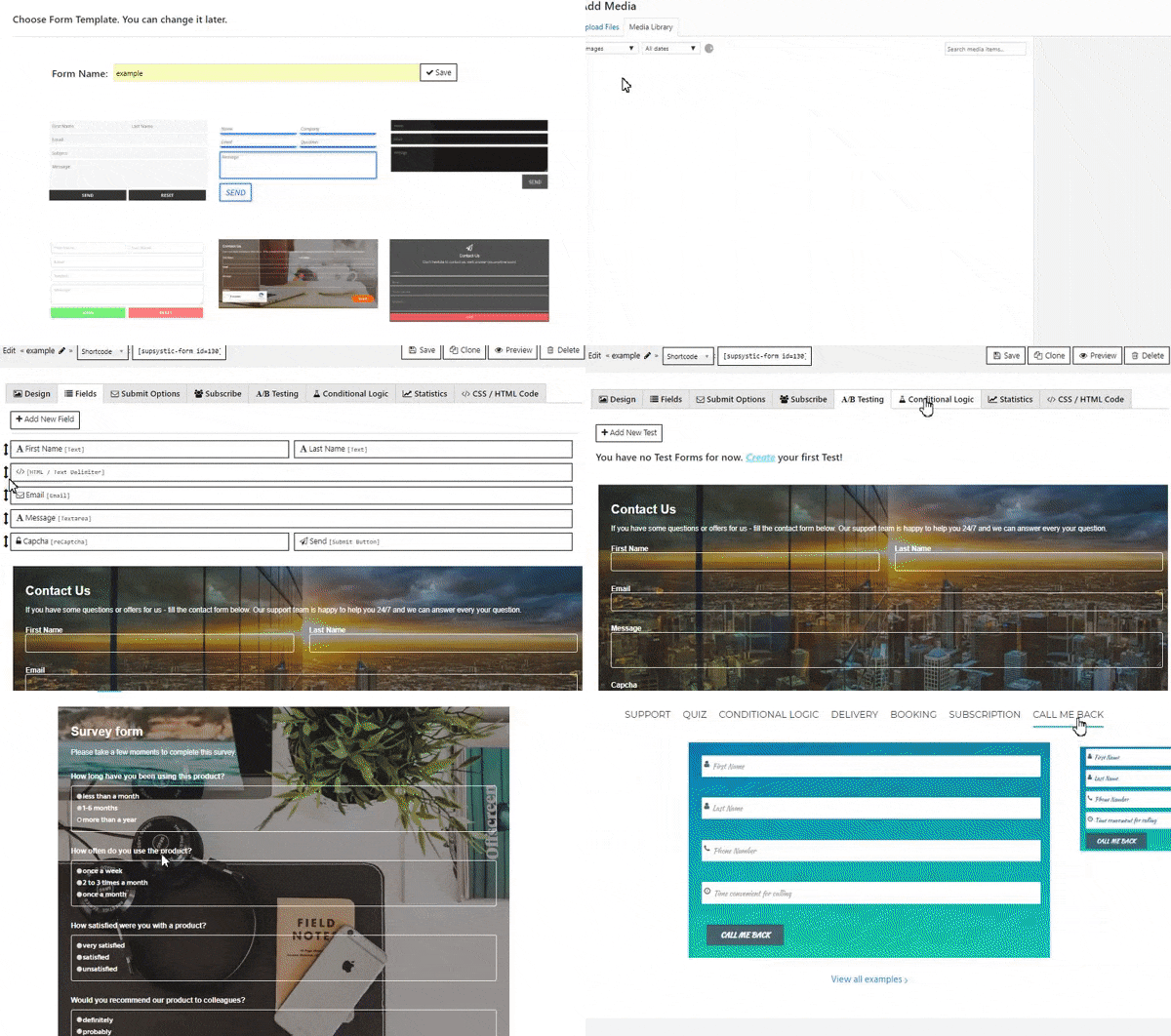
Pick a form template to start from.
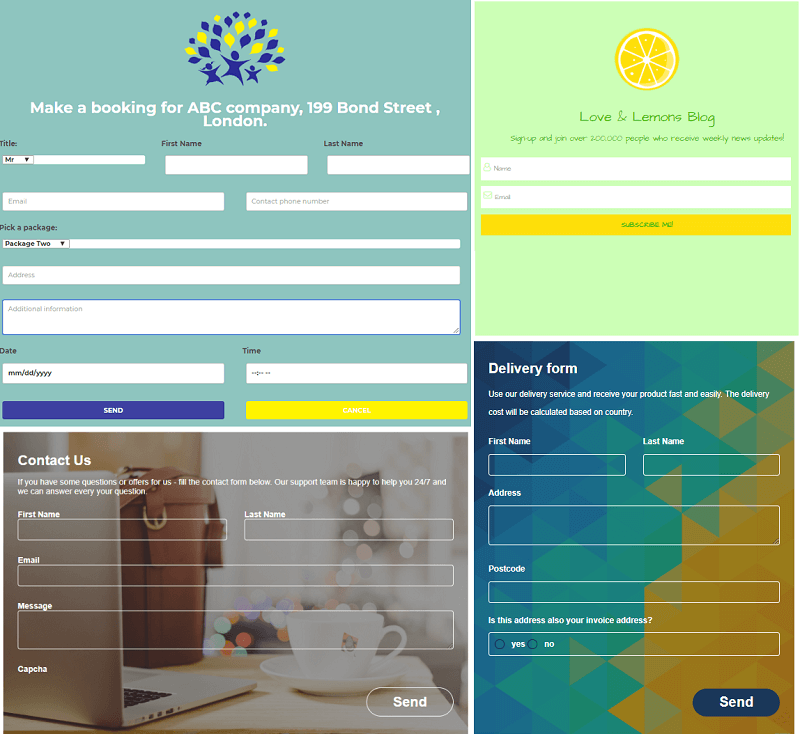
Booking, delivery and contact forms built with the plugin.
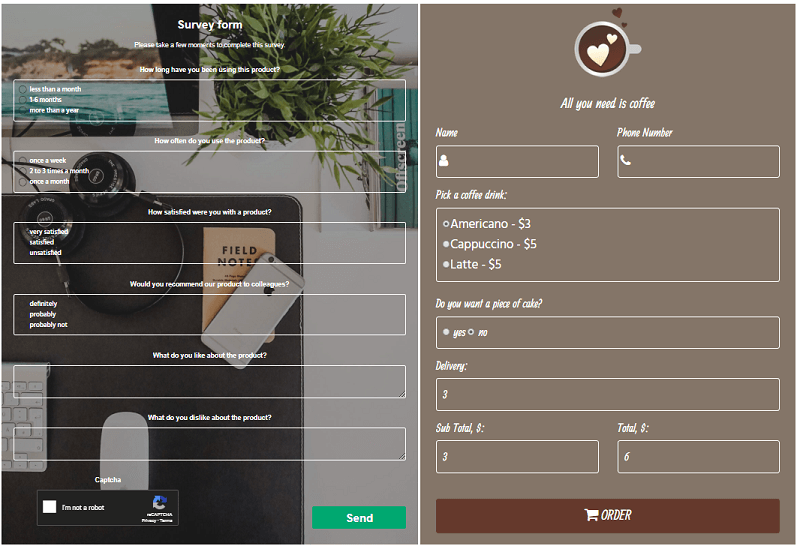
Survey form and coffee order form.
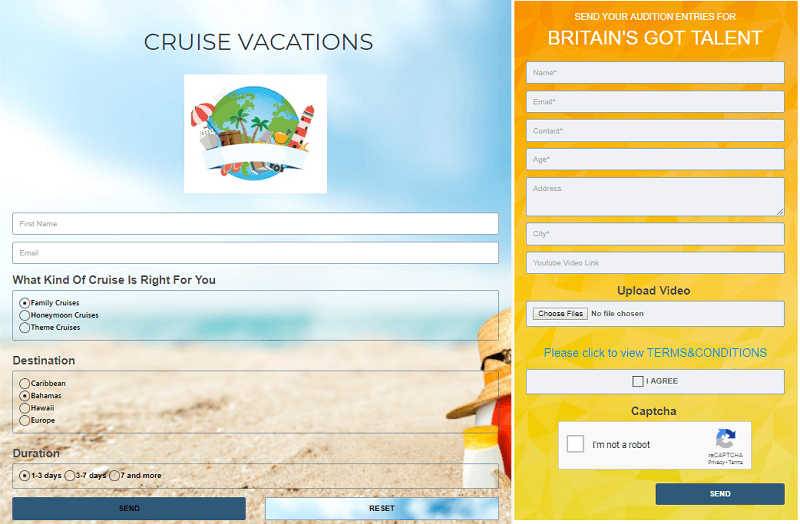
Travel request and talent show registration forms.
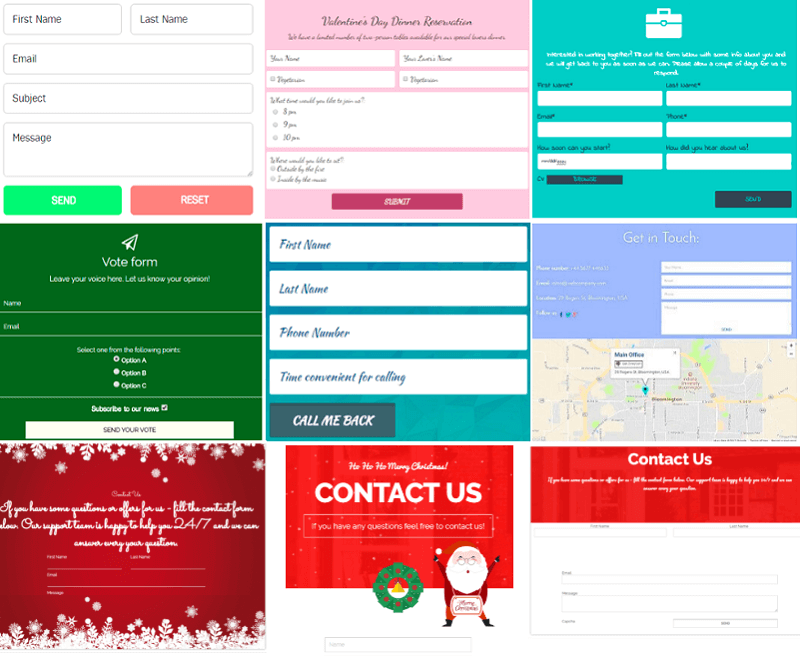
More form examples, including holiday designs.

Template library in the admin area.
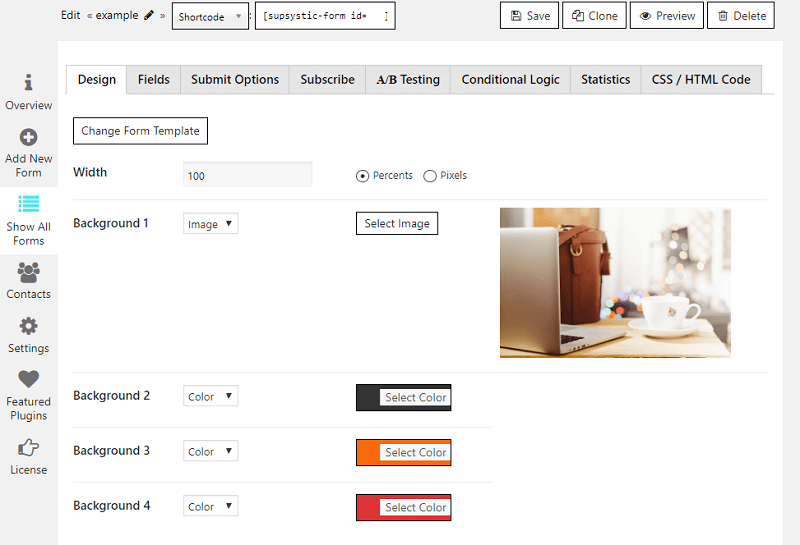
Design tab: width, backgrounds and colours.
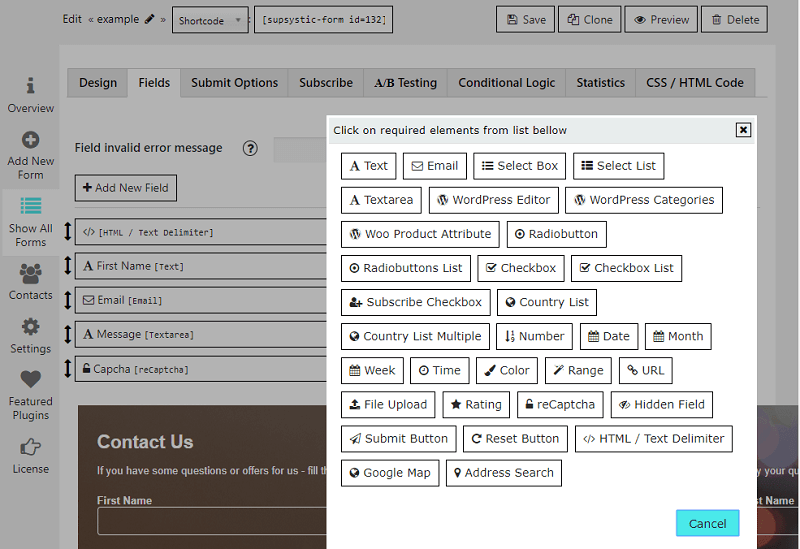
Fields tab with all available field types.
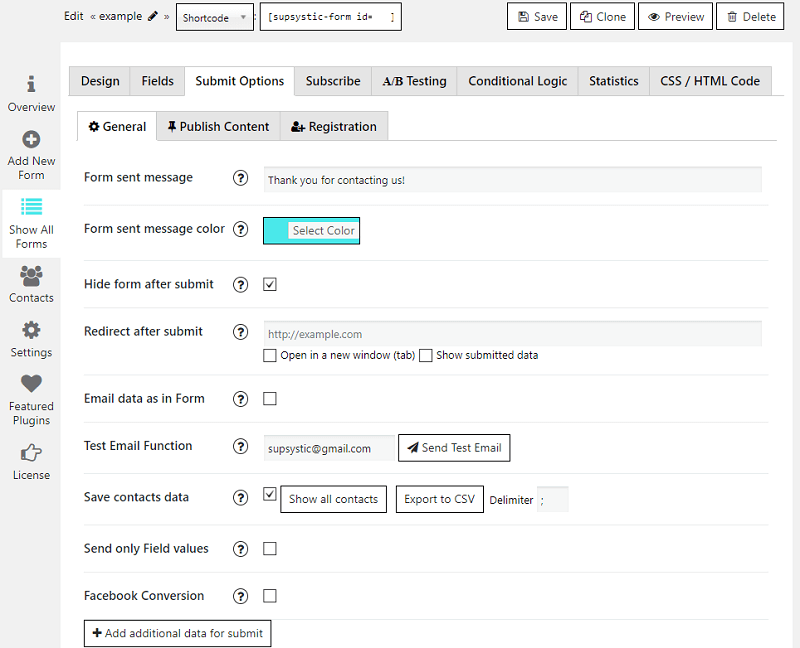
Submit options: email notification, success message and redirect.
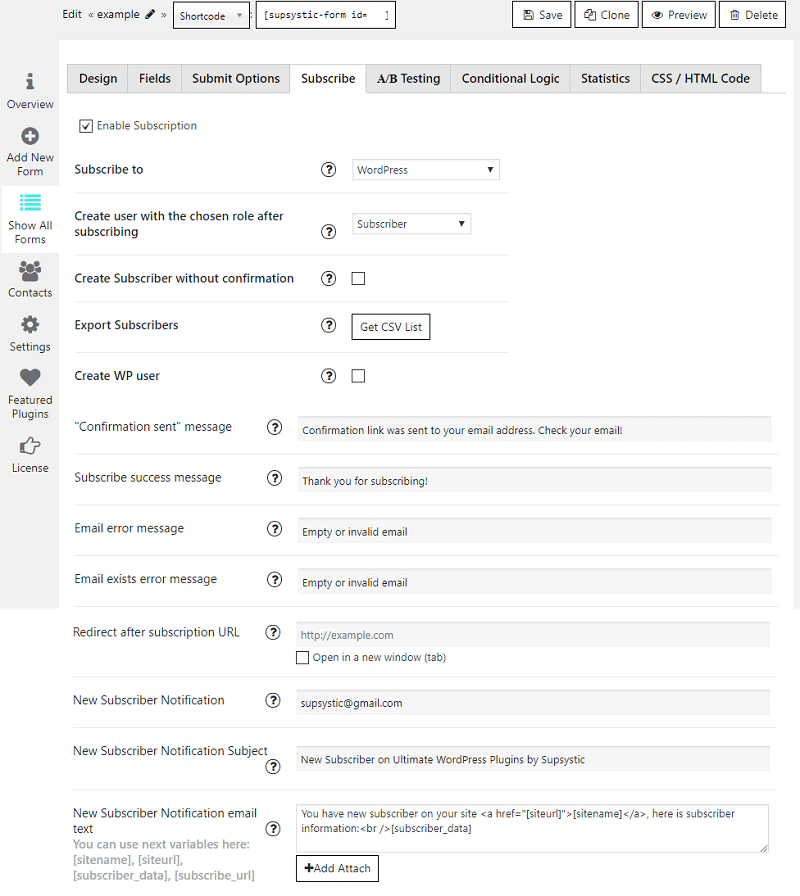
Subscription settings for email marketing services (Pro).
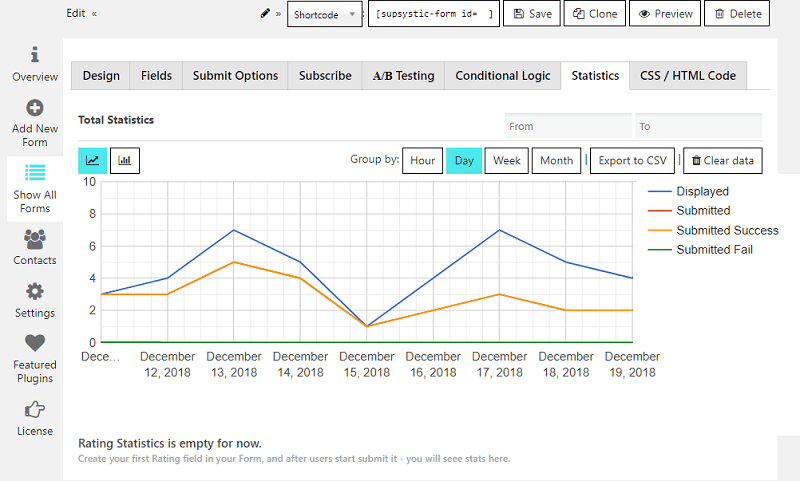
Form statistics: views, submits, successful sends and errors.