BACK TO DIRECTORY
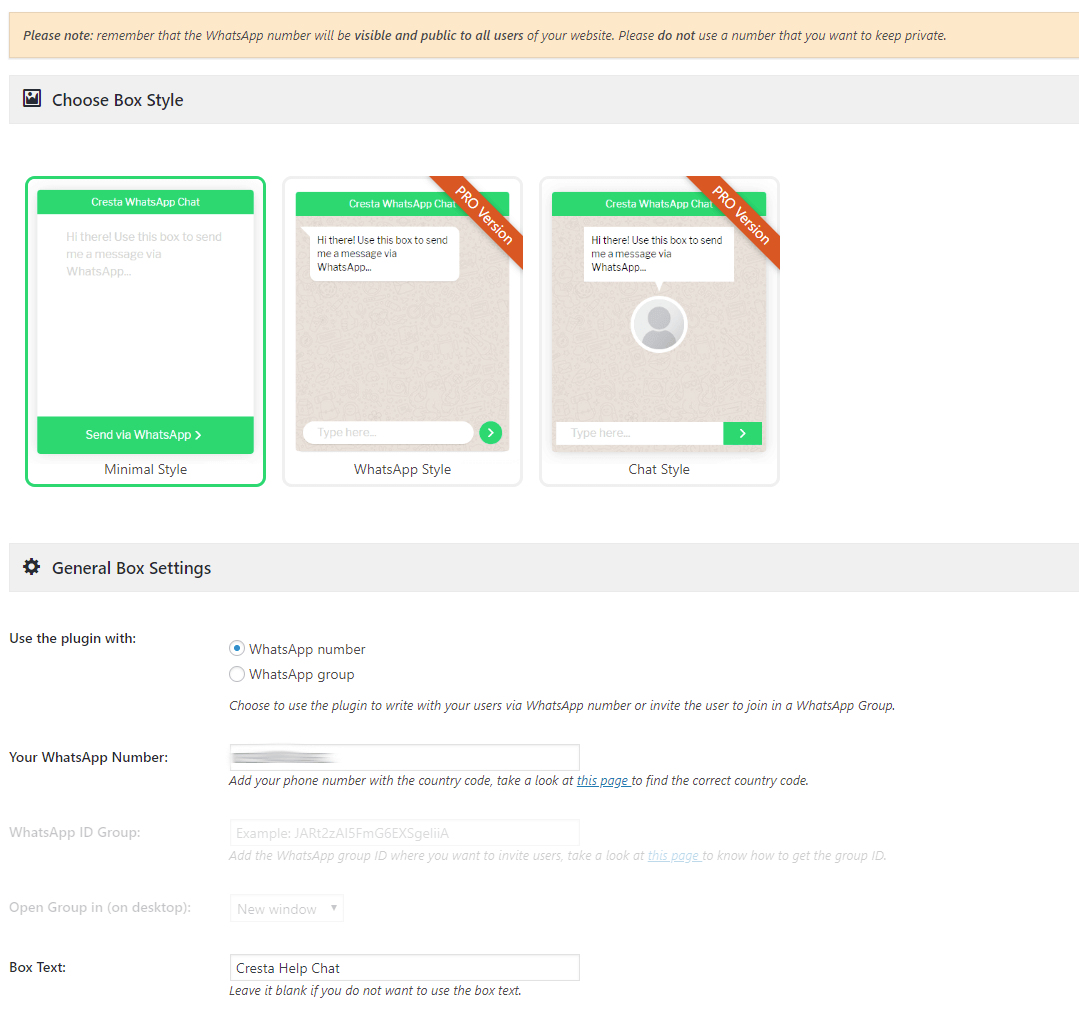
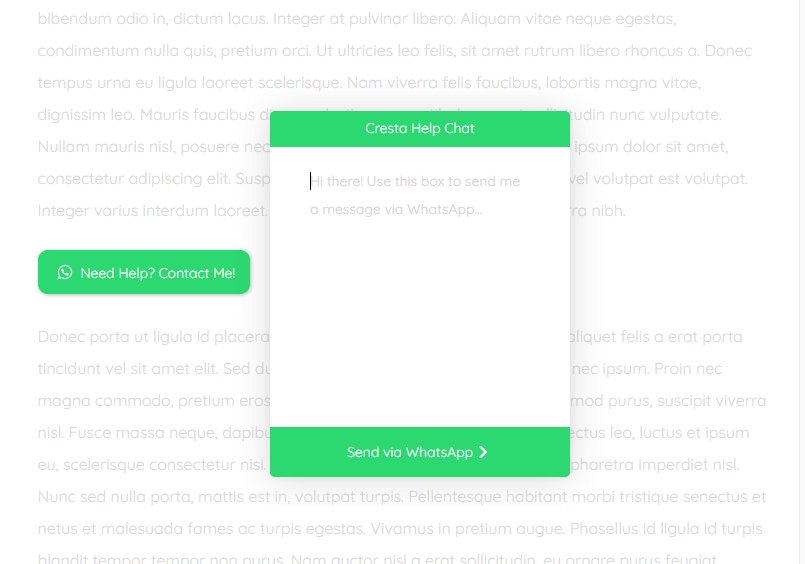
With Cresta Help Chat you can allow your users or customers to contact you via WhatsApp simply by clicking on a button. Users may contact you directly in private messages on your WhatsApp number and continue the conversation on WhatsApp web or WhatsApp application (from mobile).
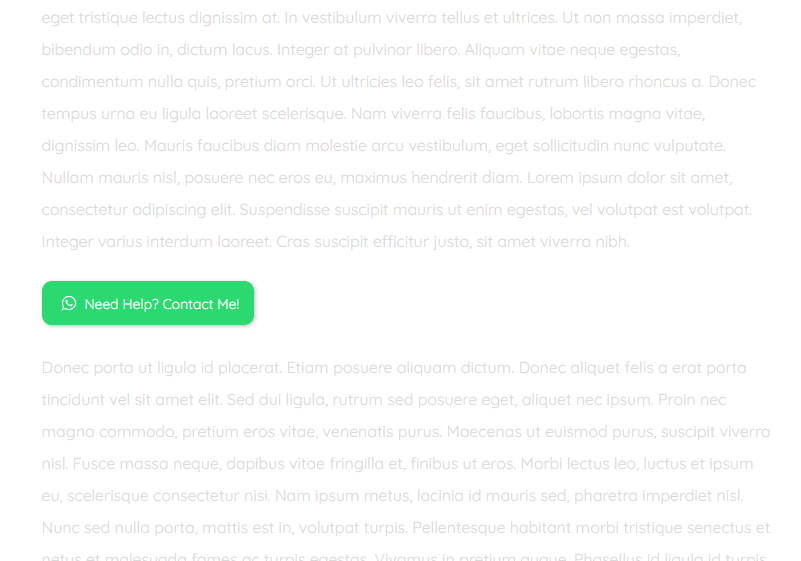
You can use the floating button which is positioned at the bottom right of the site or a button inside post or pages using the [cresta-help-chat text=”Need Help?” icon=”yes” position=”top”] shortcode.
Cresta WhatsApp Chat is compatible with WooCommerce and WPML.
Some features
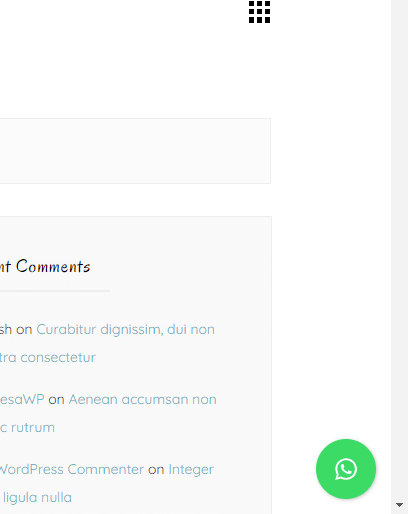
- Add the button to open WhatsApp Chat at bottom right of your site
- Use the shortcode [cresta-help-chat] to add the WhatsApp button in your posts, pages or custom post type
- Choose which pages to show the WhatsApp Chat button
- Mobile version: click the button and automatically open the WhatsApp App (if installed)
- and more…
PRO version features
- Change position of the box button
- Change colors of the box button
- Add tooltip on the box button
- Change box size
- WhatsApp widget
- Different Animations
- and much more…
Screenshots
Cresta Help Chat Settings Page
Cresta Help Chat floating button
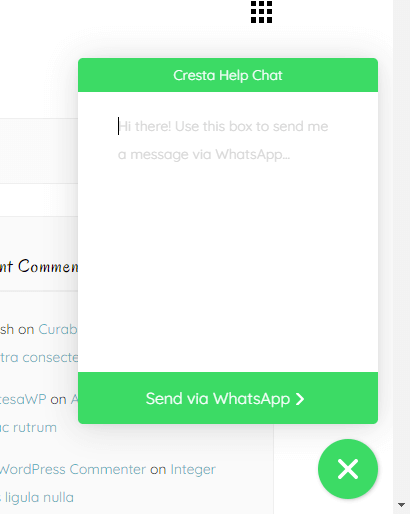
Cresta Help Chat open floating button
Cresta Help Chat shortcode button
Cresta Help Chat open shortcode button
Plugin Details
Active Installs
10K+Total Downloads
256,829Version
1.3.7Requires WP
4.2Requires PHP
—Tested Up To
6.9.11Added
2018-01-05Last Updated
2025-12-12 10:10am GMTRatings
5
15
4
0
3
0
2
0
1
0