
The plugin provides the functionality to adjust the crop region of cropped images. It add buttons to the edit-pages and media-dialog to access a crop-editor.
In the crop-editor you can choose one or more (if they have the same ratio) imagesizes and cut-off the part of the image you want.
The plugin is especially useful for theme developers who want to keep full control over cropped image sizes. If you want to dive even deeper, you can get informations about the hooks and filters on the github page of the plugin.
Screenshots
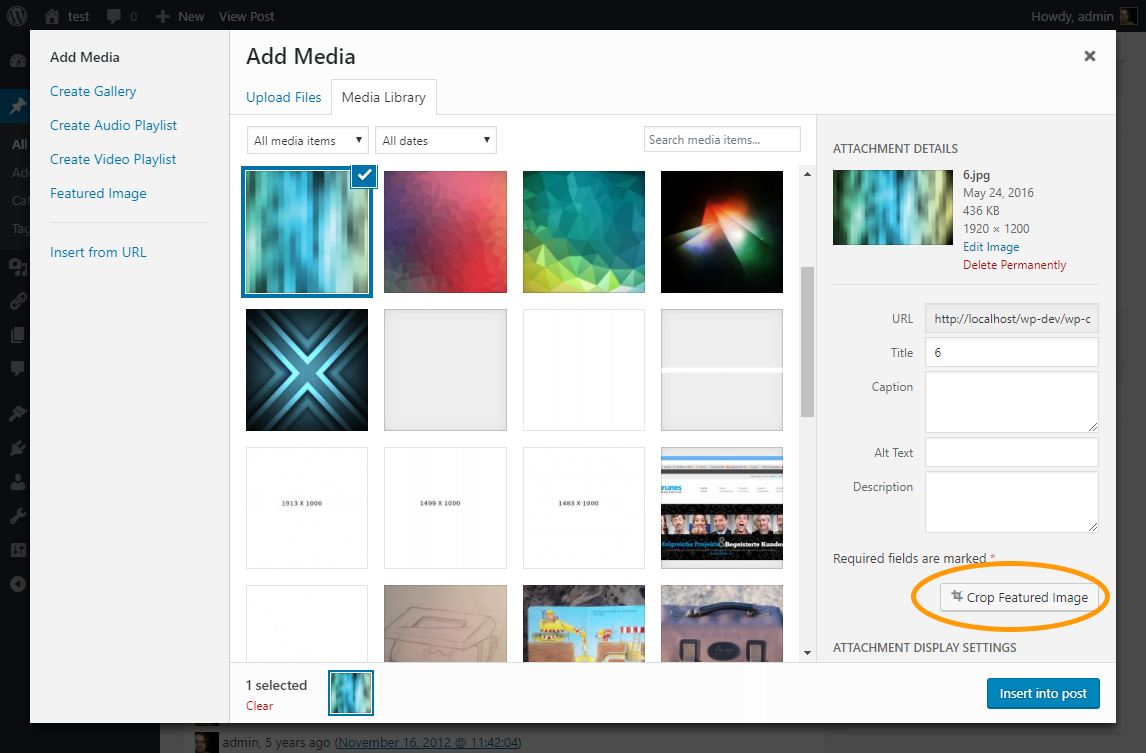
You have access to the crop-editor on the media-panel by clicking "Crop Featured Image".
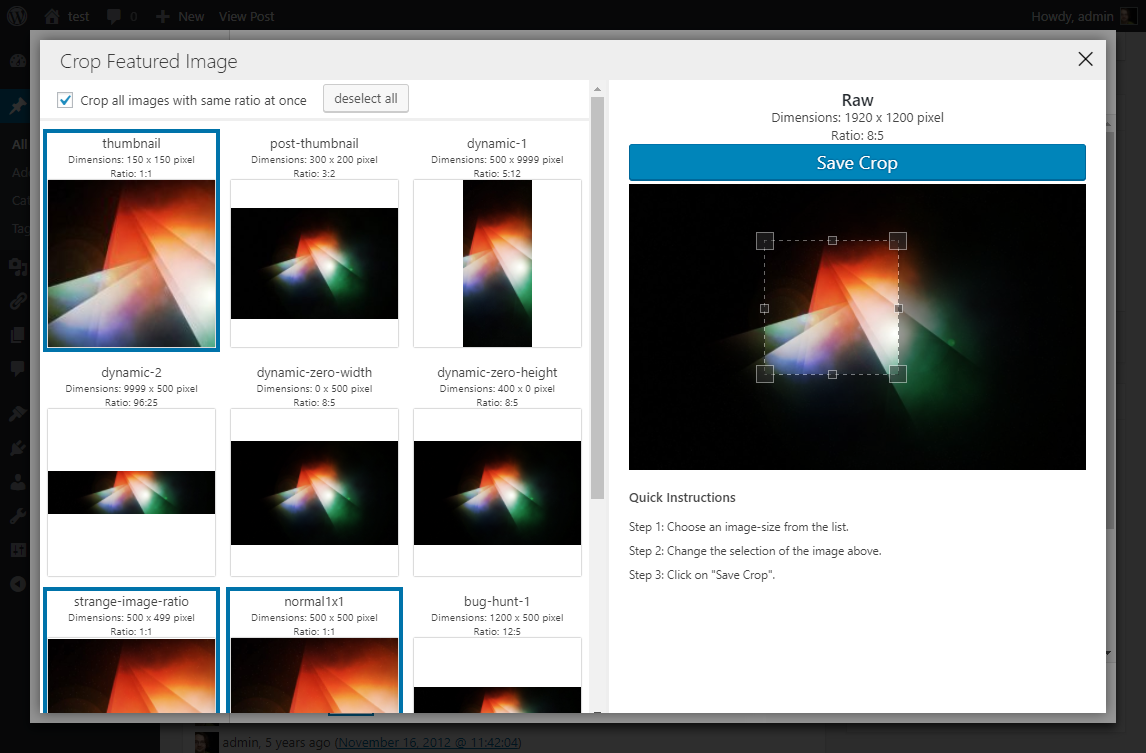
Choose one or more images (with the same ratio).
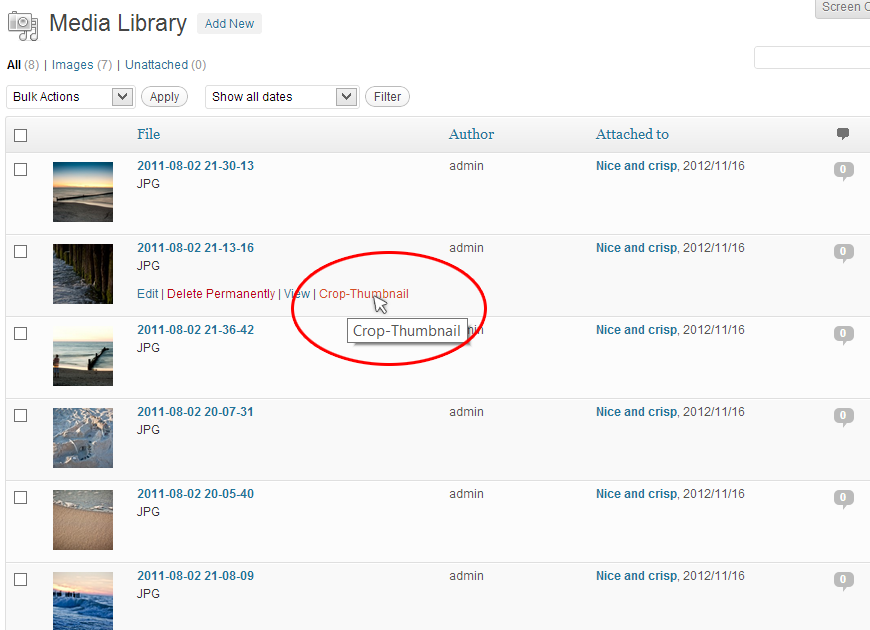
The crop-editor is also integrated in the list-view of the media library.
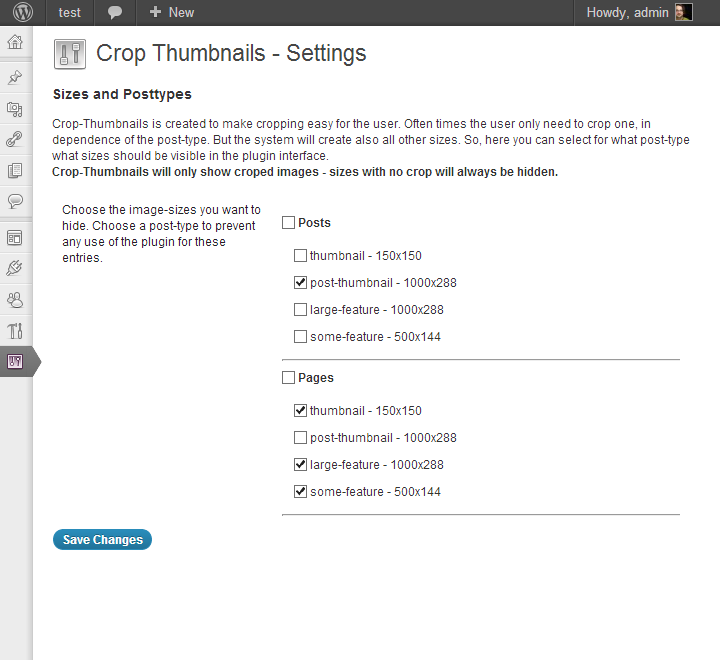
Choose what image-sizes should be hidden (for what post-types), for better usability.
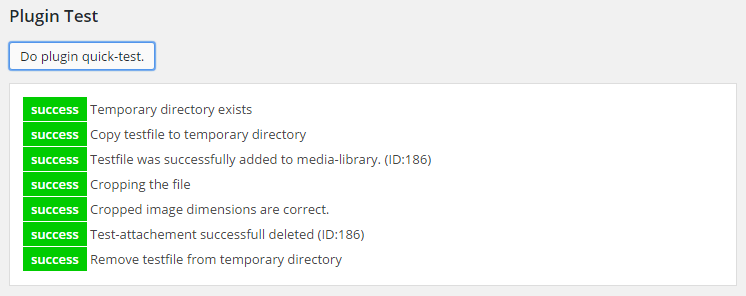
Quicktest on settings-page, to check if your system is correct setup.