
Cross Site Copy Field for ACF is the ultimate productivity tool for WordPress developers and site builders using Advanced Custom Fields. It allows you to seamlessly duplicate, export, and transfer ACF field definitions, layouts, and entire field groups across different WordPress installations or within the same site.
Whether you are migrating custom fields from a staging environment to production, sharing complex layouts with your team, or just duplicating repetitive fields within a project, this plugin saves you hours of manual configuration. By utilizing an intuitive JSON-based clipboard and file export system, you can migrate field settings, location rules, and nested sub-fields with a single click.
Paste fields from as many places as you like: pasted fields appear in the field group editor as unsaved, and everything is saved together, in the same order, when you click “Save Changes”.
It also works for content: copy a filled-in Flexible Content layout row from one page and paste it into another page (or another site), or replace an existing section with it, without retyping a single field.
Features
- One-Click Copy – Copy any field, layout, or entire Field Group with its complete configuration
- File Export/Import (New) – Bypass clipboard limits by downloading and uploading field data as
.jsonfiles - Selective Paste Preview (New) – Review a recursive checklist of all fields before pasting and deselect the ones you don’t want
- Smart Paste – Paste fields with automatic key generation
- Paste Many, Save Once (New) – Pasted fields are added to the field group editor without saving or reloading, so you can copy and paste from several places and then click “Save Changes” once
- Cross-Site Transfer – Transfer fields between different WordPress sites via JSON payload or file upload
- Missing Field Type Detection (New) – Halts imports and warns you if the destination site is missing a required add-on field type
- Nested Field Support – Full support for Repeaters, Groups, and Flexible Content
- Context-Aware – Automatically detects paste location (top-level or inside containers)
- Copy Flexible Content Layouts Between Pages (New) – Copy a layout row with all its content from one page and paste it into another page or another site
- Copy Flexible Content Layouts Between Websites (New) – Copy a section from one WordPress website and paste it into a page on another website, with the same simple Copy and Paste flow
- Replace Layout (New) – Overwrite an existing section with copied content of the same layout, in the same position
- Paste Layout Button (New) – Add a copied layout next to “Add Row”, even when the Flexible Content field is empty
- Automatic Media Import (New) – When a layout is pasted on another website, its images and files are imported into the Media Library with their title, alt text, caption and description. Media that already exists is reused, so no duplicates are created
- Field Order Preserved (New) – Pasted fields keep the order they were copied in, and “Paste Field” places them right below the field you clicked
- All Field Types FREE – All 30+ ACF field types are completely free
Supported Field Types
All ACF field types are supported for FREE:
- Basic: Text, Textarea, Number, Range, Email, URL, Password
- Content: Image, File, WYSIWYG Editor, oEmbed, Gallery
- Choice: Select, Checkbox, Radio Button, Button Group, True/False
- Relational: Link, Post Object, Page Link, Relationship, Taxonomy, User
- Advanced: Google Map, Date Picker, Date Time Picker, Time Picker, Color Picker
- Layout: Message, Accordion, Tab, Group, Repeater, Flexible Content, Clone
How It Works
- Open any ACF field group
- Click the “Copy” button on any field (or use the “Copy Field Group” button)
- Copy the JSON from the popup or download the
.jsonfile - Navigate to another field group (same site or different site)
- Click “Paste” (or “Paste Field Group” on the list screen) and paste the JSON or upload the file
- Review the fields in the Selective Paste checklist and uncheck any you don’t need
- The fields are added to the editor (marked “Unsaved”). Paste more fields if needed, then click “Save Changes” to save them all
Copying Flexible Content layouts between pages (content):
- Edit a page and hover a Flexible Content layout row
- Click the Copy icon in the row header and copy the JSON (or download the
.jsonfile) - Open another page (same site or a different site)
- Click the Paste icon on a row to insert it below, the Replace icon to overwrite that row (same layout only), or the “Paste Layout” button next to “Add Row”
- Review the pasted section and click Update to save the page
Copying Flexible Content layouts from one website to another website:
- On website A, hover a Flexible Content layout row, click the Copy icon, then click “Copy to Clipboard” (or “Download .json”)
- On website B, edit a page and click the Paste icon on a row (or the “Paste Layout” button next to “Add Row”)
- Press Ctrl+V in the popup to paste the JSON (or click “Upload .json file”)
- Click “Paste Layout” (or “Replace Layout”) and then Update to save the page
Note: The plugin must be active on both websites, and the Flexible Content field on website B must have a layout with the same layout name. Images and files in Image, File and Gallery fields are imported into website B’s Media Library automatically (with title, alt text, caption and description). Only fields inside the copied layout row are copied; fields outside the Flexible Content field are not included.
Requirements
- WordPress 5.8 or higher
- Advanced Custom Fields (ACF) or ACF PRO 5.0+
- PHP 7.4 or higher
Note: Complex field types like Repeater, Flexible Content, and Group require ACF PRO.
External services
This plugin connects to a third-party service at https://dashboard.wordpress-plugins.pro/ for the following purposes:
- Deactivation Feedback: When you deactivate the plugin, an optional feedback form allows you to share why you are deactivating. If you fill this out, it sends the reason, site URL, plugin/WordPress/PHP versions, and active theme information. This helps us improve the plugin.
- Usage Tracking (Telemetry): If you explicitly opt-in via our settings or the activation modal, the plugin will occasionally send anonymous site diagnostics (site URL, plugin/WP/PHP versions, and active theme info) to help us prioritize compatibility updates and features.
This service is provided by “WordPress Plugins Pro”: General Conditions, Privacy Policy.
Privacy & Data Collection
Your Privacy Matters
This plugin respects your privacy and operates with full transparency:
- No Automatic Data Collection – The plugin does not collect or transmit any data without your explicit consent
- Opt-In Telemetry – You can optionally enable anonymous usage tracking from Custom Fields > Copy Field Settings to help improve the plugin
- Deactivation Feedback – When deactivating, you can choose to share feedback to help us improve. This is completely optional
- No Personal Content – We never collect your post content, user passwords, or sensitive information
- What We Collect (Only if you opt-in):
- Plugin version and settings
- WordPress and PHP versions
- Theme information
- Site language and multisite status
- Anonymous site URL (for duplicate detection only)
Deactivation Feedback
When you deactivate the plugin, a feedback modal appears asking for your reason. This helps us improve the plugin:
- Completely Optional – You can skip and deactivate immediately
- Contact Consent – Check the consent box only if you want us to follow up with support
- Your Choice – Your name and email are only sent if you check the consent checkbox
Screenshots

Copy button on field row

JSON popup for copying

Paste button and paste popup

Paste inside container fields (Repeater, Group, Flexible Content)
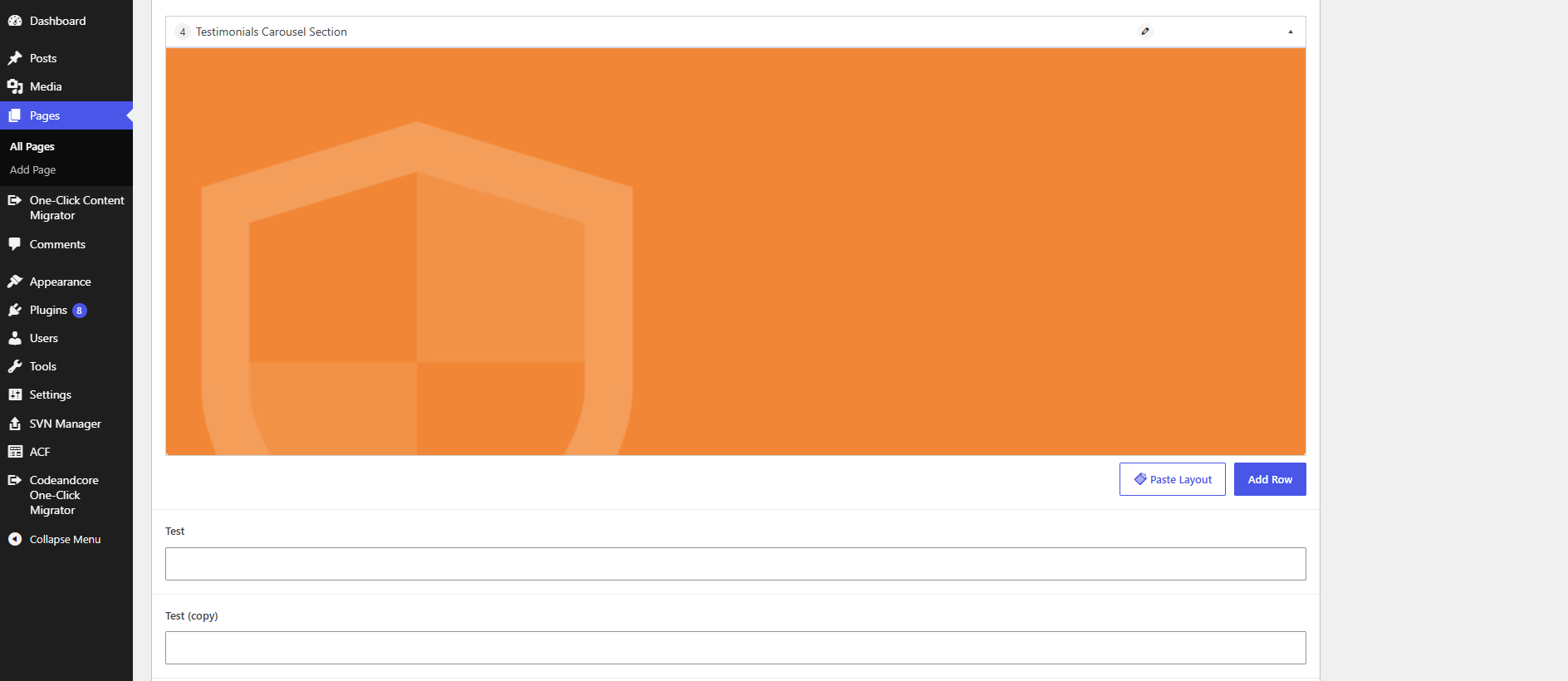
Copy a Flexible Content layout from one page and paste it into another page, or from one website to another website, using the "Paste Layout" button
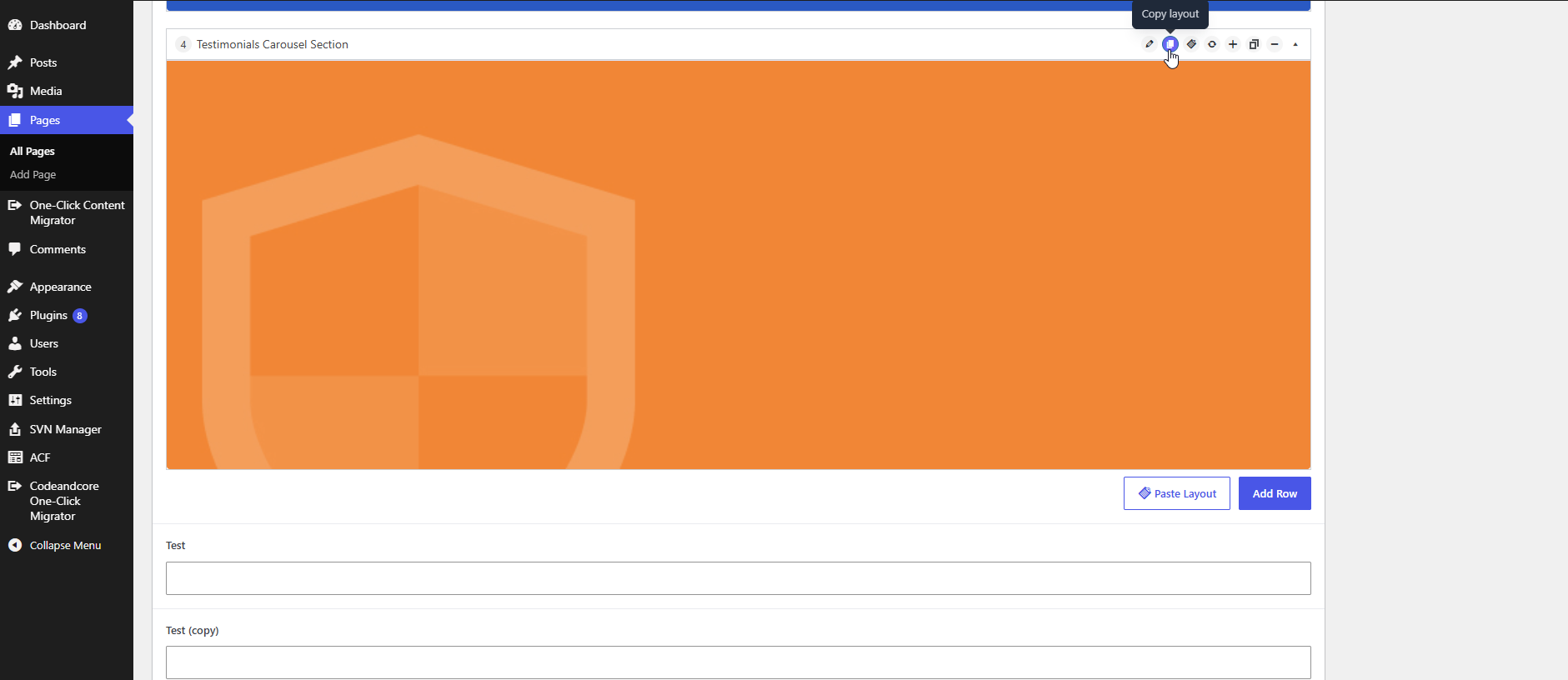
Flexible Content layout preview image shown in the page editor