Simple Mortgage Calculator adds a small, clean mortgage calculator to your site. Visitors enter the home price, down payment, interest rate and loan term, and see their estimated monthly payment straight away, without a page reload. Add it with the “Simple Mortgage Calculator” block, use it as a sidebar widget or put it inside a page or post with a shortcode.
Features
- Four inputs: home price, interest rate, term in years and down payment
- Instant monthly payment result in the browser
- Sidebar widget with a custom title and currency symbol
- “Simple Mortgage Calculator” block for the block editor
[mortgage_calc]shortcode for pages and posts, with an optionalcurrencyattribute- Clean flat styling for the widget; its fields adapt to the width of the sidebar
- Translation-ready
- No settings page and no account needed
How to use
As a block: in the block editor click the (+) button, search for “Simple Mortgage Calculator” and insert it. The sidebar has the currency symbol.
As a shortcode: add this to any page or post (optionally [mortgage_calc currency="€"]).
[mortgage_calc]
As a widget: go to Appearance > Widgets and add “Simple Mortgage Calculator” to a sidebar or widget area. You can set the widget title and the currency symbol shown in the field hints and the result.
How the payment is calculated
The calculator uses the standard amortization formula for a fixed-rate loan: the loan amount is the home price minus the down payment, and the monthly payment is calculated from the monthly interest rate (annual rate divided by 12) and the number of monthly payments (term in years times 12). The result covers principal and interest only.
Who it is for
Real-estate agents, home-buying blogs, mortgage brokers and any site that wants to give visitors a quick payment estimate.
Screenshots
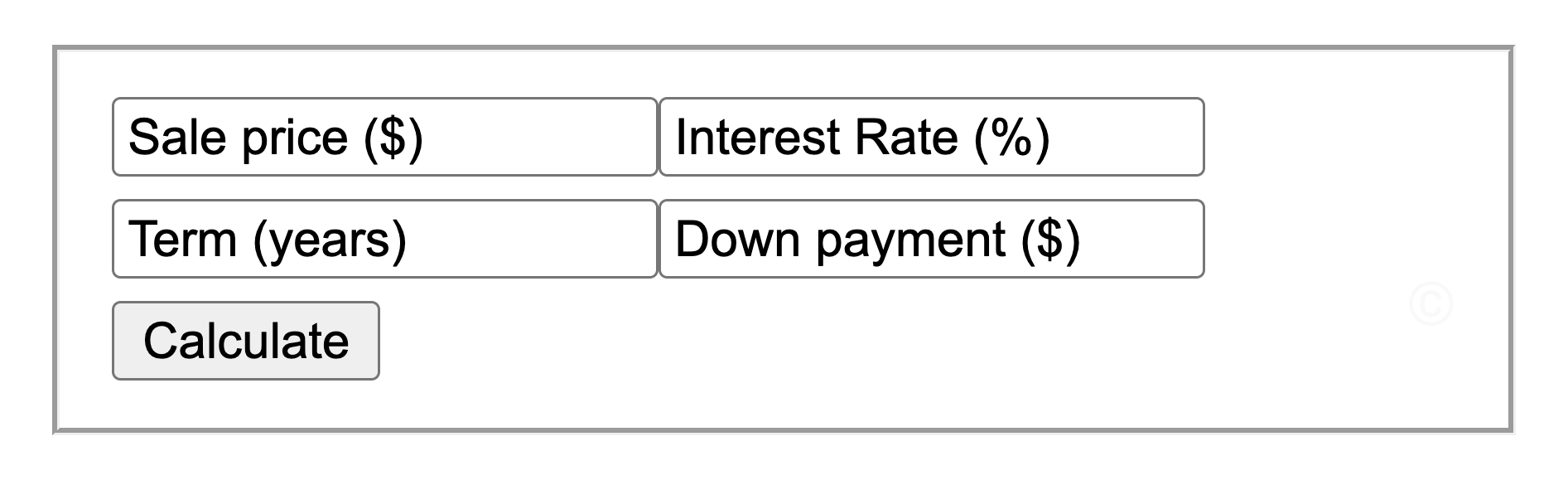
The mortgage calculator form: price, rate, term and down payment.
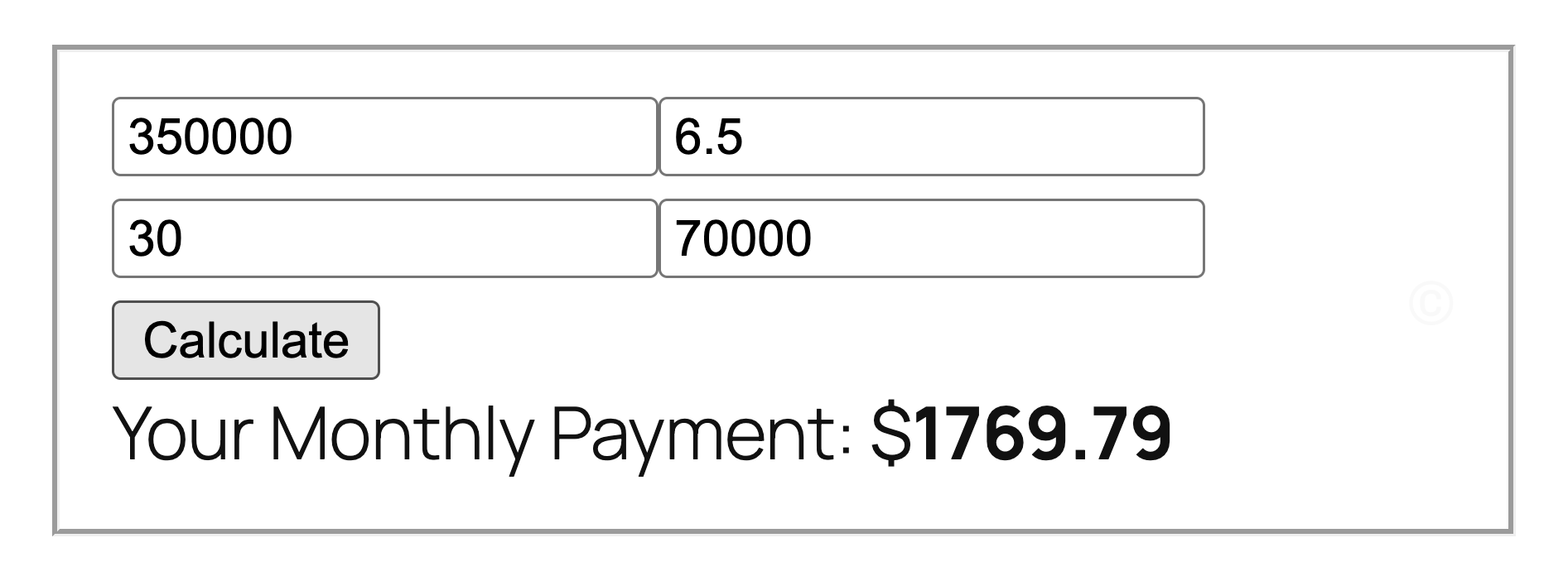
The calculated monthly payment.
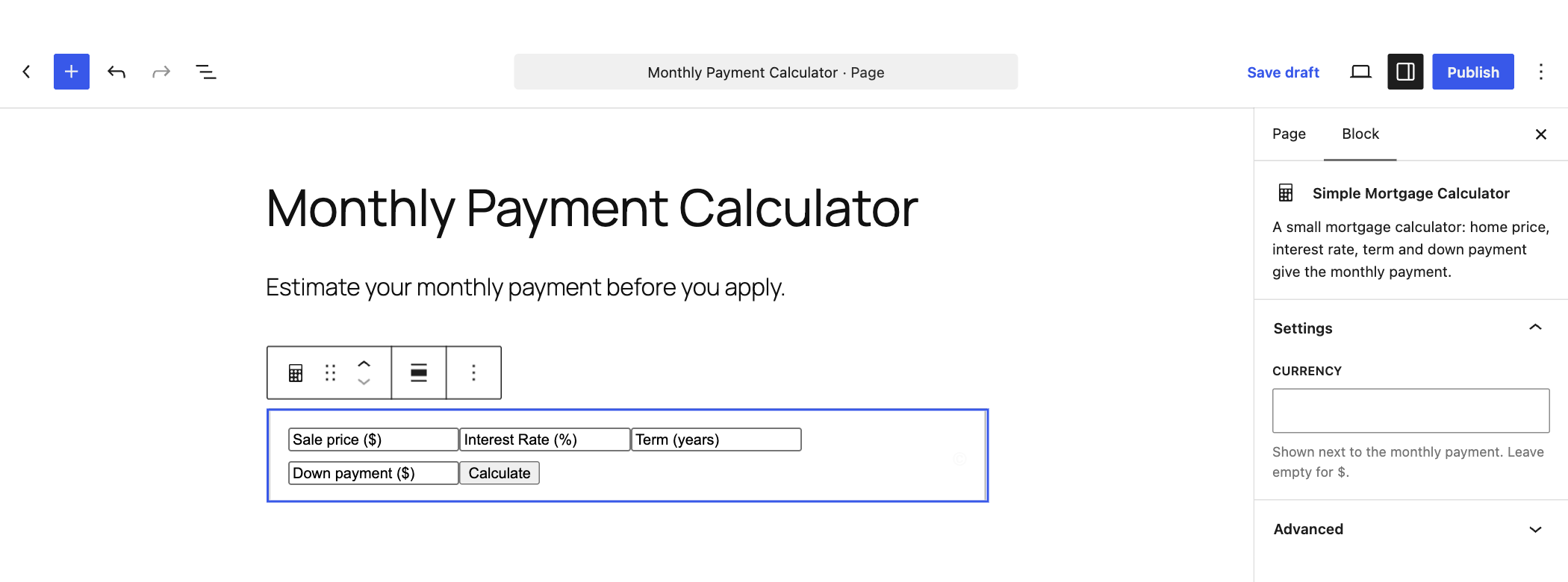
The Simple Mortgage Calculator block in the block editor, with its currency setting in the sidebar.