BACK TO DIRECTORY
Accept PayPal payments with CT Commerce Lite ecommerce platform.
To get your PayPal Client ID, follow these steps:
1.  Log in to your PayPal Developer account at developer.paypal.com.
2.  Go to the Dashboard.
3.  Under My Apps & Credentials, click on Create App.
4.  Name your app and select a sandbox or live environment.
5.  After creating the app, you will see your Client ID and Client Secret.
Integrations
- Addon uses Paypal script to load paypal functionalities from https://www.paypal.com/sdk/js
Screenshots
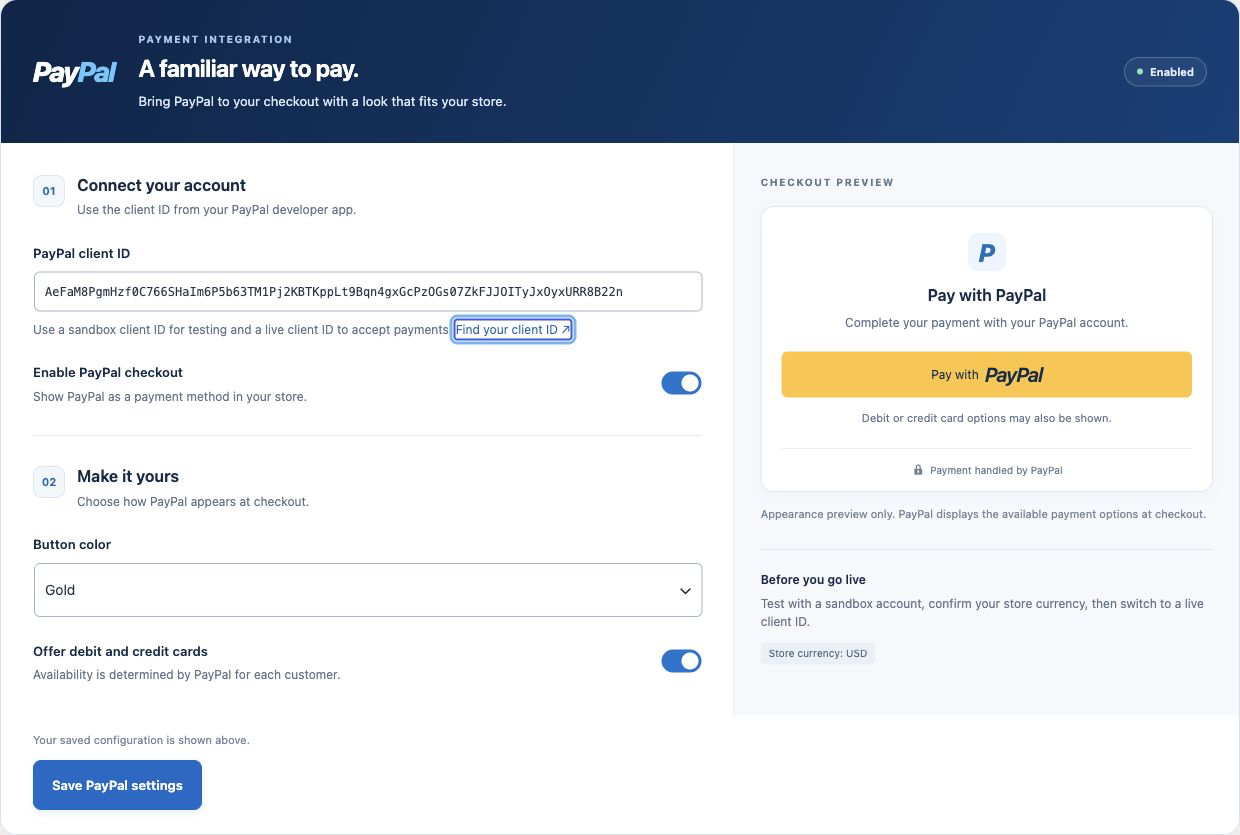
PayPal settings with account setup, checkout controls, and a live button appearance preview.
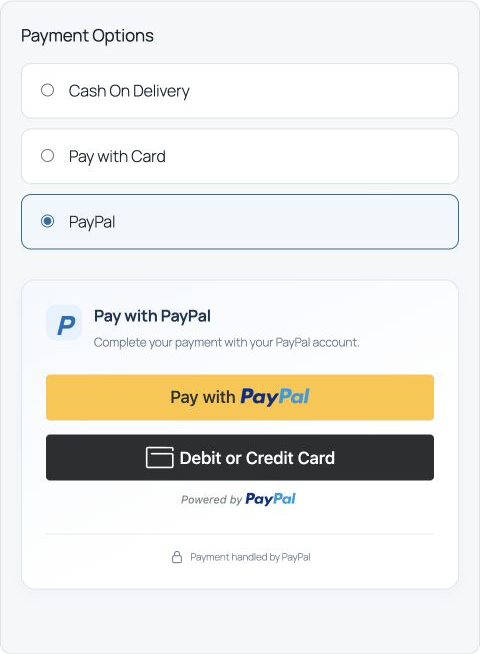
Desktop checkout with PayPal and debit or credit card payment options.
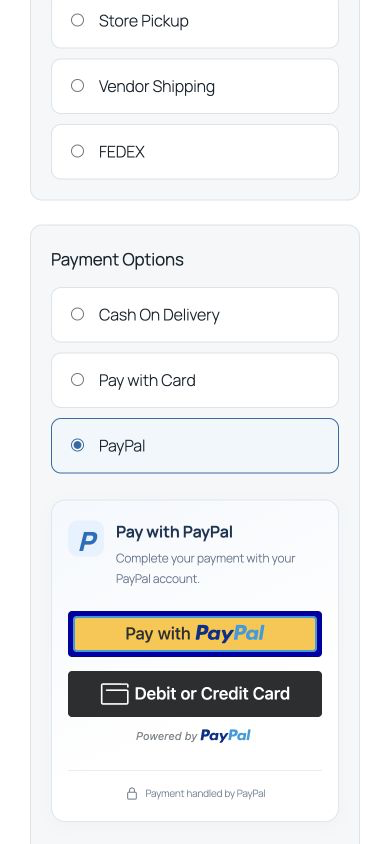
Responsive PayPal checkout on a mobile screen.